

Forward Future Tools Library

Julius
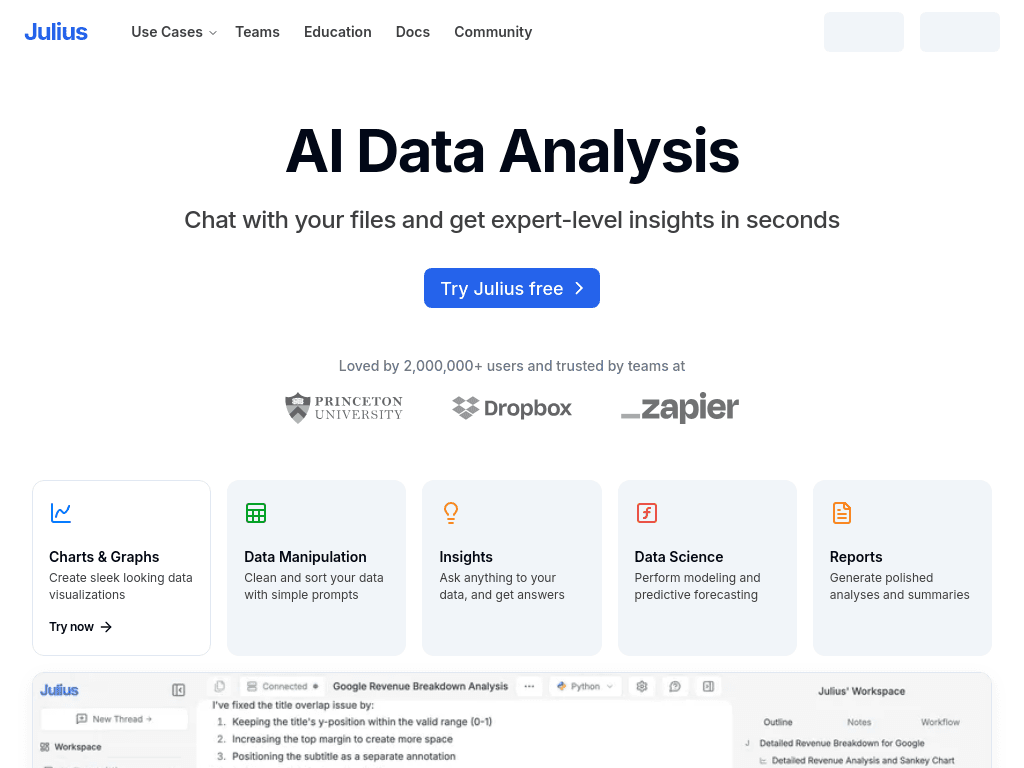
Julius lets analysts and researchers ask questions of files and connected data, generate charts and code, and turn findings into reports, presentations, websites, images, or video.
julius.ai·Free + paid plans·Checked 2026-08-29


›What is Julius?
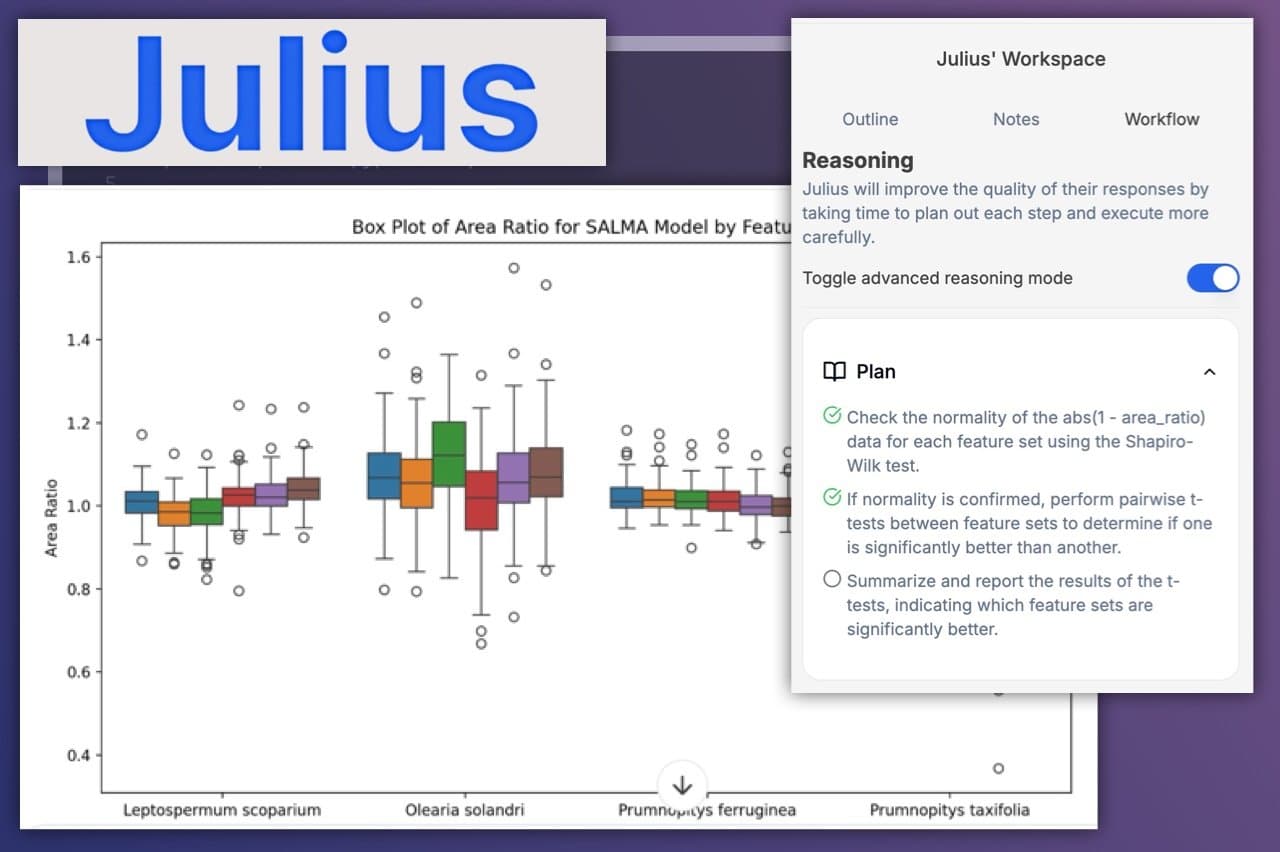
Julius is an AI workspace for analyzing data and research through natural-language prompts. It can explore files, run analyses, create visualizations, return citations, and show editable Python, R, or SQL. The workspace also creates presentations, reports, dashboards, websites, images, and video.
›What are the pros and cons of Julius?
Strengths
Trade-offs
›What are Julius’s key features?
›What are the best use cases for Julius?
›What is the pricing for Julius?
| Plan | Price | Details |
|---|---|---|
| Free | $0 / month | Create presentations, reports, websites, images, and video, with Google Drive data connection support. |
| Plus | $20 / month | Includes 2,000 monthly credits, one seat, frontier models, exports, unlimited file storage formats, and unlimited charts. |
| Pro | $45 / month | Includes 5,000 monthly credits, frontier models, exports, unlimited file storage formats and charts, a larger context window, and priority email support. |
| Max | $200 / month | Includes 25,000 monthly credits, access to the most powerful models, a larger context window, early access features, permanent file storage, and priority access during high traffic. |
| Business | $450 / month | Includes 60,000 monthly credits, up to 50 team members, additional data connectors, unlimited Custom Agents, unlimited public Slack Agent use, and unlimited scheduled report runs. |
| Enterprise | Contact us | Enterprise plan with pricing available by contacting Julius. |
Annual billing is listed as $16 / month for Plus, $37 / month for Pro, $166 / month for Max, and $375 / month for Business. The pricing page lists free daily credits and monthly credit allowances, while third-party reviews report inconsistent Free-plan message limits.
Checked 2026-08-29 · source
›Who is Julius best for?
- Buyers who need a predictable flat-fee model should review the credit system carefully before committing.
- Users working with sparse or unreliable datasets should not treat generated analysis as a substitute for validation.
- People who only need spreadsheet formulas or SQL generation may find the broader workspace unnecessary.
›What are the best Julius alternatives?
 CalcGenChoose this instead if the main requirement is quickly turning data into interactive visualizations.→
 GPTExcelChoose this instead if spreadsheet formulas, SQL queries, automation scripts, or regex are the main tasks.→
 ConsensusChoose this instead if the priority is extracting evidence-based answers from scientific literature.→
 Perplexity→