

Forward Future Tools Library

GPTExcel
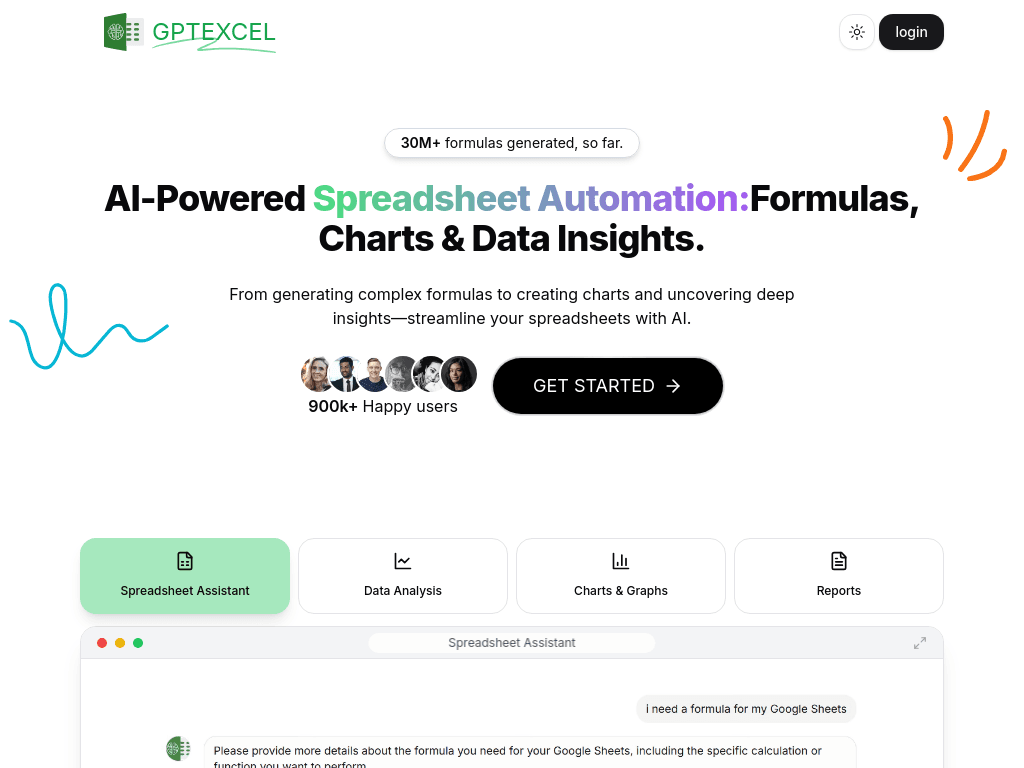
GPTExcel generates and explains spreadsheet formulas, scripts, SQL, regex, pivot tables, charts, and data insights for individuals, analysts, and teams working in Excel, Google Sheets, Airtable, or LibreOffice Calc.
Try GPTExcel →
gptexcel.uk·Free + paid plans·Checked 2026-08-29
›What is GPTExcel?
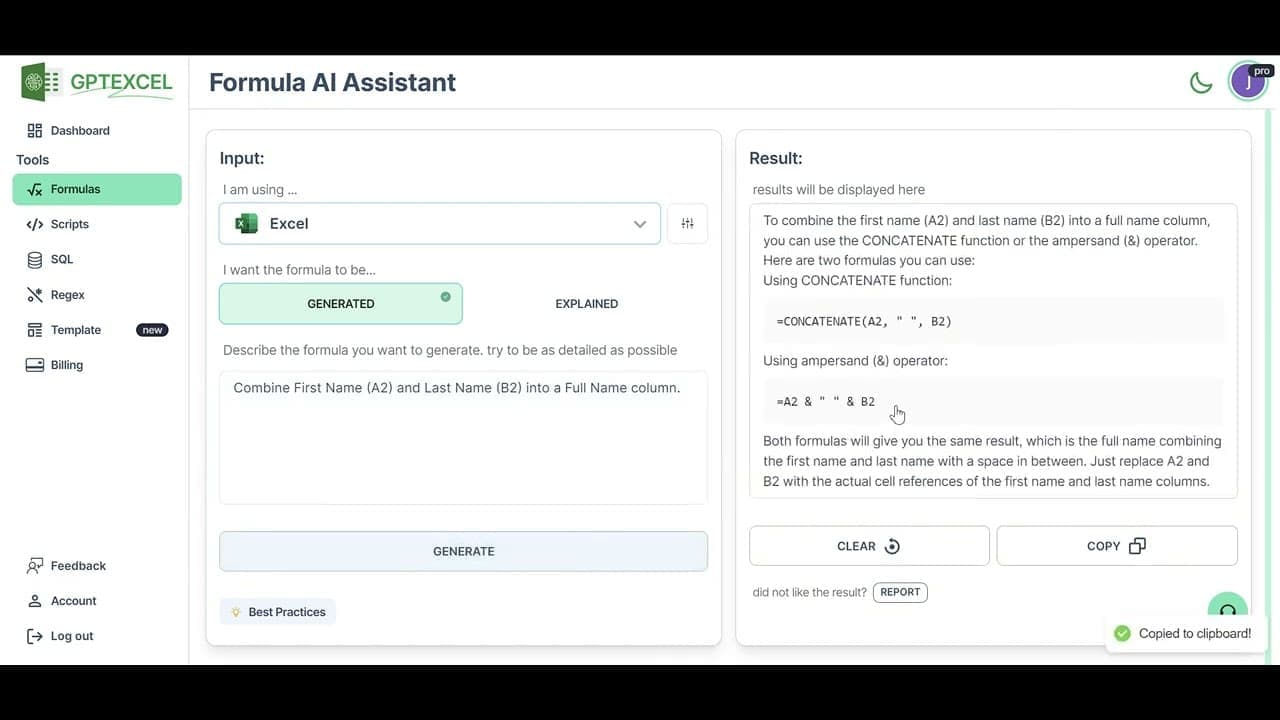
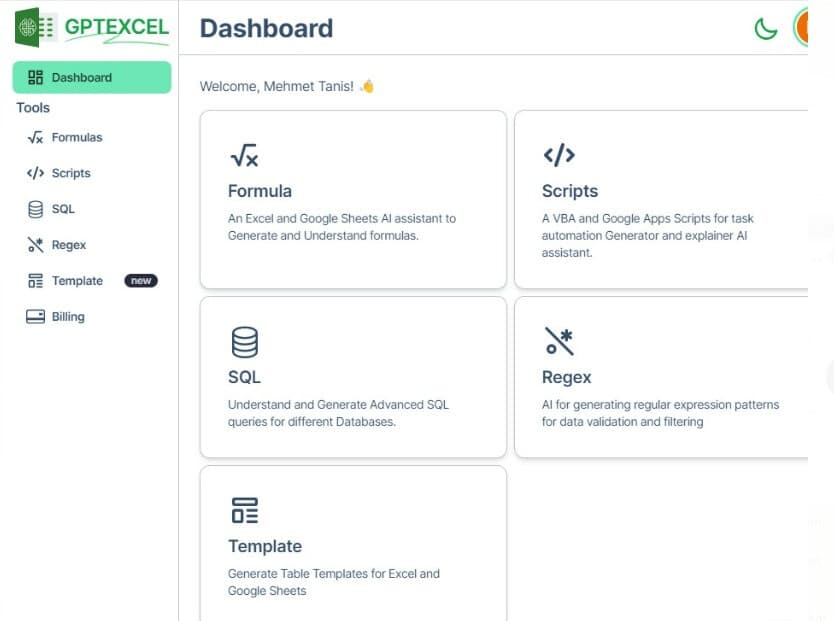
GPTExcel is a browser-based AI assistant for spreadsheet automation and analysis. It generates and explains formulas, creates pivot tables and charts, produces VBA, Apps Script, and Airtable scripts, and helps write, debug, and modify SQL queries. It also supports regex generation and table templates.
›What are the pros and cons of GPTExcel?
Strengths
Covers formulas, scripts, SQL, regex, pivot tables, charts, and data analysis in one browser-based tool
Works across Excel, Google Sheets, Airtable, and LibreOffice Calc
Can explain existing formulas step by step, which helps with learning and debugging
The free plan supports light workloads without payment
Requires no Excel add-in or plugin installation
Trade-offs
The free plan is limited to 10 AI chat messages, 4 tool uses, 5 MB files, and up to 5 files per chat
The browser-based workflow does not run directly inside Excel or Google Sheets as an add-in
Paid plans are needed for higher usage limits and larger file uploads
There is no on-premise or self-hosted deployment option described
›What are GPTExcel’s key features?
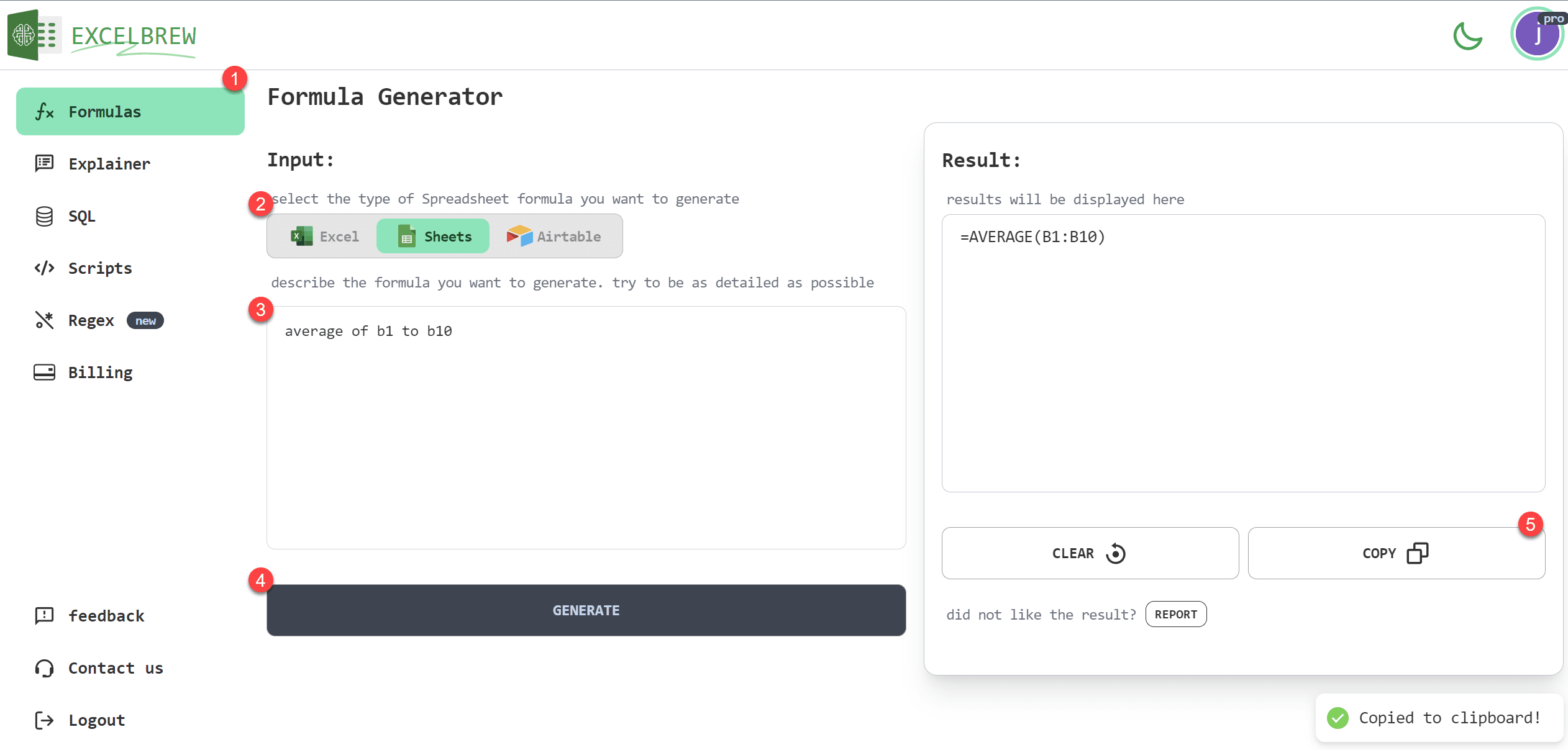
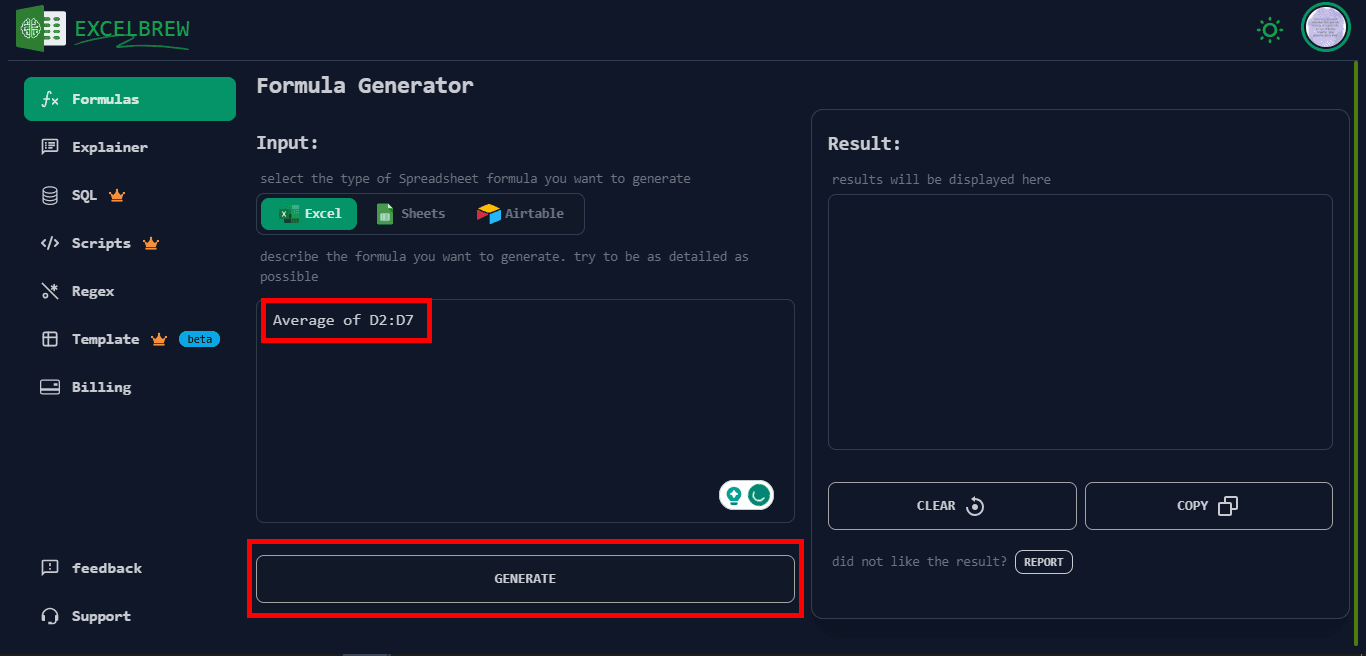
Generate and explain formulas for Excel, Google Sheets, LibreOffice Calc, and Airtable
Create and modify AI-generated pivot tables
Generate VBA, Google Apps Script, and Airtable automation scripts
Generate, troubleshoot, and refine SQL queries
Generate and explain regex patterns for validation and filtering
Create Excel and Google Sheets table templates
Create charts and analyze spreadsheet data for insights and reports
›What are the best use cases for GPTExcel?
Turn plain-language calculation requirements into Excel or Google Sheets formulas
Create VBA or Apps Script automations for repetitive spreadsheet tasks
Draft and debug SQL queries for data analysis
Build pivot tables, charts, and reports from spreadsheet data
Generate regex patterns for data validation and filtering
›What is the pricing for GPTExcel?
| Plan | Price | Details |
|---|---|---|
| Free | $0 | Includes up to 10 AI chat messages, 4 tool uses, 5 MB files, and the formula, scripts, SQL, regex, pivot table, and table template assistants. |
| Pro | $9.00/month or $6.30/mo billed annually | Includes up to 3,000 AI chat messages and tool uses per 30 days, 50 MB files, and up to 10 files per chat. |
| Pro Plus | $18.00/month or $12.60/mo billed annually | Includes up to 10,000 AI chat messages and tool uses per 30 days, 100 MB files, and up to 15 files per chat. |
Annual billing is discounted by 30%. The annual totals shown are $75.60 for Pro and $151.20 for Pro Plus.
Checked 2026-08-29 · source
›Who is GPTExcel best for?
soloSolo spreadsheet users can use the free plan for occasional formula, script, SQL, and regex tasks.
small teamSmall teams with recurring spreadsheet automation and reporting needs can share a broader workflow across several spreadsheet platforms.
data analystsData analysts get formula, SQL, pivot table, chart, and data-insight assistance in one interface.
finance professionalsFinance professionals can use it to draft complex calculations, automate repetitive spreadsheet work, and produce analysis outputs.
Not for
- Users who need an offline or desktop-only spreadsheet assistant should look elsewhere because GPTExcel runs in the browser.
- Advanced programmers who prefer writing scripts directly without AI assistance may find its generated-code workflow unnecessary.
- Enterprises requiring on-premise or self-hosted AI deployment should skip it.
›What are the best GPTExcel alternatives?
 JuliusChoose this instead if chatting with files and obtaining data insights is the main requirement.→
 Chat with PostgresChoose this instead if your work centers on generating, running, and debugging PostgreSQL queries.→
 CalcGenChoose this instead if turning data into interactive visualizations is the primary task.→
 Supabase AI Assistant→