Forward Future Tools Library

Napkin
Napkin turns written text into editable diagrams, infographics, charts, and other visuals for presenters, educators, marketers, and teams that need visual content.
napkin.ai·Free + paid plans·Checked 2026-08-21
›What is Napkin?
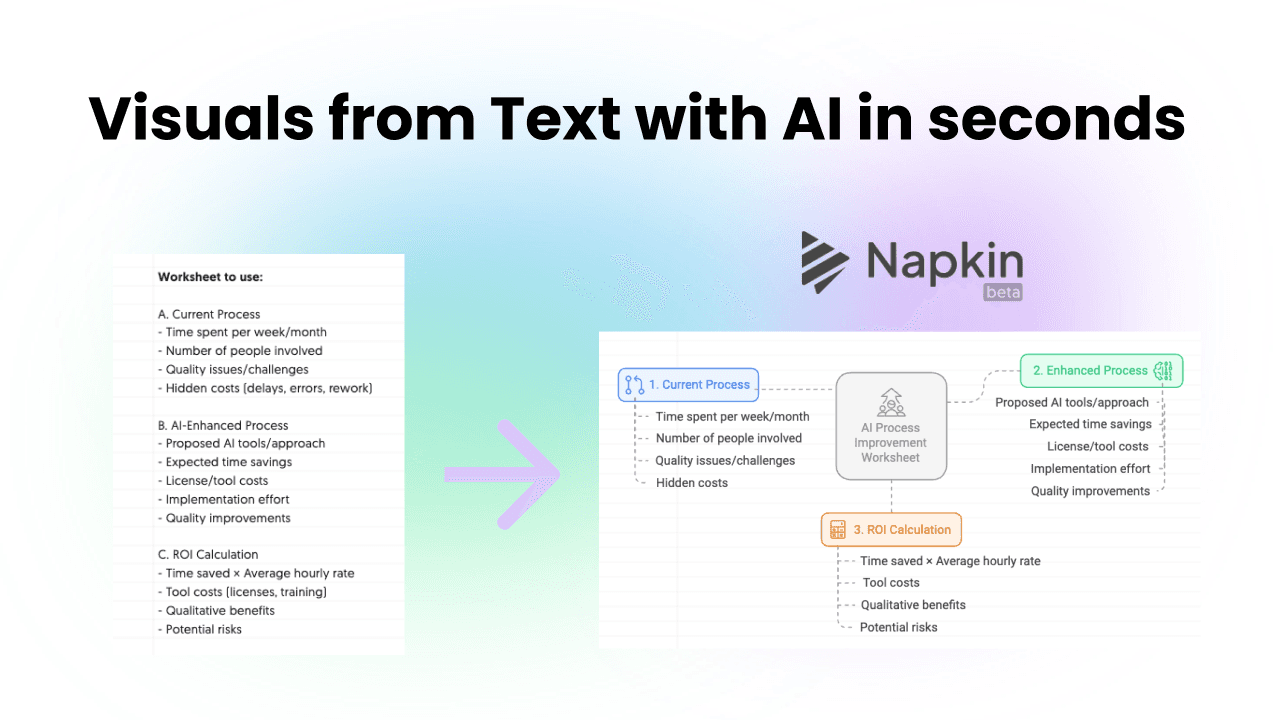
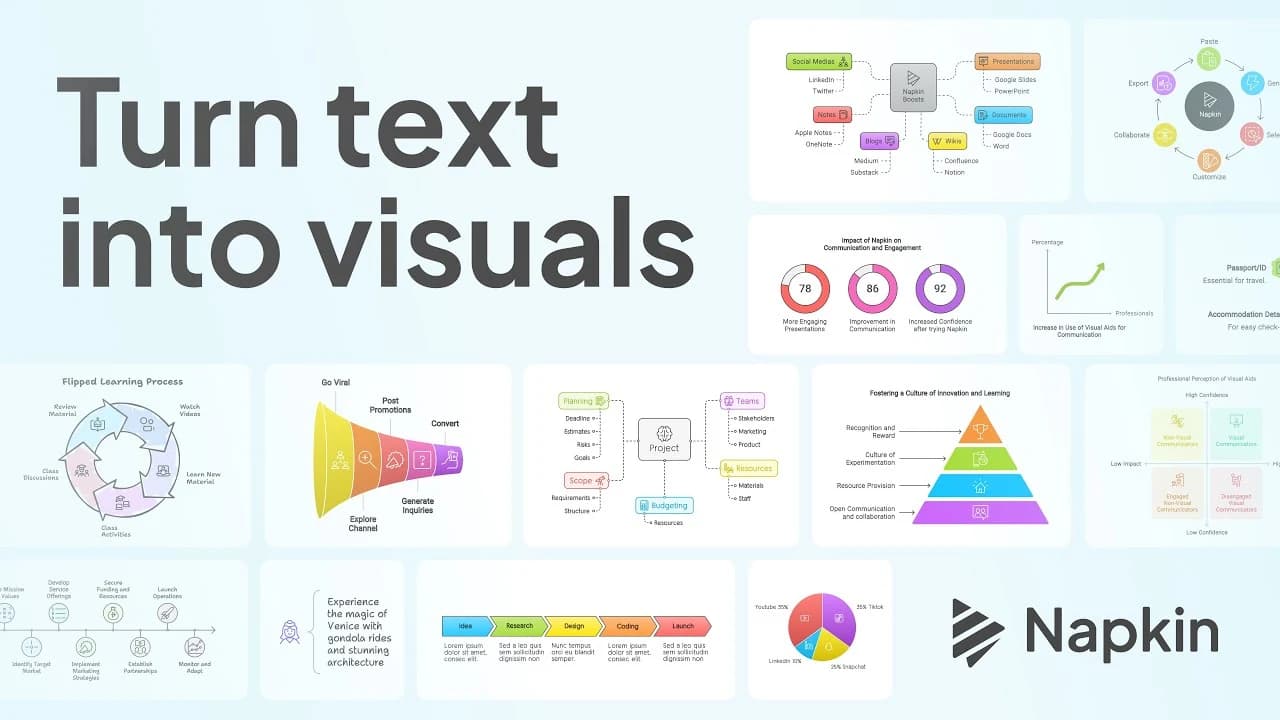
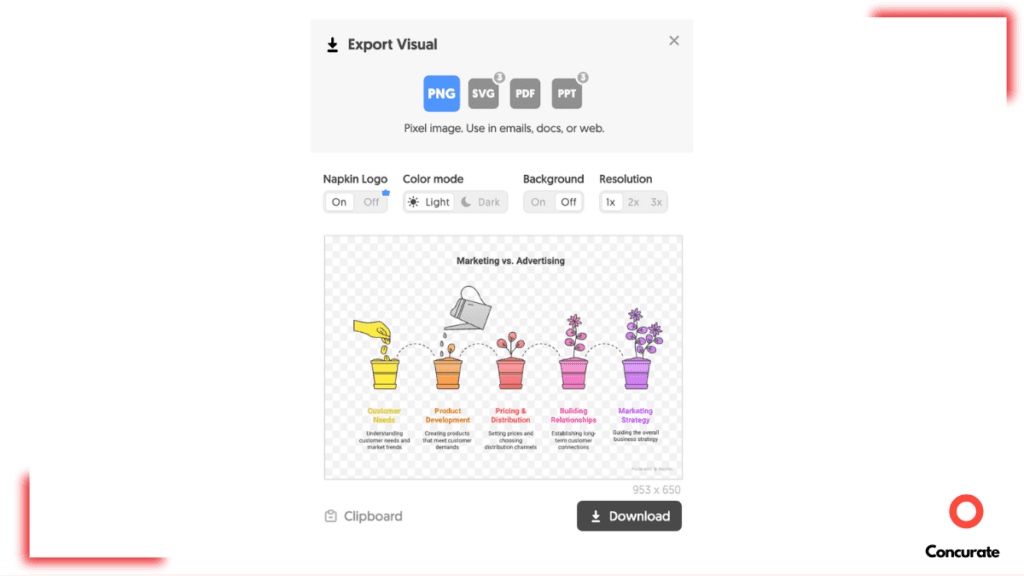
Napkin AI converts pasted or imported text into visual formats such as infographics, diagrams, mind maps, flowcharts, and data charts. Users can choose from generated options, edit colors and individual elements, apply branding, and export visuals for presentations, documents, blogs, and social media.
›What are the pros and cons of Napkin?
Strengths
Trade-offs
›What are Napkin’s key features?
›What are the best use cases for Napkin?
›What is the pricing for Napkin?
| Plan | Price | Details |
|---|---|---|
| Free | $0 | 500 AI credits per week, unlimited visual editing, file import, and PNG and PDF export, with Napkin branding. |
| Plus | $9 per person / month | Includes Free features, 10,000 AI credits per month, PPT and SVG export, three brand styles, branding removal, and team management. |
| Pro | $22 per person / month | Includes Plus features, 30,000 AI credits per month, exclusive designs, unlimited custom branding, font uploads, and optional credit top-ups. |
Annual billing saves 25% compared with monthly billing. Enterprise plans require contacting Napkin. AI credits are charged at approximately one credit per selected word, though this may change for more complex outputs or advanced features.
Checked 2026-08-21 · source
›Who is Napkin best for?
- Buyers who need detailed graphic design controls or non-diagram visual creation should use a broader design tool.
- Teams focused on detailed data analysis should look beyond Napkin's visual-generation workflow.
- Users who need high-volume generation may find the monthly AI credit limits restrictive.