Forward Future Tools Library

NightCafe logo

NightCafe

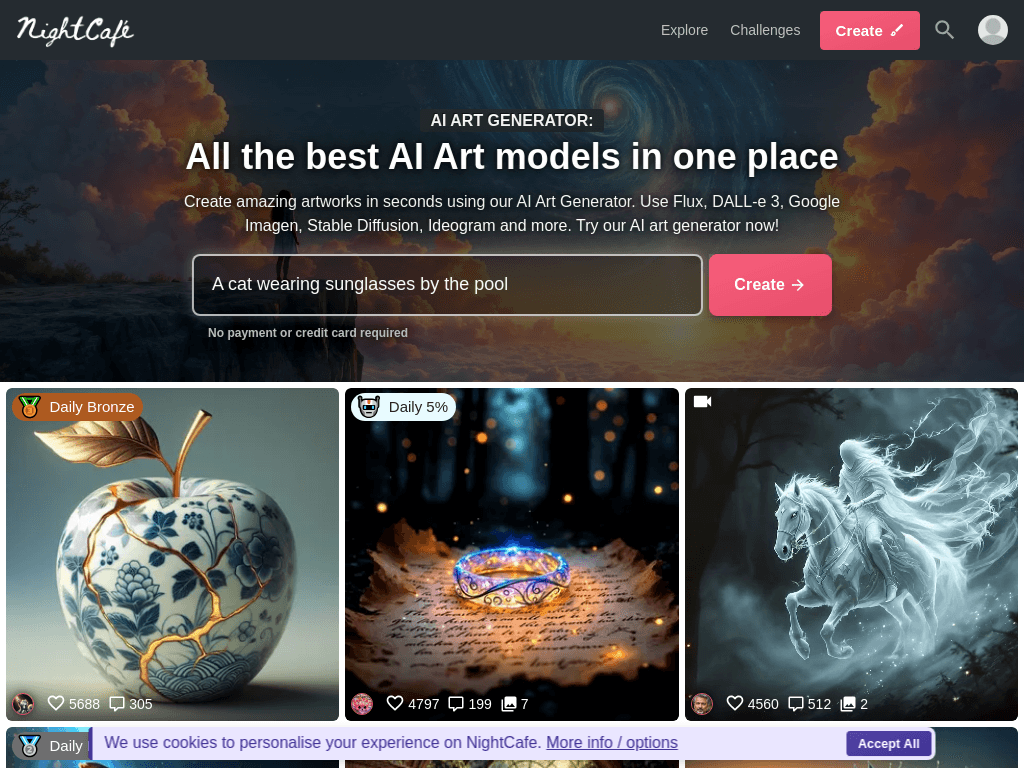
NightCafe combines text-to-image, image editing, video generation, and character creation with daily credits and a social art community for hobbyists, artists, and content creators.

Try NightCafe

creator.nightcafe.studio·From $7.49 USD /month*·Checked 2026-08-30
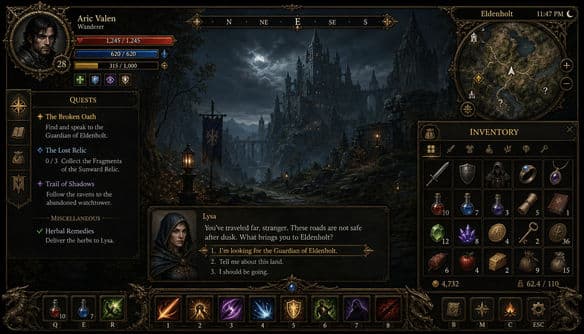
NightCafe screenshotGame UI Mockup GeneratorFree AI Art Generator: All the best AI models in one placeUnlikely Duos AI ArtTech + Nature AI Art
NightCafecreator.nightcafe.studio
NightCafe screenshot
NightCafecreator.nightcafe.studio

What is NightCafe?

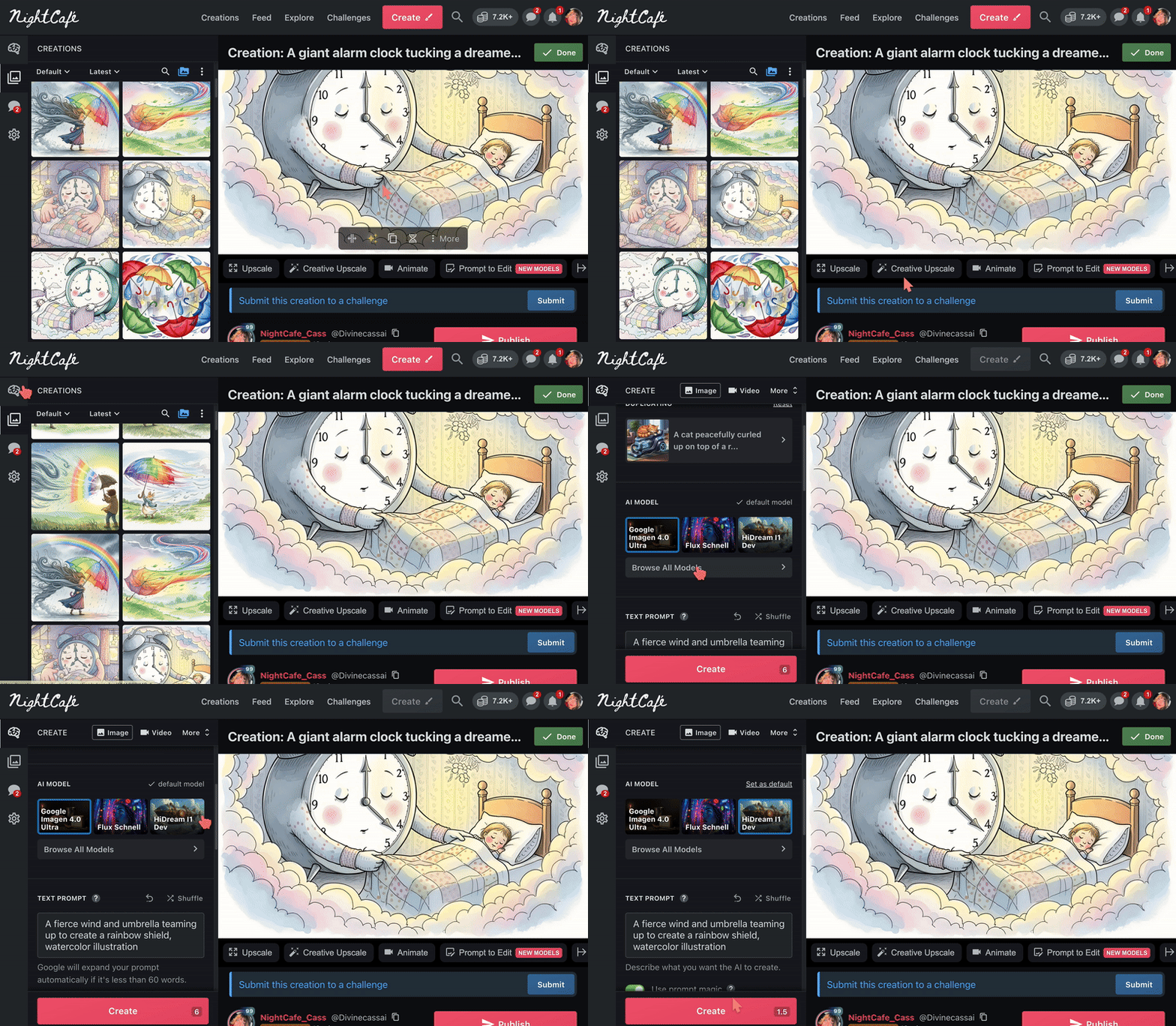
NightCafe is an online AI art platform for creating images and videos from text prompts or reference images. It brings together models including Flux, DALL-E, Ideogram, Seedream, Nano Banana, and SDXL. Users can edit images with prompts, create characters, share work, chat with other artists, and join daily challenges.

What are the pros and cons of NightCafe?

Strengths

Provides access to a broad selection of image and video models in one platform
Offers free daily credits and additional community-based rewards
Combines generation with social discovery, chat, challenges, and voting
Supports image, video, character, and prompt-based editing workflows
Works on web and mobile with device syncing

Trade-offs

Free users can reach credit limits quickly, especially when experimenting with advanced generations
Output resolution and quality vary by model and credit spend, with upscaling potentially requiring extra credits or external tools
Exact editing and generation controls are more limited than professional or locally run workflows
Some generations require substantial prompting to produce coherent or polished results

What are NightCafe’s key features?

Generate images from text prompts using multiple AI models
Create videos from prompts or still images
Edit images with text prompts
Create consistent characters for use in multiple creations
Share images and prompts in a social gallery with likes and comments
Join daily themed AI art challenges and vote on entries
Sync creations across web and mobile devices

What are the best use cases for NightCafe?

Experimenting with different image and video generation models
Creating visuals for social media and other content
Practicing AI prompting through daily themed challenges
Developing recurring characters for a series of images
Sharing, discussing, and remixing AI artwork with a creator community

What is the pricing for NightCafe?

PlanPriceDetails
AI Hobbyist$7.49 USD /month*Includes 200 Fast Credits per month, all AI image models, basic AI video models, 5 consistent characters, animation, and community features.
AI Enthusiast$14.99 USD /month*Includes 500 Fast Credits per month, all AI image and video models, 10 consistent characters, animation, and community features.
AI Creator$23.99 USD /month*Includes 850 Fast Credits per month, all AI image and video models, 20 consistent characters, animation, and community features.
AI Artist$37.49 USD /month*Includes 1400 Fast Credits per month, all AI image and video models, 50 consistent characters, animation, and community features.

NightCafe also offers free creation with daily credits. The listed prices reflect annual billing with a 40% saving; the pricing page lists annual totals of $89.91, $179.91, $287.93, and $449.91 respectively. Quarterly billing shows a 15% saving. Additional Fast Credit rates vary by plan.

Checked 2026-08-30 · source

Who is NightCafe best for?

soloA fit for solo creators who want daily free credits and many models without setting up a technical image-generation workflow.
artistsArtists can use the challenges, social gallery, prompt editing, and character tools to practice and develop visual ideas.
content creatorsContent creators get image and video generation, reference-image workflows, and mobile access for producing social visuals.
AI art communitiesThe built-in challenges, voting, comments, chat rooms, and sharing features suit people who want community participation alongside creation.
Not for
  • Teams producing strict brand or product imagery that requires highly controlled outputs and repeatable professional editing.
  • Users who need consistently high-resolution results without spending additional credits or using external upscaling tools.
  • Practitioners seeking the full parameter control of locally run workflows such as ComfyUI.
What are the best NightCafe alternatives?

Where can I try NightCafe?

Open creator.nightcafe.studio