

Forward Future Tools Library

OpenClaw
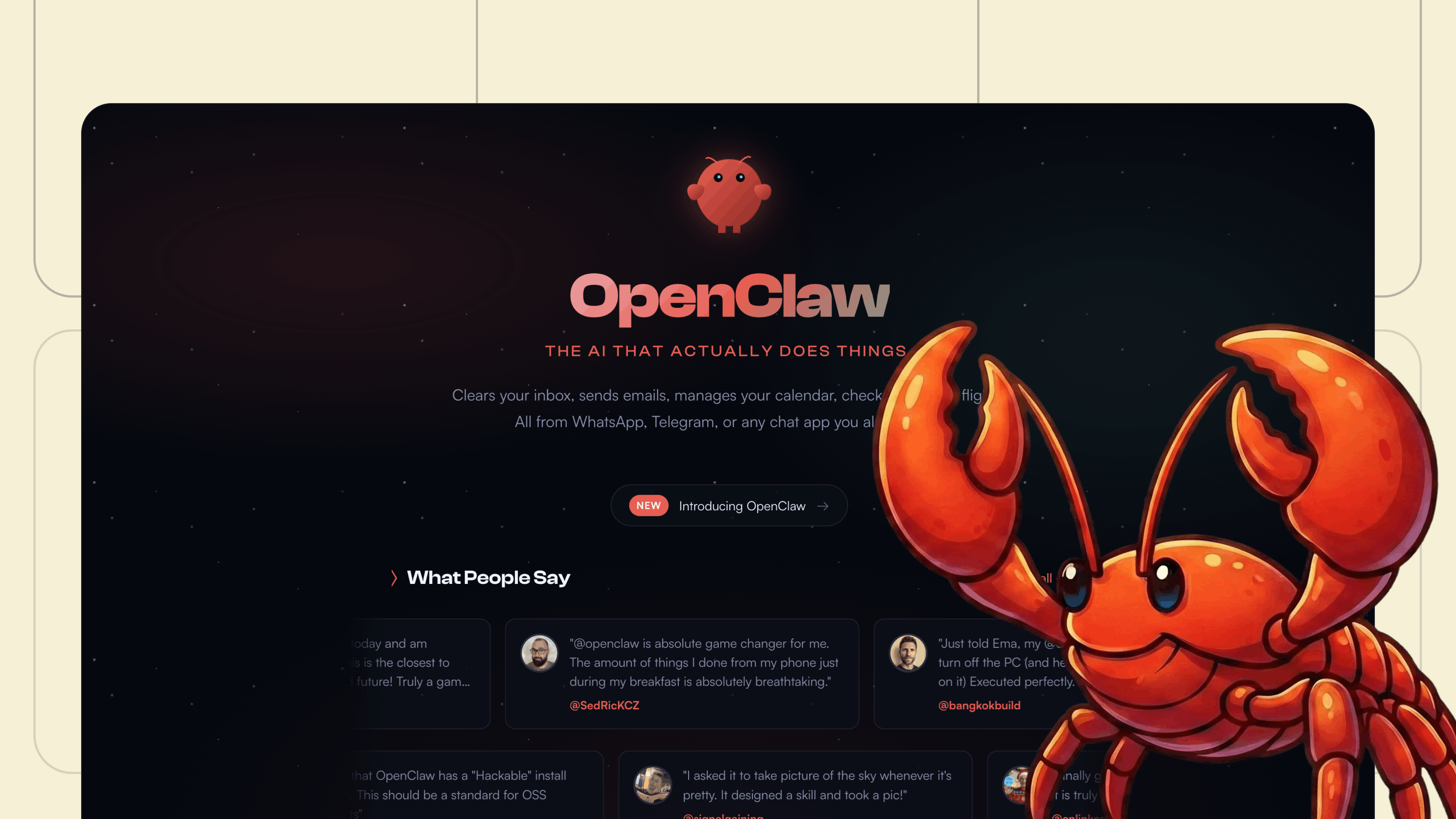
OpenClaw is a local, open-source AI agent for people who want to manage email, calendars, files, messages, and recurring tasks from WhatsApp, Telegram, or other chat apps.
openclaw.ai·Free + paid plans·Checked 2026-08-24

›What is OpenClaw?
OpenClaw runs on your own machine and acts through chat apps rather than a separate assistant interface. It can organize inboxes, send email, manage calendars, browse the web, execute commands, organize files, and check users in for flights. Users can configure its skills, models, memories, integrations, and connected machines.
›What are the pros and cons of OpenClaw?
Strengths
Trade-offs
›What are OpenClaw’s key features?
›What are the best use cases for OpenClaw?
›What is the pricing for OpenClaw?
| Plan | Price | Details |
|---|---|---|
| Free | $0 | A hosted basic computer with GLM-4.7, pre-installed skills, SSH access, BYOK support, disk backup, a public IP, data export, and no time limits. |
| Plus | $9.99/mo | Adds GLM-4.7 and GLM-5, three disk backup slots, and the same hosted computer, skills, SSH, BYOK, public IP, export, and support features. |
The hosted service page says sign-ups and upgrades are currently paused while capacity is provisioned. GLM-4.7 access is subject to API rate limits. A separate managed OpenClaw pricing page lists Cloud at $49/month or $39/month when billed yearly.
Checked 2026-08-24 · source
›Who is OpenClaw best for?
- People who want a no-setup assistant without managing a machine, server, APIs, updates, or security configuration
- Users who are uncomfortable with terminal-based installation and troubleshooting
- Organizations that require a fully managed enterprise deployment with clearly defined hosted pricing
›What are the best OpenClaw alternatives?
 Brave LeoChoose this instead if you want an assistant built into a web browser rather than a self-hosted agent connected to multiple chat apps.→
 AceChoose this instead if your main requirement is controlling desktop applications with mouse and keyboard actions.→
 App AlchemyChoose this instead if you want to create AI workflows and agents without handling local installation or server maintenance.→
 LongCat Flash→