Forward Future Tools Library

Photo to Sticker
Photo to Sticker turns a single photo into an editable transparent sticker file in the browser, suited to creators, designers, and anyone making chat or social assets without uploading photos.
Try Photo to Sticker →
stickerbeam.com·Free·Checked 2026-10-12

›What is Photo to Sticker?
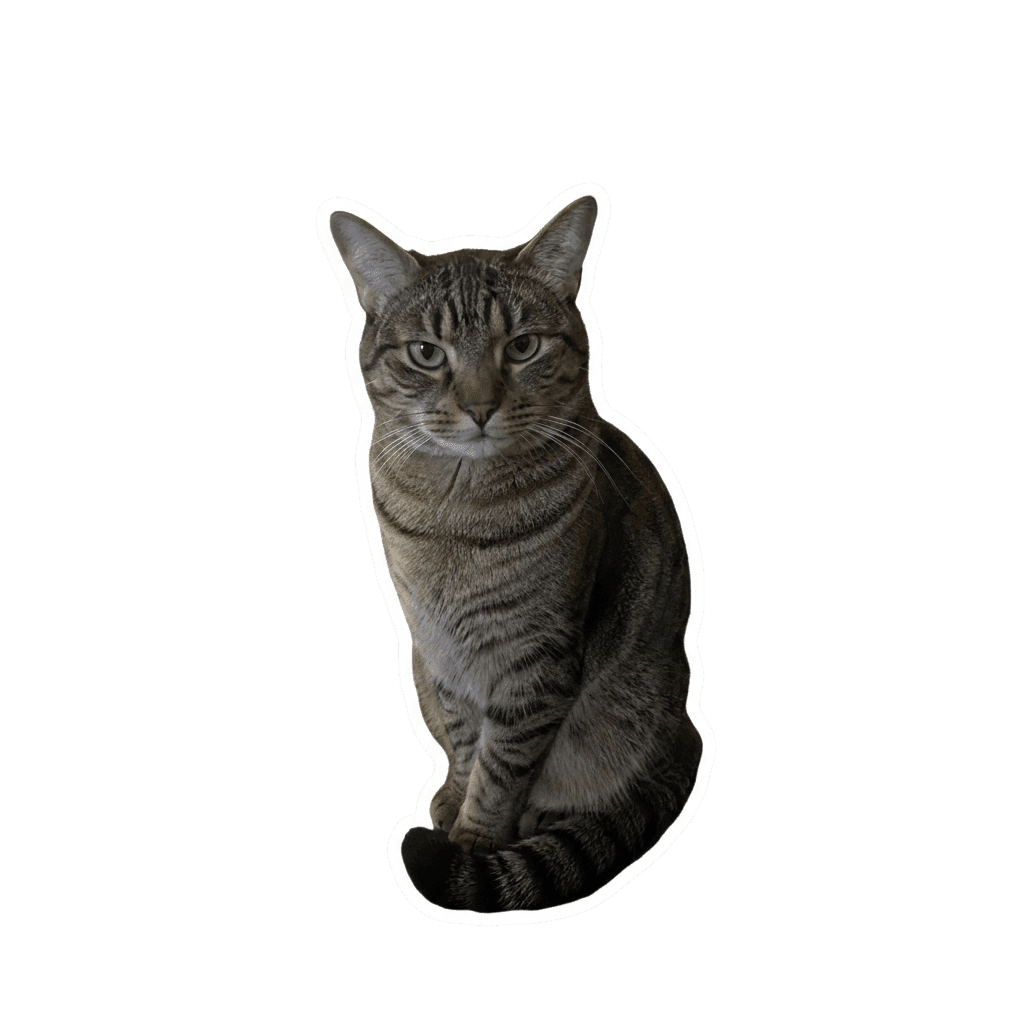
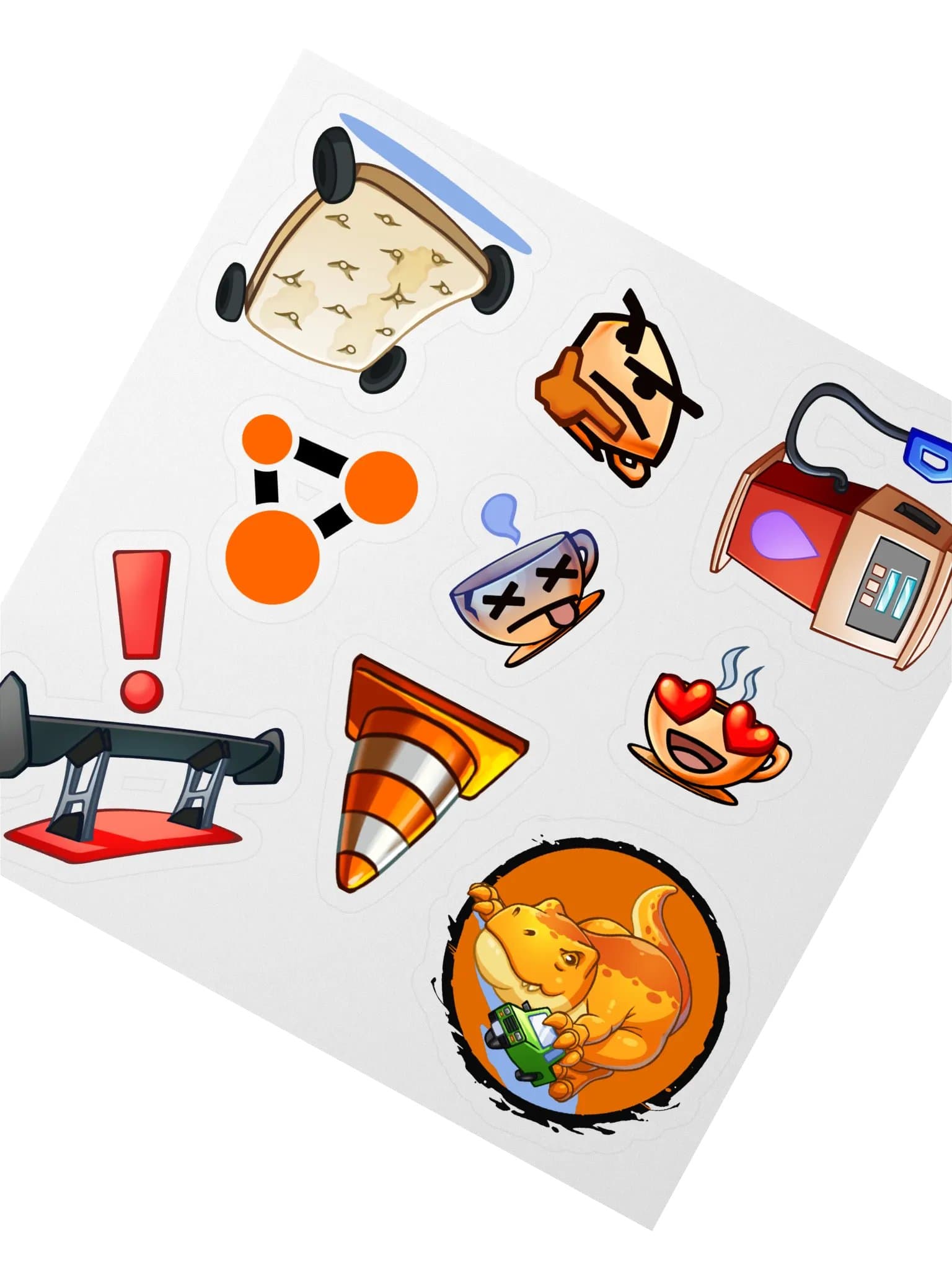
Photo to Sticker removes a photo's background locally in the browser and creates a transparent sticker PNG. Users can refine hair, fur, shadows, and object edges with erase and restore brushes, add an outline, and export PNG or WhatsApp WebP files. It accepts JPEG, PNG, WebP, and AVIF images up to 25 MB.
›What are the pros and cons of Photo to Sticker?
Strengths
Photos remain on the device because the cutout model runs in the browser
The editor includes manual erase and restore controls after automatic removal
Exports include transparent PNG and compact WhatsApp WebP formats
The current editor is free and requires no account, credits, or watermark
Trade-offs
The first use takes longer while the local model is downloaded and cached
Automatic results can leave background patches or miss fine hair, fur, and whiskers
Difficult cutouts require manual brush cleanup before close-up use
Uploads are limited to 25 MB, and some exports are cropped around the subject rather than preserving the source canvas
›What are Photo to Sticker’s key features?
Local browser-based background removal with no photo upload to a server
Erase and restore brushes for correcting difficult edges
Adjustable sticker outline
Transparent PNG export, including 512×512 output
Compact WhatsApp WebP export
JPEG, PNG, WebP, and AVIF input support up to 25 MB
No account, credits, watermark, or sign-in required
›What are the best use cases for Photo to Sticker?
Create transparent portrait stickers for chats and social posts
Cut out pets while correcting fur, whiskers, and tail edges
Prepare product or drink photos as sticker assets
Export reusable sticker files for documents, creator projects, and messaging apps
›What is the pricing for Photo to Sticker?
| Plan | Price | Details |
|---|---|---|
| Free | $0 to use | All current editor controls and exports are available without an account, credits, subscription, or payment. |
The editor runs in the browser, and photos are not sent to an image-generation server.
Checked 2026-10-12 · source
›Who is Photo to Sticker best for?
soloA fit for individuals who need occasional sticker PNGs without creating an account or uploading photos.
designersDesigners can use the edge brushes and outline controls to finish simple cutouts before exporting reusable assets.
content creatorsUseful for turning portraits, pets, and product photos into chat, social, and document graphics.
Not for
- Teams needing batch processing or a multi-user workflow, since the editor handles one image at a time.
- Users who need consistently clean fine-detail cutouts without manual editing.
- People looking for artistic style transformation or generated sticker packs rather than photo cutouts.