Forward Future Tools Library

RaptorWrite logo

RaptorWrite

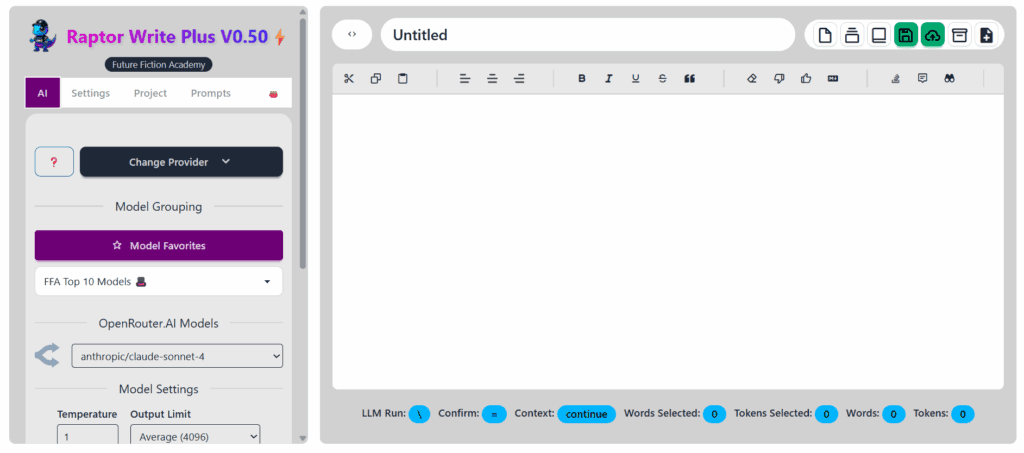
RaptorWrite is a free browser-based writing workspace for fiction writers and other solo authors who want to draft, revise, and continue text using connected AI models.

Try RaptorWrite

raptorwrite.com·Free·Checked 2026-08-18
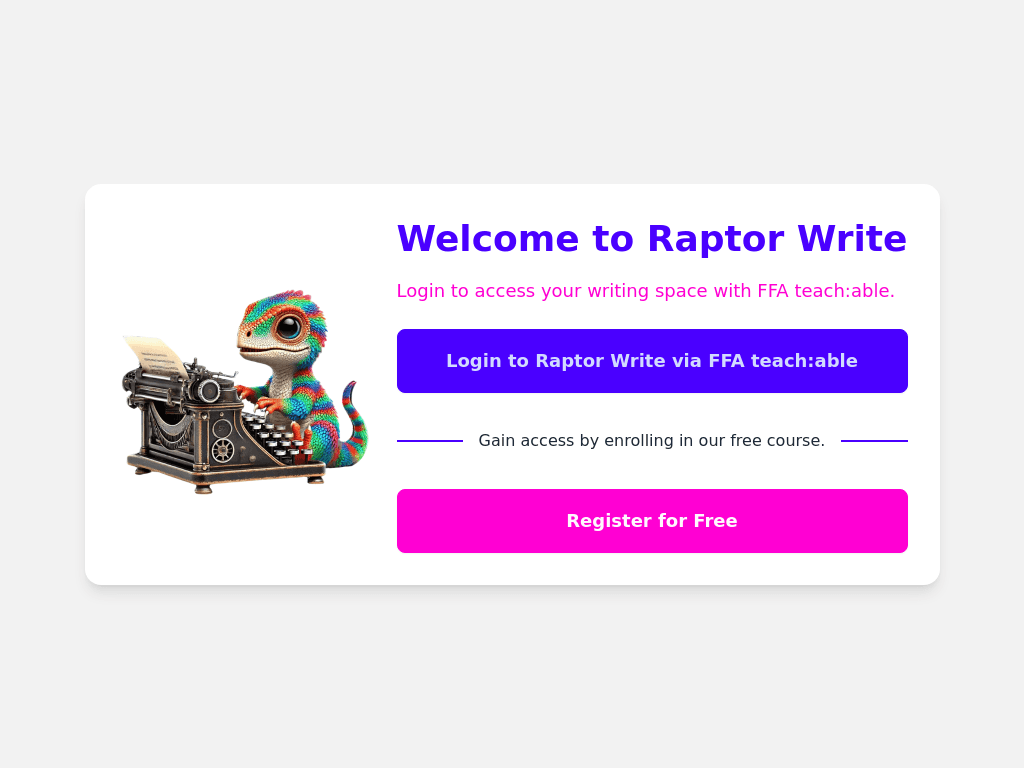
RaptorWrite screenshotLogin to Raptor WriteRaptorWrite AI Review (2025): Best Free Fiction Writer Companion?Sudowrite vs RaptorWrite: Which AI Tool Respects Your Time, Sanity, and  Story?RaptorWrite 1.0 Is Here: Free AI Writing Software Built for Authors
RaptorWriteraptorwrite.com
RaptorWrite screenshot
RaptorWriteraptorwrite.com

What is RaptorWrite?

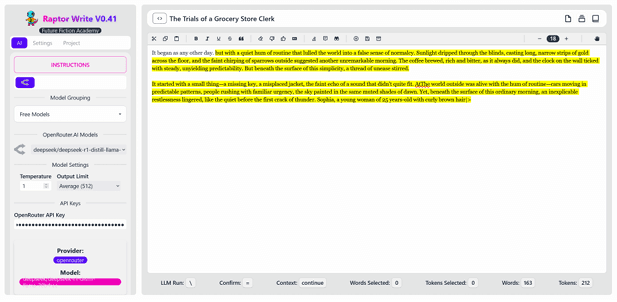
RaptorWrite is a browser writing environment with document and project management tools. It lets writers send prompts to models from OpenRouter, OpenAI, Anthropic, Google, MistralAI, DeepSeek, Perplexity, Cohere, and xAI. Writers can continue or revise selected text, manage prompts, and export documents as Markdown, plain text, or Word files.

What are the pros and cons of RaptorWrite?

Strengths

The writing tool itself is free to use
Simple, minimal interface that keeps drafting central
Supports a broad selection of external AI model providers
Provides both continuation and selected-text revision workflows
Offers document organization and exports in three file formats

Trade-offs

AI features require users to supply an API key
Connected providers can add pay-as-you-go API costs
Effective use depends on writing and prompt-engineering skill
Reviewers describe the feature set as limited and not very flexible

What are RaptorWrite’s key features?

Connects to multiple AI providers, including OpenRouter, OpenAI, Anthropic, Google, MistralAI, DeepSeek, Perplexity, Cohere, and xAI
Continue selected or unselected text with an LLM request
Revise selected passages with a configurable LLM request
Adjust model settings such as temperature, output limits, verbosity, and reasoning effort
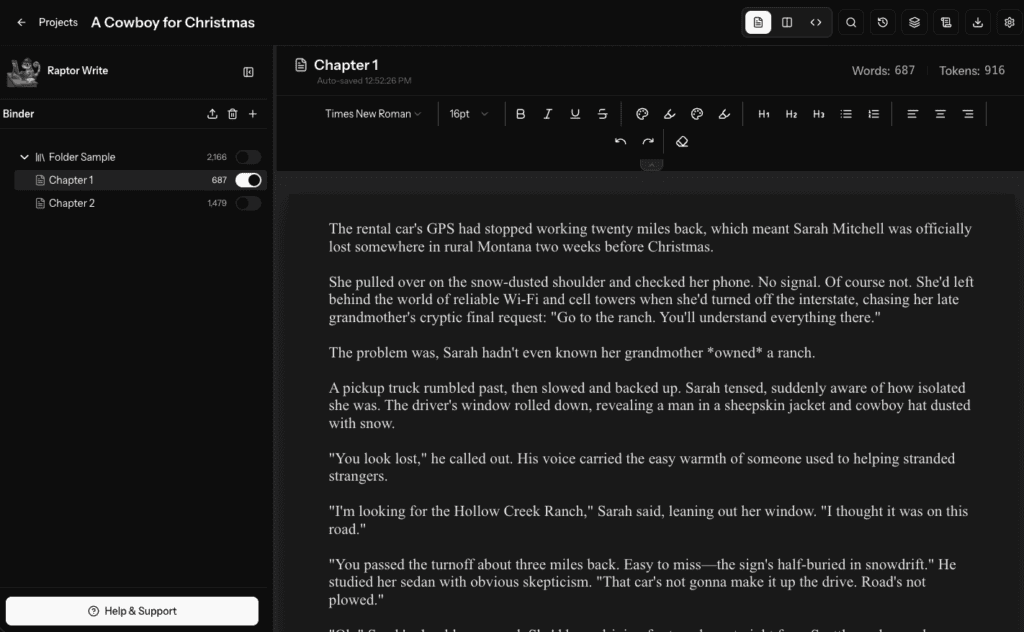
Organize documents into projects and folders, with duplicate, move, lock, rename, and delete actions
Export documents as Markdown, plain text, or Word files
Includes prompts, keyboard shortcuts, and Pomodoro sprint controls

What are the best use cases for RaptorWrite?

Drafting and continuing fiction scenes or stories
Revising selected passages during an editing session
Creating blog post drafts and other general content
Organizing longer writing projects into documents and folders
Exporting drafts for use in Markdown, plain-text, or Word workflows

What is the pricing for RaptorWrite?

PlanPriceDetails
Free$0Free access to RaptorWrite, with AI usage connected to an external provider.

Using OpenRouter or another connected provider may create separate pay-as-you-go API charges. The Future Fiction Academy also lists a $99/month Pro membership that includes RaptorWrite 1.0 and courses, but it is presented as an academy membership rather than a RaptorWrite plan.

Checked 2026-08-18 · source

Who is RaptorWrite best for?

writersA fit for writers who want browser-based AI assistance for drafting fiction, continuing scenes, and revising passages.
soloSolo users can use its document organization, prompts, exports, and model connections without adopting a larger team workspace.
Not for
  • Skip it if you want built-in AI access without creating and managing provider API keys.
  • It is not a good choice for users seeking a broad, highly flexible feature suite rather than a simple writing environment.

What are the best RaptorWrite alternatives?

Where can I try RaptorWrite?

Open raptorwrite.com