Forward Future Tools Library

Reclaim logo

Reclaim

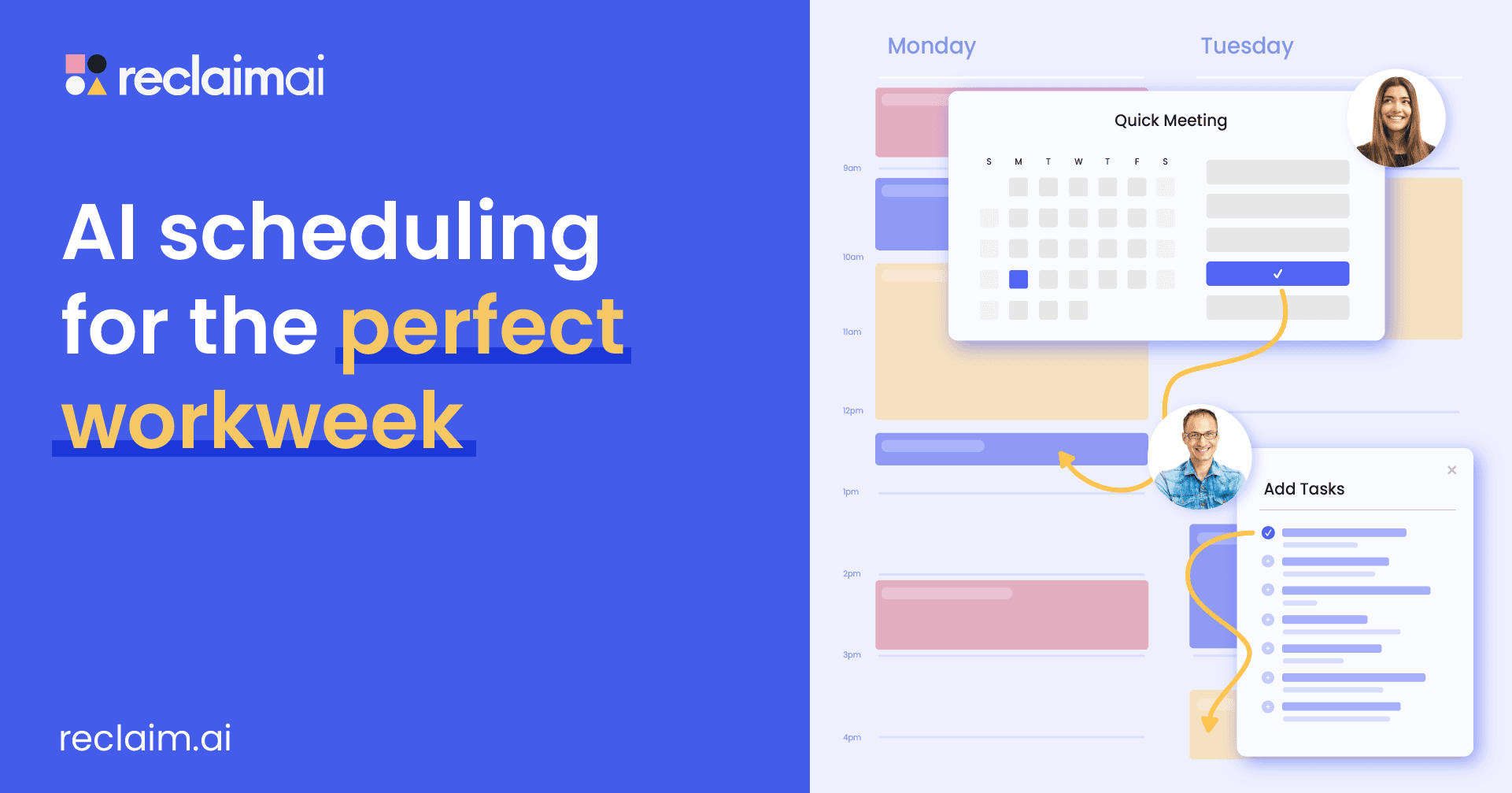
Reclaim automatically schedules meetings, tasks, habits, focus time, and breaks across calendars, making it useful for individuals and teams managing busy, changing schedules.

Try Reclaim

reclaim.ai·Free + paid plans·Checked 2026-08-26
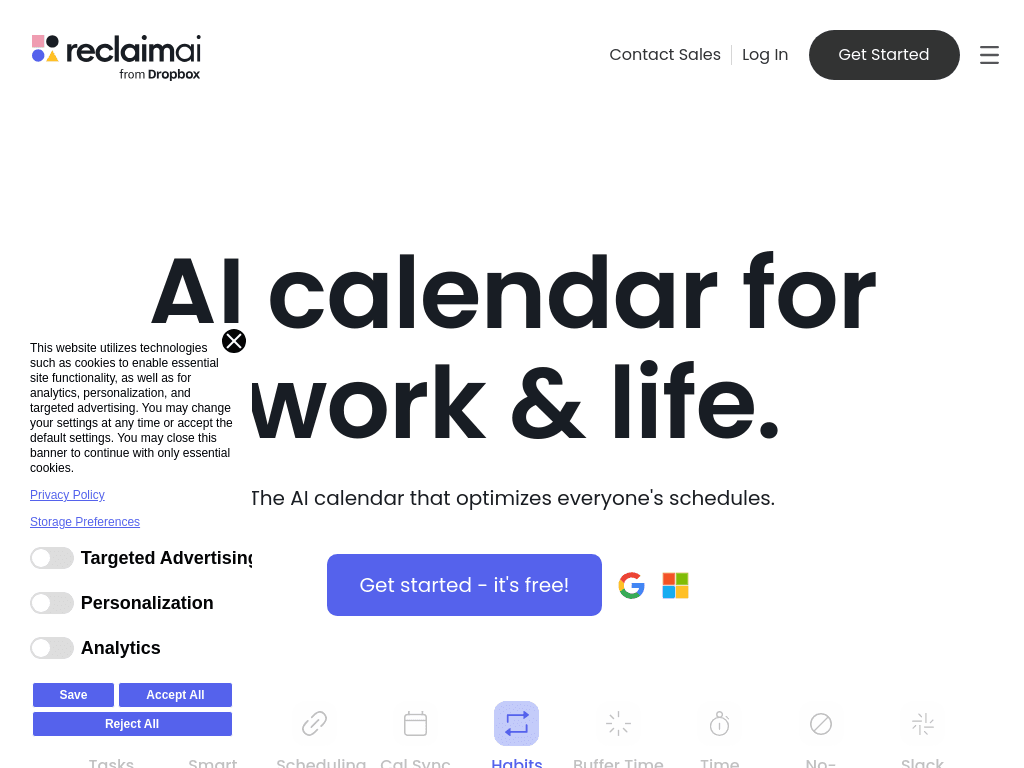
Reclaim screenshotIntroducing Habits: smart, automatic time blocking for your routinesAnnouncing the Planner Beta: a New Way to Manage Your WorkweekReclaim – AI Calendar for Work & LifeAI Task Manager App
Reclaimreclaim.ai
Reclaim screenshot
Reclaimreclaim.ai

What is Reclaim?

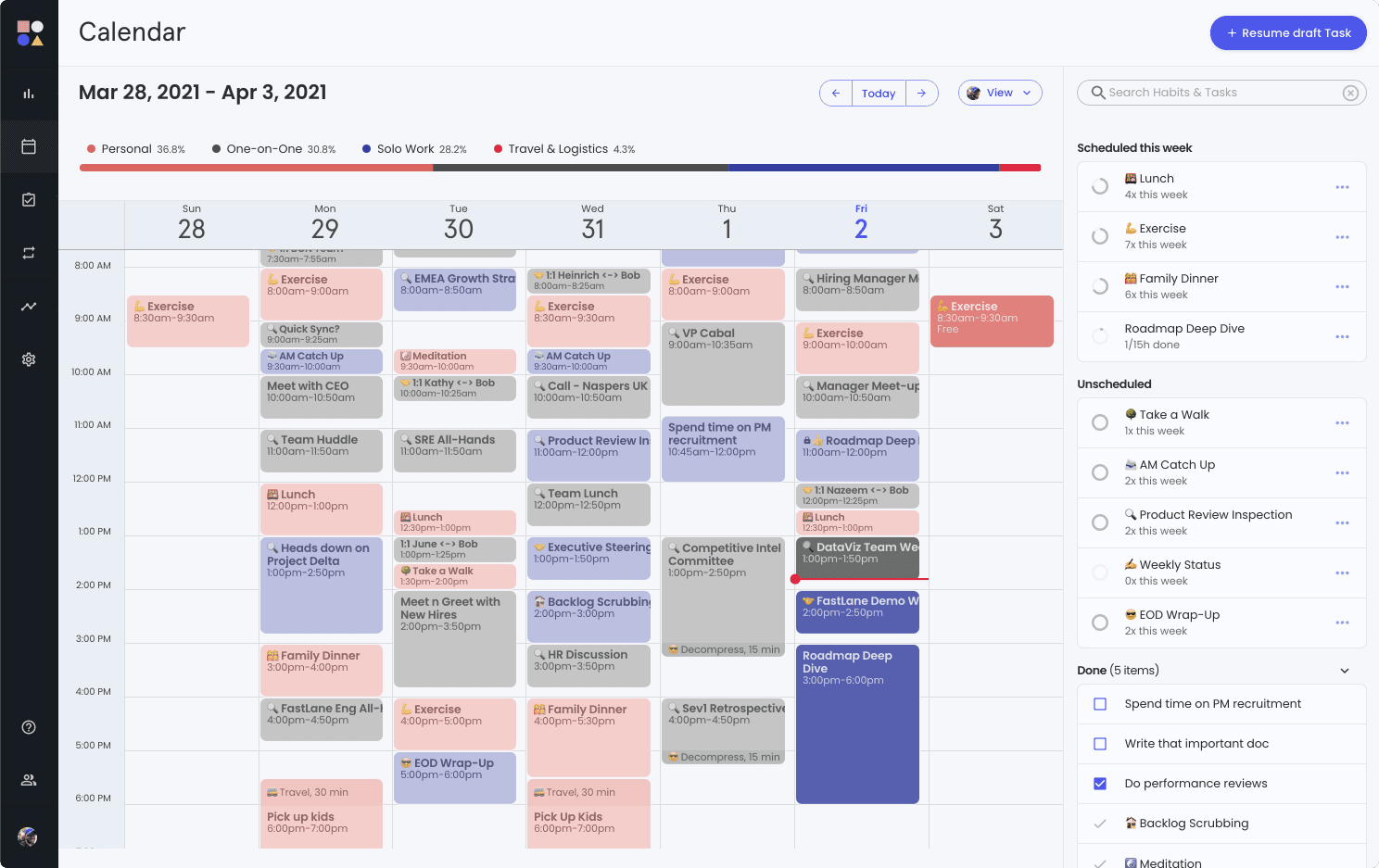
Reclaim is an AI calendar assistant for Google Calendar and Microsoft Outlook. It schedules tasks and recurring habits around meetings, protects focus time, adds buffers, and reschedules plans when higher-priority events disrupt the calendar. It also provides scheduling links, time tracking, calendar sync, and workforce analytics.

What are the pros and cons of Reclaim?

Strengths

Automatically reschedules tasks and habits when meetings or higher-priority events change the day.
Supports both Google Calendar and Microsoft Outlook.
Integrates with Asana, Todoist, Jira, Linear, and ClickUp for scheduling project work.
Combines personal scheduling features with team analytics.
Offers a free Lite plan for testing core scheduling features.

Trade-offs

Automatic rescheduling can move tasks and habits more often than some users expect.
The Lite plan limits users to one calendar, one scheduling link, one habit, and one Smart Meeting.
Lite has a one-week scheduling range and limited integrations.
Basic analytics are available on Lite, while broader team analytics require a paid plan.

What are Reclaim’s key features?

Automatically finds meeting times across attendees' schedules with Smart Meetings.
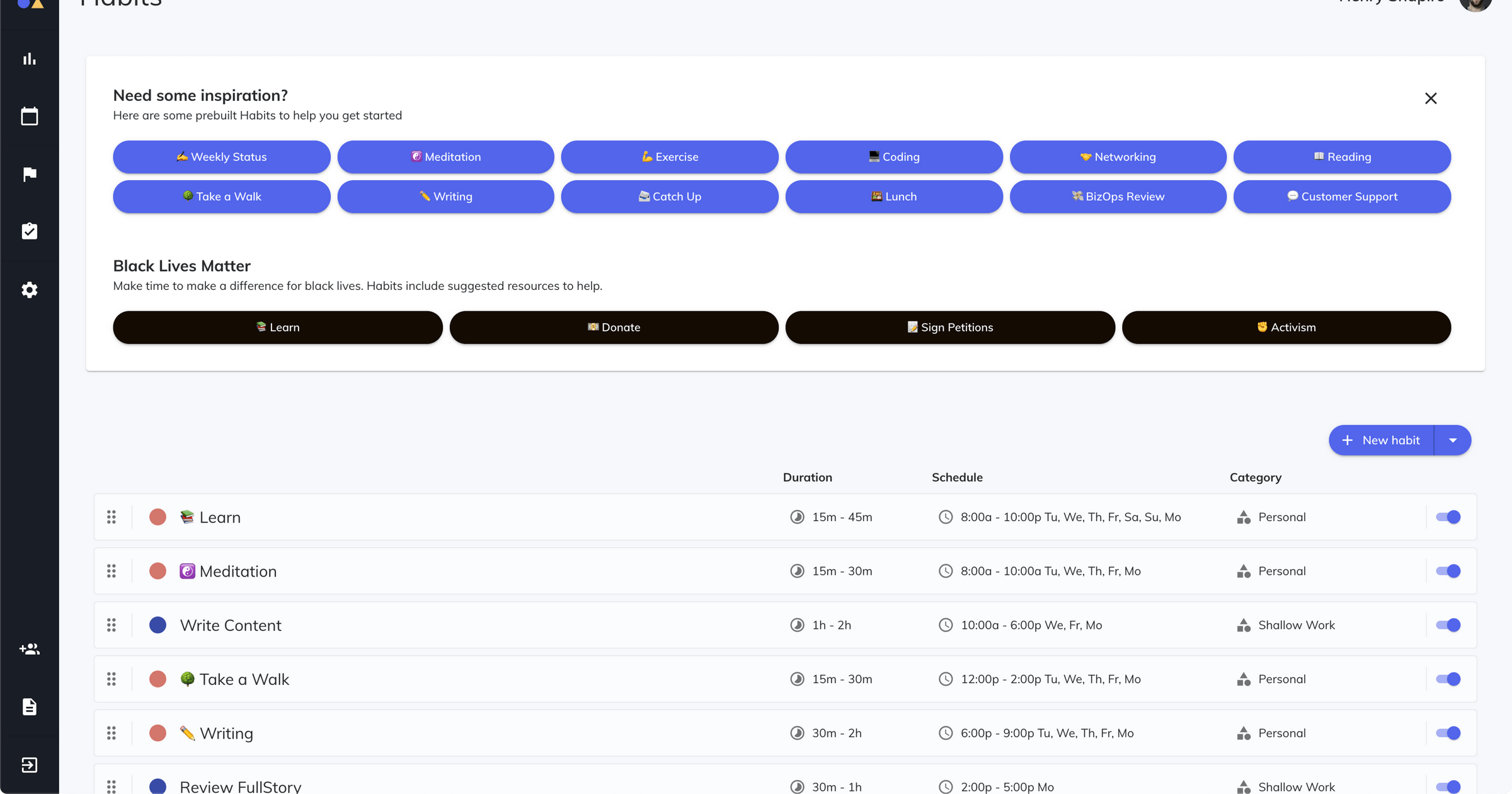
Schedules tasks and recurring habits into available calendar time.
Defends focus-time goals and adds buffers for breaks, travel, preparation, and reset time.
Syncs events across work and personal calendars.
Provides scheduling links with configurable meeting controls.
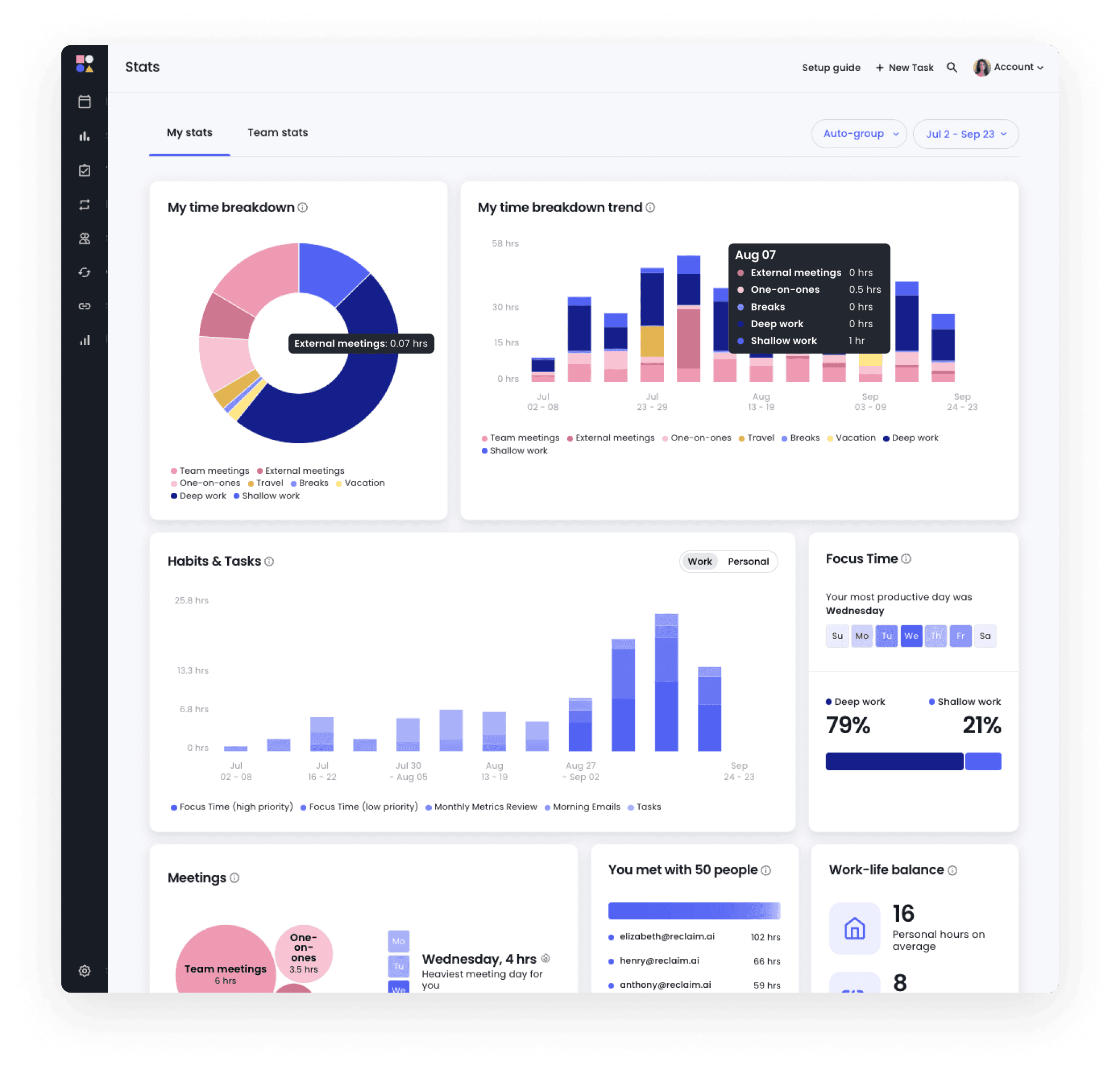
Tracks time across meetings, tasks, and work-life balance metrics.
Offers team workforce analytics for meeting load, focus time, and capacity planning.

What are the best use cases for Reclaim?

Protecting recurring deep-work, exercise, lunch, or learning routines.
Scheduling project tasks around meetings and changing priorities.
Sharing availability and booking meetings without manual calendar coordination.
Adding travel and preparation buffers between meetings.
Reviewing team meeting load, focus time, and potential burnout patterns.

What is the pricing for Reclaim?

PlanPriceDetails
LiteFreeIncludes one calendar sync, one scheduling link, one habit, one Smart Meeting, a one-week scheduling range, limited integrations, and basic analytics.
Starter$10 /user/monthDesigned for freelancers, consultants, and small teams under 10 people.

The pricing listing also shows an annual Starter price of $8 /user/year and identifies four plans overall. Current details for the remaining plans should be checked before purchase.

Checked 2026-08-26 · source

Who is Reclaim best for?

soloLite provides a way to test AI scheduling, recurring habits, and calendar protection with a limited setup.
small teamStarter suits freelancers, consultants, and teams under 10 people that need shared scheduling workflows.
executive assistantsScheduling links, Smart Meetings, calendar sync, and automatic task movement can reduce manual booking work.
enterpriseWorkforce analytics and capacity-planning features support larger organizations, with enterprise offerings available through sales.
Not for
  • People who want every task and habit to remain fixed, because Reclaim may automatically move them when priorities change.
  • Users who need broad calendar ranges, multiple calendars, or extensive integrations on a free plan.


What are the best Reclaim alternatives?

Where can I try Reclaim?

Open reclaim.ai