Forward Future Tools Library

Reverse Video Search logo

Reverse Video Search

Reverse Video Search traces clips to source posts, identifies duplicate or edited versions, and provides platform links, thumbnails, and upload dates for researchers, moderators, journalists, and creators.

Try Reverse Video Search

reversevideosearch.org·Free + paid plans·Checked 2026-09-14

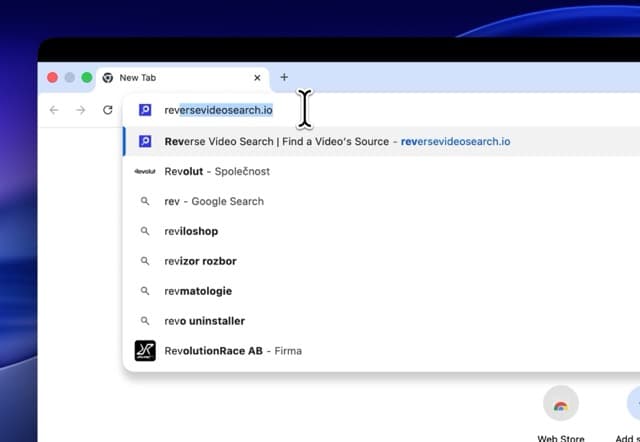
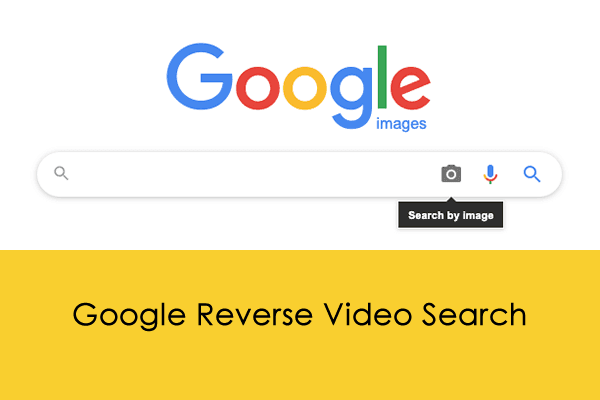
Reverse Video Search screenshotReverse Video SearchReverse Video Search: Find Any Video Source (2026 Guide)How To Do Google Reverse Video Search5 Best Reverse Video Search Tools to Find Original Videos (2026)
Reverse Video Searchreversevideosearch.org
Reverse Video Search screenshot
Reverse Video Searchreversevideosearch.org

What is Reverse Video Search?

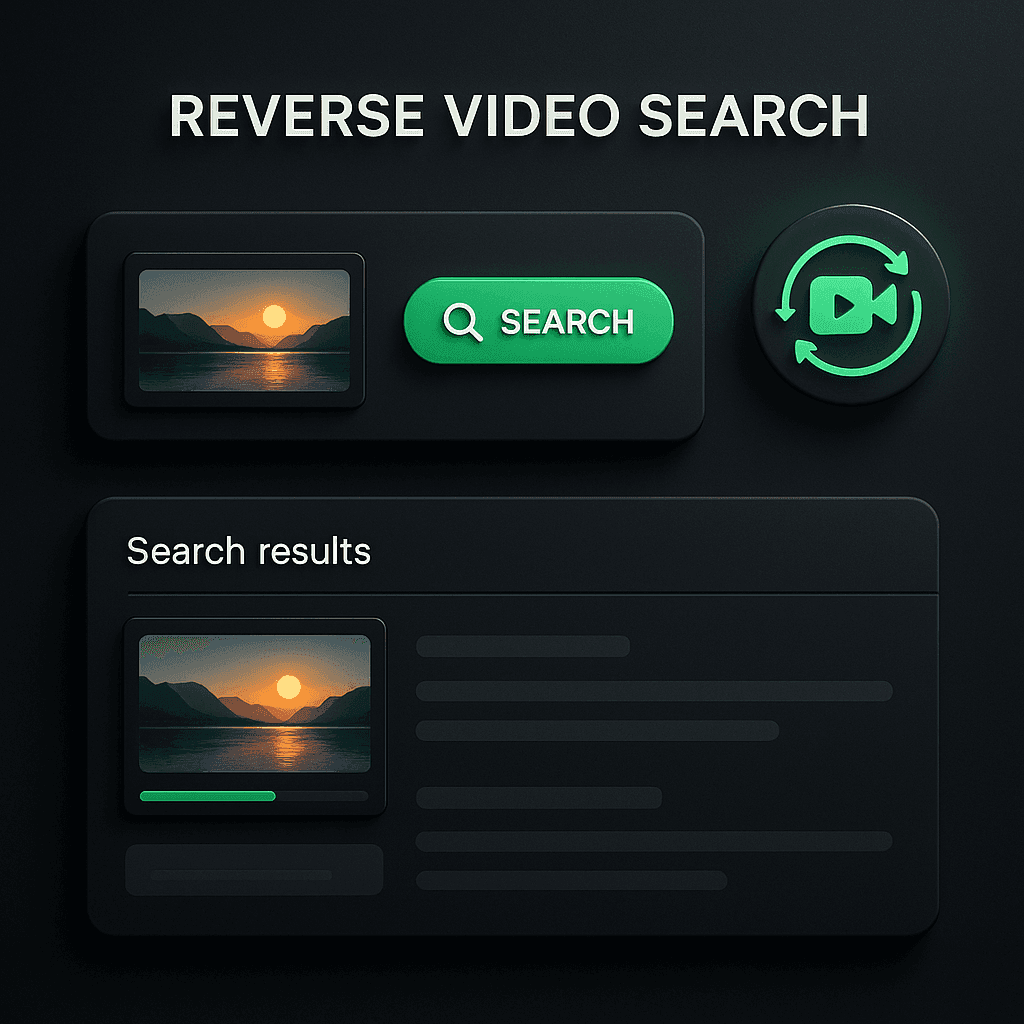
Reverse Video Search is a browser-based tool for finding the source and related versions of a video. Upload a file or paste a link from platforms such as YouTube, TikTok, Instagram, or Reddit, then use frame analysis and video fingerprints to identify exact matches, partial edits, re-encoded copies, and related clips. DeepSearch analyzes the full video, while QuickSearch checks the first second.

What are the pros and cons of Reverse Video Search?

Strengths

Accepts both direct video links and uploaded files
Searches across multiple major video and social platforms
DeepSearch can detect edited, cropped, and re-encoded versions
Returns source links, thumbnails, and upload dates
Processes uploads temporarily and deletes them after analysis

Trade-offs

The free QuickSearch plan scans only the first second and returns top matches
QuickSearch file uploads are limited to 100MB
Full-video searches use monthly DeepSearch time credits
URL-based searches are less accurate than direct file uploads according to the site

What are Reverse Video Search’s key features?

Upload video files or paste direct video URLs
Searches YouTube, TikTok, Instagram, Reddit, and hundreds of other platforms
Finds exact matches, partial edits, re-encoded versions, and related clips
QuickSearch performs a first-second lookup for fast results
DeepSearch analyzes the full video frame by frame
Results include source links, thumbnails, and upload dates
Uploaded videos are temporarily processed and deleted after analysis

What are the best use cases for Reverse Video Search?

Trace a viral clip to its original upload
Check whether a news video has been altered or reposted
Find duplicate versions of a creator's work
Track reposts across social media platforms
Compare a clip with longer or related versions to establish context

What is the pricing for Reverse Video Search?

PlanPriceDetails
QuickSearch Limited$0One QuickSearch per day, using only the first second, with top matches and no DeepSearch scan.
DeepSearch Basic$7/monthIncludes unlimited QuickSearch, 15 minutes of DeepSearch time per month, all results, ad removal, and priority processing.
DeepSearch Pro$29/monthIncludes unlimited QuickSearch, 1 hour of DeepSearch time per month, all results, ad removal, and priority processing.

The pricing page shows an annual option labeled 2 months free. DeepSearch time refreshes monthly, and additional minutes are discounted for subscribers.

Checked 2026-09-14 · source

Who is Reverse Video Search best for?

researchersUseful for tracing source uploads and gathering platform links, thumbnails, and dates for video investigations.
journalistsSupports checking viral clips for earlier versions, reposts, and possible alterations.
moderatorsA practical option for identifying duplicate clips and reviewing the context of submitted videos.
content creatorsHelps locate unauthorized reposts and duplicate versions of published work.
Not for
  • Users who need frequent full-video searches without paying for monthly DeepSearch time
  • Users working with video files larger than 100MB in QuickSearch

What are the best Reverse Video Search alternatives?

Where can I try Reverse Video Search?

Open reversevideosearch.org