

Forward Future Tools Library

runwayaleph.net
VideoEditAI edits existing footage and generates new video or image assets from prompts, serving filmmakers, marketers, content creators, and VFX artists.
videoeditai.app·From $299/year·Checked 2026-10-20

›What is runwayaleph.net?
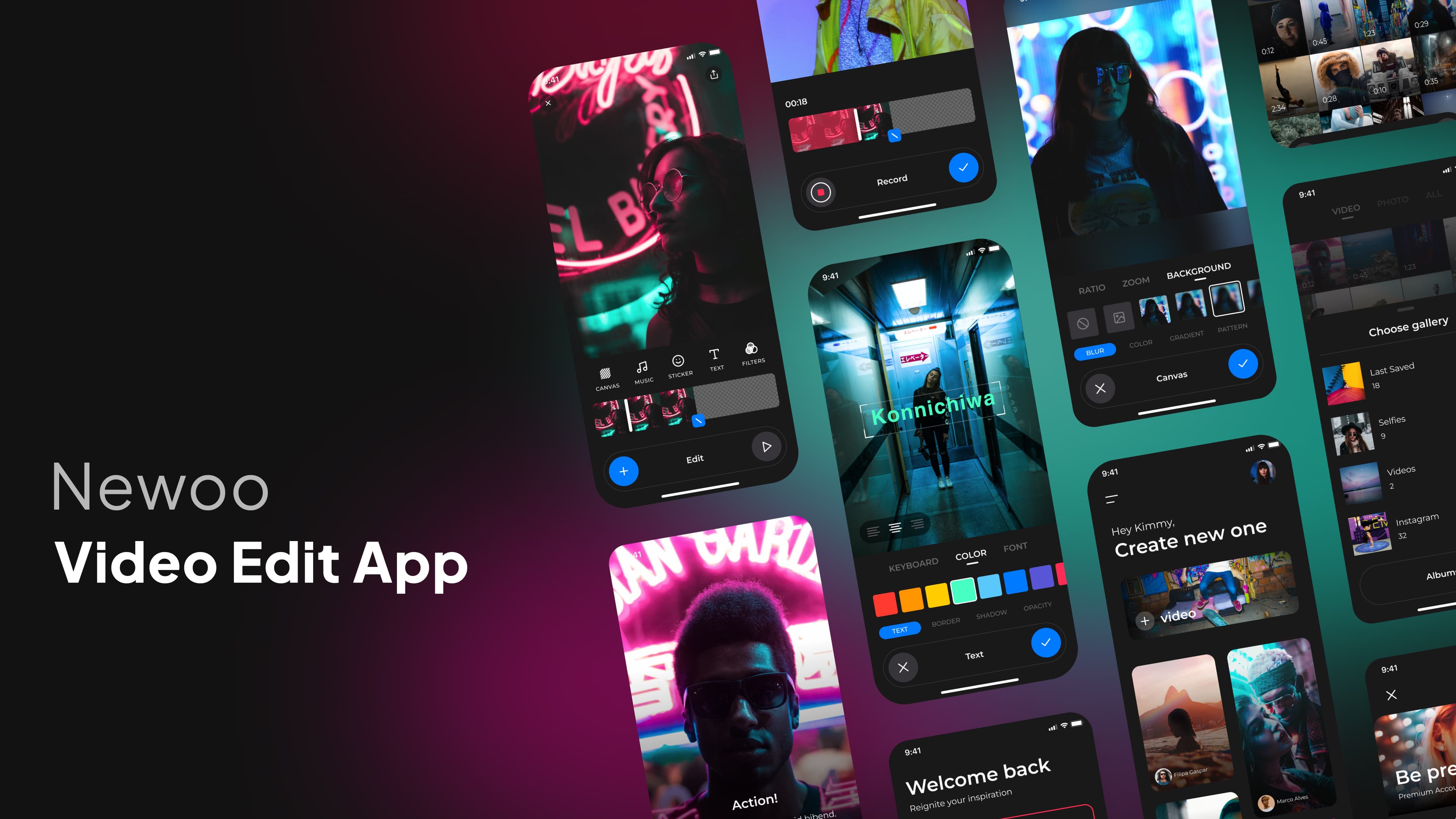
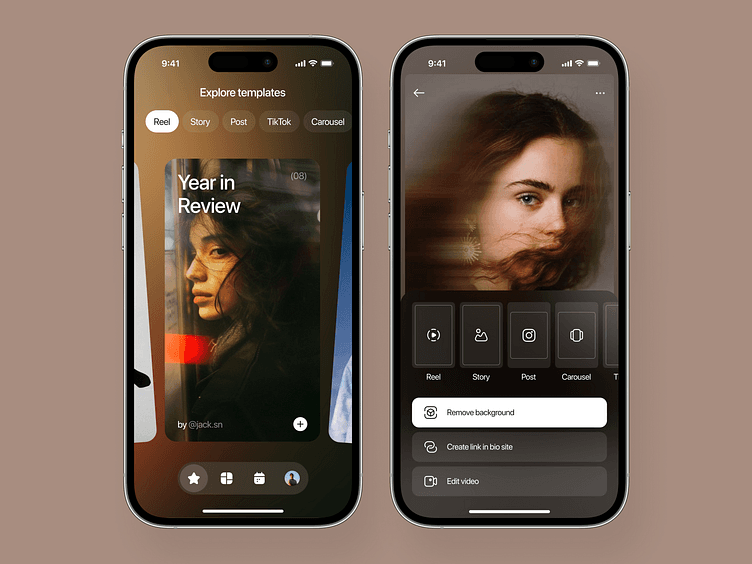
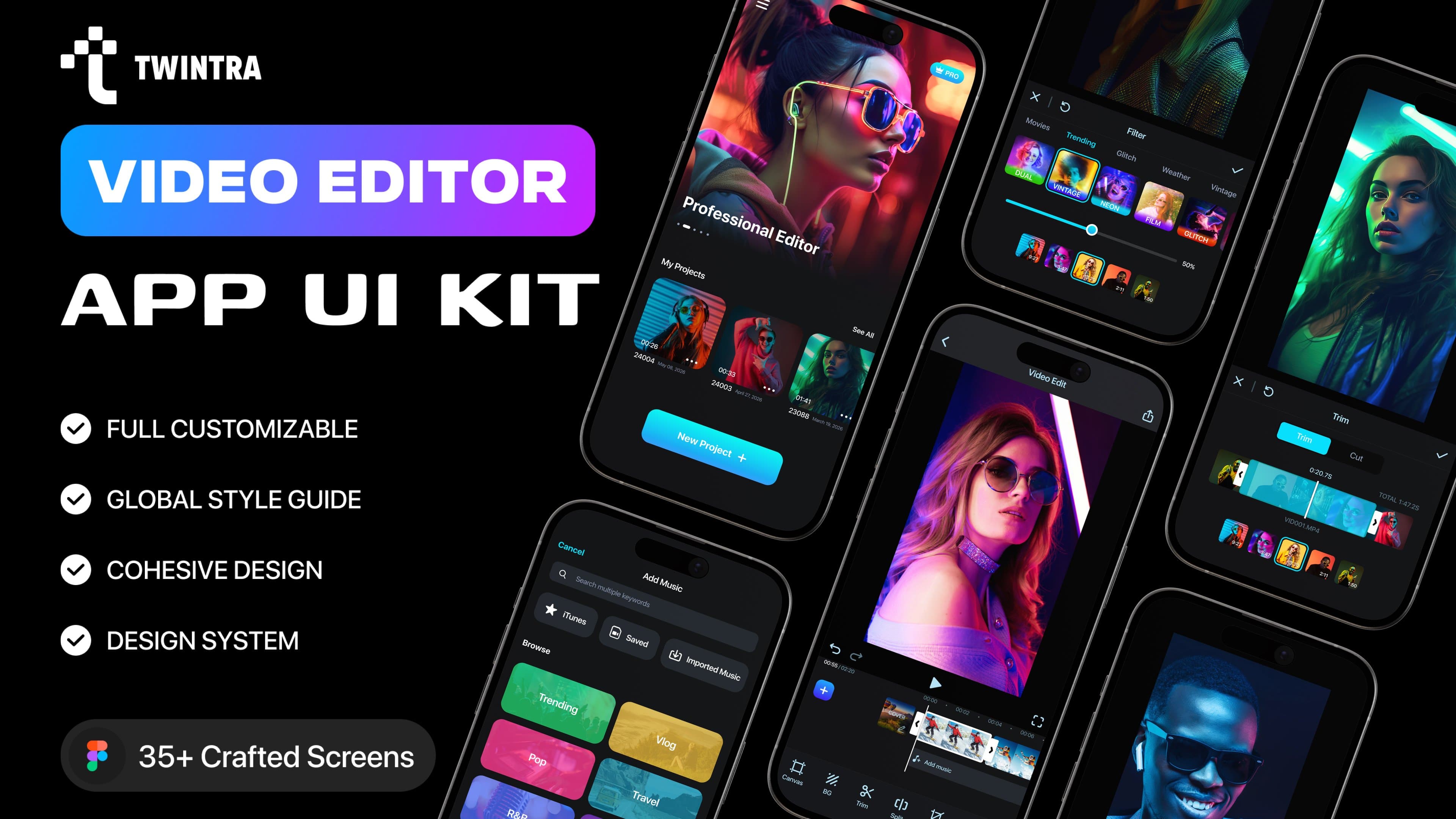
VideoEditAI is an AI platform for editing videos, generating video from text or images, and creating image assets. It supports prompt-based changes such as adding or removing objects, changing environments, generating camera angles, applying styles, and relighting shots. Users can upload footage, reference media, or prompts, select an AI model, and export results.
›What are the pros and cons of runwayaleph.net?
Strengths
Trade-offs
›What are runwayaleph.net’s key features?
›What are the best use cases for runwayaleph.net?
›What is the pricing for runwayaleph.net?
| Plan | Price | Details |
|---|---|---|
| Basic | $299/year | 16,800 annual credits, estimated at up to 284 four-second 480p edits, with text-driven transformations and basic character editing. |
| Premium | $599/year | 43,200 annual credits, estimated at up to 732 four-second 480p edits, with the complete editing toolkit and advanced character editing. |
| Ultimate | $899/year | 62,400 annual credits, estimated at up to 1,057 four-second 480p edits, with advanced character editing and premium support. |
Annual billing is shown for all listed tiers. Longer videos, higher resolution, and reference videos consume more credits. New users receive free credits.
Checked 2026-10-20 · source
›Who is runwayaleph.net best for?
- Teams that need predictable per-video pricing, because credit use changes with duration, resolution, references, and model.
- Editors working with main source videos larger than 200MB or longer than 30 seconds per editing job.
- Buyers looking only for a dedicated image-generation tool rather than a multi-model video workspace.
›What are the best runwayaleph.net alternatives?
 ClipFlyChoose this instead if your priority is short-form video creation and editing.→
 Seavid AIChoose this instead if you want a platform focused on generating videos and images from prompts, images, and reference materials.→
 Adobe FireflyChoose this instead if you want a broader family of generative AI models for creative content.→
 Inkfox AI→