Forward Future Tools Library

Snap Code
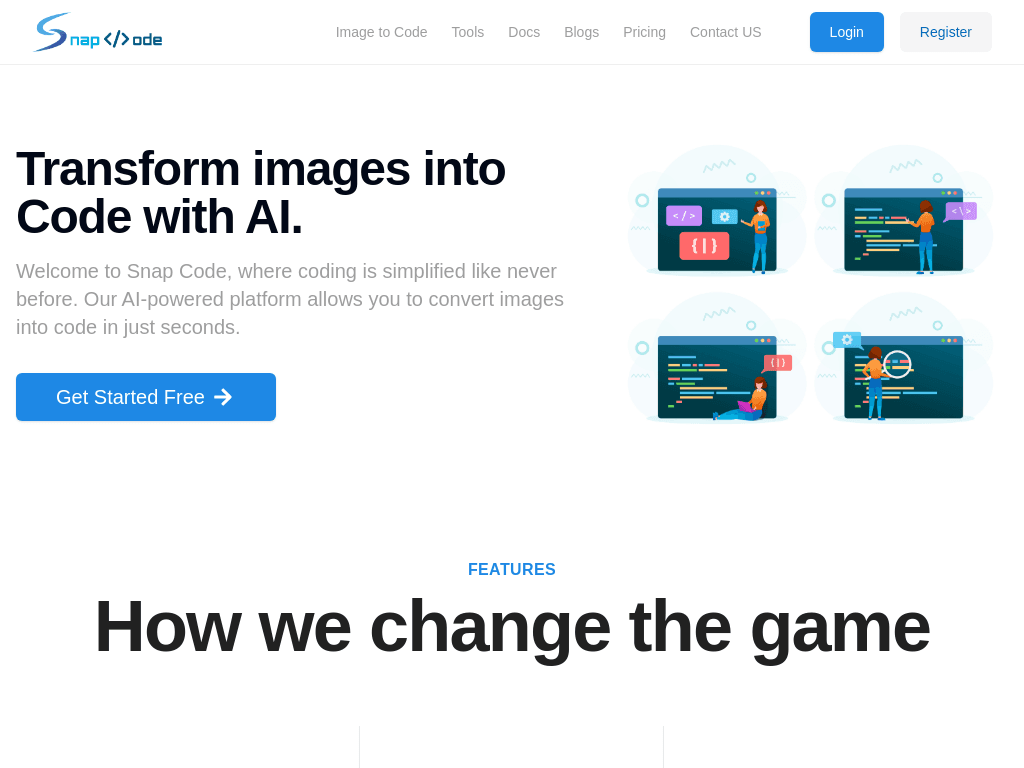
Snap Code turns UI images and sketches into front-end code for developers and designers working on web or mobile interfaces.
Try Snap Code →
thesnapcode.com·Free Trial
›What is Snap Code?
Snap Code is an image-to-code tool that converts hand-drawn UI designs and sketches into code. Its documented targets include React Native, SwiftUI, HTML, and Bootstrap. Users can modify or export generated code, generate project visuals with AI, and request AI-assisted code updates.
›What are the pros and cons of Snap Code?
Strengths
Converts visual UI concepts into code without requiring the interface to be built manually first
Supports both web output and mobile-oriented frameworks
Provides access to generated code for modification and export
Includes AI-assisted image generation and code updates
Trade-offs
The documented workflow is centered on visual UI inputs and front-end or mobile interface code
Pricing is not publicly listed, which makes budget planning difficult
›What are Snap Code’s key features?
Converts UI images and hand-drawn sketches into code
Generates React Native, SwiftUI, HTML, and Bootstrap output
Offers multiple code generation options
Supports visual elements for complex interface designs
Allows users to modify and export generated code
Generates project images with AI
Updates and optimizes generated code with AI
›What are the best use cases for Snap Code?
Turning a hand-drawn mobile interface into React Native or SwiftUI code
Converting web mockups into HTML or Bootstrap layouts
Creating a front-end starting point from UI sketches
Helping UI/UX designers hand visual concepts to developers
Rapidly prototyping interfaces for web and mobile projects
›What is the pricing for Snap Code?
Free Trial
›Who is Snap Code best for?
developersUseful for creating an initial React Native, SwiftUI, HTML, or Bootstrap implementation from a visual design.
UI/UX designersA fit for designers who want to turn sketches and interface concepts into editable front-end code.
small teamSmall product teams can use it to move from mockups to a modifiable interface prototype more quickly.
Not for
- Teams looking for a general-purpose backend or full-stack application builder rather than an image-to-front-end tool
- Buyers who need clearly published plan prices before evaluating a tool