

Forward Future Tools Library

Anima
Anima turns Figma files, prompts, images, and existing websites into editable frontend code and prototypes for design and frontend teams moving from design intent to live UI.
Try Anima →
animaapp.com·Freemium
›What is Anima?
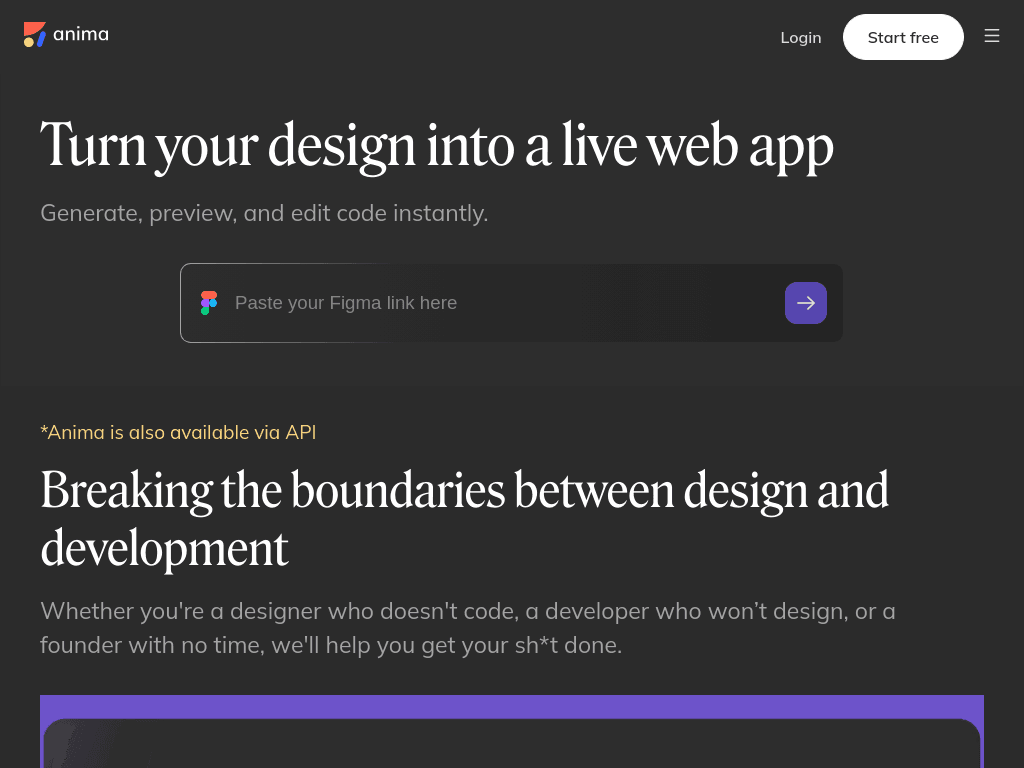
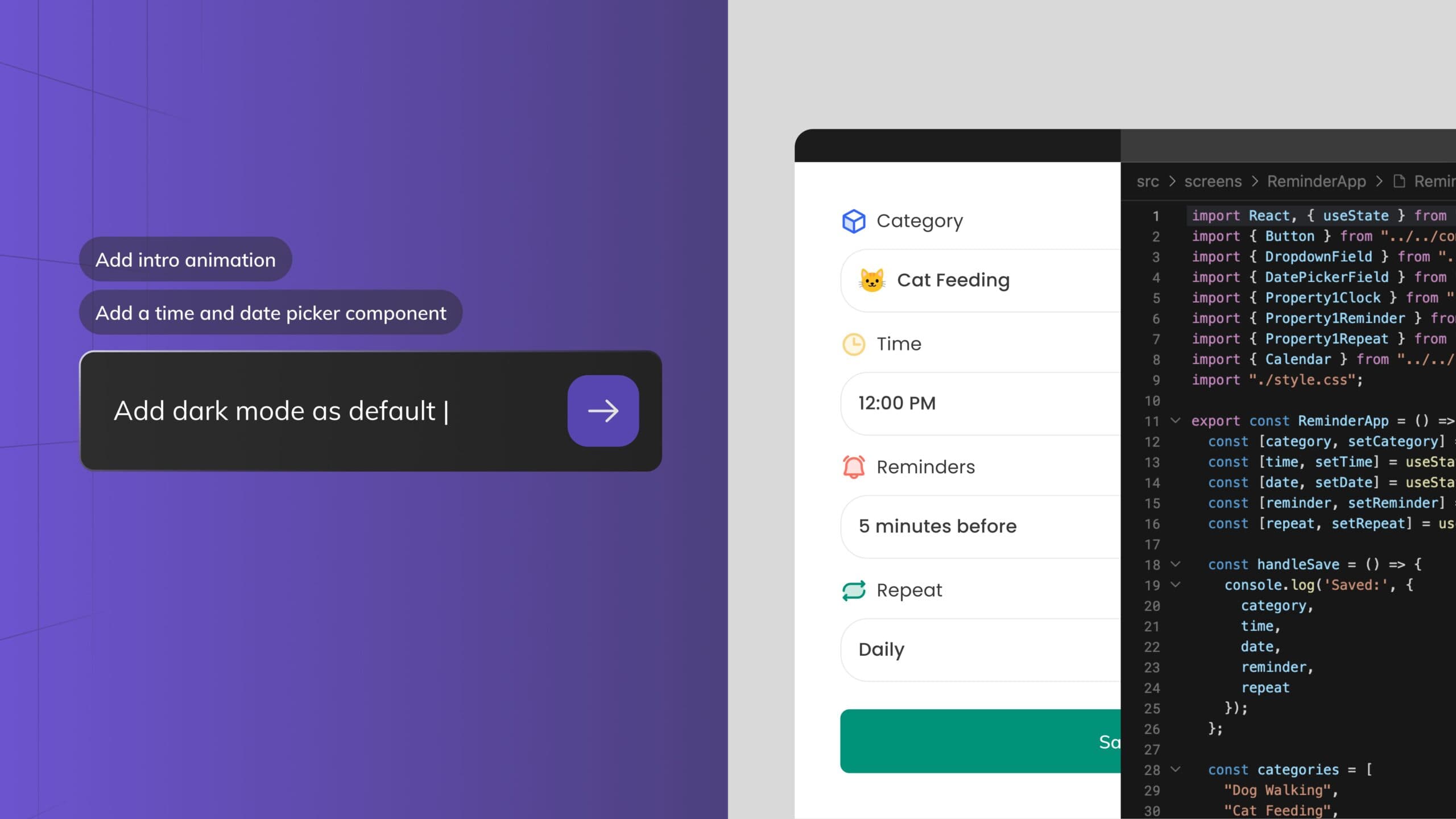
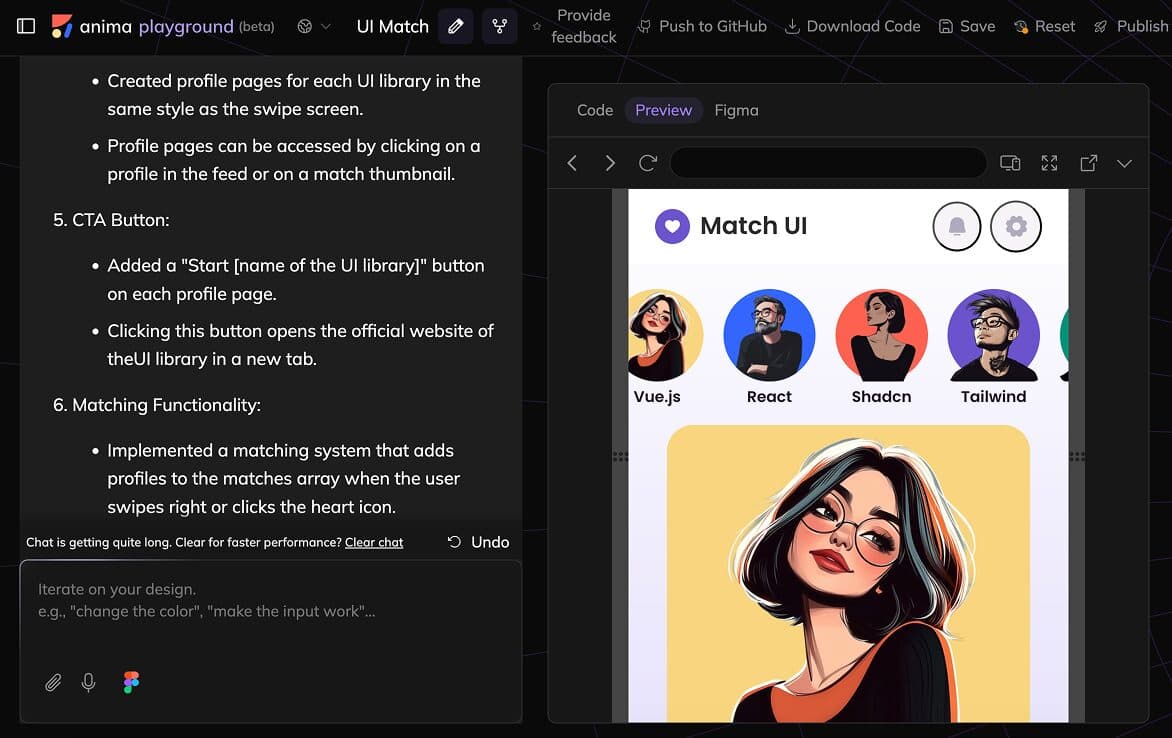
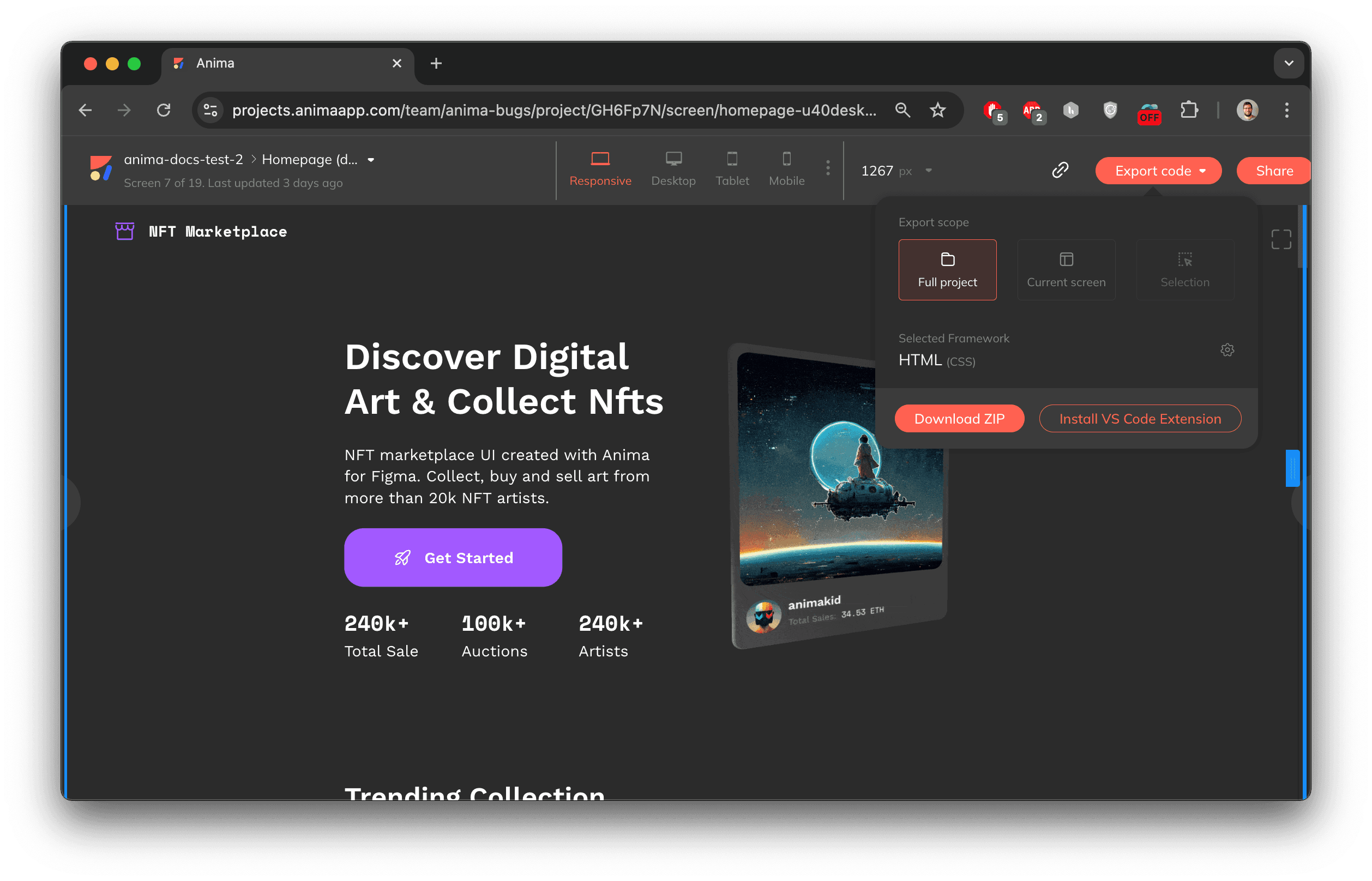
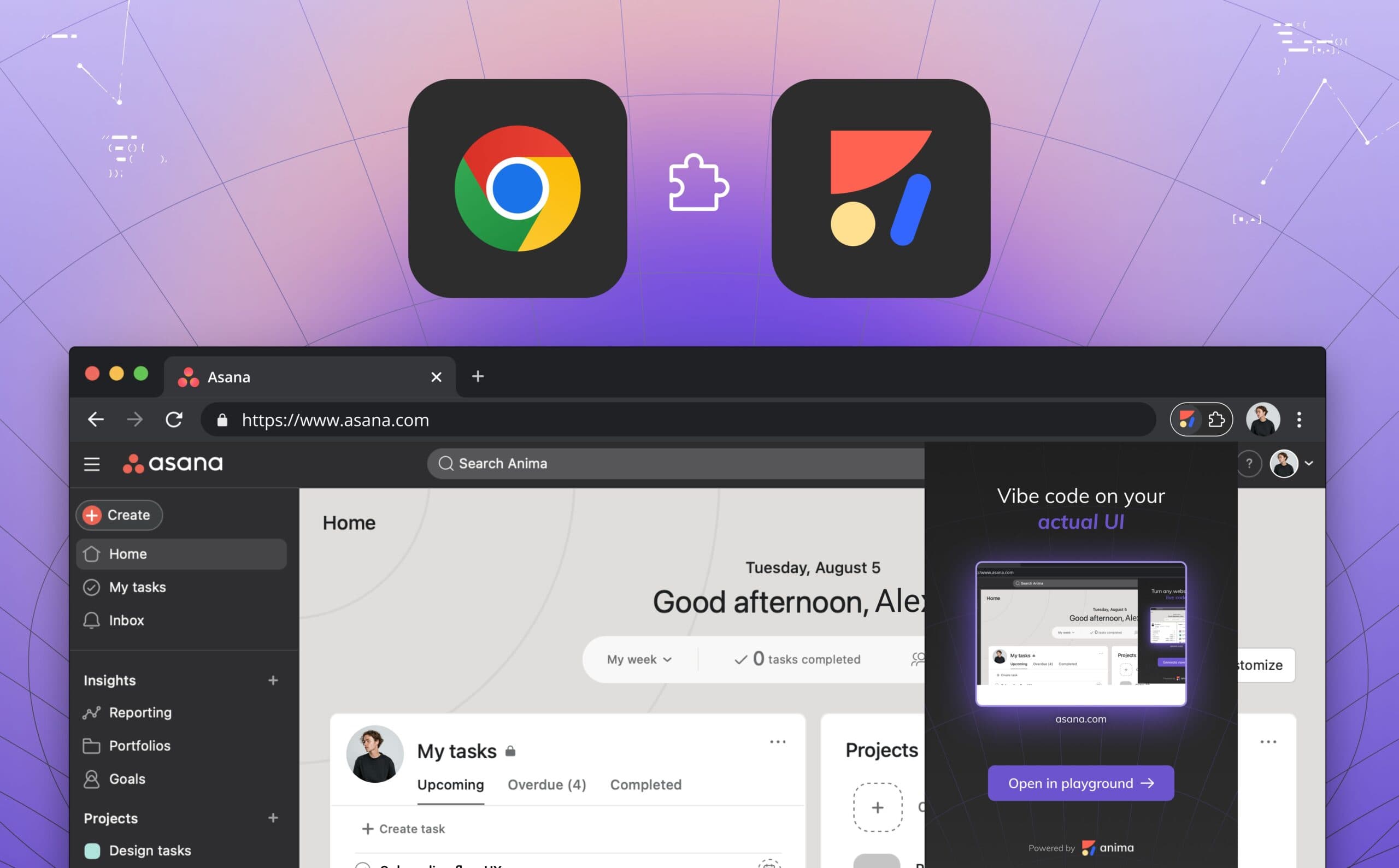
Anima is a design-to-code platform with an AI Playground, Figma plugin, website cloning, and agent integrations. It can generate HTML, React, Vue, and Tailwind code from Figma designs, prompts, images, or websites. Generated interfaces remain editable for further development and review.
›What are the pros and cons of Anima?
Strengths
Supports multiple starting points, including Figma files, prompts, images, and existing websites
Generates code for HTML, React, Vue, and Tailwind workflows
Works inside a Figma-based design workflow through its plugin
MCP integration lets coding agents pull Anima-generated code
Offers a free plan with daily AI Playground messages and code generations
Trade-offs
Generated code still requires review and cleanup
The free plan limits AI chat messages, Figma imports or website clones, and code generations
API and SDK access requires contacting Anima
The Enterprise plan starts at $500/mo when paid annually
›What are Anima’s key features?
Convert Figma designs to HTML, React, Vue, or Tailwind code
Generate interfaces from prompts in the AI Playground
Clone public or private websites and convert them into code
Turn images into HTML
Use the Figma plugin for code generation
Connect coding agents through Anima MCP
Access automated code generation through the Anima API and SDK
›What are the best use cases for Anima?
Convert organized Figma files into frontend code for handoff and implementation
Explore website or application directions from prompts before committing to a full design
Clone an existing website to create an editable starting point
Create landing pages and interactive digital experiences from design files
Give coding agents access to Figma designs and Anima-generated code
›What is the pricing for Anima?
Freemium
›Who is Anima best for?
designersUseful for turning Figma work into editable code without leaving a design-led workflow.
front-end developersA practical starting point for reviewing and refining generated HTML, React, Vue, or Tailwind interfaces.
small teamWorks well for teams building prototypes, landing pages, and interactive product surfaces from existing designs.
enterpriseEnterprise teams can connect design assets to coding agents and use SSO, MFA, and enterprise SLAs.
Not for
- Teams building an entire startup from a blank page without an established design direction
- Teams that need generated frontend code to ship without developer review or cleanup
›What are the best Anima alternatives?
 LovableChoose this instead if you want to create a functional web application by describing the idea in natural language rather than starting from design assets.→
 CursorChoose this instead if your main workflow is editing and extending code in an AI code editor rather than converting designs into code.→
 GitHub CopilotChoose this instead if you need contextual coding assistance throughout software development instead of a design-to-code workflow.→
 Dify→
Dify→