Forward Future Tools Library

Survicate
Survicate collects targeted feedback across email, websites, apps, and other channels, then groups responses into themes for customer experience, marketing, and product teams.
Try Survicate →
web.survicate.com·Free Trial

![Build Surveys with Survicate 🚀 [Start Free]](/_next/image?url=https%3A%2F%2Fmch9boduqwxvwzvs.public.blob.vercel-storage.com%2Ftools%2Fenrichment-images%2Fsurvicate-31c5bd16a761.webp&w=3840&q=75)
›What is Survicate?
Survicate is a customer feedback platform for creating surveys across email, websites, mobile apps, and in-product experiences. It analyzes survey responses and other feedback sources, including support tickets, call recordings, and reviews, to identify topics and trends. Teams can connect the results to CRM, analytics, marketing, and collaboration tools.
›What are the pros and cons of Survicate?
Strengths
Supports feedback collection across email, web, mobile apps, and in-product touchpoints
Offers behavior-based targeting for more contextual surveys
Automatically categorizes feedback into topics and can summarize responses with AI
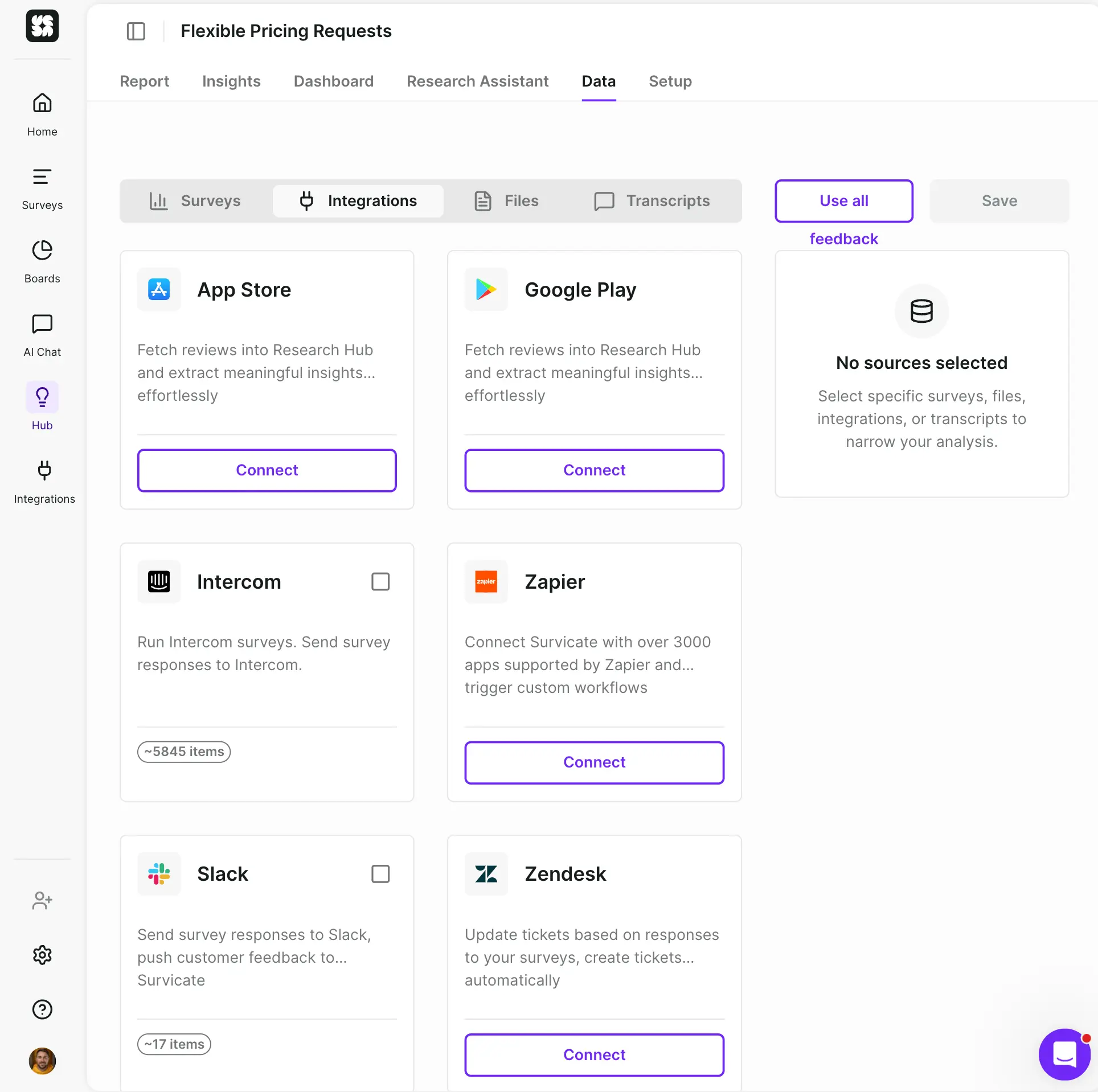
Provides native integrations with CRM, marketing, analytics, and collaboration tools
Includes GDPR compliance, ISO 27001 certification, two-factor authentication, and Google SSO
Trade-offs
The Free plan is limited to 25 responses per month
Paid plans can charge overage fees for additional responses
Advanced survey customization may be limited for complex branding requirements
Reporting dashboards may not provide enough depth for enterprise-level analytics
›What are Survicate’s key features?
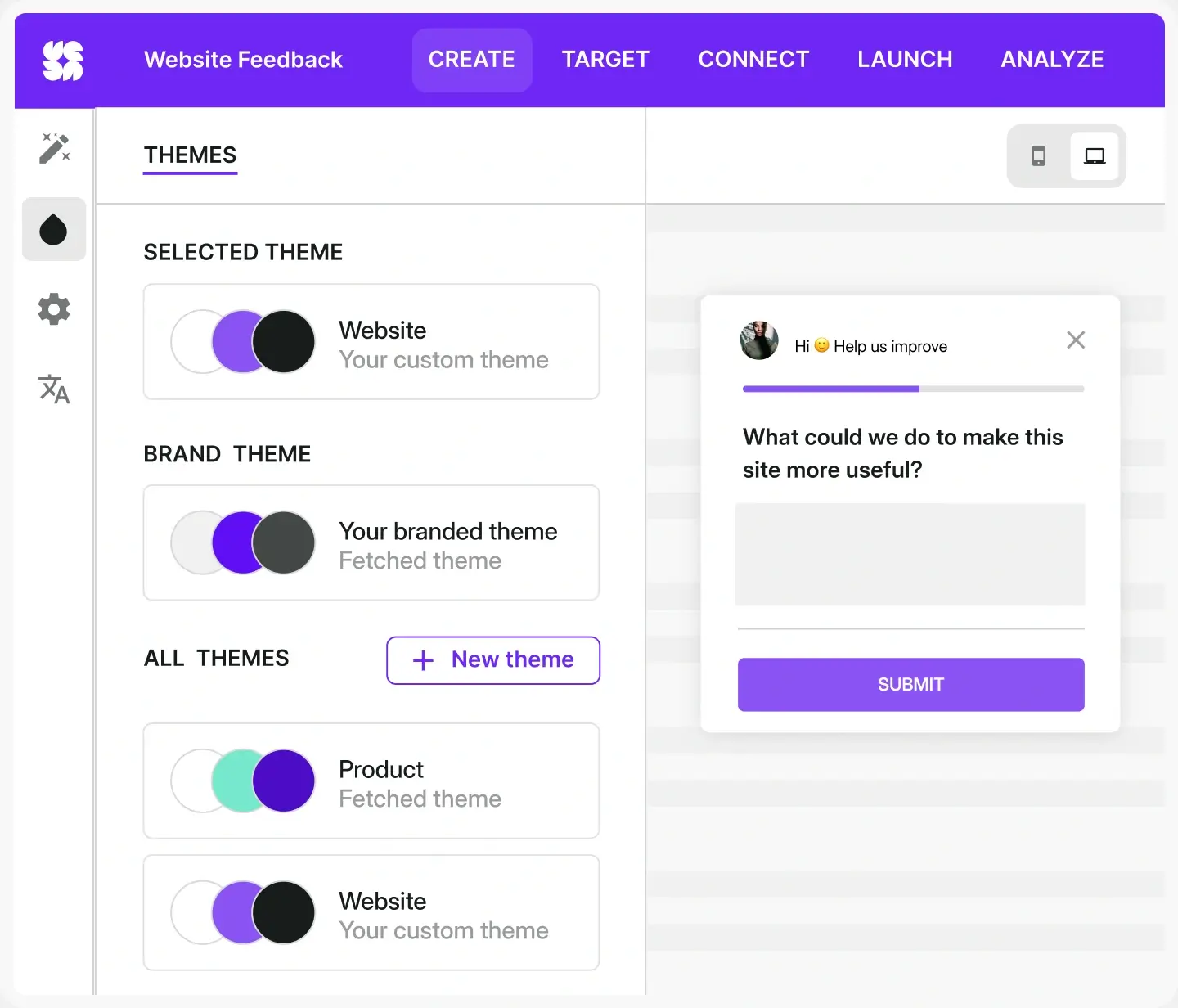
Create surveys for email, links, websites, mobile apps, and in-product experiences
Target surveys using visitor behavior, customer attributes, cookies, events, and previous responses
Automatically sort open-text feedback into topics such as user experience and technical issues
Use AI to summarize feedback from surveys and other connected sources
Build dashboards with survey metrics, trends, insights, and sentiment
Sync survey responses with tools including HubSpot, Intercom, Amplitude, Google Analytics, and Microsoft Teams
›What are the best use cases for Survicate?
Run NPS surveys after onboarding and track loyalty trends over time
Collect CSAT responses after support interactions and investigate churn reasons
Gather contextual product feedback to guide roadmap and UX decisions
Research audience preferences and personalize marketing campaigns
Combine survey responses with CRM, product, and analytics data for segmentation
›What is the pricing for Survicate?
Free Trial
›Who is Survicate best for?
customer supportUseful for collecting CSAT, churn feedback, and post-resolution responses at specific points in the support journey.
marketersWorks well for audience research, preference collection, and triggering campaigns from survey responses.
product managersProvides contextual product feedback, topic categorization, and dashboards to inform roadmap and UX decisions.
small teamThe Free plan supports initial feedback collection, while growing programs can add targeting, AI analysis, and more active surveys.
Not for
- Teams that need more than 25 free responses per month without paid plans or overage charges
- Enterprise analytics teams requiring highly detailed reporting dashboards
- Brands needing extensive control over complex survey design and customization