Forward Future Tools Library

Topaz Labs logo

Topaz Labs

Topaz Labs provides AI tools for repairing, enlarging, sharpening, denoising, and enhancing photos and video, with options for photographers, videographers, and production teams.

Try Topaz Labs

topazlabs.com·From $19 $12/mo·Checked 2026-09-03
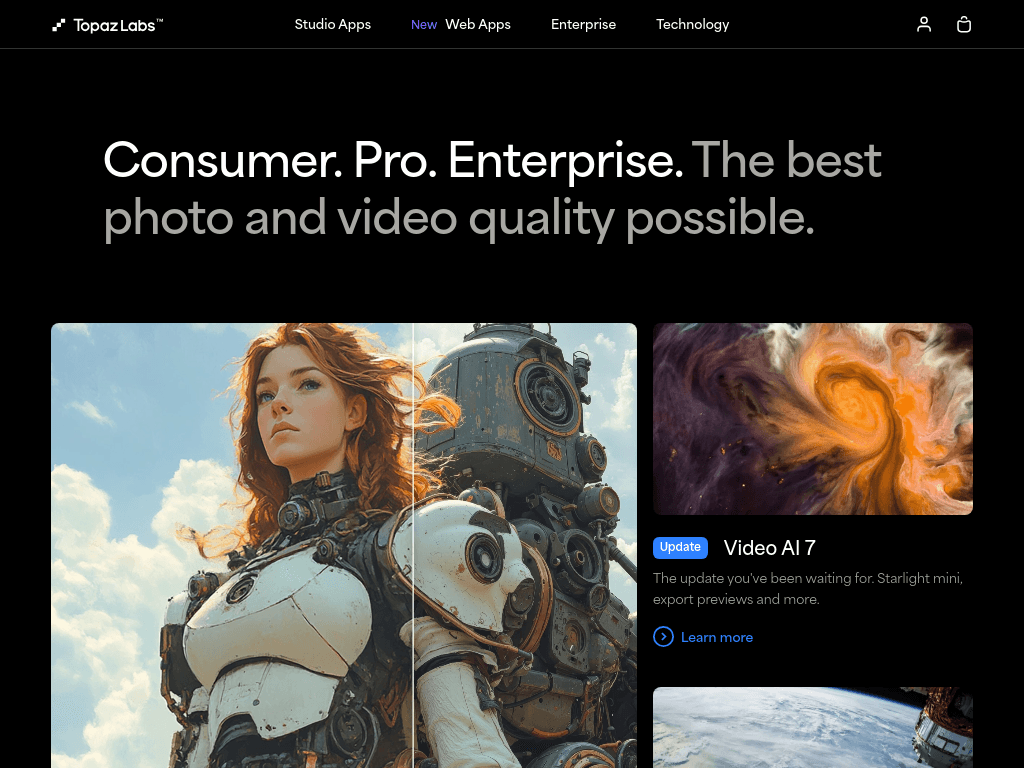
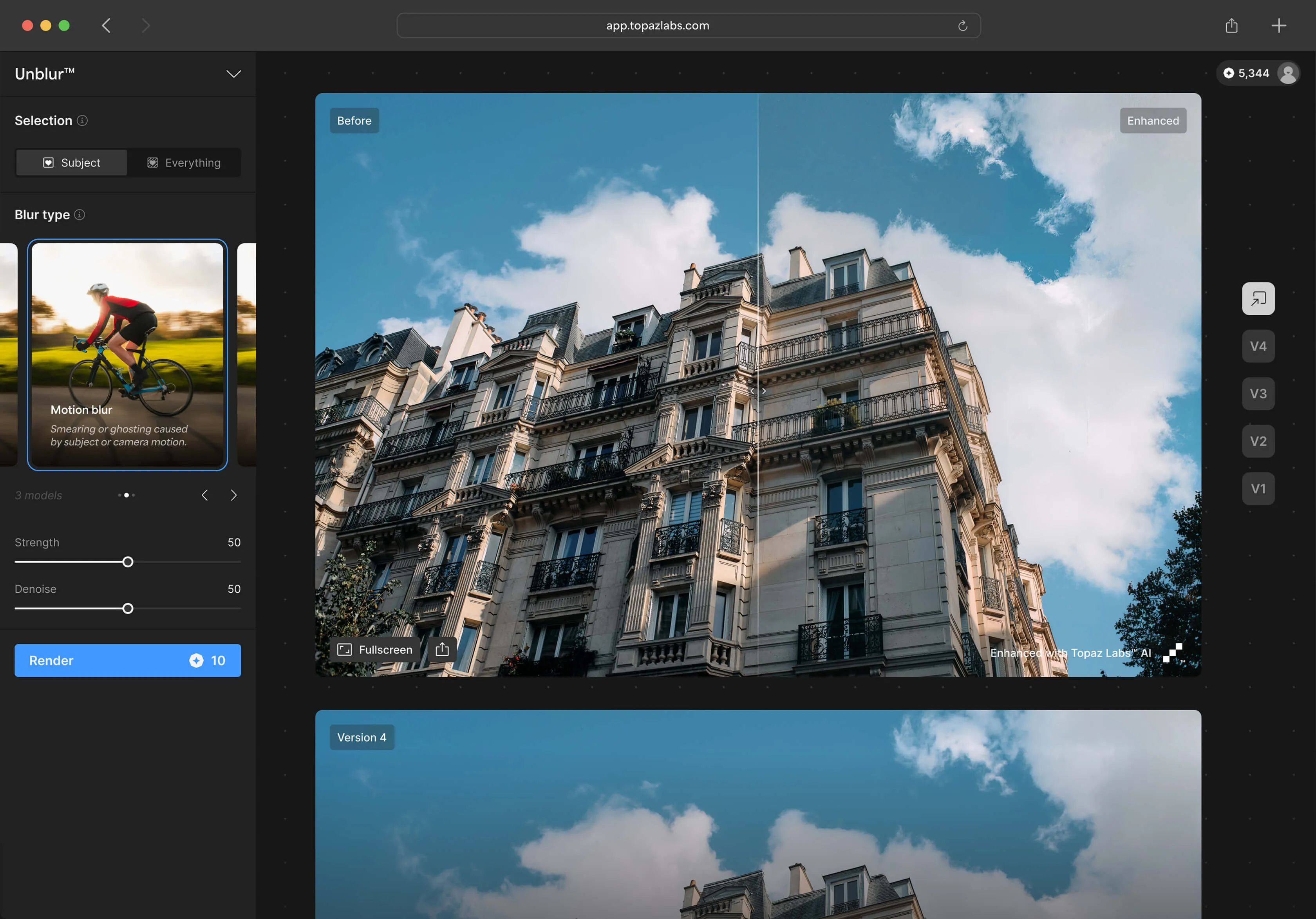
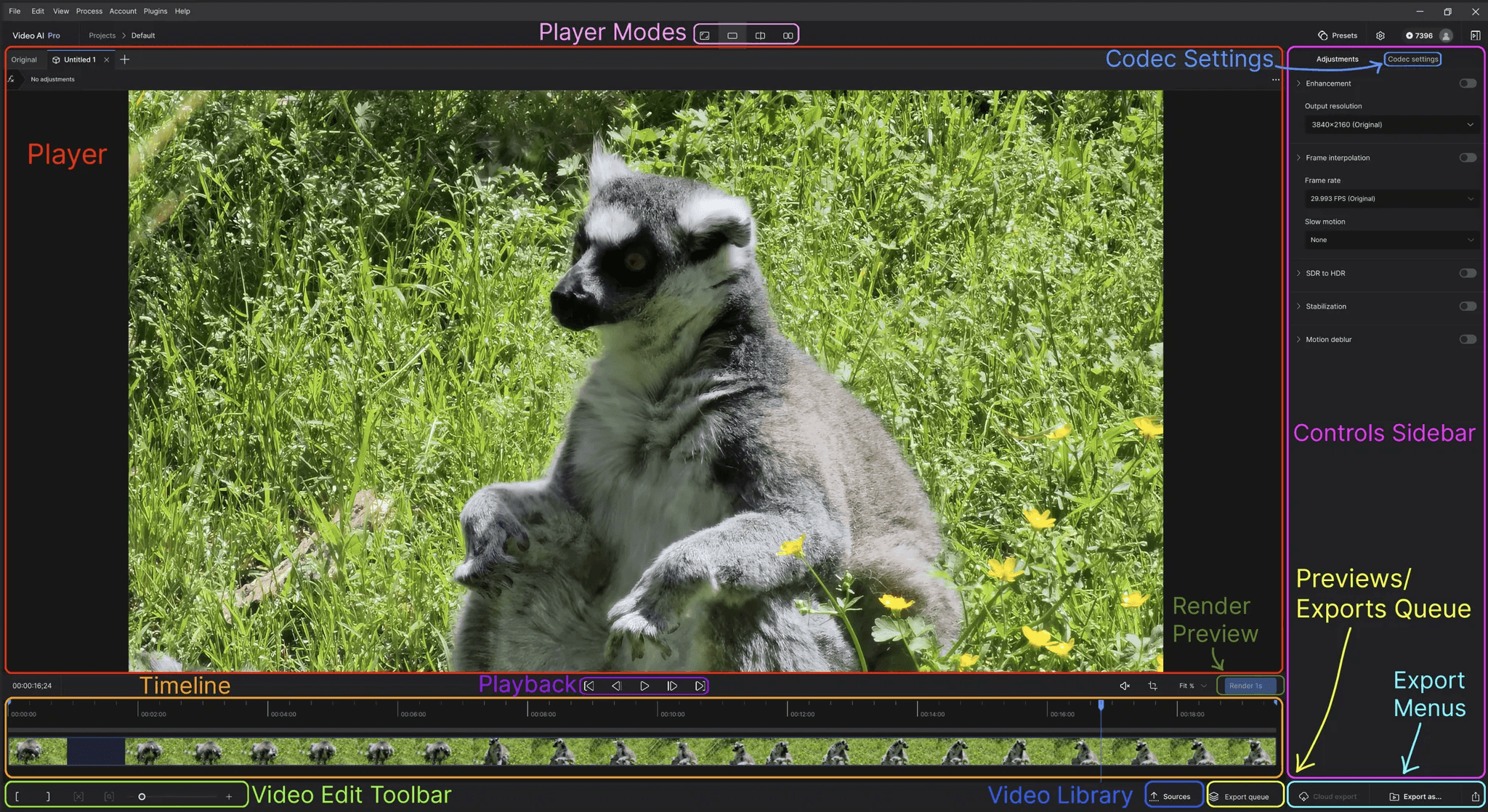
Topaz Labs screenshotImage Upscaler OnlineUser InterfaceTopaz LabsLog In To Your Account
Topaz Labstopazlabs.com
Topaz Labs screenshot
Topaz Labstopazlabs.com

What is Topaz Labs?

Topaz Labs is a suite of AI-powered photo and video enhancement tools available on desktop, web, and iPhone. Its products handle image restoration, denoising, sharpening, upscaling, frame interpolation, slow motion, and SDR-to-HDR conversion. Processing can run locally or in the cloud, depending on the product and plan.

What are the pros and cons of Topaz Labs?

Strengths

Covers both photo and video enhancement in one product family
Offers local rendering as well as cloud-based image and video processing
Includes specialized tools for upscaling, denoising, sharpening, restoration, and interpolation
Supports Lightroom Classic and Photoshop plug-in workflows
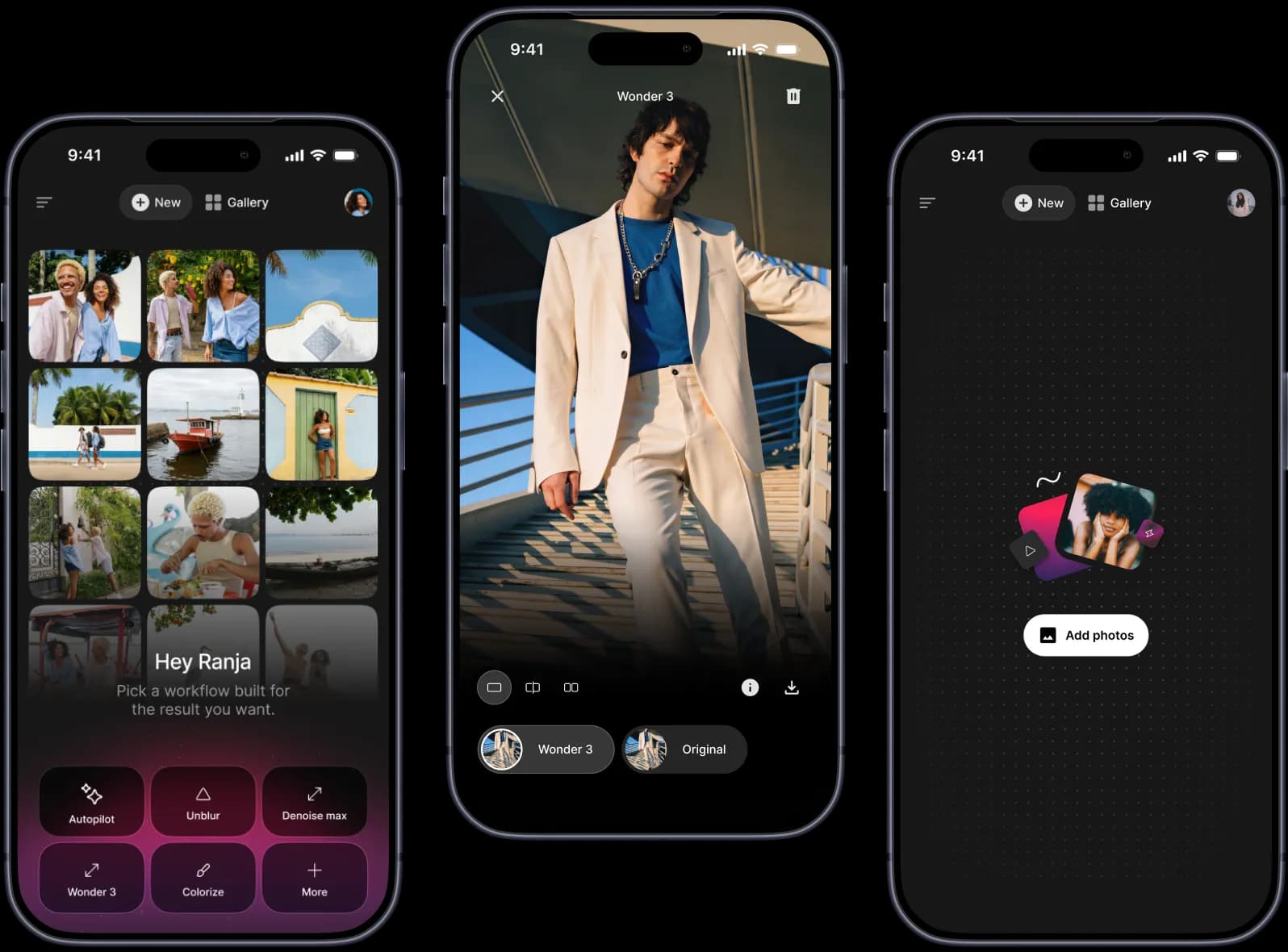
Provides mobile access to its AI models and workflows

Trade-offs

Current plans are subscription-based rather than one-time purchases, according to a 2026 review
Some photo operations can be slow
Cloud video plans use monthly credits, and unused credits expire at the end of the month
Several plans limit commercial use to organizations under $1M USD in annual revenue
Cloud exports and concurrency are capped on some plans, including a 32 MP image limit on Topaz Studio

What are Topaz Labs’s key features?

Image denoising, sharpening, restoration, relighting, colorization, and background removal
Photo and video upscaling, including Gigapixel enlargement up to 16x pixels
Video frame interpolation, slow motion, precision upscaling, and SDR-to-HDR conversion
Automatic adjustments including Auto Pilot, Denoise Auto, and Sharpen Auto
Local desktop rendering and cloud image or video processing
Mobile image processing with exports up to 32 MP
Lightroom Classic and Photoshop plug-in support through Topaz Photo

What are the best use cases for Topaz Labs?

Restore blurry, faded, noisy, or low-resolution photos
Upscale images for larger prints or higher-resolution delivery
Reduce noise and improve sharpness in photography captured in difficult conditions
Create smoother slow-motion footage with video frame interpolation
Enhance video for creative productions with upscaling and HDR conversion
Process batches of photo and video assets locally or through cloud workflows

What is the pricing for Topaz Labs?

PlanPriceDetails
Topaz for Web - Image$19 $12/moBrowser-based image workflows with unlimited image rendering, including denoising, sharpening, restoration, upscaling, and background removal.
Topaz for Web - Video$29 $19/moBrowser-based video workflows with precision and creative upscaling, frame interpolation, slow motion, SDR-to-HDR conversion, and 200 credits per month.
Topaz Studio$399/yrIncludes Topaz Video, Topaz Photo, Topaz Gigapixel, Topaz for Mobile, Bloom, and Topaz for Web, plus unlimited local rendering, unlimited cloud image rendering, and 300 monthly video cloud credits.
Astra Standard$39 $19/moAI video enhancement up to 4K with 400 credits per month, all render modes, fast rendering, and two-video concurrency.

Topaz for Web - Video includes 15% off credit auto-refill. Astra additional credits cost $0.10 each. Monthly video credits expire at the end of each month and do not roll over. Several listed plans include limited commercial use for organizations under $1M USD in annual revenue.

Checked 2026-09-03 · source

Who is Topaz Labs best for?

photographersA strong fit for photographers who need AI denoising, sharpening, restoration, face enhancement, or enlargement.
videographersUseful for improving noisy or low-resolution footage and creating interpolated slow motion.
filmmakersThe video tools suit production workflows that need upscaling, HDR conversion, or frame-rate changes.
enterpriseEnterprise buyers can access custom solutions, API options, and production-focused workflows through Topaz Labs.
Not for
  • Buyers seeking a one-time purchase should look elsewhere because a 2026 review reports a shift to subscription-only pricing.
  • Photographers who need a broad general-purpose image editor may prefer a tool centered on compositing and design rather than enhancement.
  • Organizations requiring unrestricted commercial use should check plan terms because several plans limit commercial use by annual revenue.


What are the best Topaz Labs alternatives?

Where can I try Topaz Labs?

Open topazlabs.com