Forward Future Tools Library

Transcript Generator logo

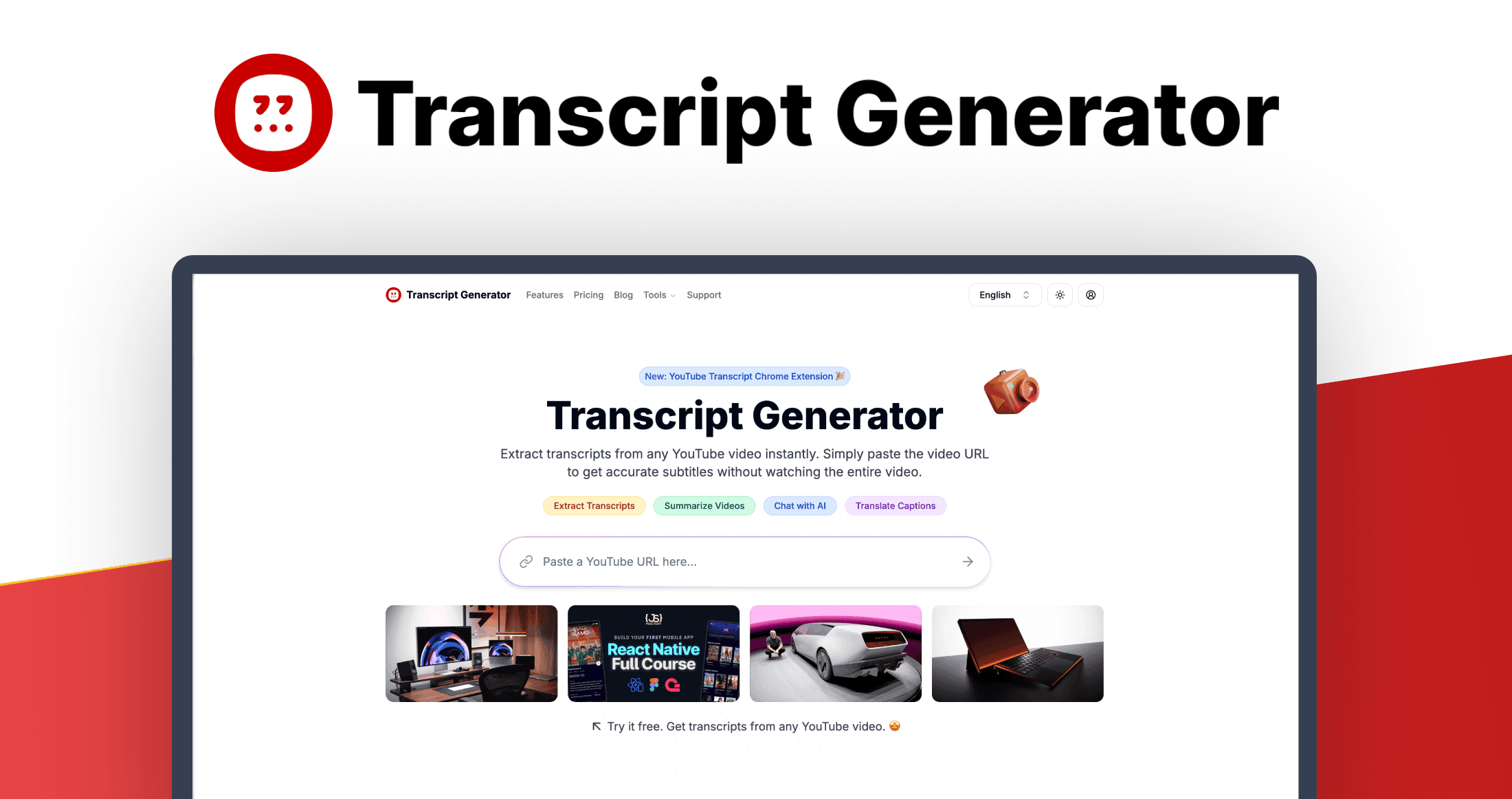
Transcript Generator

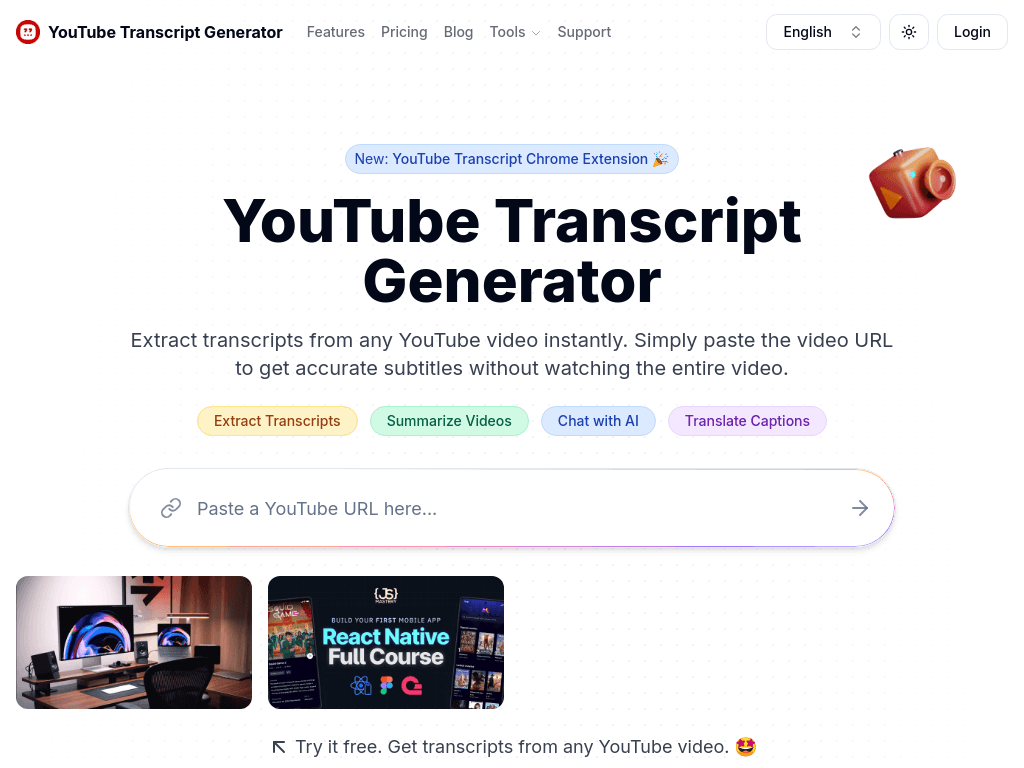
Transcript Generator turns YouTube videos into downloadable transcripts, summaries, translations, and AI conversations for students, researchers, content creators, and marketing teams.

Try Transcript Generator

transcriptgenerator.org·Free + paid plans·Checked 2026-08-15
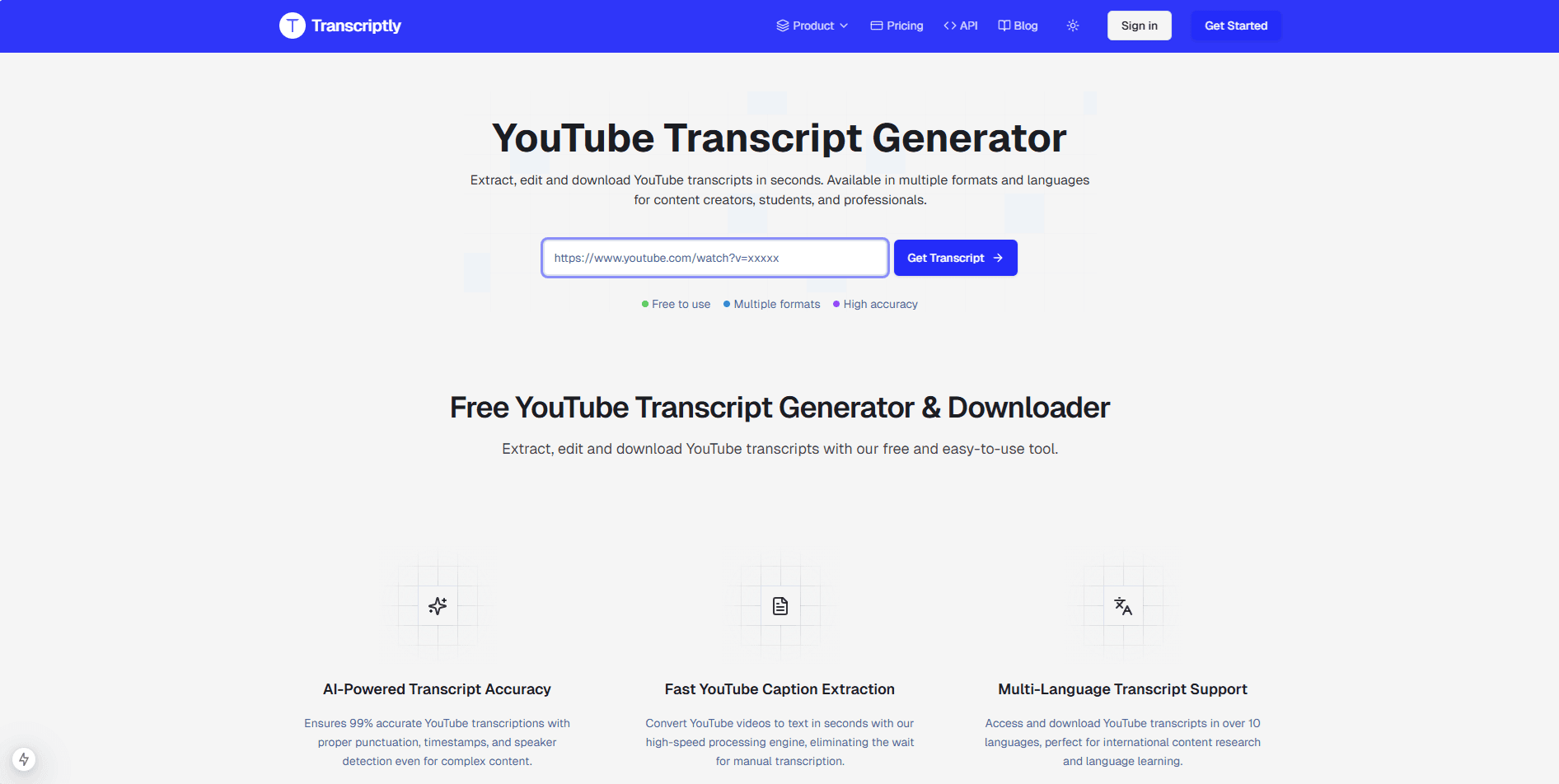
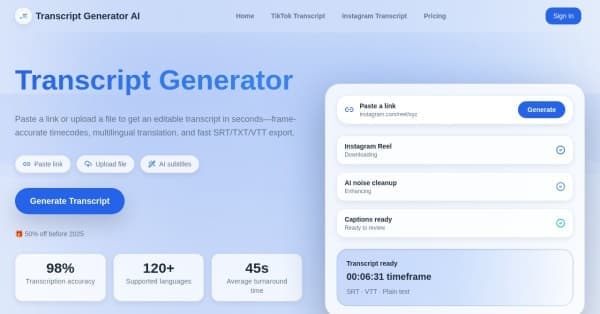
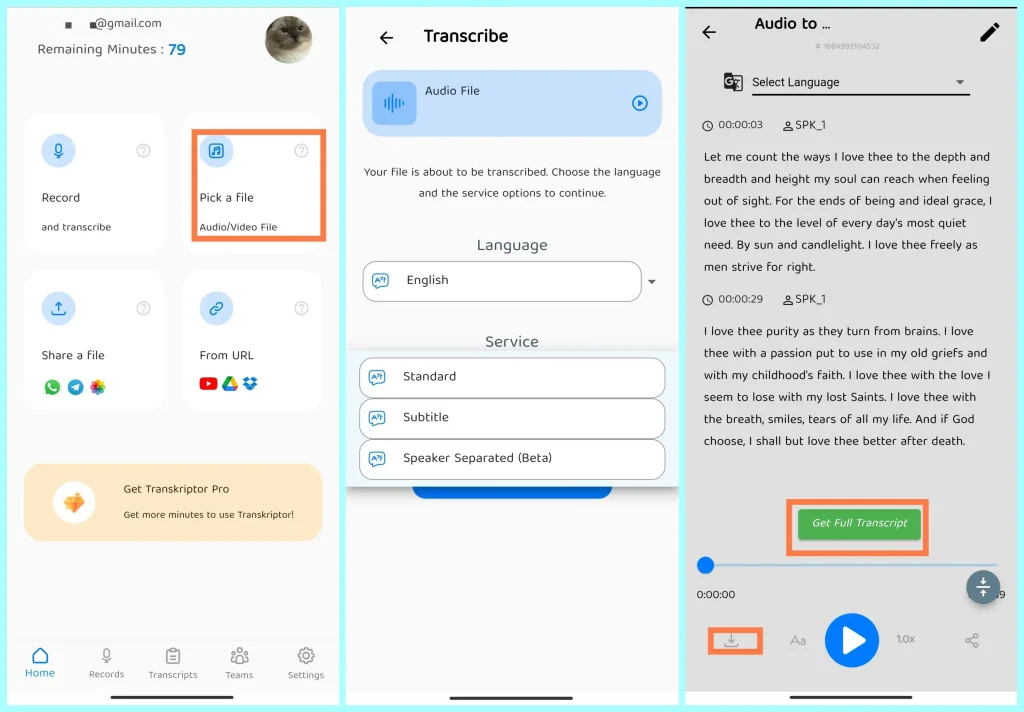
Transcript Generator screenshotTranscriptly Major Update 2025: UI Overhaul & New Landing PagesTranscript Generator AITranscript GeneratorPodcast Transcript Generator on Android/iPhone in 2024
Transcript Generatortranscriptgenerator.org
Transcript Generator screenshot
Transcript Generatortranscriptgenerator.org

What is Transcript Generator?

Transcript Generator extracts text from YouTube videos when users paste a video URL. It can also transcribe videos without existing captions, summarize content, answer questions about videos, translate captions, and export transcripts in TXT, DOC, SRT, or PDF formats.

What are the pros and cons of Transcript Generator?

Strengths

Provides 10 free credits each week
Combines transcription with summaries, translation, and AI video chat
Supports downloads in TXT, DOC, SRT, and PDF formats
Can transcribe videos that do not have existing captions
Offers plans with higher monthly credit allowances and an unlimited-credit option

Trade-offs

The Free, Lite, and Standard plans limit the number of credits available
Video length limits apply to paid plans, ranging from 30 minutes to 3 hours per video
Each transcript, summary, or AI chat use consumes a credit
The product workflow is centered on YouTube video URLs rather than a broader set of recording sources

What are Transcript Generator’s key features?

Extracts complete transcripts from YouTube video URLs
Transcribes videos without existing captions
Summarizes lengthy videos
Answers questions about video content through AI chat
Translates captions into multiple languages
Downloads transcripts as TXT, DOC, SRT, or PDF files

What are the best use cases for Transcript Generator?

Create searchable notes from YouTube lectures and lessons
Extract quotes and ideas from videos for blogs, social posts, and scripts
Access spoken information from video interviews for academic research
Create text materials from video lessons for students
Turn competitor videos into searchable text for market analysis
Find specific information in a video without watching it in full

What is the pricing for Transcript Generator?

PlanPriceDetails
Free$0/month10 credits per week for downloads, translations, summaries, AI chat, and transcription without existing captions.
Lite$6.99/month700 credits per month, downloads, translations, summaries, AI chat, transcription without captions, and videos up to 30 minutes.
Standard$9.99/month1,500 credits per month, the same core features, and videos up to 1.5 hours.
Professional$24.99/monthUnlimited credits, the same core features, and videos up to 3 hours.

Each credit gives access to one transcript. Summaries and AI chat also consume one credit. First-time purchases are refundable within 7 days, while repeat purchases are non-refundable.

Checked 2026-08-15 · source

Who is Transcript Generator best for?

studentsUseful for turning YouTube lectures and lessons into notes that can be searched and reviewed.
researchersSupports quick access to spoken information in video interviews and other research sources.
content creatorsHelps repurpose video quotes and ideas into blogs, social posts, and scripts.
marketing teamsProvides searchable text for reviewing competitor videos and monitoring industry trends.
Not for
  • People who need a general-purpose transcription service for recordings that are not hosted on YouTube.
  • Users who regularly process videos longer than the plan-specific limits of 30 minutes, 1.5 hours, or 3 hours.


What are the best Transcript Generator alternatives?

Where can I try Transcript Generator?

Open transcriptgenerator.org