Forward Future Tools Library

Uizard
Uizard turns prompts, screenshots, and hand-drawn sketches into editable UI designs, prototypes, and themes for product teams, designers, founders, and developers.
Try Uizard →
uizard.io·Free + paid plans·Checked 2026-11-02
›What is Uizard?
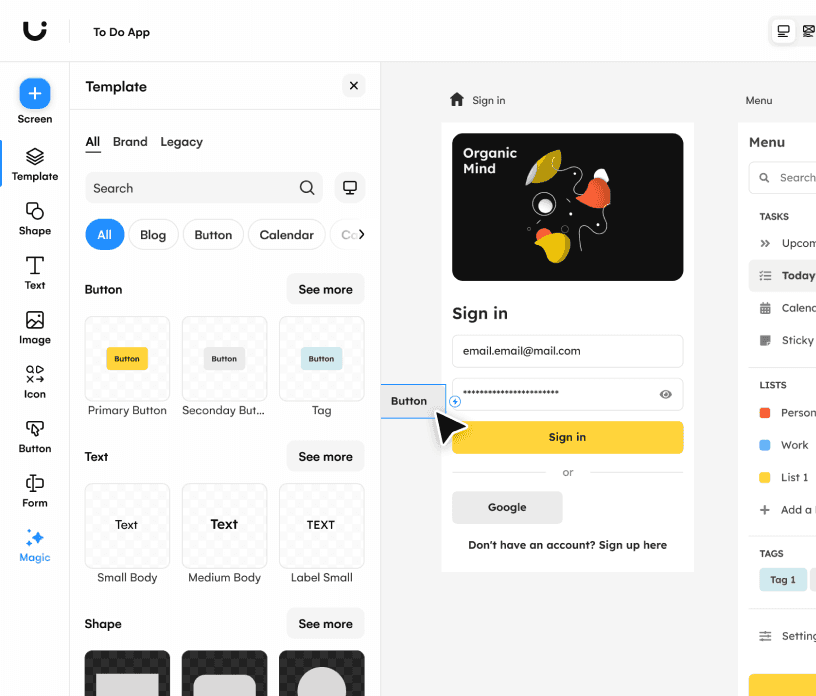
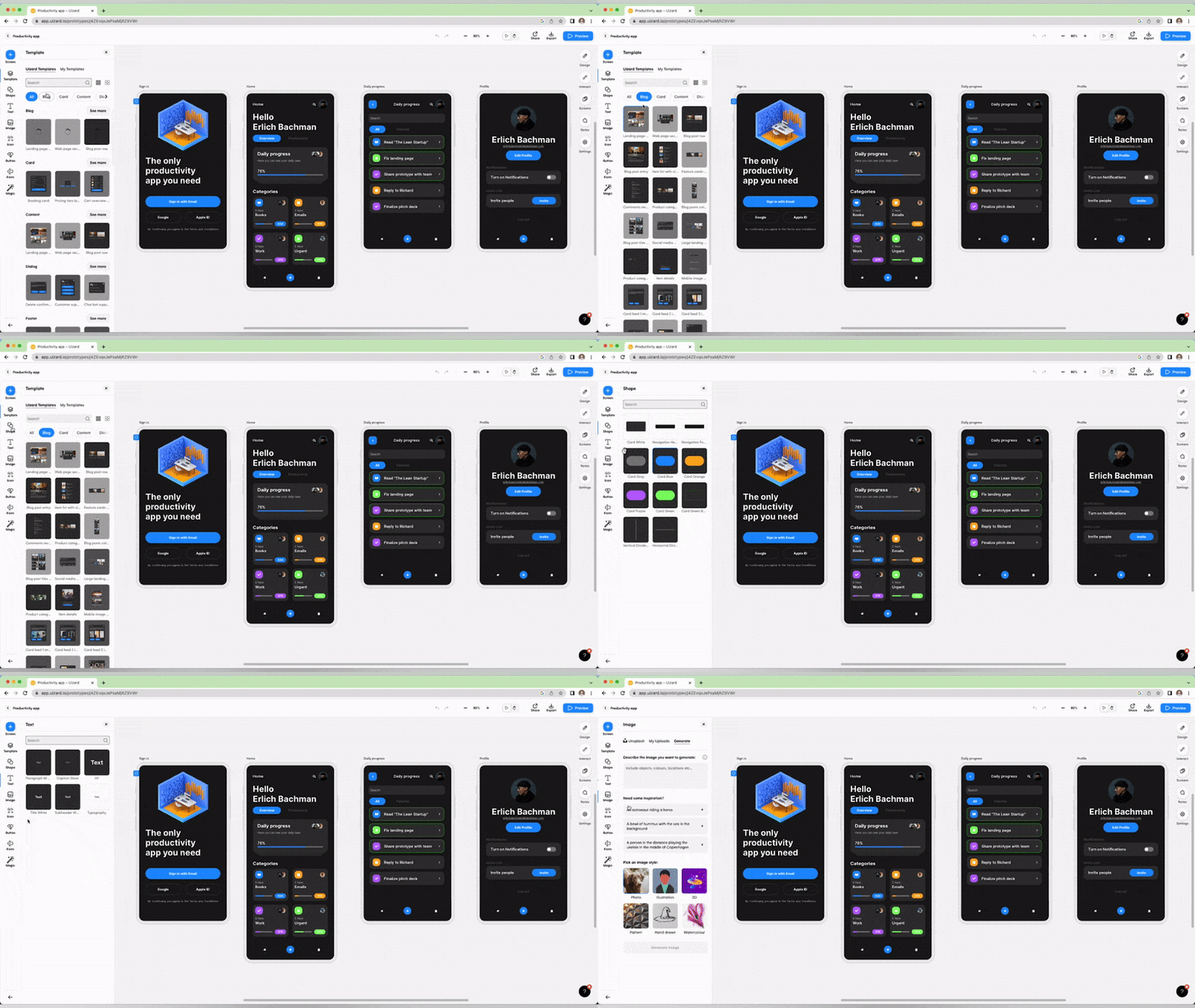
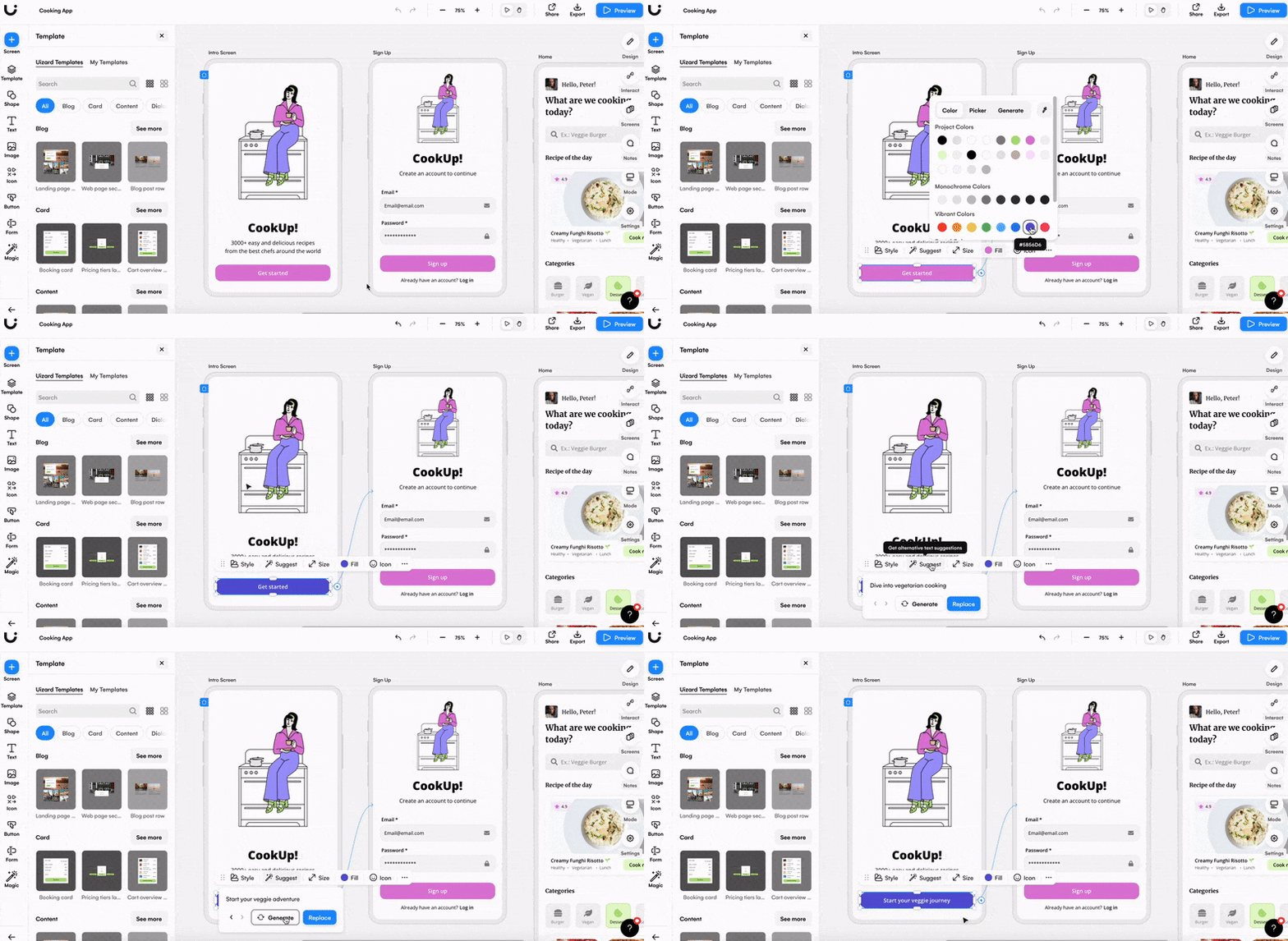
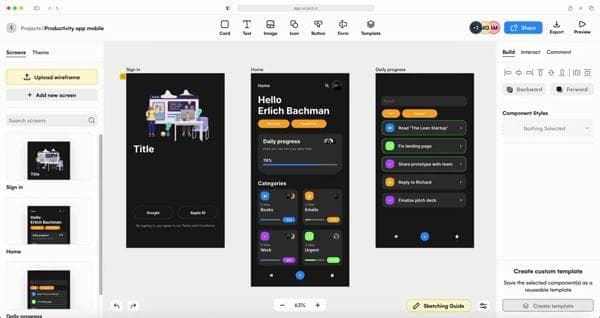
Uizard is an AI-assisted UI design tool for creating wireframes, mockups, prototypes, and themes. Autodesigner generates multi-screen projects from text, while Screenshot Scanner and Wireframe Scanner convert existing visual references into editable designs. Teams can modify components, generate screens, and collaborate in real time.
›What are the pros and cons of Uizard?
Strengths
Generates editable multi-screen prototypes from text prompts
Converts both screenshots and hand-drawn wireframes into editable designs
Supports real-time collaboration with unlimited free viewers and commenters
Includes templates, UI components, and theme generation for rapid concept development
Offers React and CSS developer handoff on the Pro plan
Trade-offs
The Free plan allows only 3 AI generations per month
Code export produces React and CSS components component by component rather than whole screens
›What are Uizard’s key features?
Generate multi-screen editable prototypes from text prompts with Autodesigner
Create new screens and themes for an existing Uizard project
Convert screenshots into editable mockups with Screenshot Scanner
Digitize hand-drawn wireframes with Wireframe Scanner
Modify components by describing the requested changes
Collaborate on designs with real-time viewers and commenters
›What are the best use cases for Uizard?
Create mobile app, website, web app, or tablet UI concepts
Turn a product idea into a clickable prototype for early feedback
Convert paper wireframes into digital designs
Recreate existing interface screenshots as editable mockups
Explore alternate visual themes and screen layouts
Prepare React and CSS component handoff for development
›What is the pricing for Uizard?
| Plan | Price | Details |
|---|---|---|
| Free | $0 | Unlimited free viewers and commenters, 3 AI generations per month, 2 projects, and 10 free templates. |
| Pro | $12 per month | 500 AI generations per month, Autodesigner 2.0, React and CSS developer handoff, up to 100 projects, private projects, and access to all templates. |
| Business | $39 per month | Everything in Pro, 5,000 AI generations per month, faster AI generation, unlimited projects, a custom brand kit, and priority support. |
| Enterprise | Custom solution to your needs | Everything in Business, unlimited AI generations, unlimited teams, design system setup, AI data SLA, custom billing, and white-glove onboarding support. |
Pro and Business prices are billed annually. Enterprise pricing is custom.
Checked 2026-11-02 · source
›Who is Uizard best for?
soloA fit for founders and individual designers who need to turn rough product ideas into editable prototypes quickly.
small teamSmall product teams can use shared projects, templates, AI generations, and real-time collaboration to explore concepts together.
product managersProduct managers can create screens and clickable prototypes without starting in a traditional design workflow.
developersDevelopers can use Uizard as a visual starting point and receive React and CSS component handoff on Pro and higher plans.
Not for
- Teams that need whole-screen code export should note that Uizard exports React and CSS component by component.
- Users who need more than 3 AI generations per month will likely need a paid plan.