

Forward Future Tools Library

Veed
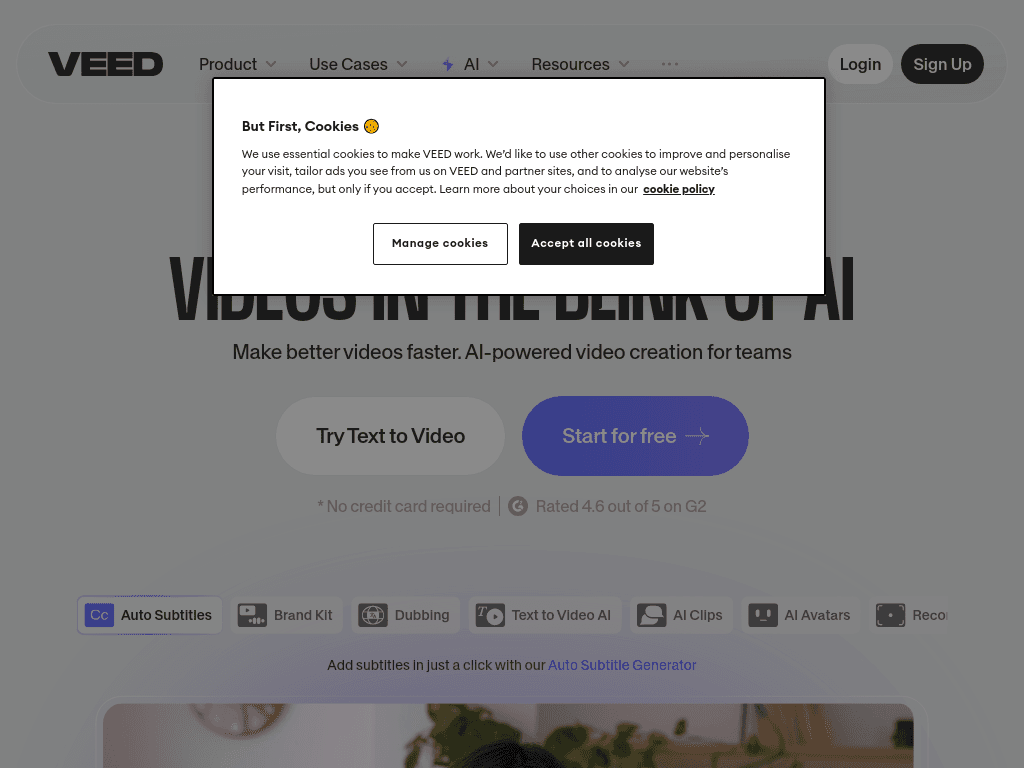
VEED combines browser-based video editing with AI generation, subtitles, translation, avatars, and templates for content creators, marketers, and teams producing short-form or explainer videos.
Try Veed →
veed.io·Free + paid plans·Checked 2026-08-21
›What is Veed?
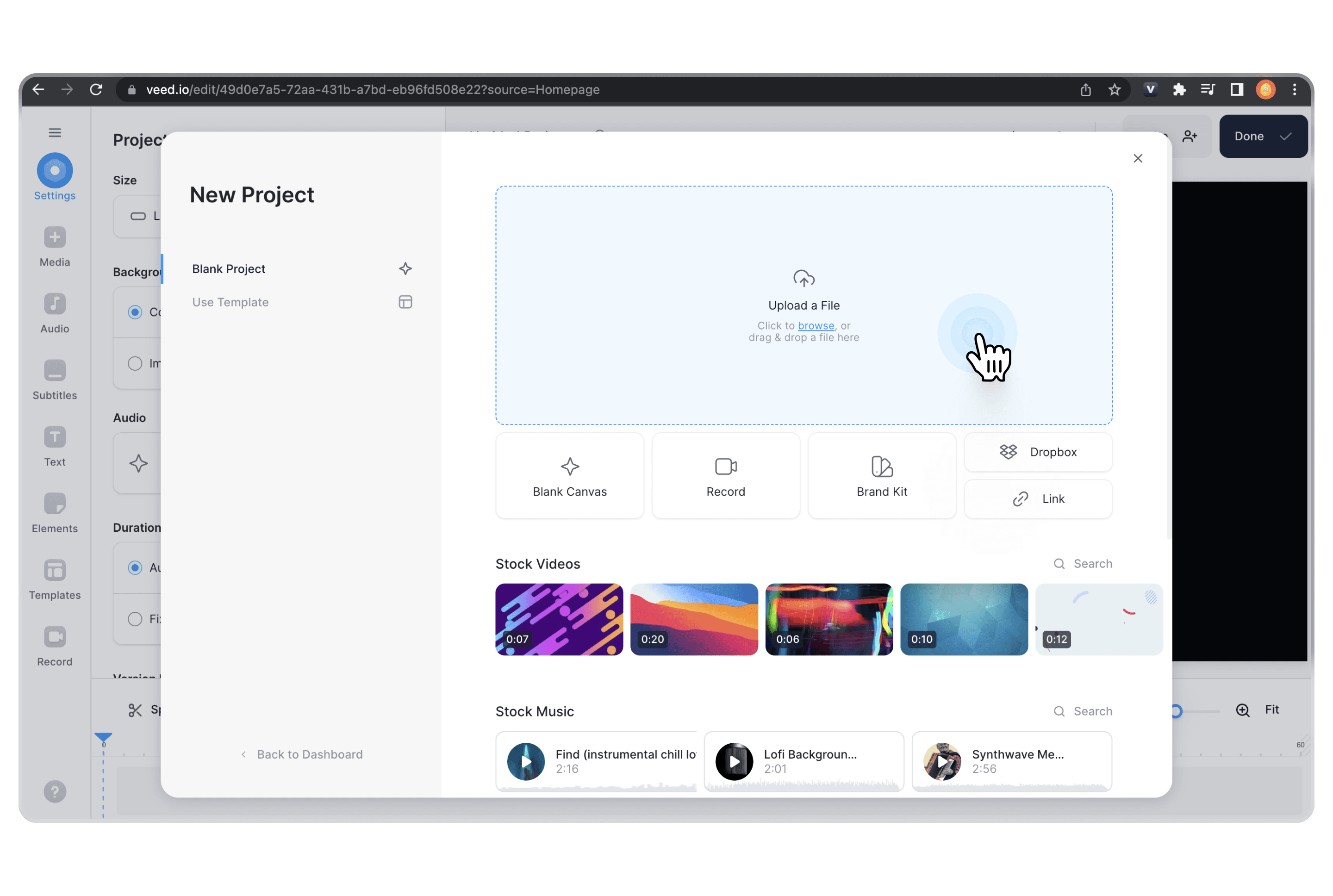
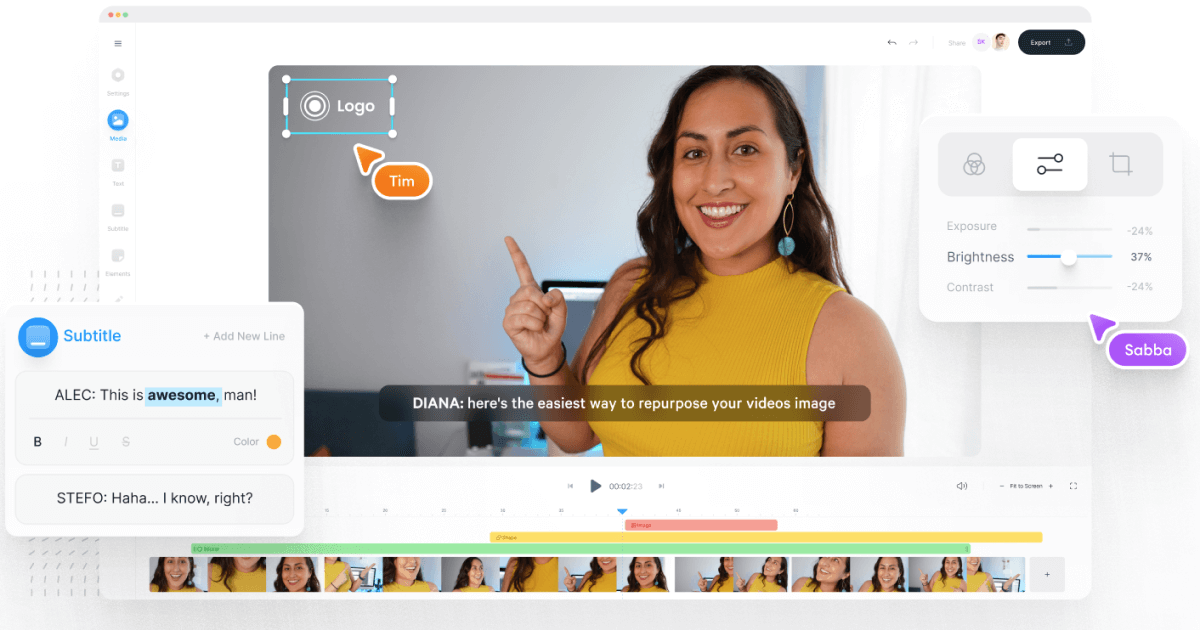
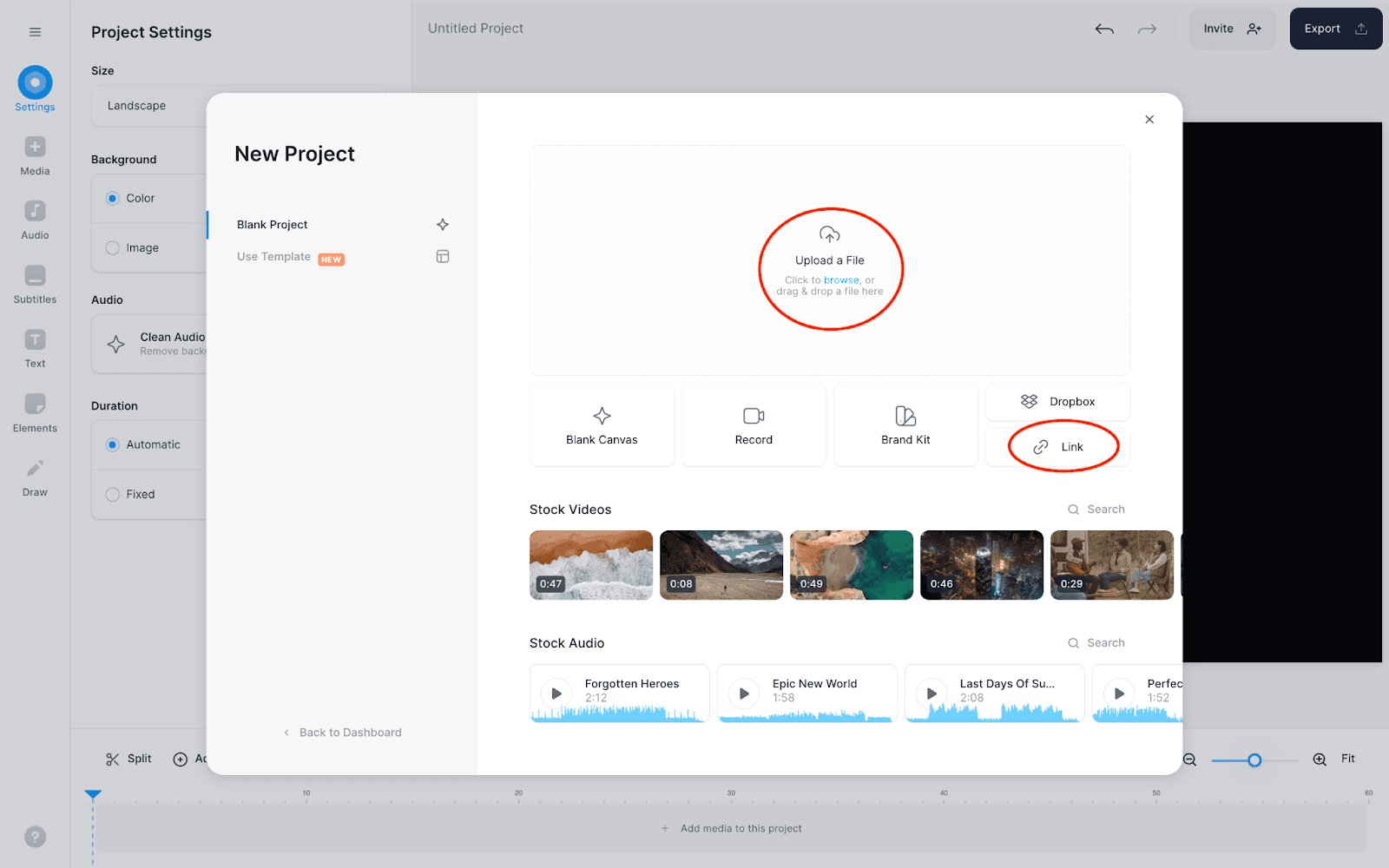
VEED is an online video creation and editing platform that works in the browser. It can generate videos, voices, avatars, and images from prompts, while also supporting video editing, screen recording, transcription, subtitles, translation, dubbing, and noise removal. Templates and platform-specific tools support ads and social video production.
›What are the pros and cons of Veed?
Strengths
Runs in a browser and combines editing, recording, transcription, subtitles, and conversion tools in one platform
Supports prompt-based generation of videos, voices, avatars, and images
Provides automated subtitles, translation, dubbing, and transcription workflows
Offers templates and tools for producing ads and platform-specific social videos
Trade-offs
Free exports include a watermark, and watermark-free export starts with the Creator plan
AI-generated scenes and pacing often need manual cleanup
Higher-quality results can require more editing than the initial generation suggests
Paid plans use per-seat AI credit pools and include voice-hour limits on some tiers
›What are Veed’s key features?
Generate videos, voices, avatars, images, scripts, and music from prompts
Edit, cut, join, compress, convert, and enhance videos in the browser
Automatically create subtitles, captions, translations, transcripts, and dubbed audio
Record screens and webcams, with an online teleprompter
Create ads and social videos from templates for platforms such as Instagram, TikTok, and YouTube
Remove background noise from video and audio, and apply eye-contact correction
›What are the best use cases for Veed?
Turning long recordings into captioned vertical clips for social media
Creating marketing ads and UGC-style videos from templates
Producing educational explainers, tutorials, and interview videos
Generating faceless or avatar-led videos without filming
Adding subtitles, translations, or dubbing to existing video content
›What is the pricing for Veed?
| Plan | Price | Details |
|---|---|---|
| Free | $0/month | Test VEED with watermarked exports. |
| Creator | ~$12/month billed annually, $147/year | Includes 6,000 AI credits, with watermark-free export and commercial use. |
| Pro | $24/month, $288/year | Includes 30,000 AI credits and up to 144 AI-voice hours per year. |
| Studio | $39/month, $465/year | Includes 180,000 AI credits and up to 960 AI-voice hours per year. |
| Enterprise | custom | Custom plan for enterprise customers. |
Plans are priced per seat. AI credits and AI-voice hour allowances vary by tier.
Checked 2026-08-21 · source
›Who is Veed best for?
content creatorsA practical choice for producing captioned short-form clips, social videos, and avatar-led content in a browser.
marketersMarketing teams can use templates, ad tools, brand controls, and AI generation for repeatable campaign video production.
small teamSmall teams get a combined workspace for editing, recording, subtitles, transcription, and social video creation.
educatorsUseful for making tutorials and explainers with screen recording, webcam capture, captions, and translations.
Not for
- Users who need watermark-free exports on a free plan should skip VEED because free exports are watermarked.
- Teams expecting fully finished AI-generated videos may find the required manual cleanup too time-consuming.
- Buyers who want a simple subtitle-only tool may not need VEED's broader editing and generation platform.
›What are the best Veed alternatives?
 RapidSubsChoose this instead if your primary task is generating subtitles rather than editing and generating complete videos.→
 PictoryChoose this instead if you mainly want to turn text into short videos.→
 HeyGenChoose this instead if personalized AI avatar videos are the central requirement.→
 Ace Studio→