

Forward Future Tools Library

Veevid AI
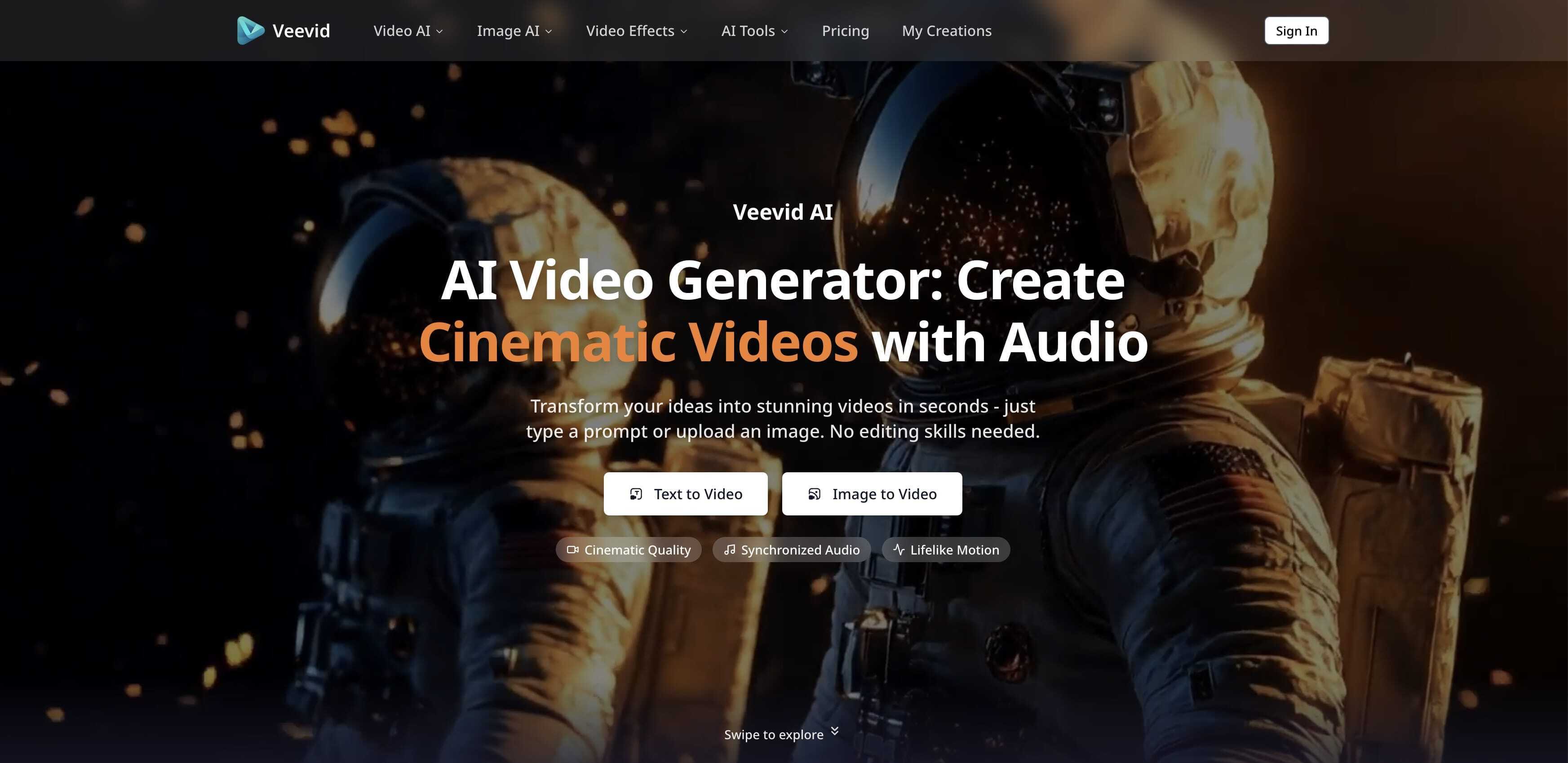
Veevid AI puts multiple video models, text-to-video, image-to-video, synchronized audio, and upscaling in one workspace for marketers, creators, and production teams.
veevid.ai·From $19/month·Checked 2026-09-08
›What is Veevid AI?
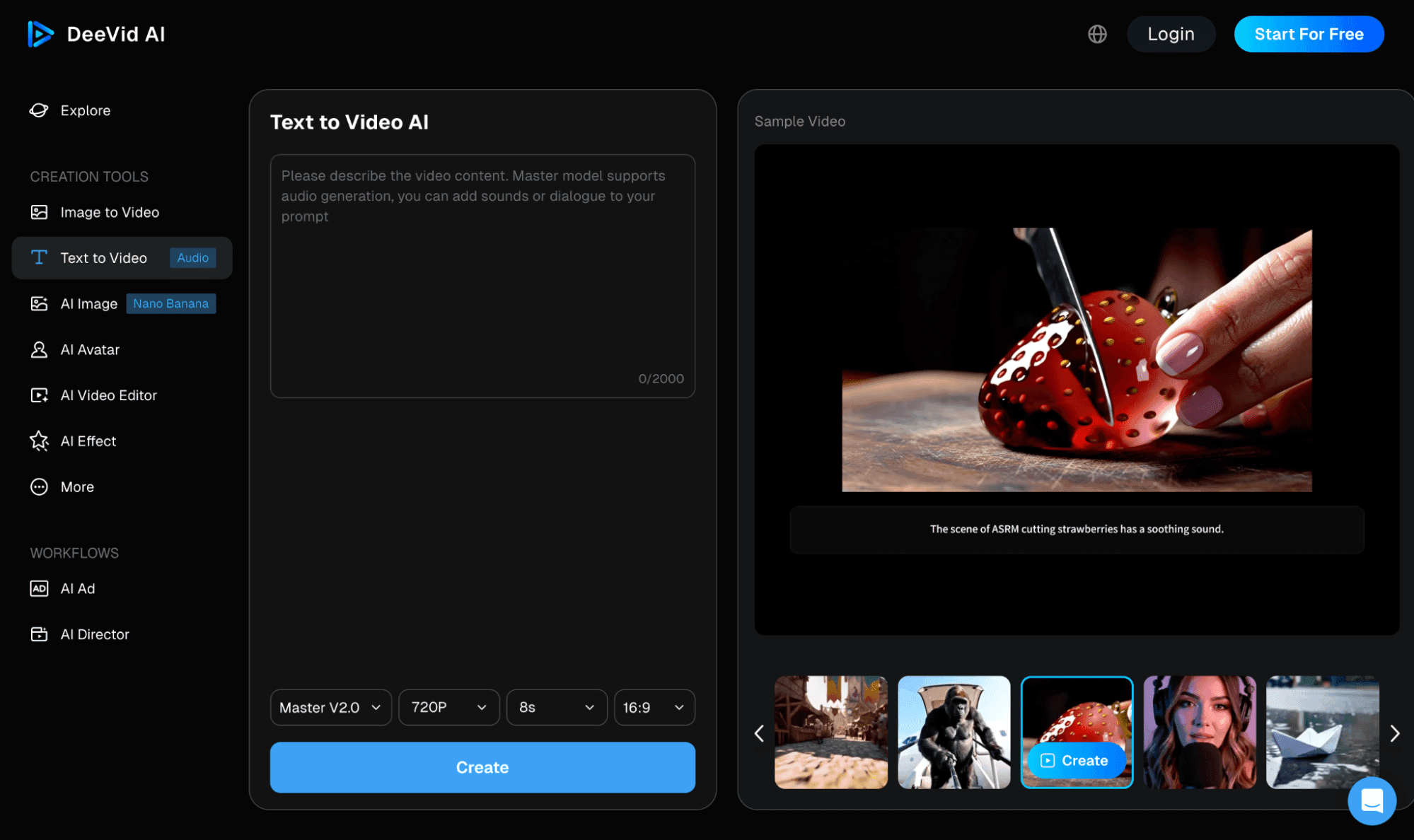
Veevid AI is a video generation platform that combines models including Sora 2, Veo 3, Runway, Seedance, Wan, and Grok in one dashboard. Users can create videos from text prompts or uploaded images, select a model, adjust settings, and generate clips up to 60 seconds and 4K resolution. It also includes audio generation, video extension, enhancement, and upscaling tools.
›What are the pros and cons of Veevid AI?
Strengths
Trade-offs
›What are Veevid AI’s key features?
›What are the best use cases for Veevid AI?
›What is the pricing for Veevid AI?
| Plan | Price | Details |
|---|---|---|
| Basic | $19/month | 400 credits per month, up to 60-second videos, 7-day storage, standard generation speed, no watermark, and commercial usage rights. |
| Pro | $39/month | 1,600 credits per month, up to 60-second videos, 30-day storage, fast generation queue, custom parameter adjustments, and priority support. |
| Team | $99/month | 5,000 credits per month, up to 60-second videos, 60-day storage, priority generation queue, advanced parameter control, and commercial usage rights. |
| Max | $149/month | 10,000 credits per month, up to 60-second videos, 90-day storage, ultra-fast dedicated queue, advanced parameter control, and dedicated support. |
Annual billing is advertised as 50% off: Basic $9.5/month, Pro $19.5/month, Team $49.5/month, and Max $74.5/month. Annual totals are $114, $234, $594, and $894 respectively.
Checked 2026-09-08 · source
›Who is Veevid AI best for?
- Professional video editors who require extensive advanced editing features.
- Teams that need deep integrations with marketing or content platforms.
- Production workflows that regularly require videos longer than 60 seconds.
›What are the best Veevid AI alternatives?
 Sora2 CloudChoose this instead if you want a tool centered on generating videos with Sora 2 from prompts or images.→
 Plexigen AIChoose this instead if synchronized audio and sound effects are the main requirement for your generated videos.→
 Lanta AIChoose this instead if you want a broader all-in-one video creation platform with video editing and related tools.→
 Veo 3→