Forward Future Tools Library

Veo 3
Veo 3 generates up to 60-second, 1080p videos from text or images with synchronized dialogue, sound effects, and ambient audio for creators and video producers.
veo31video.com·From $19/month·Checked 2026-09-15


›What is Veo 3?
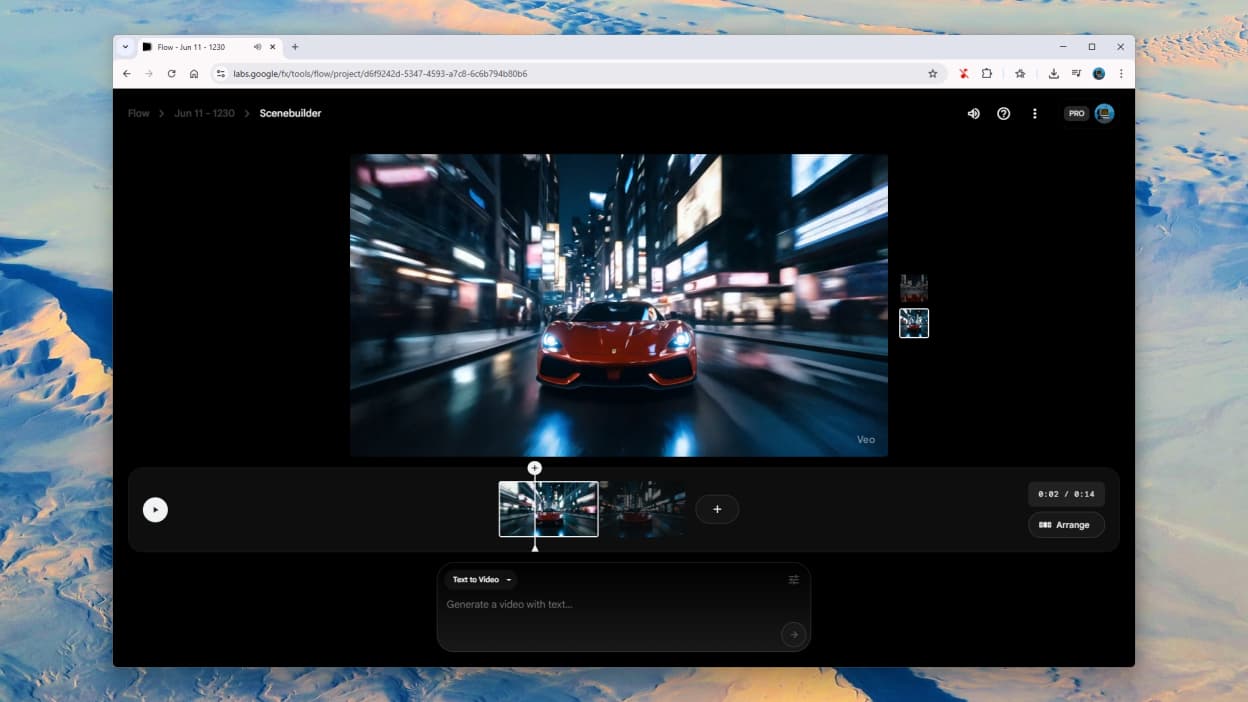
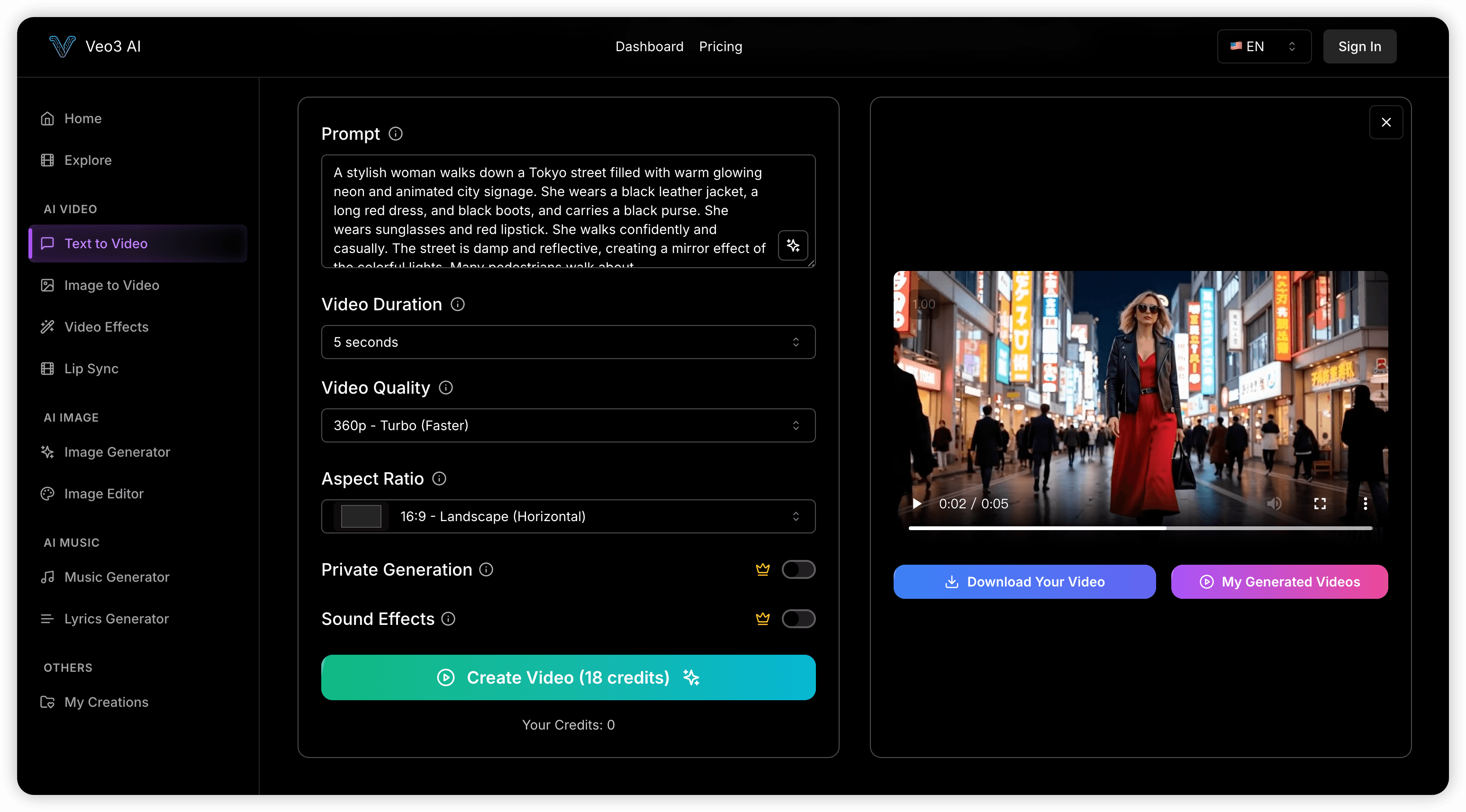
Veo 3 is an AI video generator that turns text prompts or images into cinematic video. It generates dialogue, sound effects, and ambient audio alongside the visuals, while modeling motion, gravity, and other physical behavior. It supports multi-shot sequences, camera controls, and videos up to 60 seconds at 1080p.
›What are the pros and cons of Veo 3?
Strengths
Trade-offs
›What are Veo 3’s key features?
›What are the best use cases for Veo 3?
›What is the pricing for Veo 3?
| Plan | Price | Details |
|---|---|---|
| Basic | $19/month | 400 credits per month, about 26 videos, clips up to 60 seconds, seven-day storage, standard generation, no watermark, and commercial usage rights. |
| Pro | $39/month | 1,600 credits per month, about 106 videos, 30-day storage, fast generation, custom parameter adjustments, and priority support. |
| Team | $99/month | 5,000 credits per month, about 333 videos, 60-day storage, priority generation, advanced parameter control, and priority support. |
| Max | $149/month | 10,000 credits per month, about 666 videos, 90-day storage, a dedicated ultra-fast queue, advanced parameter control, and dedicated support. |
Annual billing is listed at $9.5/month for Basic, $19.5/month for Pro, $49.5/month for Team, and $74.5/month for Max. Annual totals are $114/year, $234/year, $594/year, and $894/year respectively.
Checked 2026-09-15 · source
›Who is Veo 3 best for?
- Buyers focused on the lowest cost per short clip should compare credit-efficient alternatives.
- Editors who need mature post-generation scene editing may prefer a dedicated editing platform.
- Teams that need a single clearly defined access and billing model should verify which Veo route they are purchasing.