Forward Future Tools Library
Vercept
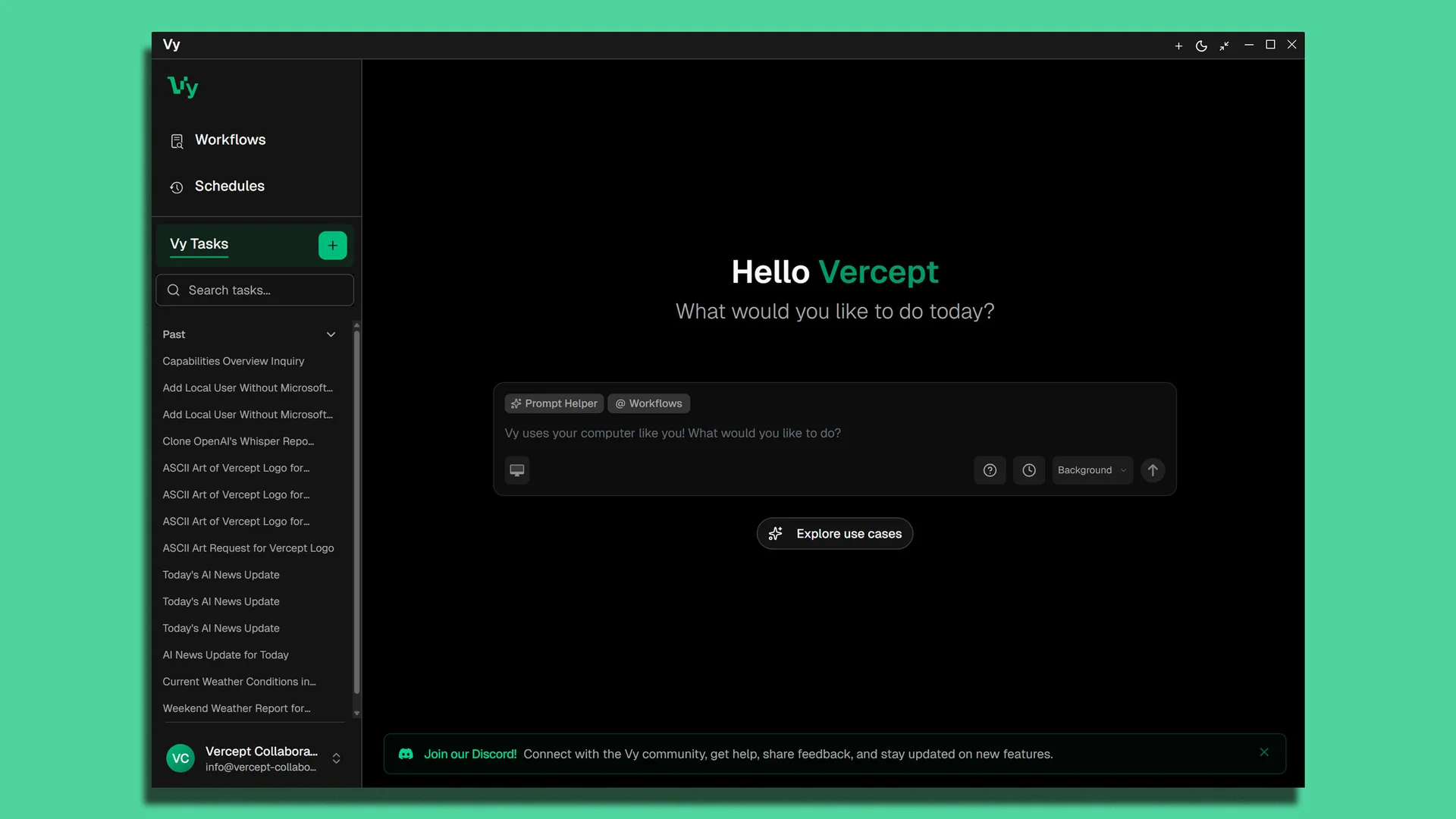
Vy was a Mac desktop agent that used natural-language instructions and screen vision to perform computer tasks for operations teams, but its standalone app is being wound down after Vercept joined Anthropic.
Try Vercept →
vercept.com

›What is Vercept?
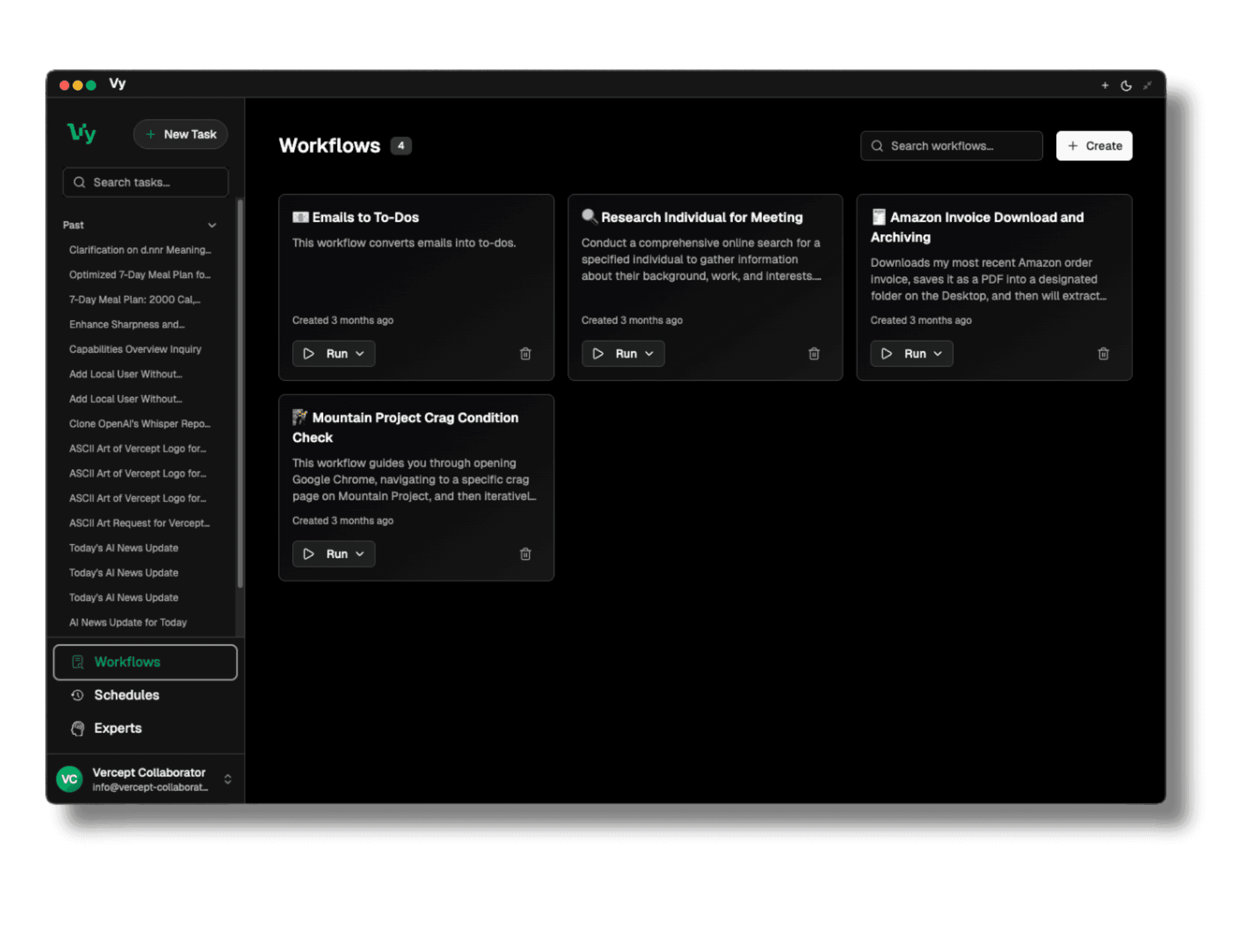
Vercept built Vy, a Mac-native desktop agent that operated a computer through its visual interface. Users could give natural-language instructions or record demonstrations, and Vy translated them into clicks, keystrokes, and scrolling. It was used for work such as moving data between non-integrated apps, organizing files, and maintaining CRM records.
›What are the pros and cons of Vercept?
Strengths
Accepts natural-language instructions instead of requiring shortcut memorization or menu navigation
Can work across applications without depending on vendor APIs
Uses screen understanding to interact with visible buttons, fields, and menus
Supports both direct commands and recorded demonstrations
Handled repetitive data entry, file organization, and CRM workflows
Trade-offs
The standalone Vy app is being wound down after Anthropic acquired Vercept
Vy was Mac-native, limiting its platform coverage
Its interaction model depends on interpreting the computer screen rather than using direct application integrations
The technology is moving into Claude's computer-use feature set, so Vy is no longer the long-term standalone product
›What are Vercept’s key features?
Natural-language commands for navigating apps, content, and on-screen context
Screen capture and computer vision to identify buttons, fields, and menu items
Mouse clicks, keystrokes, and scrolling performed on the user's computer
Recorded demonstrations that could be translated into automated actions
Desktop automation across applications without relying on per-app APIs
›What are the best use cases for Vercept?
Entering data between SaaS applications that lack integrations
Preparing batches of files for video-editing workflows
Organizing files through repeated desktop actions
Cleaning and updating CRM records
›Who is Vercept best for?
small teamUseful for teams automating repetitive desktop work across SaaS applications that do not offer direct integrations, subject to Vy's wind-down.
operations professionalsThe workflows around data entry, file preparation, and CRM maintenance match the desktop tasks Vy was built to perform.
developersRelevant for testing or exploring vision-based computer interaction, although the standalone Vy product is being retired.
Not for
- Windows or Linux users, because Vy was Mac-native
- Buyers seeking a currently supported standalone desktop automation product
- Teams that need a stable long-term product rather than technology moving into Claude
›What’s new with Vercept?
- Vercept joined Anthropic and began winding down the standalone Vy app2026-02 · source