

Forward Future Tools Library

Viddo AI
Viddo AI combines text, image, and video generation with voice, music, avatar, editing, and shorts tools for creators, marketers, and small businesses producing social or promotional videos.
Try Viddo AI →
viddo.ai

›What is Viddo AI?
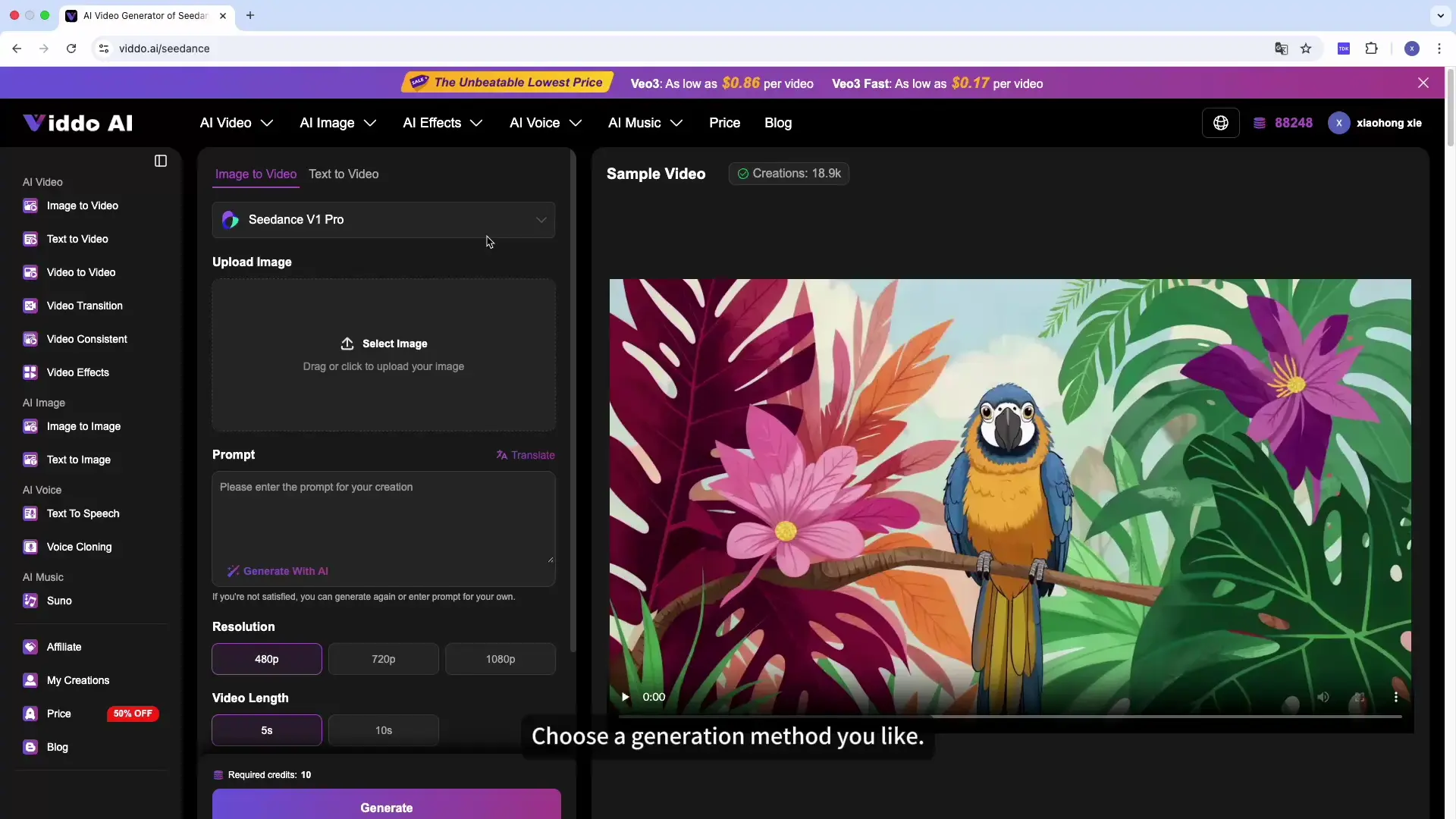
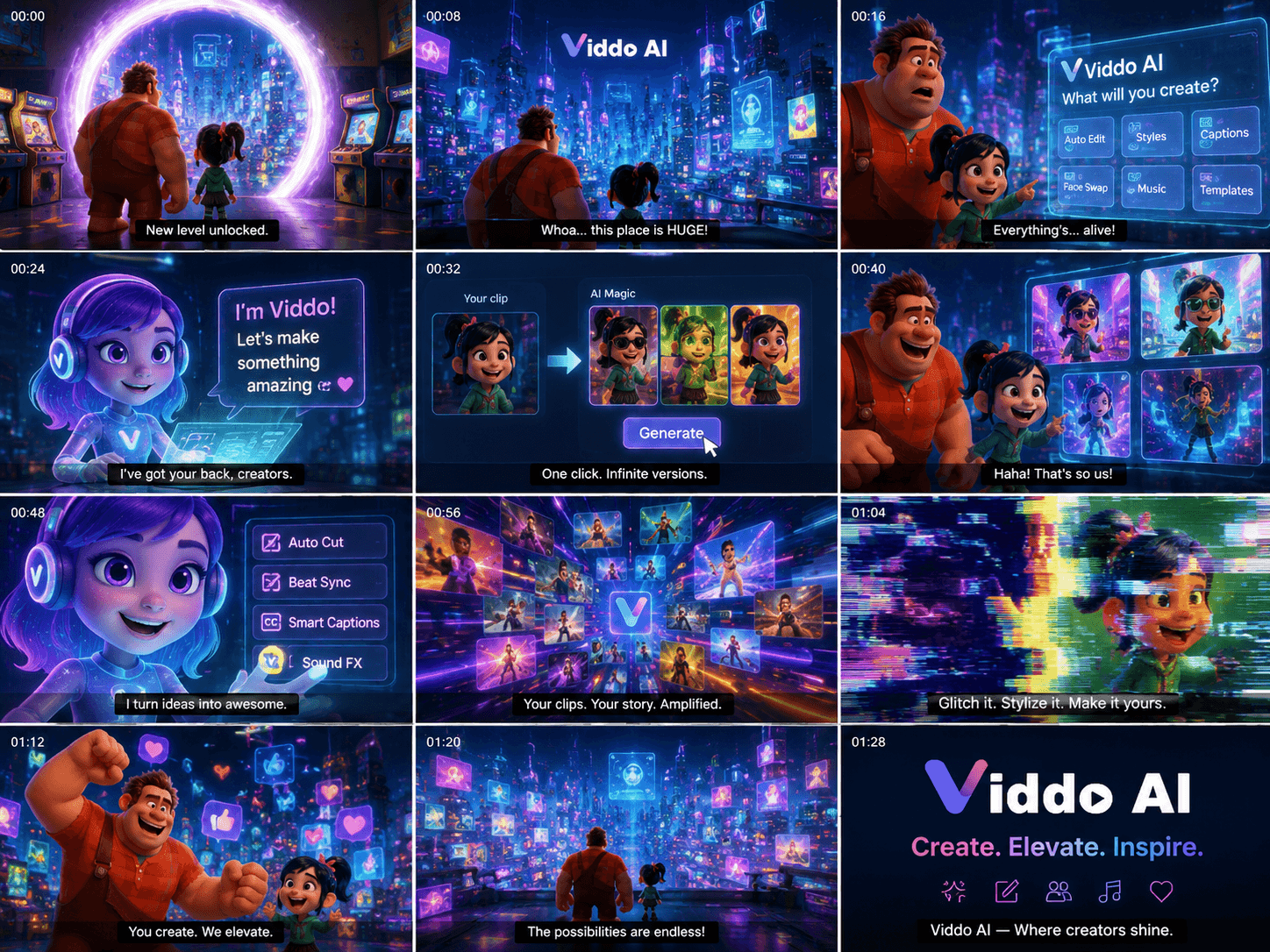
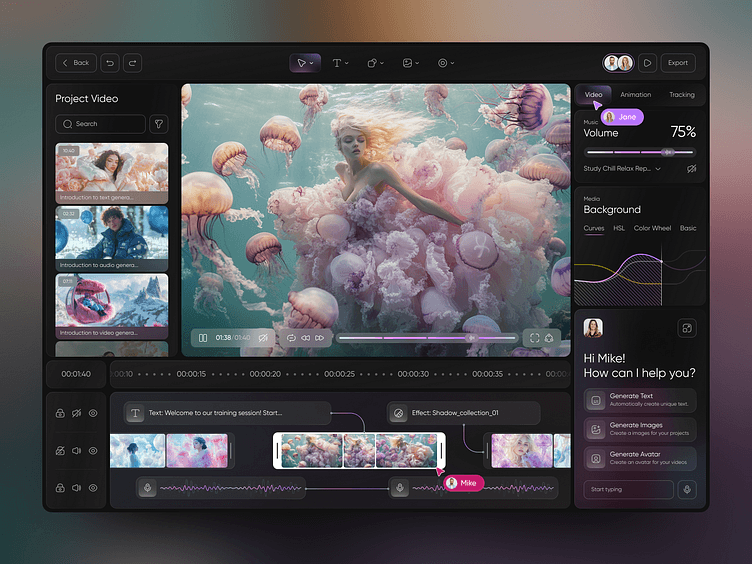
Viddo AI is a generative media platform for creating videos and images from text, images, video, audio, and reference media. It offers multiple video and image models, plus text-to-speech, voice cloning, music generation, lip sync, avatars, video enhancement, and editing tools. Its one-click creator can produce videos up to 180 seconds.
›What are the pros and cons of Viddo AI?
Strengths
Combines video, image, audio, avatar, and editing tools in one platform
Offers multiple generative models, including Veo, Seedance, Kling, Runway, and Hailuo
Supports several input types, including text, images, video, audio, and reference media
Provides tools for both short clips and one-click videos up to 180 seconds
The official pricing page says failed creations can qualify for a refund or used-credit return
Trade-offs
Credit usage varies according to the selected tool or model, making generation costs less uniform
The platform does not replace a professional video editor for advanced editing workflows
›What are Viddo AI’s key features?
Generate videos from text, images, existing video, audio, or reference media
Use models including Veo, Seedance, Kling, Runway, Hailuo, and other listed providers
Create images from text or other images
Generate speech, clone voices, create dialogue, transcribe speech, and add sound effects
Create AI avatars, lip-synced videos, transitions, and motion-controlled effects
Extend, enhance, trim, and convert long videos into shorts
Generate music, add instrumentals, create mashups, or upload and extend audio
›What are the best use cases for Viddo AI?
Produce YouTube, Reels, advertising, and explainer videos from scripts
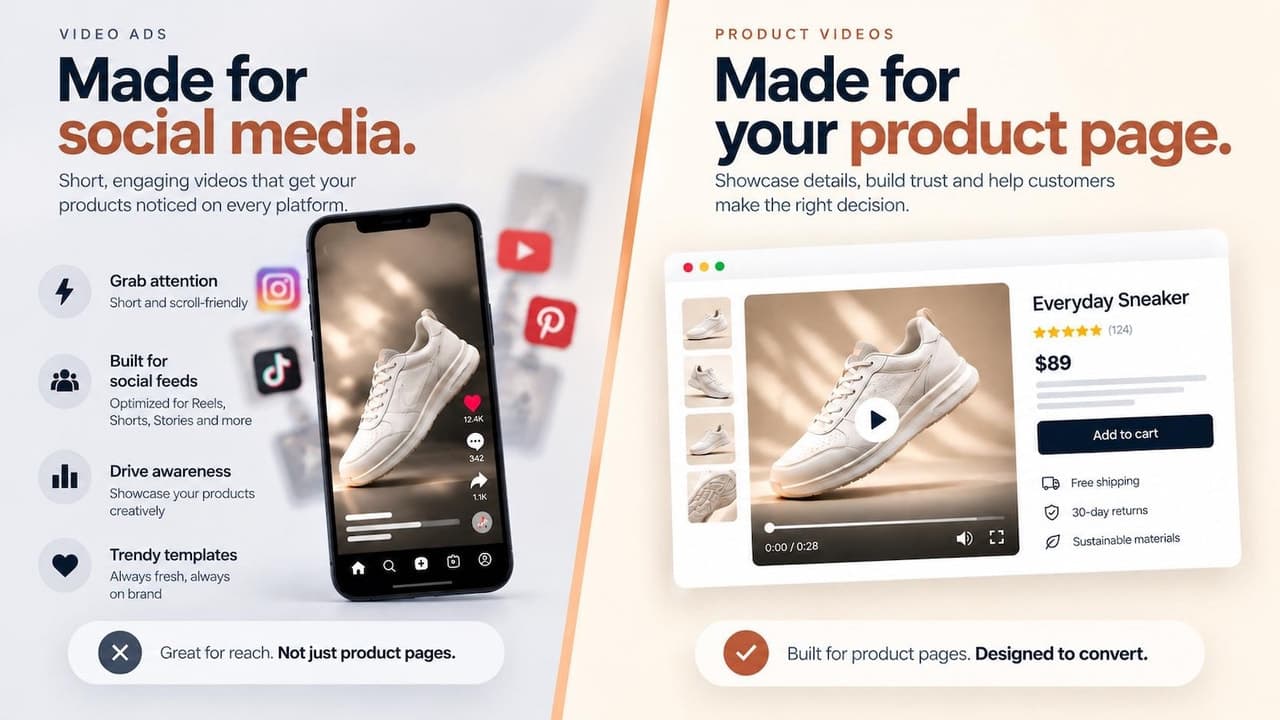
Turn product images or other static images into promotional video clips
Create short-form clips from longer videos
Make avatar-led videos with generated speech and lip sync
Generate supporting images, music, voiceovers, and sound effects for video projects
›Who is Viddo AI best for?
soloSolo creators can use the combined video, image, voice, music, and shorts tools for recurring content production.
small teamSmall marketing teams can produce social clips, ads, explainers, and avatar videos from one workspace.
marketersMarketers get dedicated workflows for promotional videos, long-video repurposing, voiceovers, and generated creative assets.
professional video editorsProfessional editors may find it limiting when projects require the control and capabilities of a full video editor.
Not for
- Professional editors who need a replacement for a full-featured editing suite
- Buyers who require one fixed generation price, because credit usage varies by tool and model
›What are the best Viddo AI alternatives?
 Veo 3Choose this instead if your main priority is creating cinematic videos directly from simple text instructions.→
 Seedance 3.0Choose this instead if you want a focused video generator built around text, image, and multimodal inputs.→
 VidSpotAIChoose this instead if your workflow centers on long-form videos with avatars and voiceovers.→
 Veevid AI→