

Forward Future Tools Library

Video Transcriber
Video Transcriber turns shorter local or larger cloud video and audio files into editable, timestamped text for creators, students, researchers, writers, and other users handling recorded speech.
videotranscriber.dev·Free + paid plans·Checked 2026-11-24
›What is Video Transcriber?
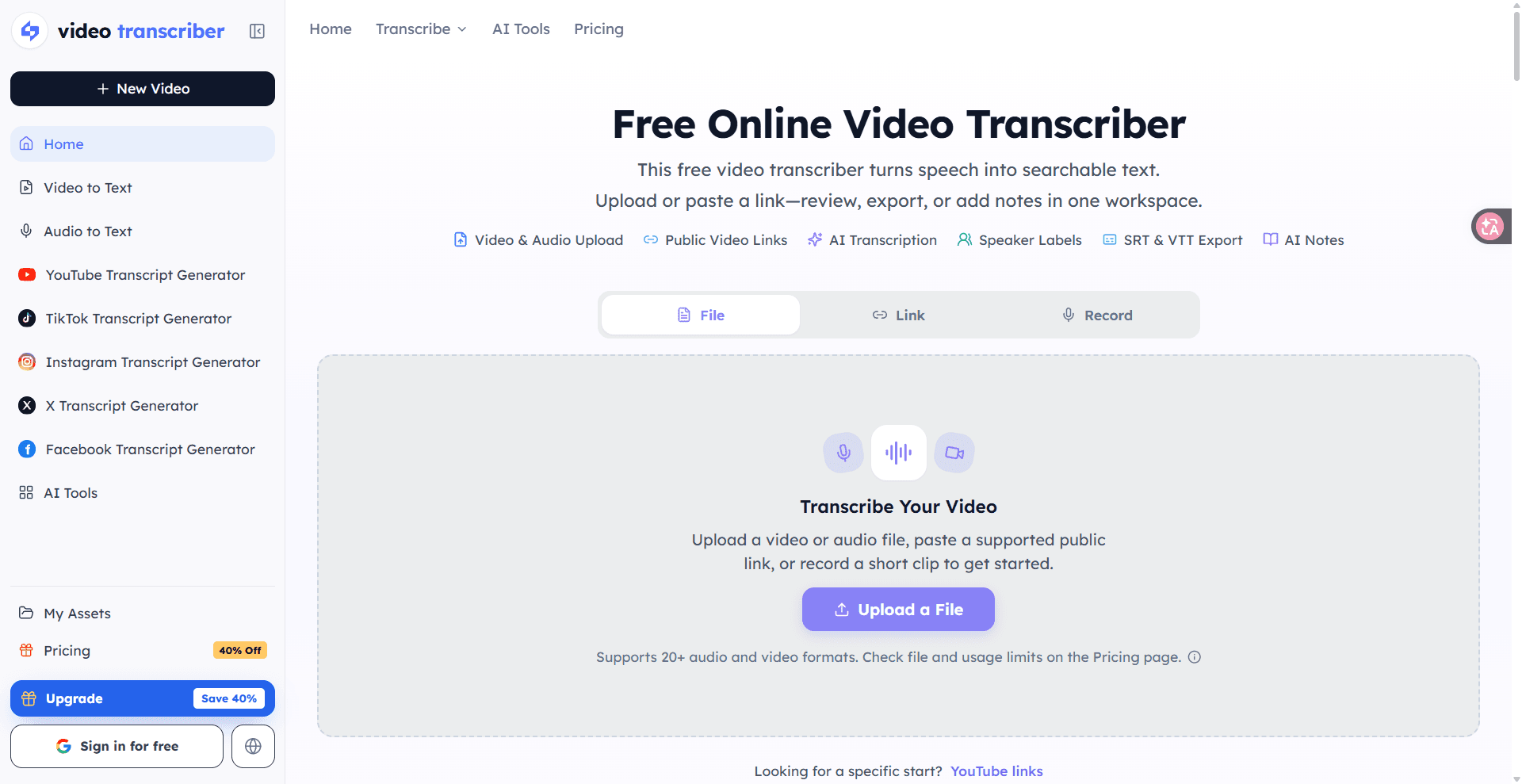
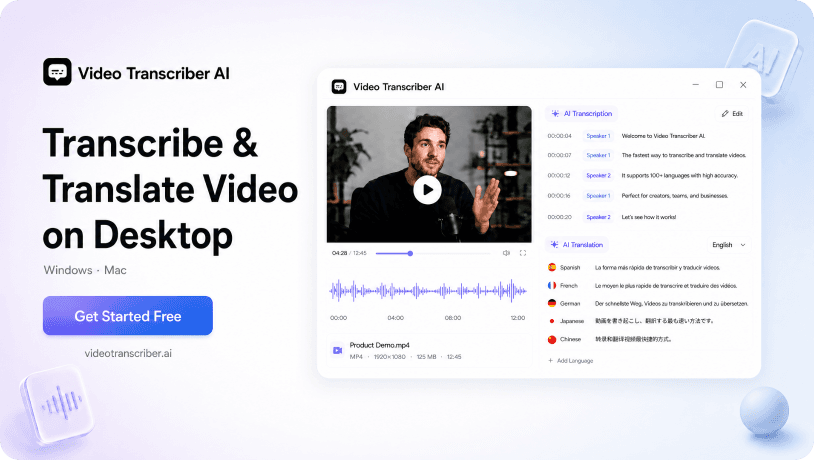
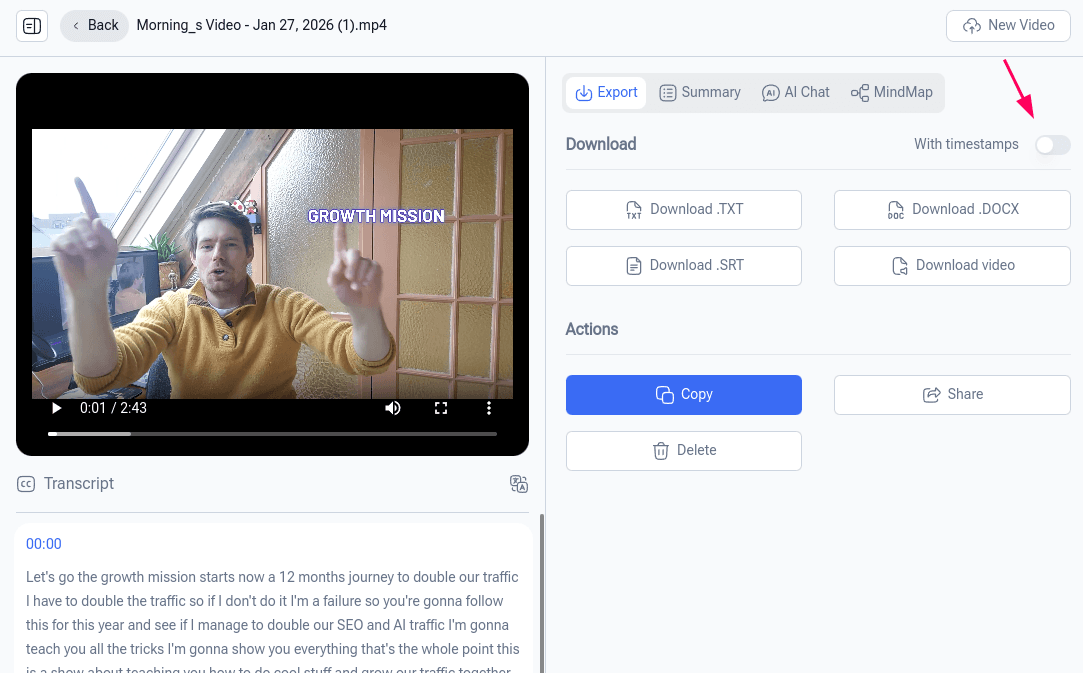
Video Transcriber is a browser-based Whisper transcription tool for video and audio. Browser-local processing runs on the user's device without an account or media upload, while signed-in cloud processing handles files up to 5 GB and up to five concurrent files. Users can select a language or automatic detection, review the timestamped transcript, and copy or download available text and subtitle formats.
›What are the pros and cons of Video Transcriber?
Strengths
Trade-offs
›What are Video Transcriber’s key features?
›What are the best use cases for Video Transcriber?
›What is the pricing for Video Transcriber?
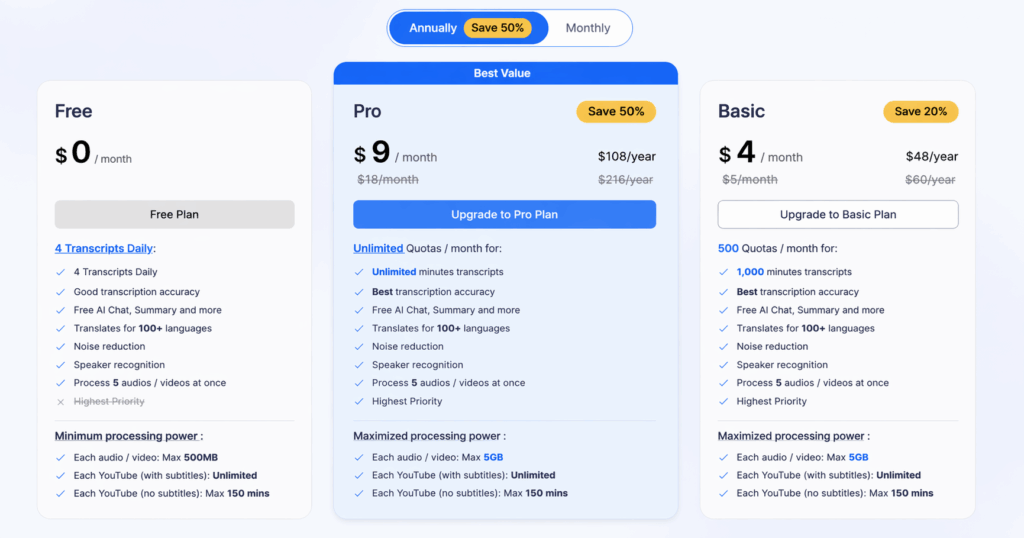
| Plan | Price | Details |
|---|---|---|
| Free | $0/ month | Browser-local transcription plus a daily cloud fair-use allowance, cloud files up to 5 GB, and up to 5 concurrent files. |
| Basic | $5.5/ month | 500 Basic Quotas per month for cloud transcription, cloud files up to 5 GB, and up to 5 concurrent files. |
| Pro | $9/ month | Unlimited Basic Quotas under fair use, cloud files up to 5 GB, and up to 5 concurrent files. |
| Studio | $19/ month | Unlimited Basic Quotas under fair use for teams with sustained workloads, with cloud files up to 5 GB and up to 5 concurrent files. |
Annual prices are $66/year for Basic, $108/year for Pro, and $228/year for Studio. Annual plans are one-time payments and do not auto-renew. Paid purchases are refundable within 24 hours of the first purchase, subject to the stated policy exceptions.
Checked 2026-11-24 · source
›Who is Video Transcriber best for?
- Teams that need a tool to join live Zoom or Meet calls and capture notes automatically.
- Legal or medical teams that require human-reviewed transcripts and a documented chain of custody.
- Users who need speaker recognition while processing files locally.
- Users who need a broader content workflow with clipping, publishing, or content generation.
›What are the best Video Transcriber alternatives?
 TranskripeChoose this instead if your source material is primarily public YouTube video and you also want summaries, notes, key points, quizzes, or reusable content.→
 PodManager.AIChoose this instead if transcription is part of a larger podcast production and publishing workflow.→
 SpeechLab.aiChoose this instead if you need a broader speech-recognition and audio-processing platform rather than a focused browser transcription tool.→
 ProofFlick→