

Forward Future Tools Library

Vidnoz
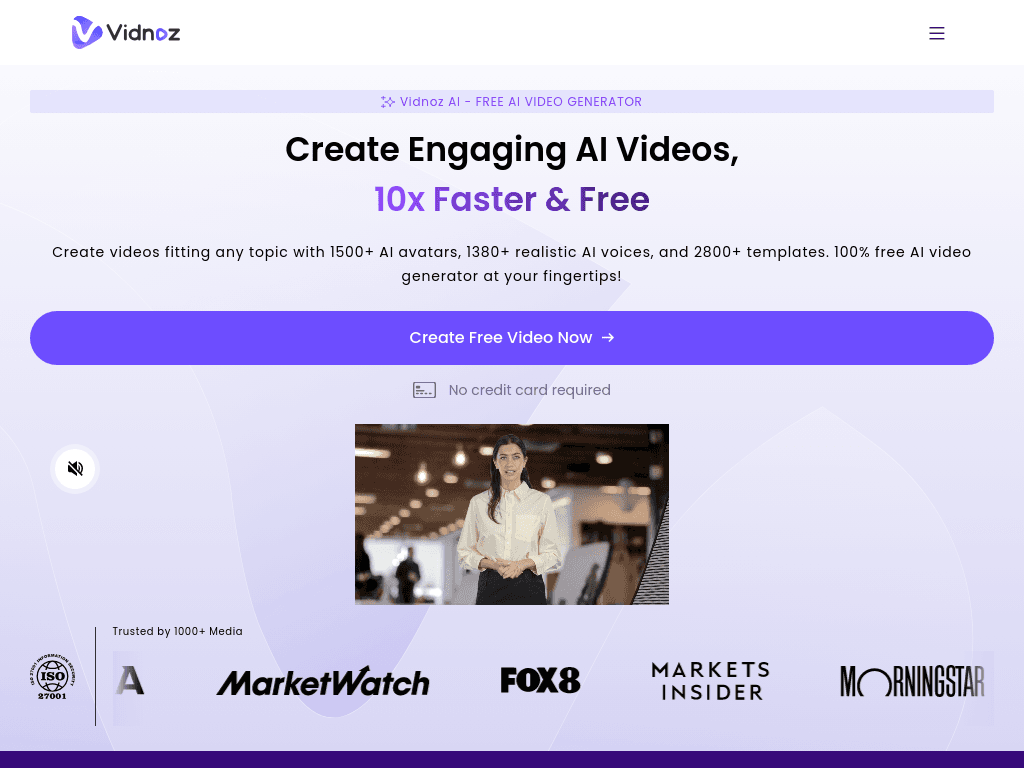
Vidnoz turns scripts, images, and prompts into avatar-led videos for marketers, educators, sales teams, and support teams that need quick content without filming.
Try Vidnoz →
vidnoz.com·Freemium
›What is Vidnoz?
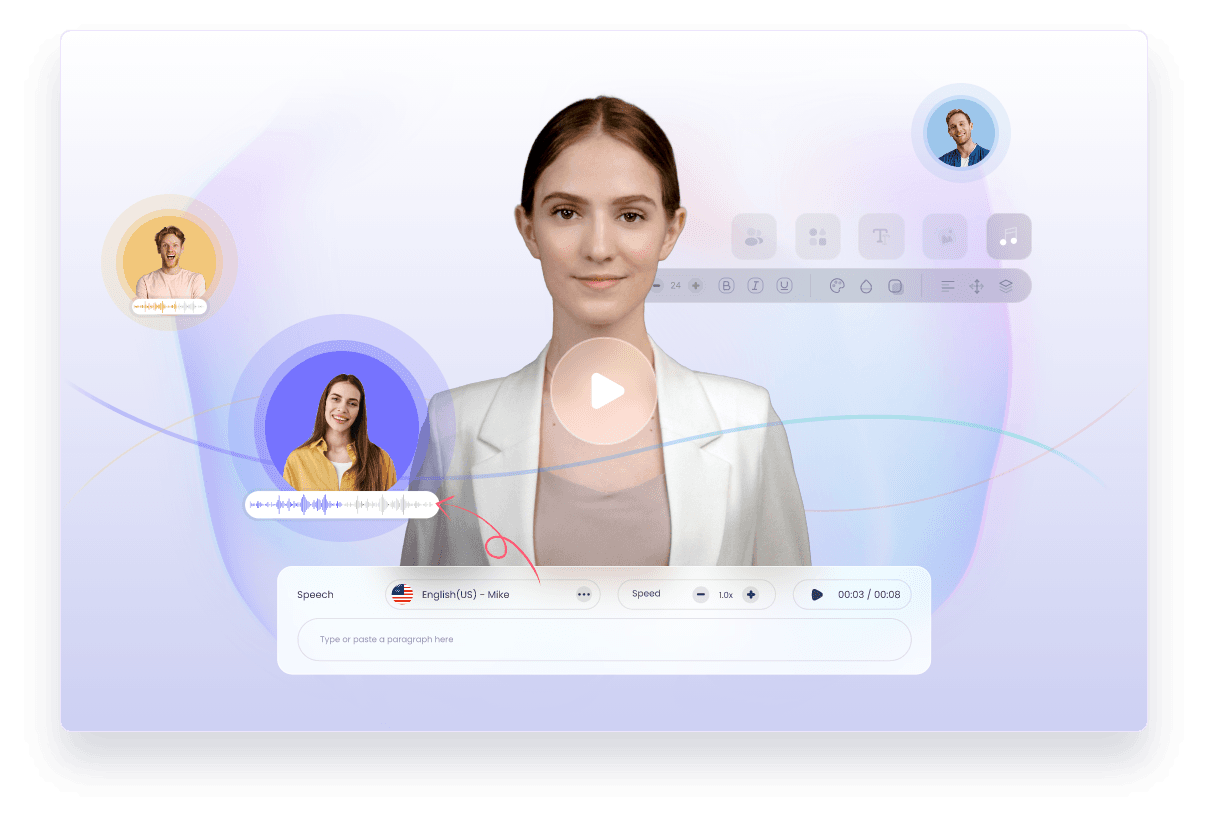
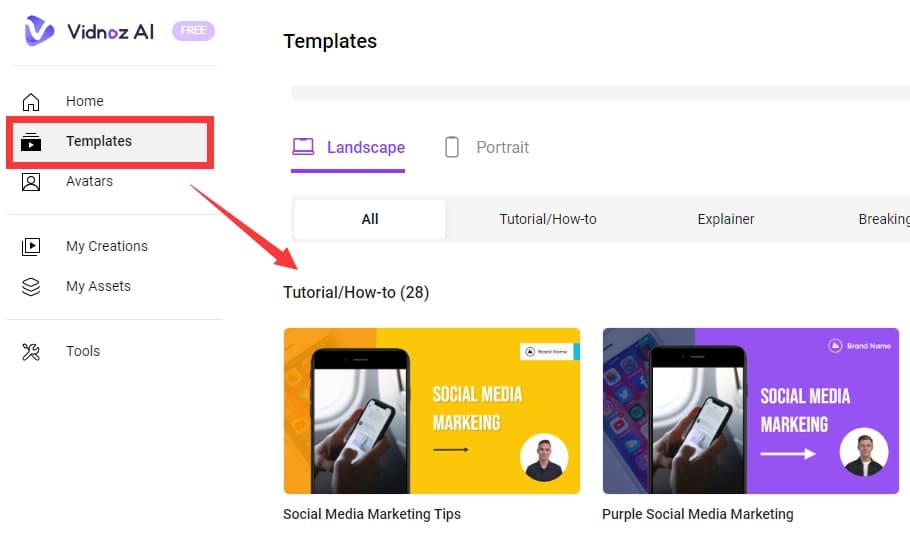
Vidnoz is an AI video and avatar platform that turns text into talking-avatar videos without a camera. It includes AI avatars, templates, synthetic voices, text-to-video generation, photo avatars, image tools, and video translation. Business features include team collaboration, brand controls, embedding, and video analytics.
›What are the pros and cons of Vidnoz?
Strengths
The free plan includes daily credits, 1,800+ avatars, 3,200 templates, and 720p export
Large selection of avatars, templates, voices, and supported languages
Beginners can create videos without a camera, microphone, or traditional editor
Business includes video translation, voice cloning, team collaboration, brand controls, and analytics
Trade-offs
Avatars can look or sound robotic at times
Editing options are limited compared with a full video editor
The platform is better suited to simple videos than high-quality production
The free plan limits videos to three minutes and 720p export
Paid AI video plans use monthly credits, which can limit production volume
›What are Vidnoz’s key features?
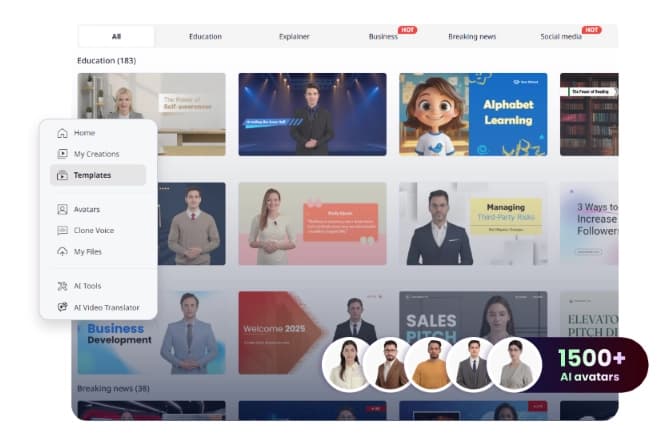
Create videos with more than 1,900 AI avatars and 3,200 templates
Generate narration with more than 2,600 voices and support for 140+ languages
Turn text, images, and ideas into videos with text-to-video and image-to-video tools
Create expressive avatars from photos and custom avatars from user videos
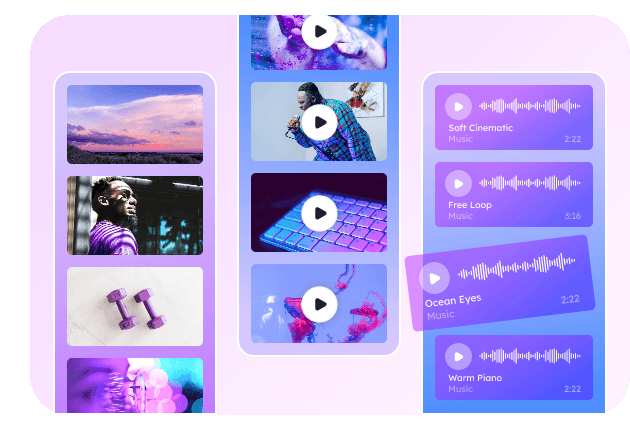
Translate videos and use AI voice, image, and video editing tools
Add brand kits, embedded videos, branded video pages, and video analytics on Business
›What are the best use cases for Vidnoz?
Create training and employee onboarding videos
Produce educational and e-learning lessons
Make product and social media marketing videos
Create sales videos and outreach content
Publish tutorial and FAQ videos for customer support
›What is the pricing for Vidnoz?
Freemium
›Who is Vidnoz best for?
soloA practical starting point for beginners who want to produce avatar videos without filming or learning a full editor.
marketersUseful for product videos, social content, sales outreach, and branded video pages.
educatorsSupports training, onboarding, e-learning, and translated academic video content.
small teamBusiness adds collaboration, brand controls, video embedding, and engagement analytics for shared video production.
Not for
- Skip Vidnoz if you need detailed editing controls or a production workflow comparable to a full video editor.
- Look elsewhere if highly realistic, non-robotic avatar performances are the main requirement.
- The free plan is not suited to teams producing videos longer than three minutes or requiring higher than 720p export.
›What are the best Vidnoz alternatives?
 DescriptChoose this instead if text-based editing and a broader audio and video editing workflow matter more than avatar templates.→
 HeyGenChoose this instead if you want a platform centered on personalized AI-driven videos with diverse avatars.→
 FlikiChoose this instead if your main workflow is turning text into videos and voiceovers.→
 PodPilot→