Forward Future Tools Library

Visme
Visme combines presentations, infographics, reports, data visualizations, and interactive content in one editor for marketers, educators, and teams.
Try Visme →
visme.co·Free·Checked 2026-08-20

›What is Visme?
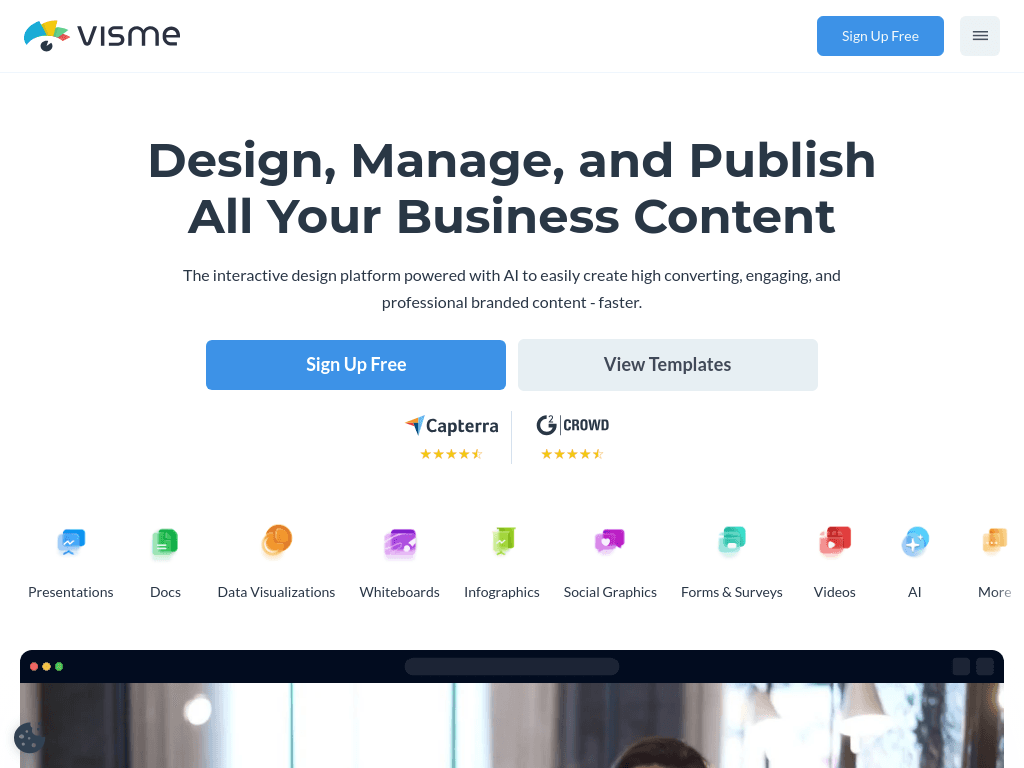
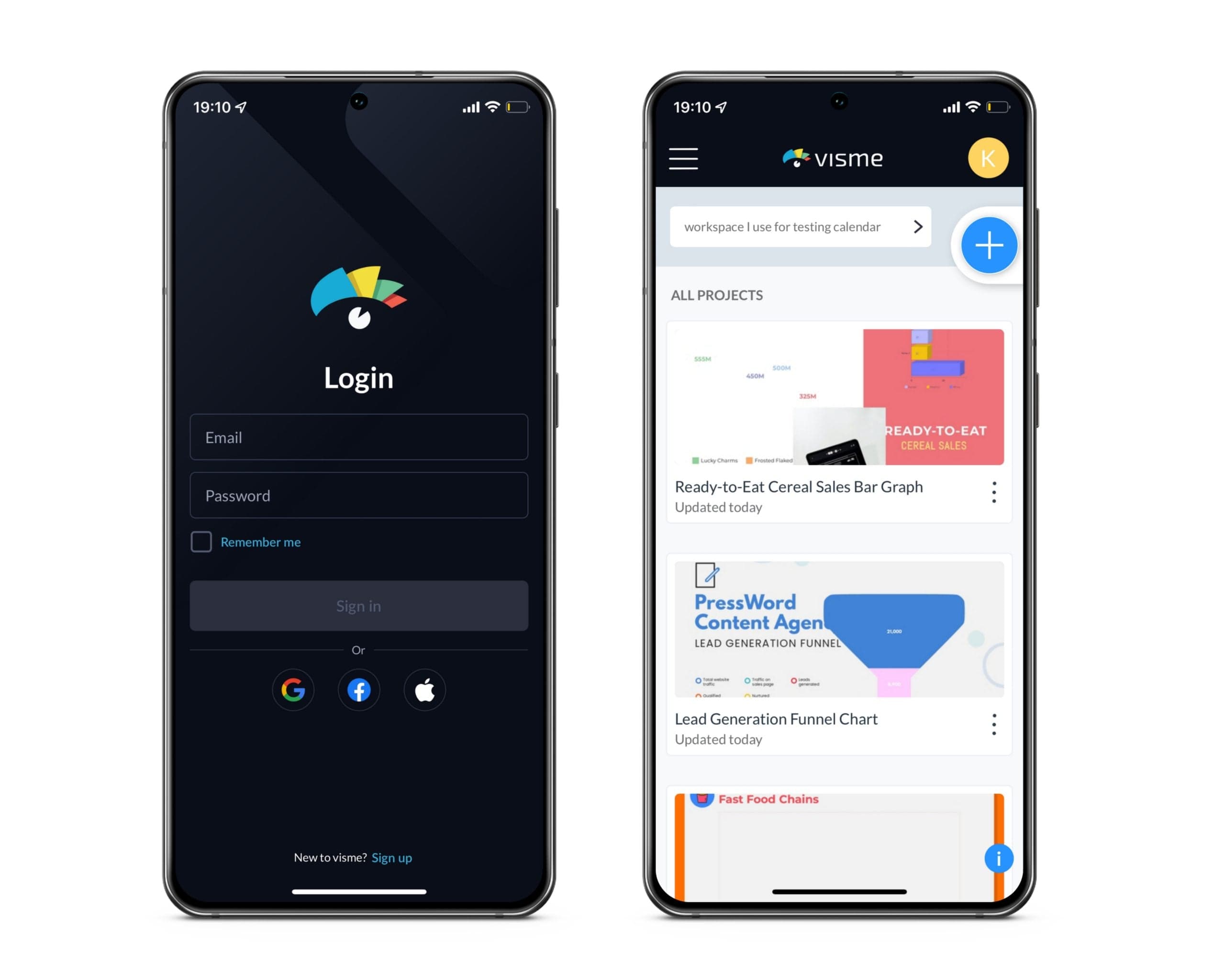
Visme is a visual content platform for creating presentations, infographics, reports, documents, charts, forms, social graphics, and other formats. Its drag-and-drop editor includes templates, data visualization tools, animation, interactivity, and AI features for generating presentations, text, images, and edits.
›What are the pros and cons of Visme?
Strengths
Supports more than presentations, including reports, infographics, documents, social graphics, and interactive content
Combines templates, charts, animation, forms, and other design tools in one platform
Includes AI tools for generating presentation drafts, text, images, and image edits
Brand Kit can apply logos, colors, and fonts across designs
Offers a free Basic plan
Trade-offs
AI-generated presentation drafts still need manual editing for narrative flow, messaging hierarchy, and polish
Brand Kit features do not enforce brand governance
The broader range of formats can create a steeper learning curve than dedicated presentation tools
The Basic Free plan is limited to 3 projects, 100 MB of storage, and JPG-only export
›What are Visme’s key features?
Drag-and-drop editor for presentations, documents, infographics, reports, and social graphics
AI presentation maker, AI document generator, AI text generator, and AI image tools
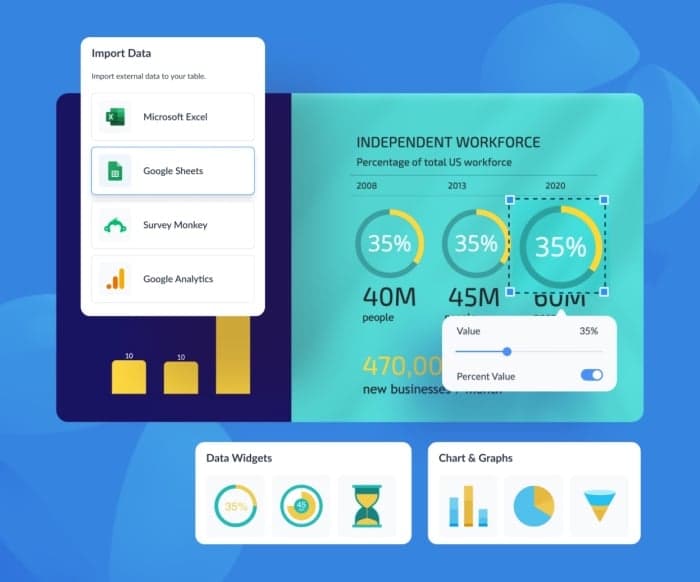
Charts and graphs with data visualization tools and multiple chart types
Interactive content features including animated elements, clickable hotspots, forms, and surveys
Templates for presentations, reports, proposals, eBooks, branded content, and training manuals
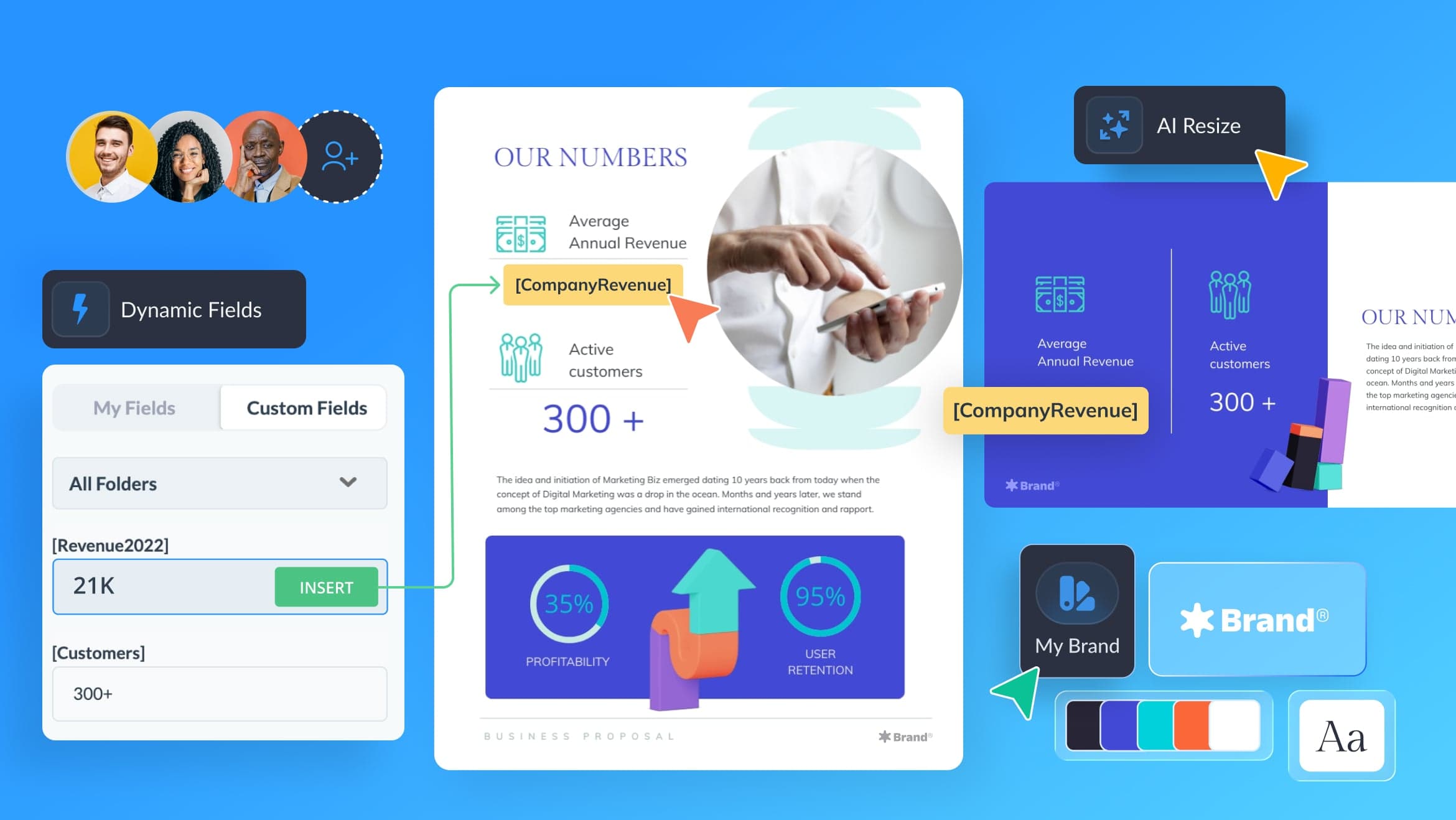
Brand Kit tools for applying logos, colors, and fonts
Collaboration, integrations, social scheduling, and presenter tools
›What are the best use cases for Visme?
Creating presentation decks, investor materials, and client-facing proposals
Turning data into charts, infographics, reports, and strategic planning materials
Building interactive forms, surveys, dashboards, and educational content
Producing branded social graphics, brochures, one-pagers, eBooks, and marketing assets
Creating training materials, employee communications, and workshop content
›What is the pricing for Visme?
| Plan | Price | Details |
|---|---|---|
| Basic | US $0 /month per person | Free plan for starting visual content creation |
$0/year is also shown for the Basic plan. Paid plan names and current rates are not clear from the available pricing details.
Checked 2026-08-20 · source
›Who is Visme best for?
marketersA fit for marketers producing presentations, reports, infographics, social graphics, and other branded assets.
teachersTeachers can use templates, interactive content, charts, forms, and educational materials in one workspace.
small teamSmall teams get shared tools for collaboration, brand assets, presentations, reports, and content planning.
enterpriseEnterprise teams can use content governance, visibility, collaboration, and scalable visual-content workflows.
Not for
- Buyers who need presentation drafts with little or no manual editing should look elsewhere, since AI output still requires narrative and polish work.
- Teams that require strict automated brand enforcement may find the Brand Kit insufficient because it does not enforce governance.
- Users seeking a narrowly focused slide tool may prefer a simpler product with less format breadth.