Forward Future Tools Library

VoiceCleaner logo

VoiceCleaner

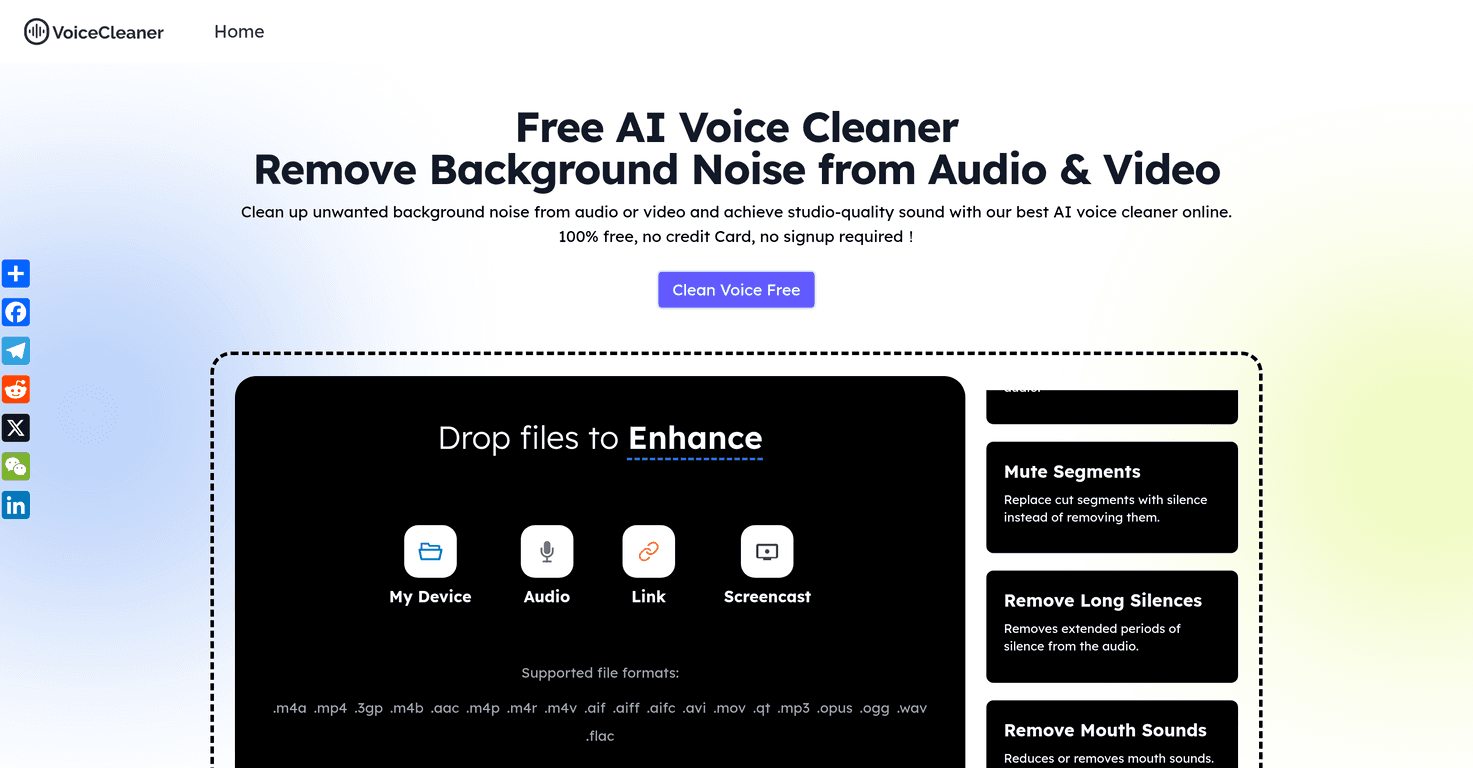
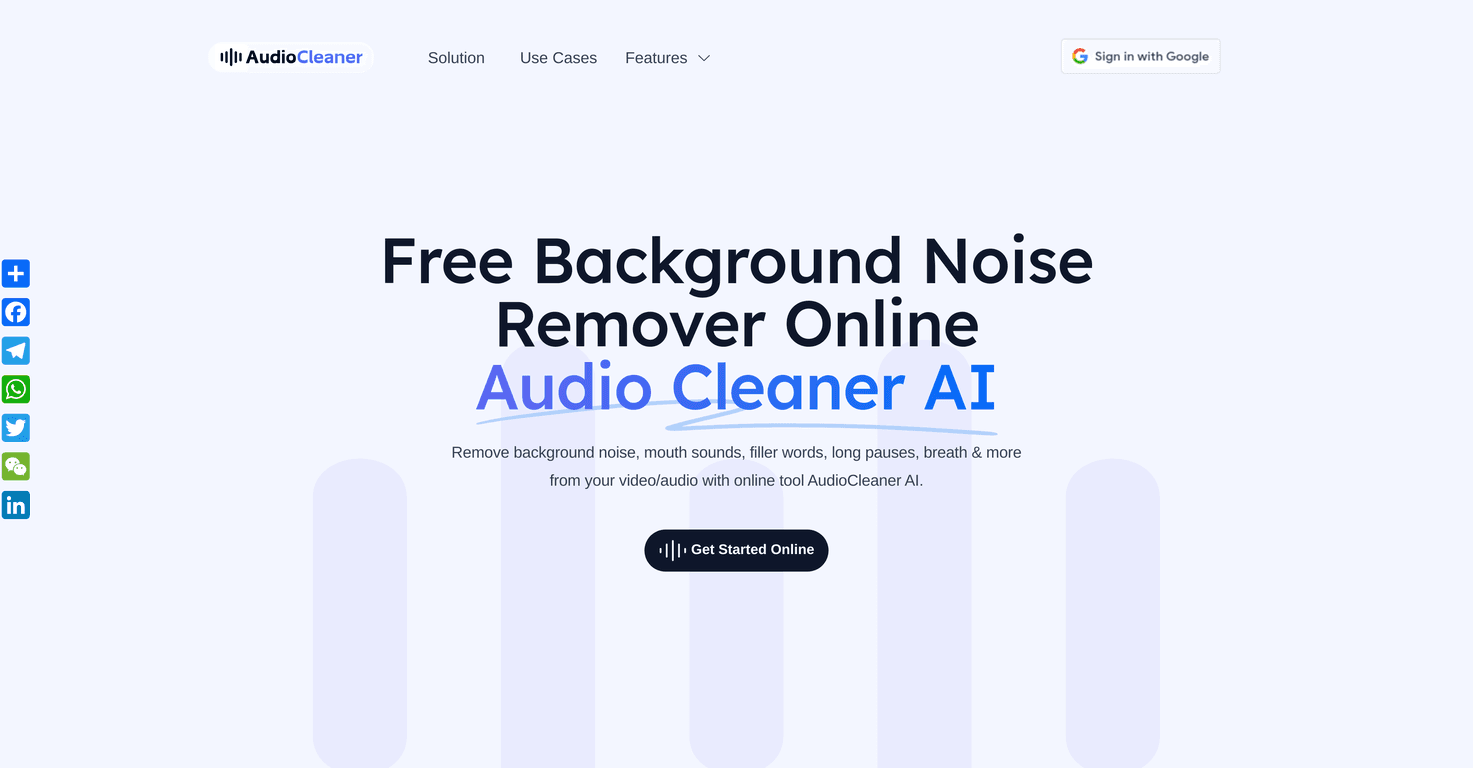
VoiceCleaner removes background noise from spoken recordings, with free short-clip cleanup and credit-based modes for podcasters, teams, educators, and other audio users.

Try VoiceCleaner →

voicecleaner.org·Free + paid plans·Checked 2026-09-22
Voice CleanerVoice Cleaner AI v1Free AI Audio Cleaner Online v1Voicecleaner.ai Scam Check: Unverified Social Links (31/100 Trust Score)
Voice Cleanervoicecleaner.org
Voice Cleaner
Voice Cleanervoicecleaner.org

›What is VoiceCleaner?

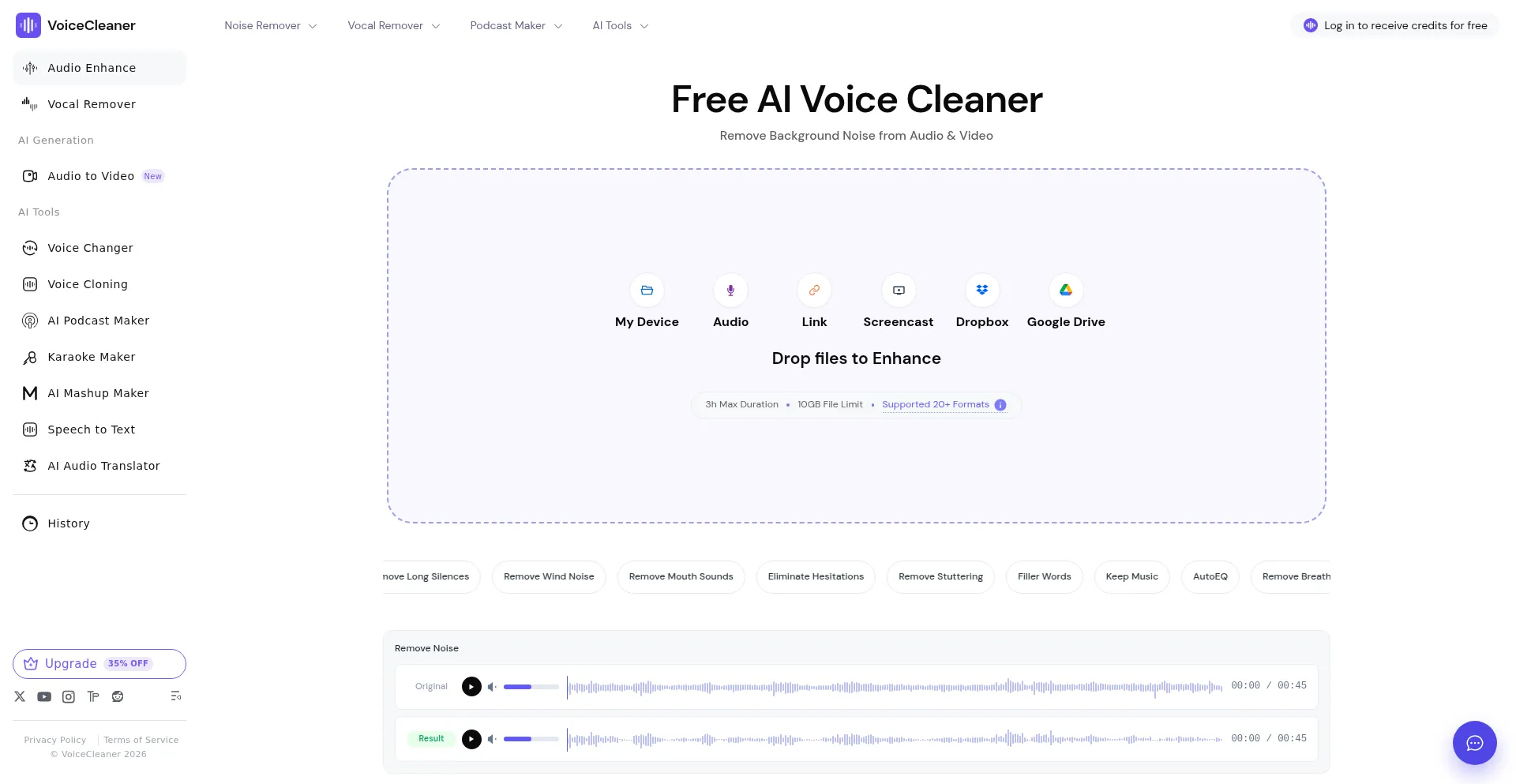
VoiceCleaner is a browser-based tool for reducing background noise in spoken audio. It supports MP3, WAV, M4A, AAC, FLAC, OGG, and WebM files up to 50 MB. Users can compare original and processed audio, then download the preferred result.

›What are the pros and cons of VoiceCleaner?

Strengths

Offers a free Basic Clean mode for testing short recordings
Provides separate standard denoise and speech-isolation modes
Lets users compare the original and processed audio before downloading
Supports common audio formats up to 50 MB
Signed-in users can revisit completed cleanup jobs through task history

Trade-offs

The free Basic Clean mode is limited to clips up to 3 minutes
Voice Isolation costs 4 credits per minute and has an 8-credit minimum per file
Standard Clean rounds audio duration up to the next full minute for credit usage
The service is limited to audio uploads up to 50 MB

›What are VoiceCleaner’s key features?

Basic Clean for free cleanup of clips up to 3 minutes
Standard Clean with stronger denoise at 1 credit per audio minute
Voice Isolation for fan hum, music, crowd noise, and rhythmic background noise
Original and processed audio preview before download
Task history for signed-in users to revisit and download completed jobs
Supports MP3, WAV, M4A, AAC, FLAC, OGG, and WebM audio files

›What are the best use cases for VoiceCleaner?

Clean podcast interviews before editing or publishing
Reduce room, fan, air-conditioning, traffic, or handling noise in meeting recordings
Improve lectures, course lessons, and interview audio for sharing
Polish phone voice memos and other spoken recordings

›What is the pricing for VoiceCleaner?

PlanPriceDetails
Basic CleanFreeFree, lighter cleanup for short clips up to 3 minutes.
Starter Monthly$12.9 / month600 credits per month, approximately 10 hours of Standard Clean.
Pro Monthly$34.9 / month2,000 credits per month, approximately 33 hours of Standard Clean.
Studio Monthly$69.9 / month5,000 credits per month, approximately 83 hours of Standard Clean.

Standard Clean uses 1 credit per audio minute, rounded up. Voice Isolation uses 4 credits per minute with an 8-credit minimum per file. Yearly billing and one-time credit packs are also available, with credits in one-time packs valid for 365 days.

Checked 2026-09-22 · source

›Who is VoiceCleaner best for?

podcastersA strong fit for cleaning interview and episode audio before a full edit.
small teamUseful for recurring cleanup of meeting recordings, voice memos, and client files.
educatorsWorks well for improving lectures and course recordings with spoken-audio noise.
soloThe free short-clip mode gives solo creators a low-cost way to test a recording before buying credits.
Not for
  • Users cleaning clips longer than 3 minutes who want to stay entirely on the free mode.
  • Users who need a full audio editor rather than a focused noise-cleanup and download workflow.
  • Teams processing very large files above the 50 MB upload limit.

›What are the best VoiceCleaner alternatives?

›Where can I try VoiceCleaner?

Open voicecleaner.org →