Forward Future Tools Library

Web2MD logo

Web2MD

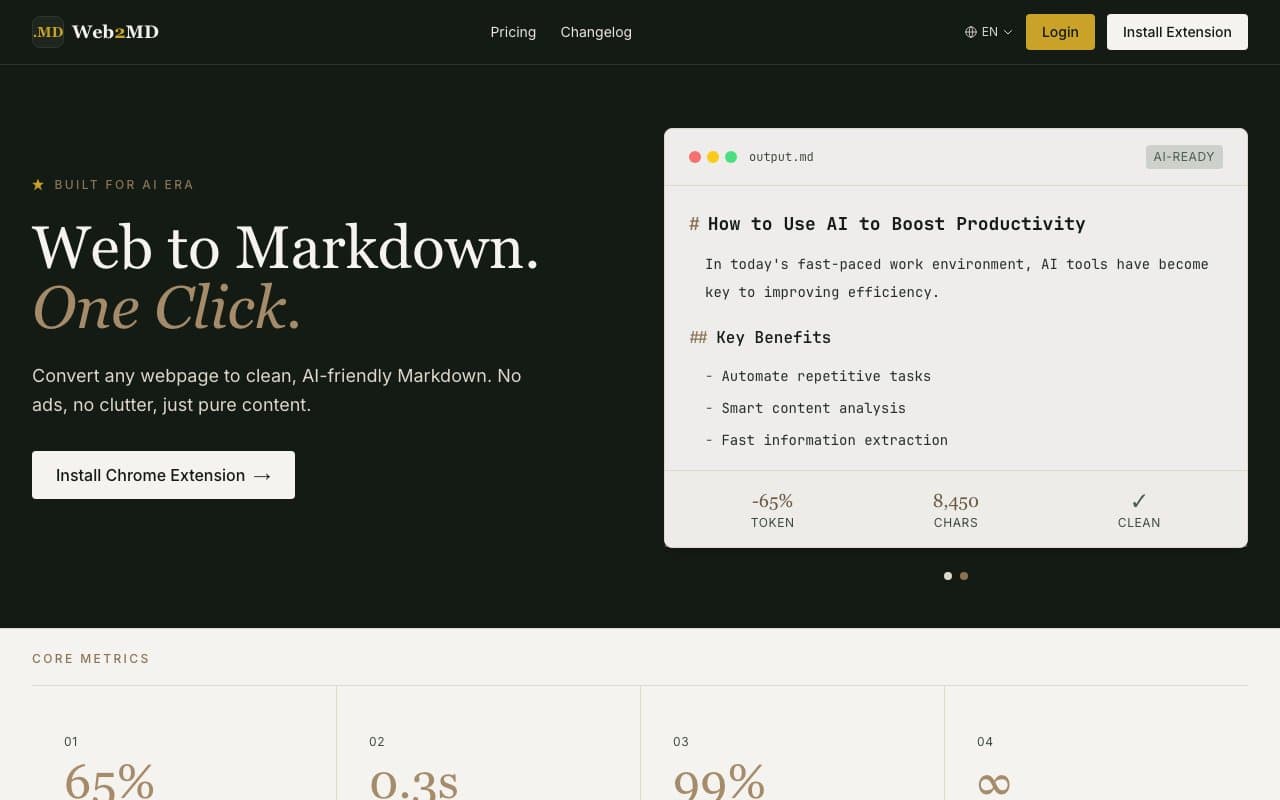
Web2MD converts webpages into clean Markdown, counts tokens, and sends pages to AI tools, making it useful for developers, researchers, and anyone building browser-based AI workflows.

Try Web2MD →

web2md.org·Free + paid plans·Checked 2026-11-03
IntroductionBest Chrome Extension for Webpage to MarkdownHow to Convert Any Webpage to Markdown: The Complete Guide for AI WorkflowsUse Your Claude Conversations as Cursor Context (and Why It Matters for  Coding Agents)
Introductionweb2md.org
Introduction
Introductionweb2md.org

›What is Web2MD?

Web2MD is a Chrome extension and CLI tool that converts webpages and files into Markdown in the browser or terminal. It removes ads, navigation, cookie banners, and other page noise while preserving code blocks and tables. Users can send results to ChatGPT, Claude, Gemini, and other AI tools, sync saved pages locally, or expose them through REST and MCP access.

›What are the pros and cons of Web2MD?

Strengths

Removes ads, menus, sidebars, cookie banners, and other page noise before content reaches an AI model
Preserves Markdown structure, code blocks, tables, and printable links
Supports one-click handoff to several major AI assistants
Provides browser, CLI, REST, and MCP workflows
Conversions run locally in the browser, and the service says it does not upload or store web content

Trade-offs

The browser extension currently supports Chrome, while Firefox and Edge versions are still in development and Safari is planned
The free plan allows three conversions per day and stores only five history items
Token counts are estimates, with differences between model tokenizers requiring a recommended 5 to 10 percent margin
Some advanced capabilities, including unlimited conversions, full library sync, and API access, require a paid plan

›What are Web2MD’s key features?

Browser-based webpage and file conversion to Markdown
Platform-specific extractors for sites including Reddit, YouTube, GitHub, Hacker News, arXiv, Wikipedia, and Medium
One-click handoff to ChatGPT, Claude, Gemini, Perplexity, Grok, or DeepSeek
CLI conversion, batch processing, and export to an Obsidian vault
Token counting for GPT-4, Claude, and other models
Watch mode for scheduled page monitoring, automatic conversion, and webhooks
MCP and REST access, including batch conversion of login-protected or JavaScript-heavy pages through signed-in Chrome

›What are the best use cases for Web2MD?

Convert technical documentation, articles, and forum posts into Markdown for AI prompts or RAG workflows
Send a cleaned webpage and a chosen prompt directly to an AI assistant
Build a local Obsidian knowledge base from saved webpages
Monitor webpages for changes and trigger conversions or webhooks
Batch-convert URLs from a terminal or let coding agents search a synced local library

›What is the pricing for Web2MD?

PlanPriceDetails
Free$0Three conversions per day, smart content extraction, basic Markdown output, and library sync for the latest 50 items.
Pro$9/monthUnlimited conversions, conversion history, precise token counting, smart content splitting, full library sync, API access, priority support, and early feature access.
Lifetime$149Everything in Pro, lifetime updates, no recurring fees, and lifetime priority support.
30-Day Pro Pass$15 one-timeEvery Pro feature for 30 days with no auto-renewal.

The pricing page shows Pro at $15 with a 40% limited-time discount to $9/month. It also states a 7-day refund period and a 30-day pass with no auto-renewal.

Checked 2026-11-03 · source

›Who is Web2MD best for?

developersCLI, REST, MCP, Obsidian, and agent workflows make Web2MD useful for turning web sources into development context.
researchersClean Markdown, token counts, page monitoring, and local PDF export support repeatable source collection and analysis.
soloThe free plan covers occasional conversions, while Pro adds unlimited use and full library access for heavier individual workflows.
Not for
  • People who need a Safari, Firefox, or Edge extension today should wait or choose a browser-supported alternative.
  • Teams looking for collaborative workspace administration may find the documented features focused more on individual browser and agent workflows.
  • Users who only need a basic HTML-to-Markdown library may not need the extension, AI handoff, or paid workflow features.


›What are the best Web2MD alternatives?

›Where can I try Web2MD?

Open web2md.org →