Forward Future Tools Library

SearchCans logo

SearchCans

SearchCans combines live Google and Bing results with webpage and document extraction for developers building AI agents, RAG pipelines, research tools, and search products.

Try SearchCans →

searchcans.com·From $18.00·Checked 2026-11-09
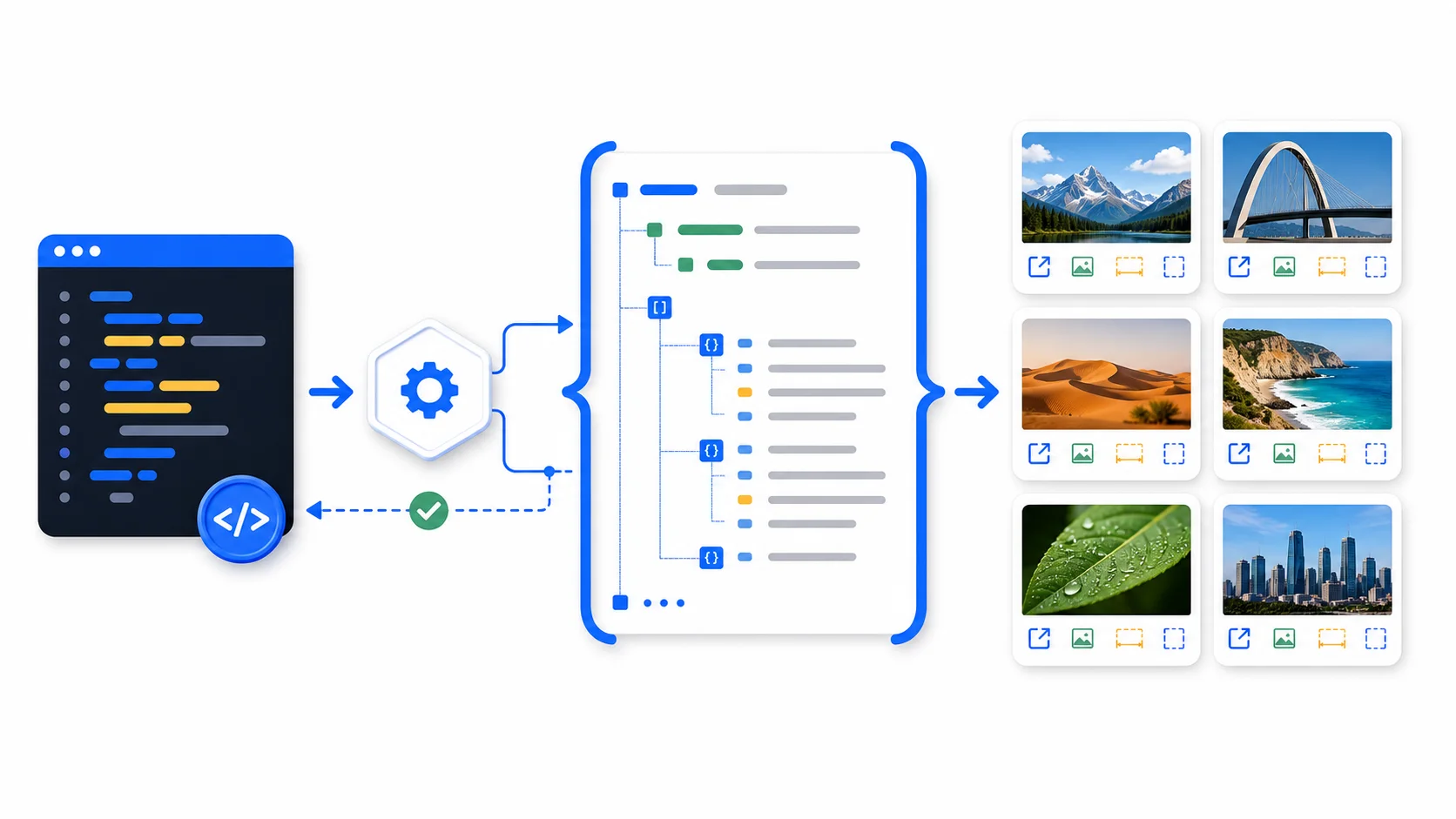
Google Image Search API with Python: Get Images as JSONSearchCans 1Community Search UX/UI :: BehanceAdvanced Search UI
Google Image Search API with Python: Get Images as JSONsearchcans.com
Google Image Search API with Python: Get Images as JSON
Google Image Search API with Python: Get Images as JSONsearchcans.com

›What is SearchCans?

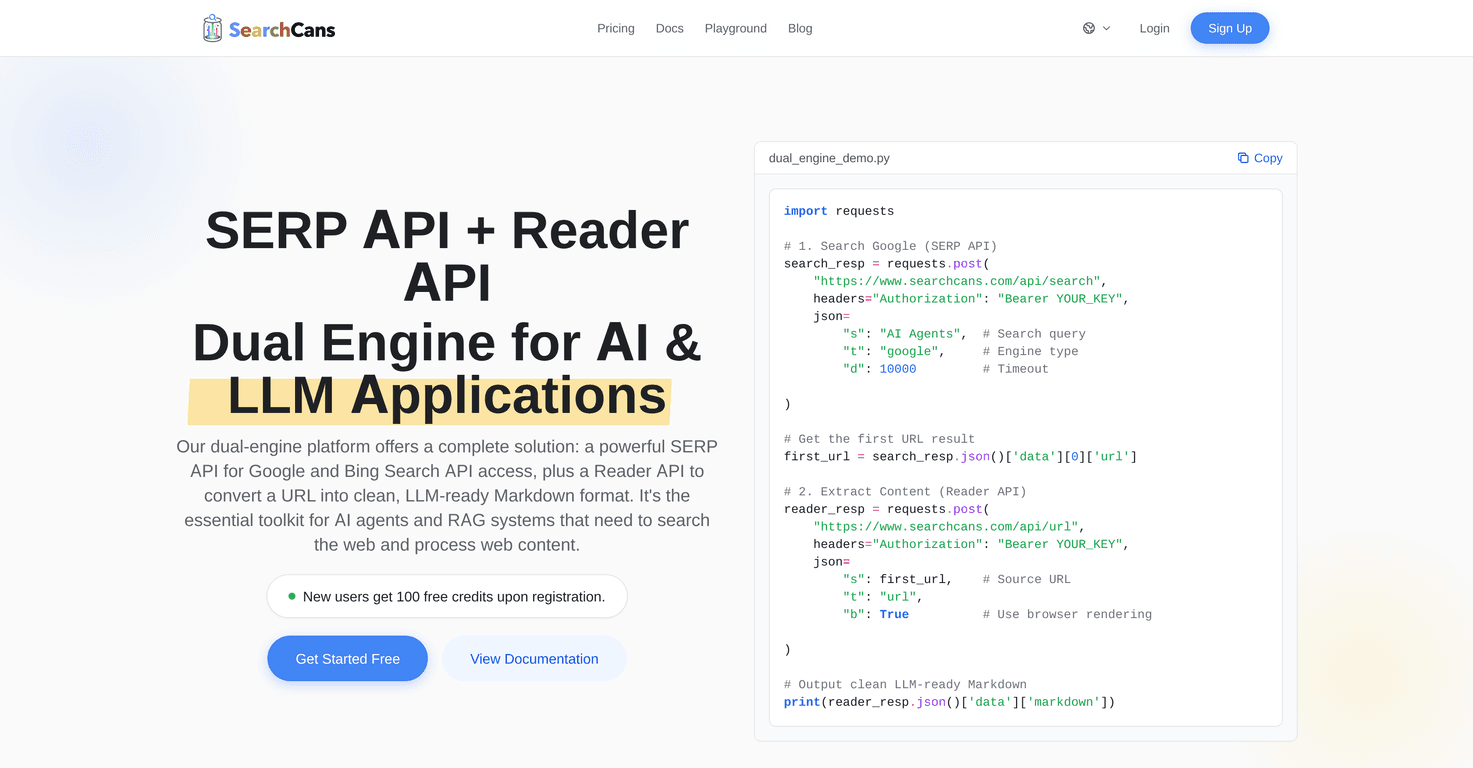
SearchCans is an API platform for retrieving structured Google and Bing search results and extracting webpages, PDFs, and Office documents into Markdown or HTML. Its Reader API can wait for JavaScript-rendered content, while additional APIs cover shopping, images, news, video, screenshots, and file extraction. Search, extraction, and related APIs use one key and credit pool.

›What are the pros and cons of SearchCans?

Strengths

Combines live SERP data and URL-to-text extraction in one API platform
Supports both Google and Bing results in structured JSON
Handles webpages, PDFs, and Office documents
Includes vertical search endpoints for shopping, images, news, and video
No recurring subscription is required for current credit packs

Trade-offs

Credits are prepaid and expire after six months
Concurrency is limited by the plan's parallel lane count
Higher throughput requires buying eligible plans or stacking lanes
Actual throughput varies by endpoint and response time
Compared with broader search providers, its documented search-engine coverage is narrower

›What are SearchCans’s key features?

Structured Google and Bing SERP results in JSON
Reader API conversion of URLs into clean Markdown or HTML
PDF and Office document extraction for retrieval and LLM workflows
JavaScript wait settings for pages that need rendering
Shopping, Images, News, Video, YouTube, screenshot, and file extraction APIs
Parallel lanes for concurrent requests without a fixed hourly request cap

›What are the best use cases for SearchCans?

Give AI agents current Google and Bing search context
Build search, retrieval, and citation workflows for RAG applications
Collect organic results, People Also Ask, and Knowledge Graph data for SEO research
Convert webpages and business documents into text for LLM workflows
Capture website screenshots for monitoring and research

›What is the pricing for SearchCans?

PlanPriceDetails
Standard$18.0020,000 credits, 2 parallel lanes, and credits valid for 6 months.
Starter$99.00132,000 credits, 5 parallel lanes, faster response priority, and eligibility for lane stacking.
Pro$597.00995,000 credits, 37 parallel lanes, priority request routing, developer support, and eligibility for lane stacking.
Ultimate$1680.003,000,000 credits, 113 parallel lanes, a dedicated cluster node, zero queue latency, and an account manager.

New accounts receive 100 free credits. Prepaid packs do not renew automatically and are valid for six calendar months. Standard SERP requests use 1 credit, while standard Reader extraction uses 2. Estimated throughput assumes a 3-second average response time.

Checked 2026-11-09 · source

›Who is SearchCans best for?

developersA strong fit for developers who need live Google or Bing results and extracted source text in the same workflow.
small teamSmall teams can start with free credits and a prepaid pack without committing to a recurring subscription.
enterpriseThe Ultimate plan suits high-concurrency workloads that need dedicated capacity and account support.
SEO professionalsUseful for collecting structured SERP features, shopping results, news, images, and video data for research.
Not for
  • Teams that require a monthly subscription instead of prepaid credits
  • Buyers looking for the broadest possible search-engine coverage
  • Workloads that need high concurrency without moving to larger plans or stacking eligible plans

›What are the best SearchCans alternatives?

›Where can I try SearchCans?

Open searchcans.com →