Forward Future Tools Library

Webex AI Studio
Webex delivers video meetings, messaging, calling, webinars, and AI-assisted collaboration for solo users, small teams, and enterprises.
Try Webex AI Studio →
webex.com·Free·Checked 2026-09-04
›What is Webex AI Studio?
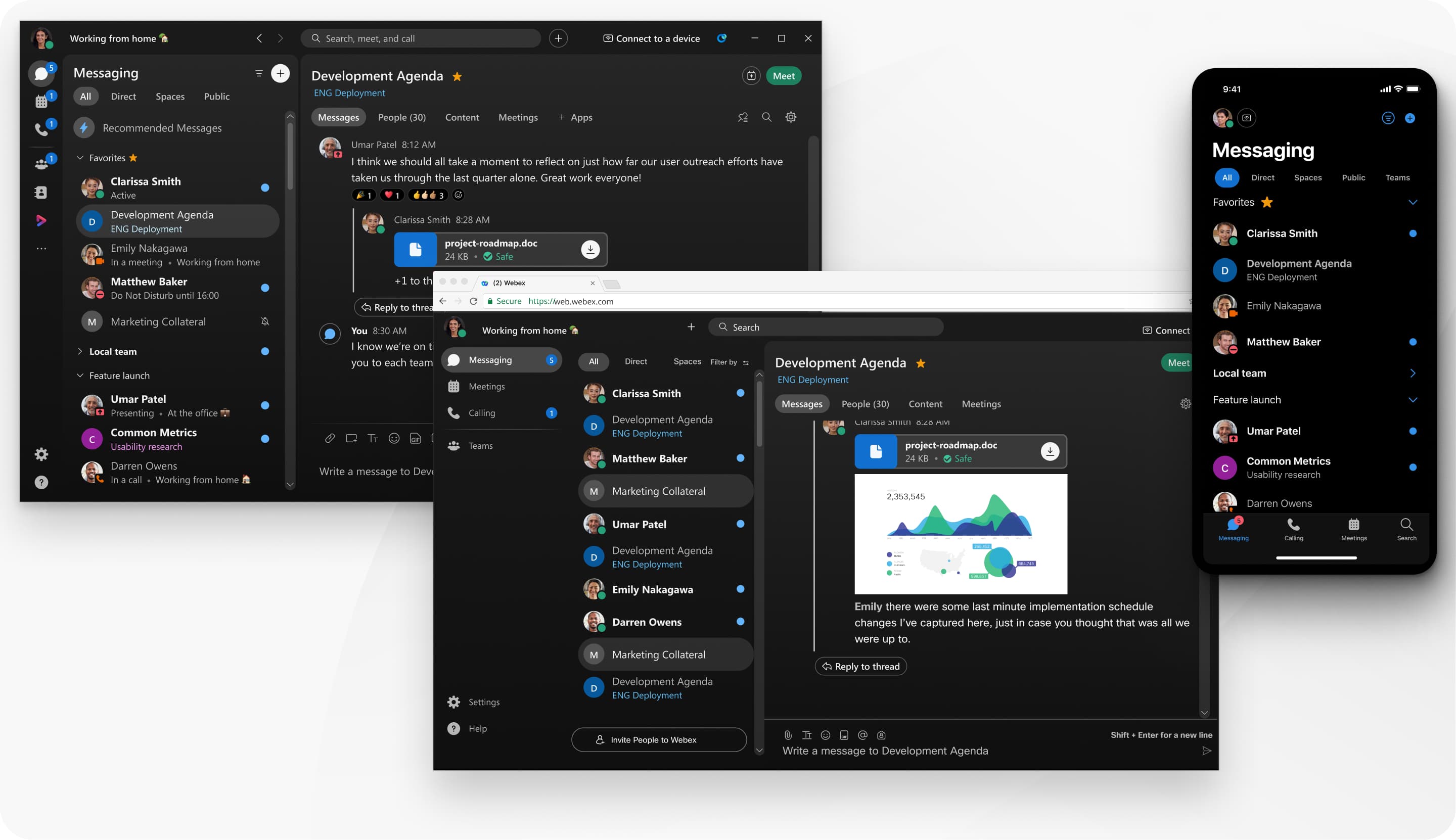
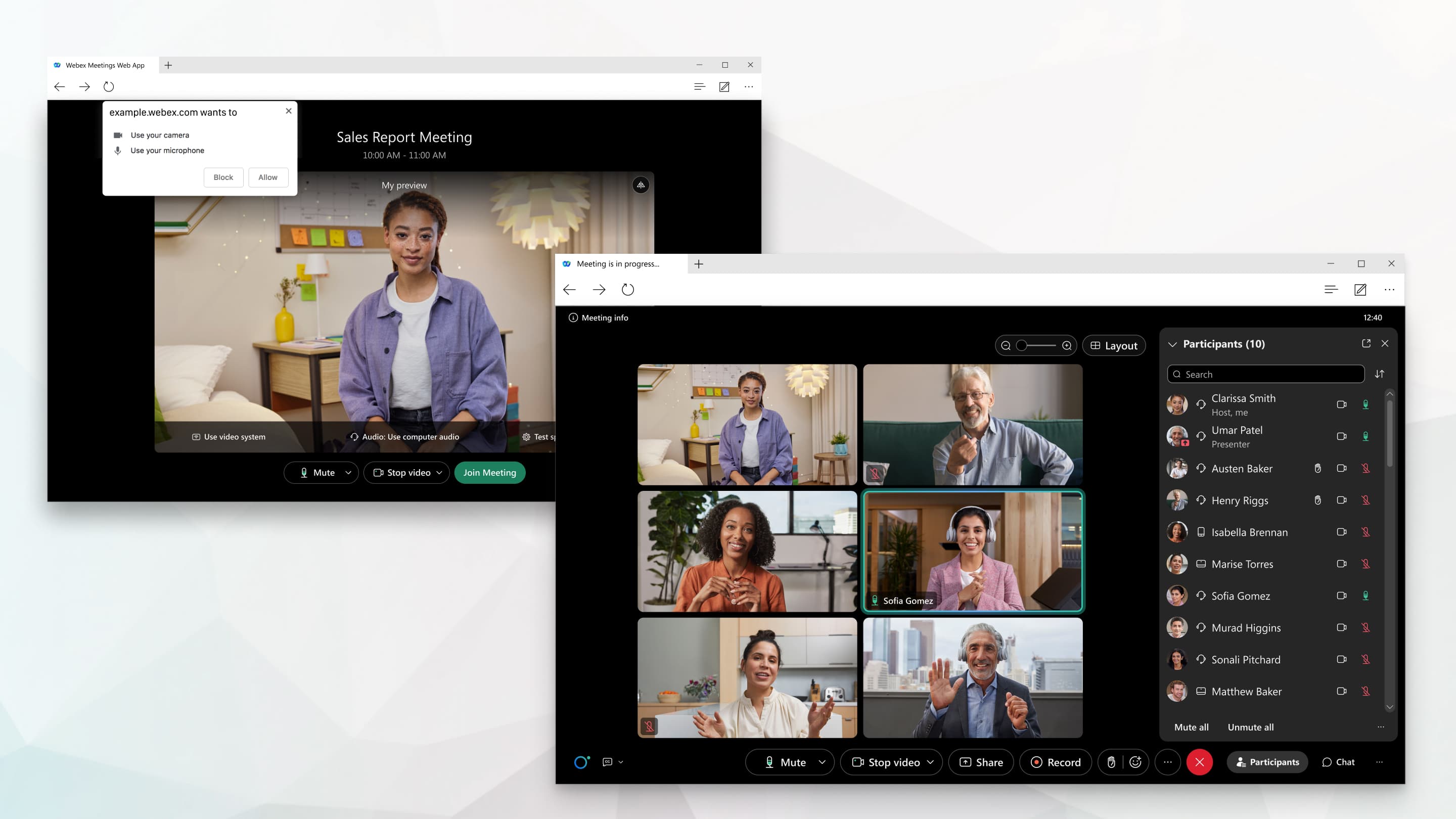
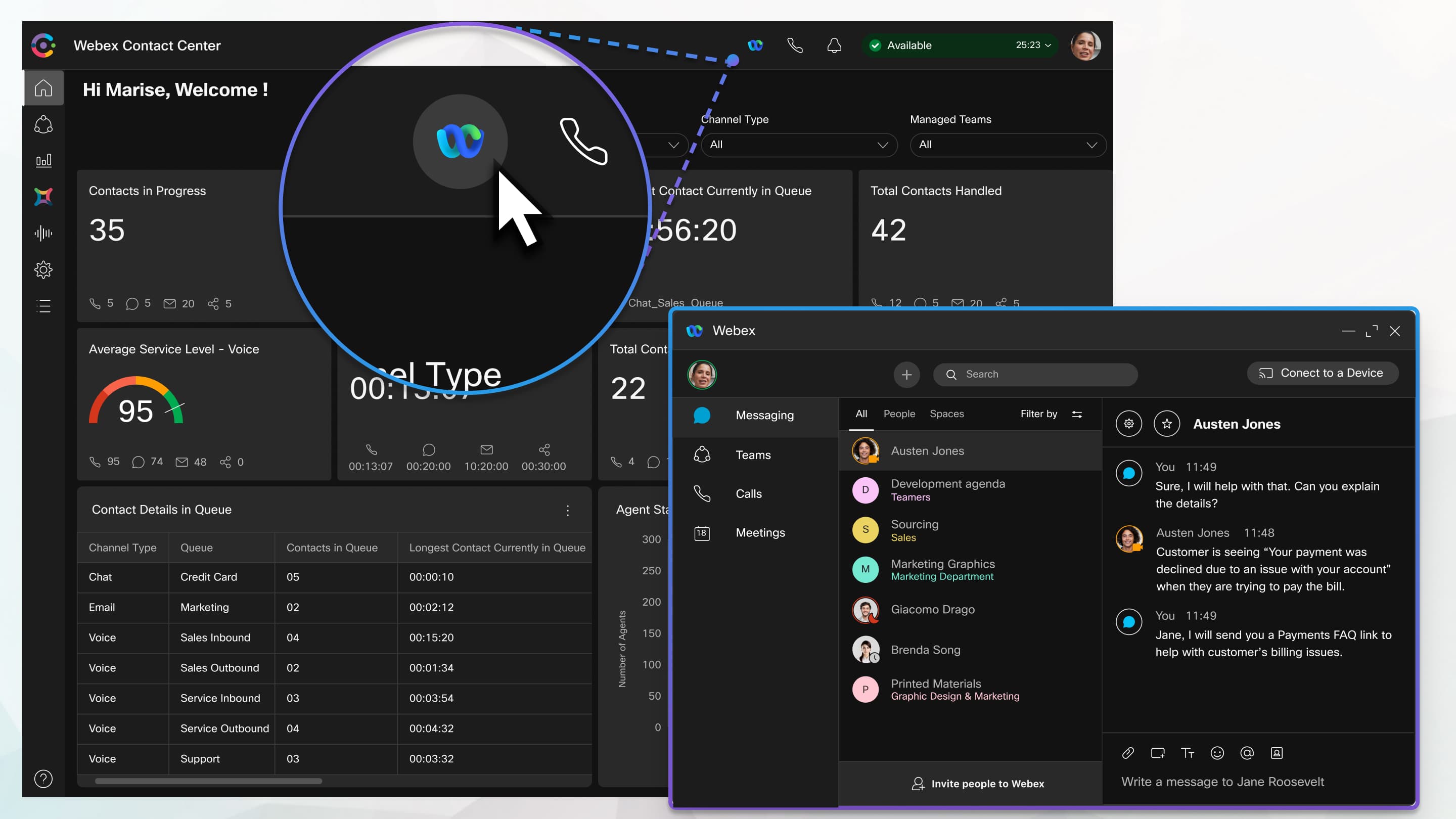
Webex is a cloud-based collaboration suite for video meetings, team messaging, calling, webinars, and events. It supports screen sharing with annotation, whiteboards, recordings, app integrations, noise cancellation, and AI Assistant on Enterprise. Browser access is available for most uses, while some features, such as PSTN calling, require the app.
›What are the pros and cons of Webex AI Studio?
Strengths
Combines meetings, messaging, calling, webinars, and whiteboarding in one suite
Free plan includes unlimited meetings, screen annotation, whiteboards, local recording, and advanced noise cancellation
Enterprise includes AI Assistant, meetings for up to 1,000 attendees, and unlimited cloud recording
Offers advanced security, with FedRAMP authorized security on Enterprise
Works in a browser for most uses
Trade-offs
Webex Free limits each meeting to 40 minutes
Webex Free limits meetings to 100 attendees
Additional host licenses are required to run more than one meeting at a time
Some capabilities, including PSTN calling, require the desktop or mobile app
Enterprise pricing is not publicly listed
›What are Webex AI Studio’s key features?
Video meetings and webinars with up to 100 attendees on Webex Free and up to 1,000 on Enterprise
Screen sharing with annotation and unlimited whiteboards
Team messaging, persistent chat, and cloud calling
Local recording on Free, plus local and unlimited cloud recording on Enterprise
Advanced noise cancellation and AI-powered meeting assistance
Calendar service and leading app integrations
›What are the best use cases for Webex AI Studio?
Host remote meetings and webinars for teams, customers, or larger audiences
Share and annotate presentations or collaborate on whiteboards during live sessions
Record meetings locally or to the cloud for later access
Use team messaging and calling alongside video meetings
Run browser-based meetings when participants do not want to install the app
›What is the pricing for Webex AI Studio?
| Plan | Price | Details |
|---|---|---|
| Webex Free | $0/user/year | Unlimited meetings up to 40 minutes, up to 100 attendees, screen sharing with annotation, whiteboards, local recording, messaging, app integrations, and basic support. |
| Webex Enterprise | Let's talk | Everything listed in Webex Suite, plus AI Assistant, up to 1,000 attendees, local and unlimited cloud meeting recording, and FedRAMP authorized security. |
Checked 2026-09-04 · source
›Who is Webex AI Studio best for?
soloThe free plan covers basic meetings, messaging, whiteboarding, recording, and browser access without requiring payment details.
small teamSmall teams can combine meetings, chat, calling, recordings, and app integrations in one collaboration suite.
enterpriseEnterprise teams get larger meetings, AI Assistant, unlimited cloud recording, and FedRAMP authorized security.
Not for
- Teams that need free meetings longer than 40 minutes should expect to upgrade.
- Organizations seeking fully public enterprise pricing may find the Enterprise plan requires a sales conversation.
- Users who need PSTN calling without installing an app should look elsewhere.