Forward Future Tools Library

Wordtune logo

Wordtune

Wordtune rewrites, summarizes, proofreads, and expands existing text for professionals, students, marketers, and non-native English speakers.

Try Wordtune

wordtune.com·Free + paid plans·Checked 2026-08-22

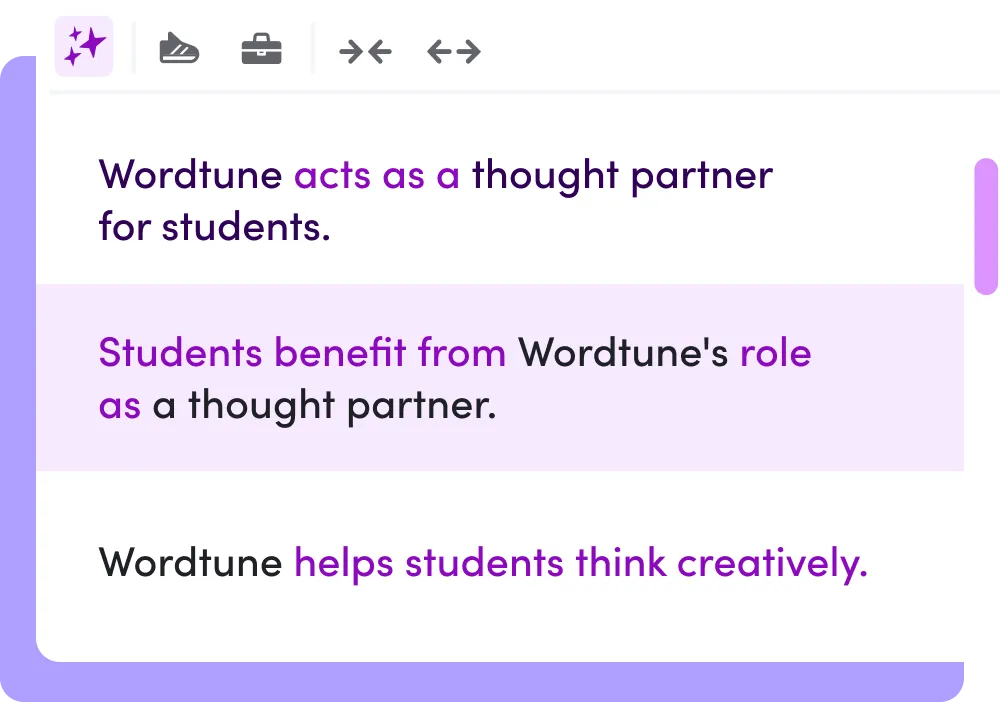
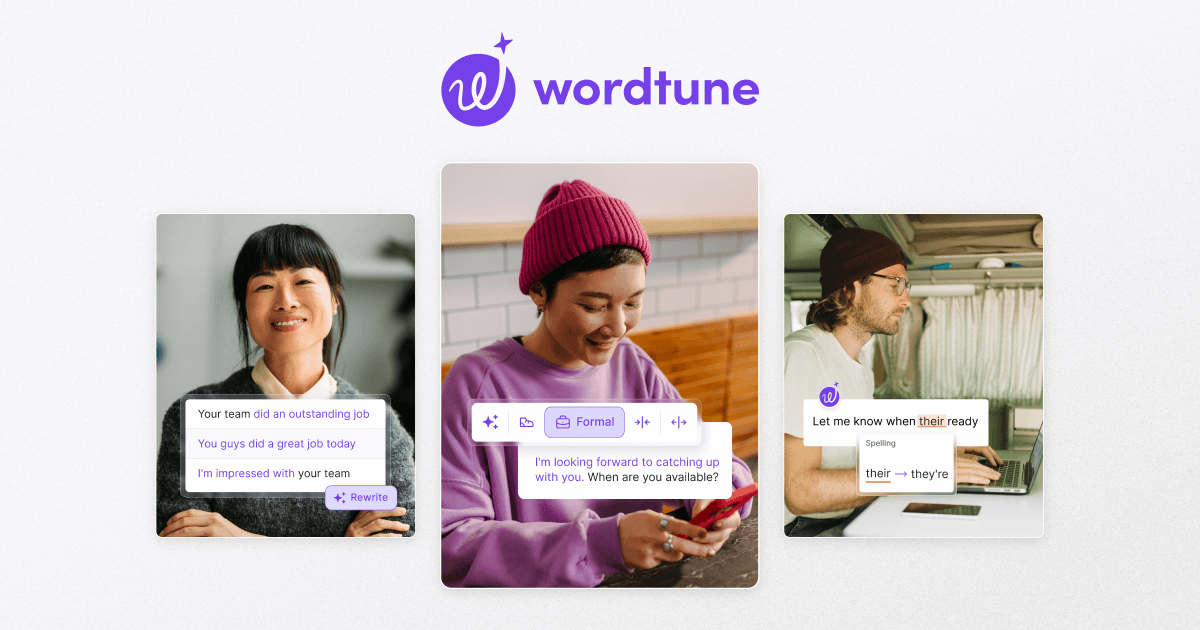
Wordtune screenshotWordtune for EducationWordtuneWordtune — Express yourself with confidenceWordtune Review: Is it the Right Rewriting Tool For You
Wordtunewordtune.com
Wordtune screenshot
Wordtunewordtune.com

What is Wordtune?

Wordtune is an AI writing assistant for rewriting and improving existing text. It offers context-based rewrites, formal and casual tone controls, grammar and spelling corrections, summaries of text or video, and AI-generated additions such as explanations, examples, and alternate viewpoints. Its translation tools support 10 languages and aim to produce natural-sounding English.

What are the pros and cons of Wordtune?

Strengths

Provides multiple rewrite options without requiring users to write prompts
Combines rewriting, proofreading, summarization, translation, and contextual text generation
Offers a free tier with no credit card required
Works through a Chrome extension and a Microsoft Word add-in on the web
Supports formal and casual tone switching

Trade-offs

The Basic plan limits users to 10 rewrites or AI suggestions per day and 3 AI summarizations per month
The Advanced plan limits users to 30 rewrites or AI suggestions per day and 15 AI summarizations per month
It does not provide full article creation, keyword research, or SEO optimization
Reviews report no mobile app, offline use, or dedicated desktop app

What are Wordtune’s key features?

Paraphrases articles, essays, emails, messages, and other text
Provides context-based suggestions for tone, clarity, fluency, length, and style
Checks spelling, grammar, and phrasing
Summarizes text and video
Generates contextual additions, including explanations, examples, conclusions, and alternate viewpoints
Translates into English from 10 supported languages
Offers a Chrome extension and a Microsoft Word add-in on the web

What are the best use cases for Wordtune?

Rewrite professional emails in a formal or casual tone
Polish essays, reports, and other academic drafts
Improve English phrasing for non-native speakers
Summarize articles or videos during research
Develop clearer social media captions and marketing copy
Add explanations, examples, or counterarguments to an existing draft

What is the pricing for Wordtune?

PlanPriceDetails
Basic$0.0010 rewrites and AI suggestions per day, 3 AI summarizations per month, unlimited spelling corrections and grammar checks.
Advanced$4.89/month30 rewrites and AI suggestions per day, 15 AI summarizations per month, unlimited AI recommendations, spelling corrections, and grammar checks.
Unlimited$6.99/monthUnlimited rewrites, AI suggestions, AI summarizations, spelling corrections, grammar checks, vocabulary enhancements, clarity improvements, fluency improvements, and premium support.

The Advanced and Unlimited prices shown are billed annually. Monthly rates shown are $6.99 for Advanced and $9.99 for Unlimited. The FAQ says subscriptions can be canceled before the next billing cycle or trial ends, but refunds are not offered.

Checked 2026-08-22 · source

Who is Wordtune best for?

professionalsA strong fit for people who frequently rewrite emails, reports, sales copy, or other client-facing text.
studentsUseful for polishing essays, clarifying drafts, and summarizing source material.
non-native English speakersIts translation, fluency, tone, spelling, and grammar features can help produce more natural English.
marketersWorks well for refining captions and existing marketing copy, especially when sentence-level alternatives are needed.
Not for
  • Content marketers who need complete articles, keyword research, SEO optimization, or publishing workflows
  • Users who need mobile, offline, or dedicated desktop-app access

What are the best Wordtune alternatives?

Where can I try Wordtune?

Open wordtune.com