

Forward Future Tools Library

LanguageTool
LanguageTool checks grammar, spelling, punctuation, and style across 30+ languages, with browser, desktop, office, and email integrations for multilingual writers, students, and teams.
languagetool.org·From €19.90 per month·Checked 2026-08-26
›What is LanguageTool?
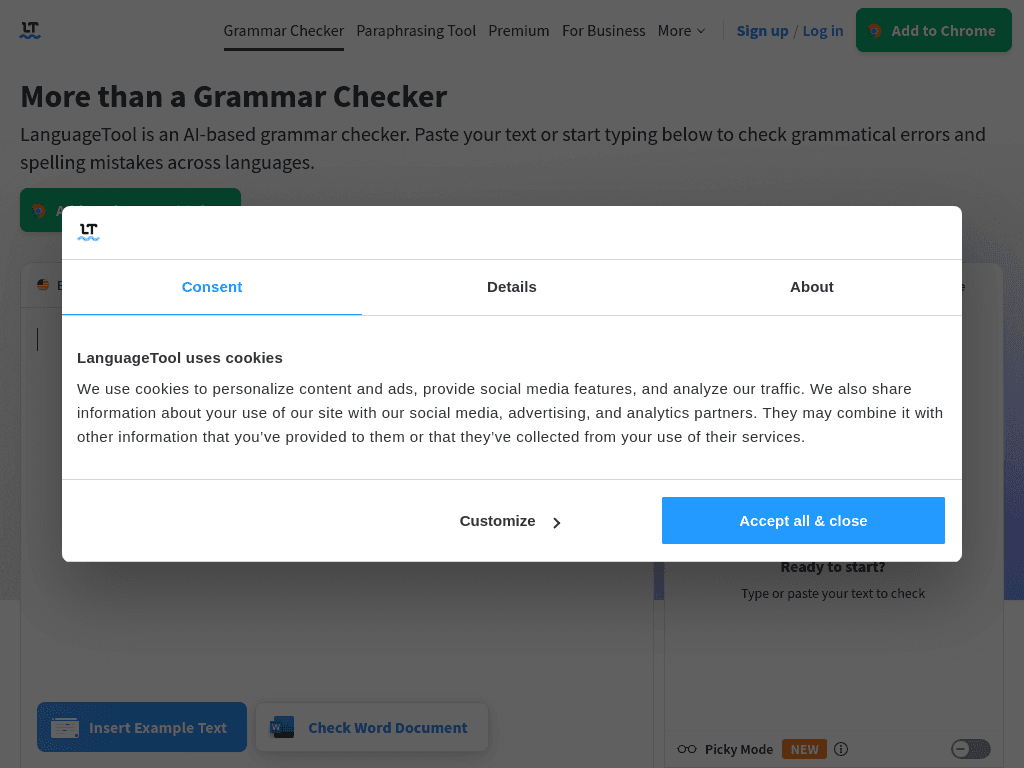
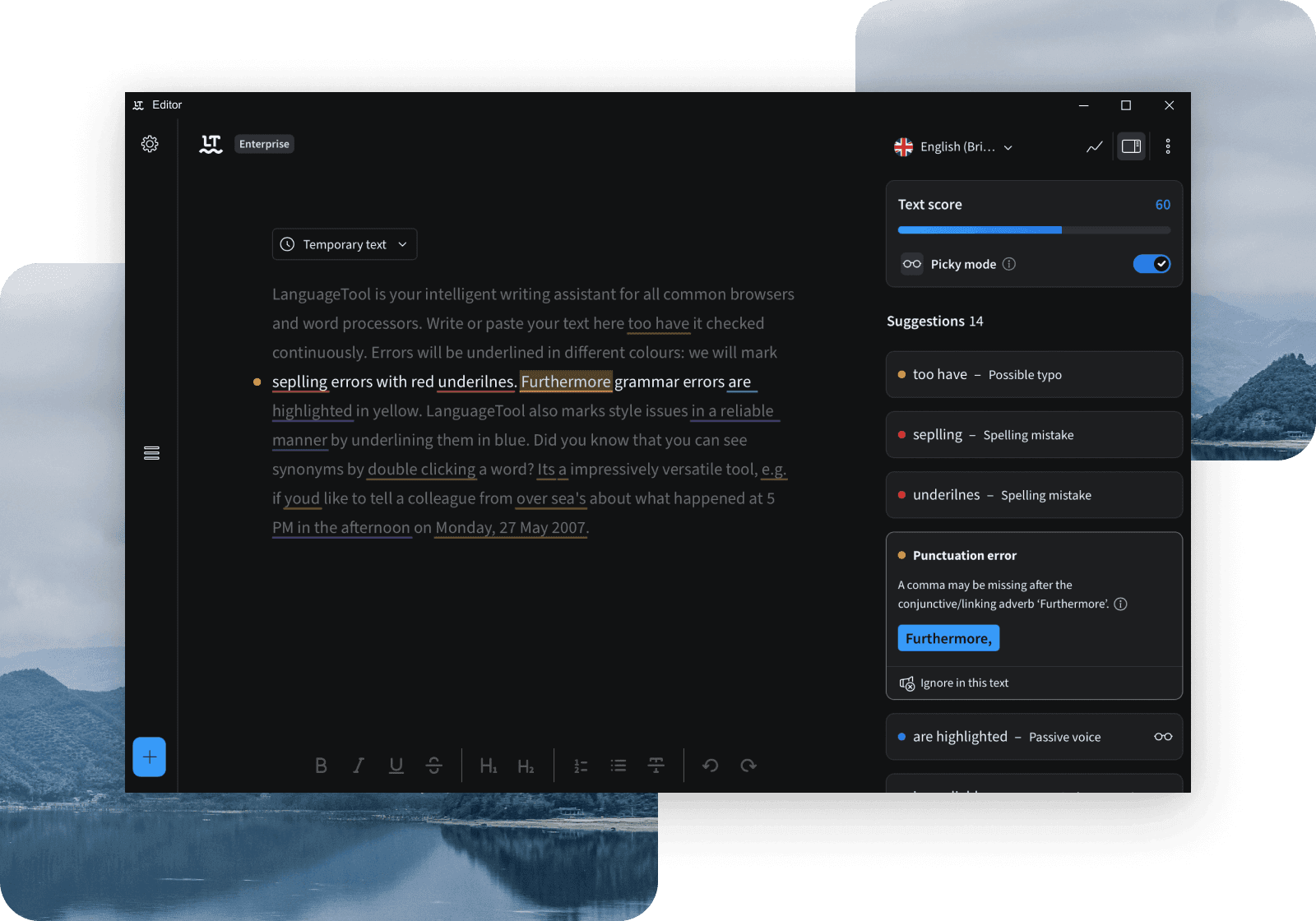
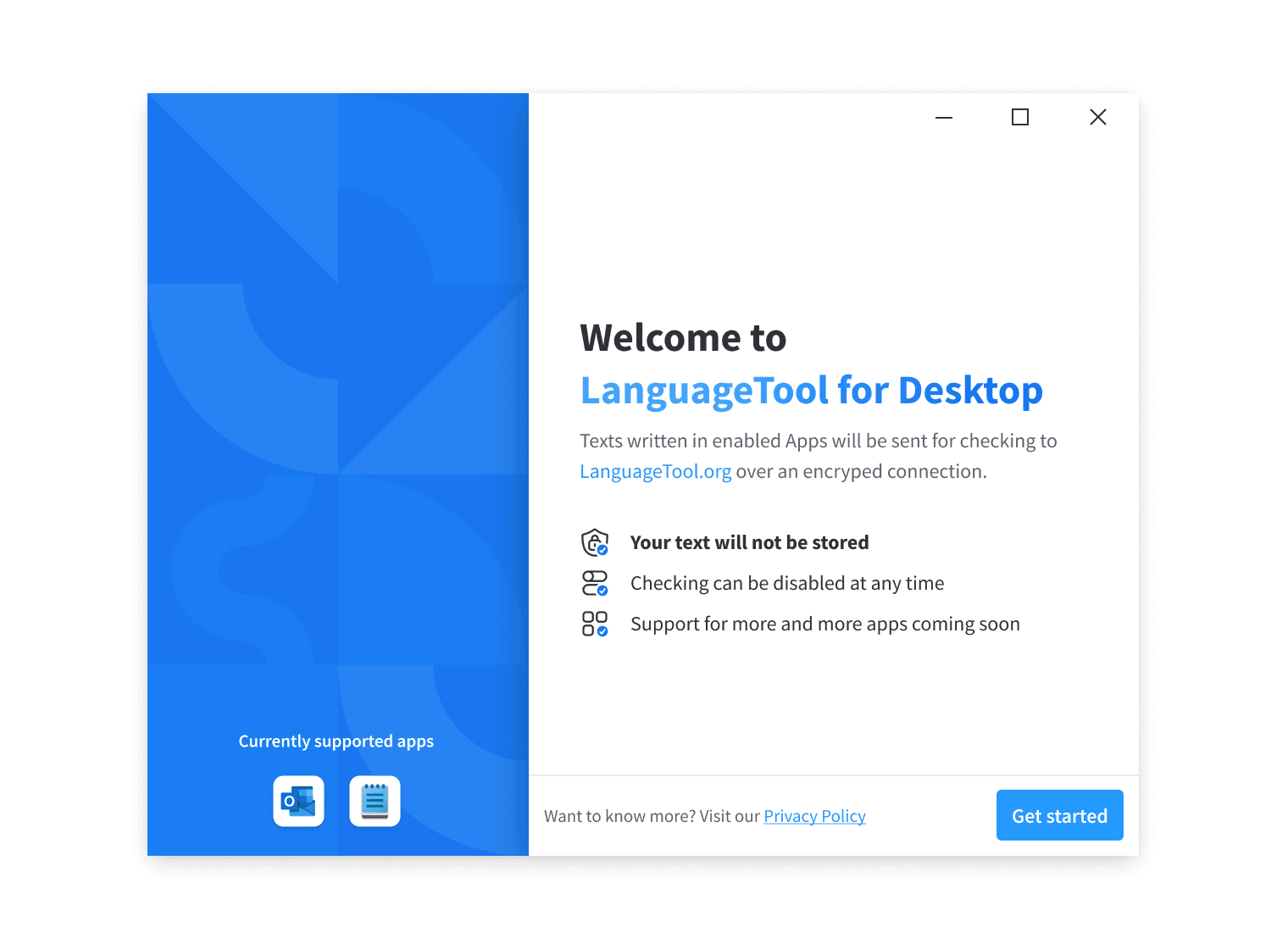
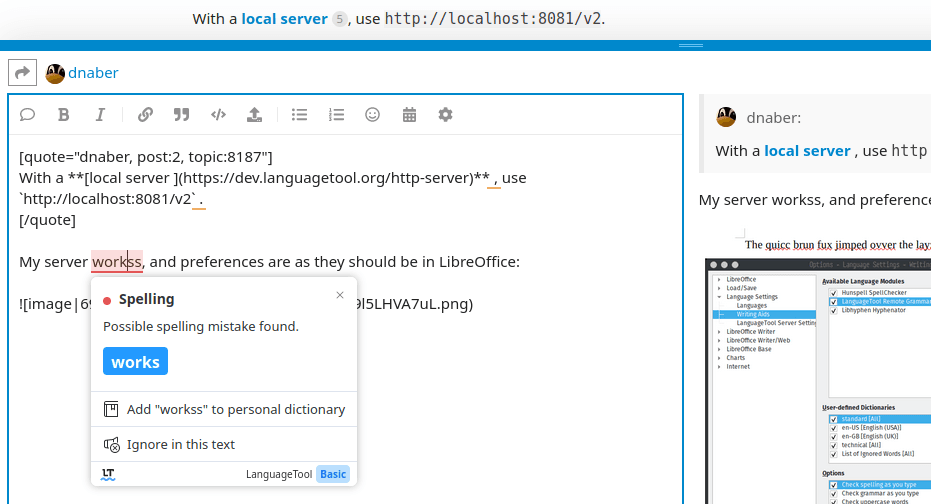
LanguageTool is an AI writing assistant that checks grammar, spelling, punctuation, style, and tone in more than 30 languages and dialects. It includes a web editor, paraphrasing tool, personal dictionary, writing statistics, and optional advanced checks. Browser add-ons, desktop apps, email add-ons, and office plugins let users check text while writing.
›What are the pros and cons of LanguageTool?
Strengths
Trade-offs
›What are LanguageTool’s key features?
›What are the best use cases for LanguageTool?
›What is the pricing for LanguageTool?
| Plan | Price | Details |
|---|---|---|
| Premium monthly | €19.90 per month | Individual Premium access with enhanced grammar, punctuation, and style checking, unlimited sentence paraphrasing, a style guide, and browser add-on access. |
| Premium quarterly | €39.90 per quarter | Individual Premium access with enhanced checking, unlimited sentence paraphrasing, a style guide, and browser add-on access. |
| Premium annual | €59.89 per year | Individual Premium access with enhanced checking, unlimited sentence paraphrasing, a style guide, and browser add-on access. |
| Premium 2-year | €99.90 per 2 years | Individual Premium access with enhanced checking, unlimited sentence paraphrasing, a style guide, and browser add-on access. |
| Team | €56.90 per user | Annual team subscriptions for up to 20 users, including Premium features, user management, a shared style guide, and a team dictionary. |
Students, teachers, and professors can receive up to 20% off a Premium subscription. Business subscriptions are listed separately.
Checked 2026-08-26 · source
›Who is LanguageTool best for?
- Users who need offline grammar checking should look elsewhere.
- Creative writers seeking deep stylistic analysis may find some rewrites too generic.
- English-only users focused mainly on tone suggestions may prefer a different writing assistant.
›What are the best LanguageTool alternatives?
 WordtuneChoose this instead if sentence rewriting and refinement are more important than broad multilingual proofreading.→
 AI WriterChoose this instead if you need help generating full articles rather than mainly checking existing writing.→
 RaptorWriteChoose this instead if your main requirement is producing new content with an AI writing assistant.→
 Clean Email→