Forward Future Tools Library

World-Meeting
World-Meeting provides browser-based video rooms with live voice translation and subtitles for occasional international calls, including client meetings, interviews, tutoring, and small multilingual team sessions.
Try World-Meeting →
world-meeting.app·From €4.99 excl. tax·Checked 2026-10-05

›What is World-Meeting?
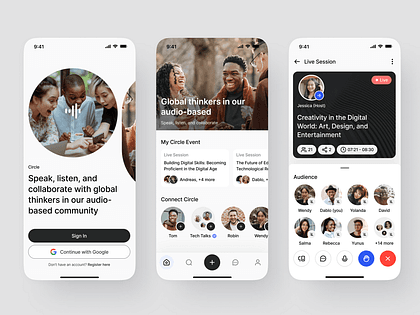
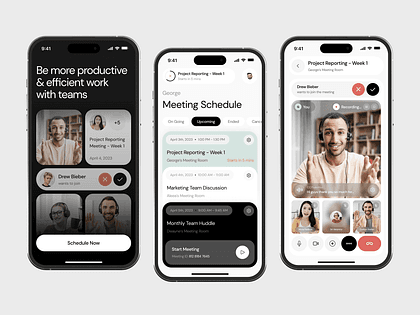
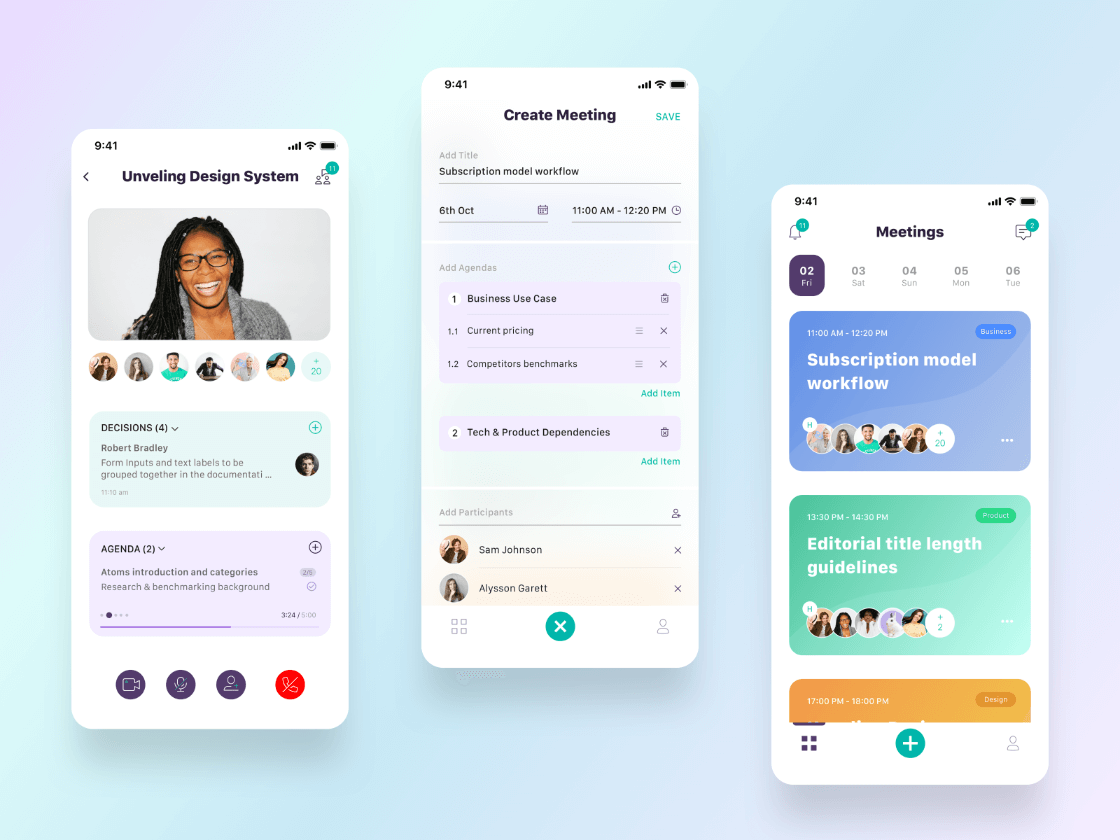
World-Meeting creates private translated video rooms for 1:1 conversations or guided team meetings. Hosts select the room languages and duration, then share a link that guests can open without an account. Meetings support translated voice, live subtitles, screen sharing, and guided turn-taking for team rooms.
›What are the pros and cons of World-Meeting?
Strengths
Guests can join from a link without creating an account
Hosts pay per meeting instead of managing a monthly subscription or seats
Translated voice and live subtitles are available together
Screen sharing is included in private meeting rooms
Guided turn-taking helps keep multilingual team conversations organized
Trade-offs
The 1:1 mode is limited to two participants and does not use a speaking queue
Team meetings use one active translated speaker at a time, so overlapping discussion is restricted
VAT/GST is calculated at checkout and added to the listed price
›What are World-Meeting’s key features?
Real-time translated voice for selected room languages
Live subtitles alongside the video meeting
Private browser rooms with guest access by link
1:1 conversations and guided team meeting modes
Hand-raise flow with one active translated speaker in team meetings
Screen sharing in translated meeting rooms
›What are the best use cases for World-Meeting?
International client and partner calls
Supplier meetings and remote support conversations
Interviews and international sales discovery calls
Language tutoring between two participants
Demos and small multilingual team meetings
›What is the pricing for World-Meeting?
| Plan | Price | Details |
|---|---|---|
| 1:1 conversation | From €5.99 excl. tax for a 30-minute translated 1:1 conversation | Includes translated voice, live subtitles, selected room languages, and two-person browser access. |
| Team meeting | From €4.99 excl. tax | Includes translated voice, live subtitles, guided turn-taking, a participant limit, and screen sharing. |
Pay per meeting with no subscription. VAT/GST is calculated at checkout.
Checked 2026-10-05 · source
›Who is World-Meeting best for?
small teamA fit for small multilingual teams that need structured turn-taking and translation for occasional calls.
entrepreneursUseful for one-off client, supplier, partner, or sales conversations without buying a recurring plan.
interviewersThe 1:1 room supports translated voice and subtitles for interviews with international candidates.
tutorsLanguage tutors can use the two-person browser room for translated tutoring sessions.
Not for
- Organizations that need monthly subscriptions, seat management, or recurring team administration
- Teams that require several participants to speak simultaneously without a speaking queue