

Forward Future Tools Library

Stitch.ai
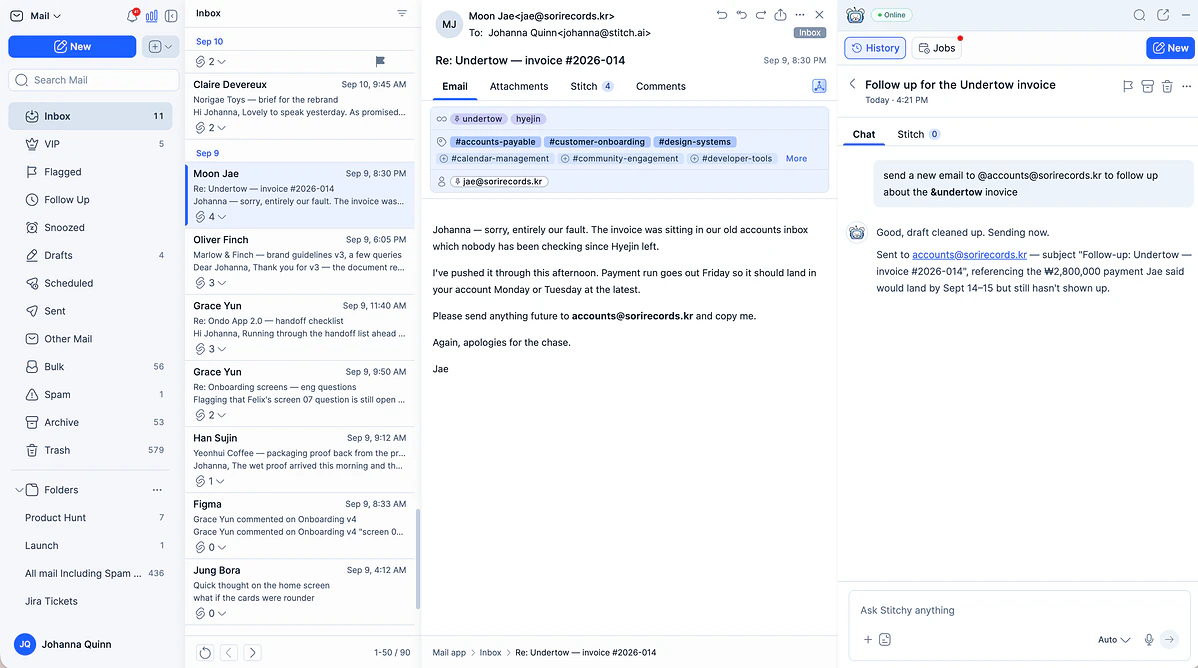
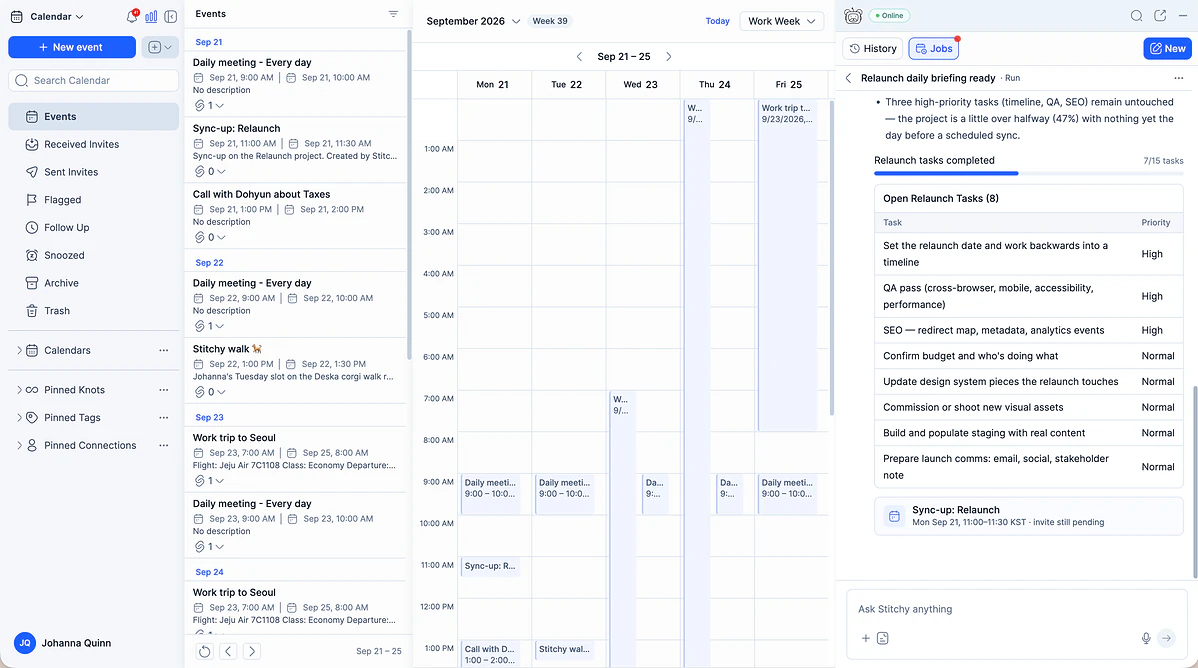
Stitch.ai combines mail, calendar, tasks, notes, contacts, files, sheets, and slides with an AI assistant for people who want their work connected in one workspace.
stitch.ai·Free + paid plans·Checked 2026-11-11
›What is Stitch.ai?
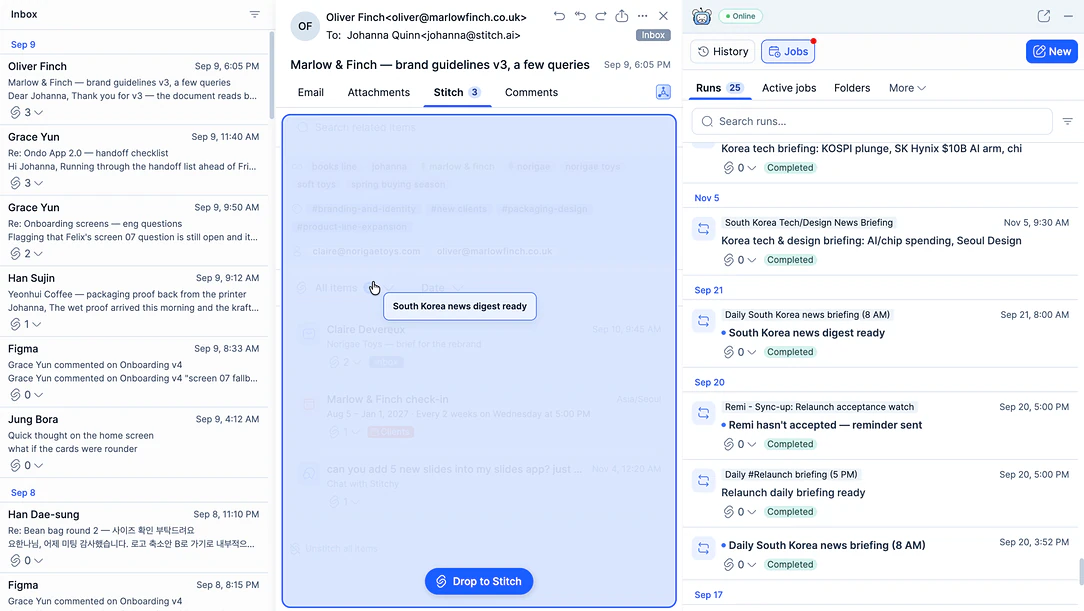
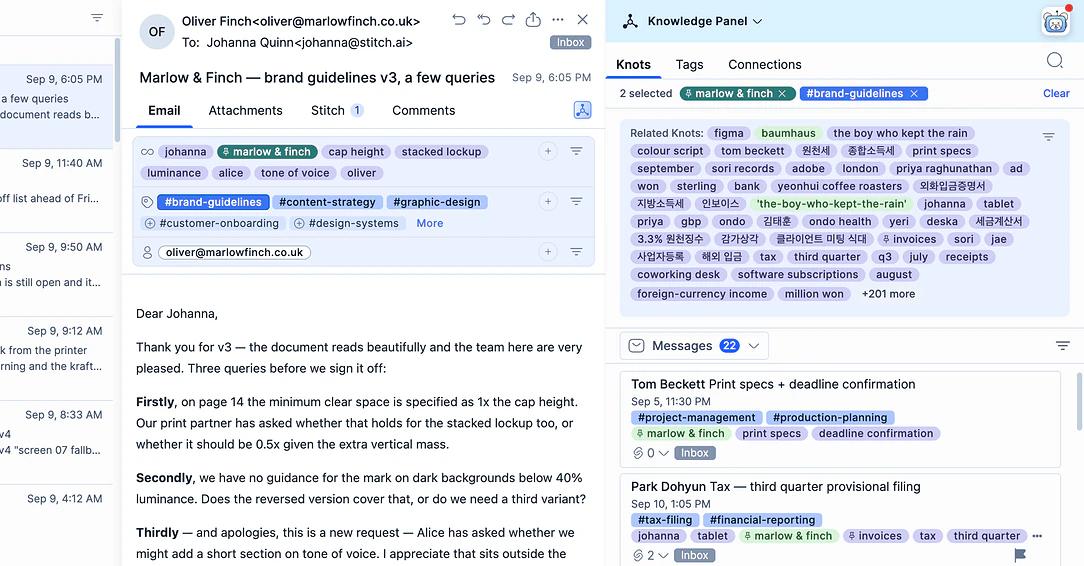
Stitch.ai is a connected workspace with eight built-in apps for email, calendars, tasks, notes, contacts, files, sheets, and slides. Stitchy works across the workspace to manage information, run scheduled jobs, and flag items that need attention. Tags, Knots, Connections, the Knowledge Panel, and the Knowledge Hub help users find related work by topic, keyword, or person.
›What are the pros and cons of Stitch.ai?
Strengths
Trade-offs
›What are Stitch.ai’s key features?
›What are the best use cases for Stitch.ai?
›What is the pricing for Stitch.ai?
| Plan | Price | Details |
|---|---|---|
| Free Trial | $0 | 7-day trial with all Stitch.ai features and 1,000 AI credits, including all eight apps and 250 MB of AI Context Space |
| Standard | $49 per month | All eight apps, Stitching, automated Tags, Knots and Connections, Knowledge Hub, Stitchy AI Assistant, 5,000 AI credits, and 10 GB of AI Context Space |
| Plus | $69 per month | All eight apps and core workspace features, with 10,000 AI credits and 15 GB of AI Context Space |
| Pro | $89 per month | All eight apps and core workspace features, with 20,000 AI credits, 30 GB of AI Context Space, and more powerful Stitchy AI |
| Max | $169 per month | All eight apps and core workspace features, with 40,000 AI credits, 50 GB of AI Context Space, and more powerful Stitchy AI |
AI credits are included with each plan. Additional credits can also be purchased in the Stitch.ai app. After the trial, users can downgrade to a limited-view mode to export data.
Checked 2026-11-11 · source
›Who is Stitch.ai best for?
- Students and freelancers looking for a low-cost option should note that paid plans start at $49 per month.
- People who want to keep their existing mail and calendar apps should avoid a workspace that requires moving those activities into Stitch.ai.
- Android-first users should wait until the Android app is available.
›What are the best Stitch.ai alternatives?
 Any.doChoose this instead if your main need is organizing to-do lists, calendars, reminders, and tasks rather than managing a full eight-app workspace.→
 ClickUpChoose this instead if project management and team collaboration are more important than a unified mail and calendar workspace.→
 AntispaceChoose this instead if you want an AI platform centered on integrating email, calendars, notes, and related work processes.→
 Example Product→