Forward Future Tools Library

Zed
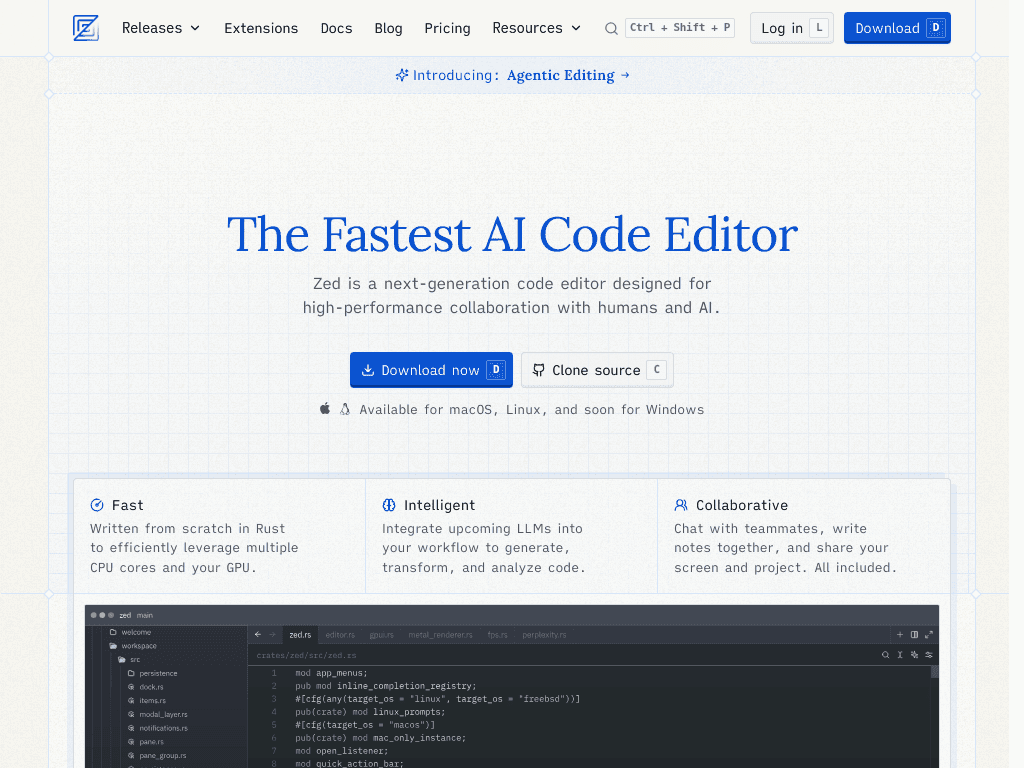
Zed is a fast, Rust-based code editor for developers who want GPU-accelerated editing, AI agents, and built-in multiplayer collaboration.
Try Zed →
zed.dev·Free + paid plans·Checked 2026-08-24
›What is Zed?
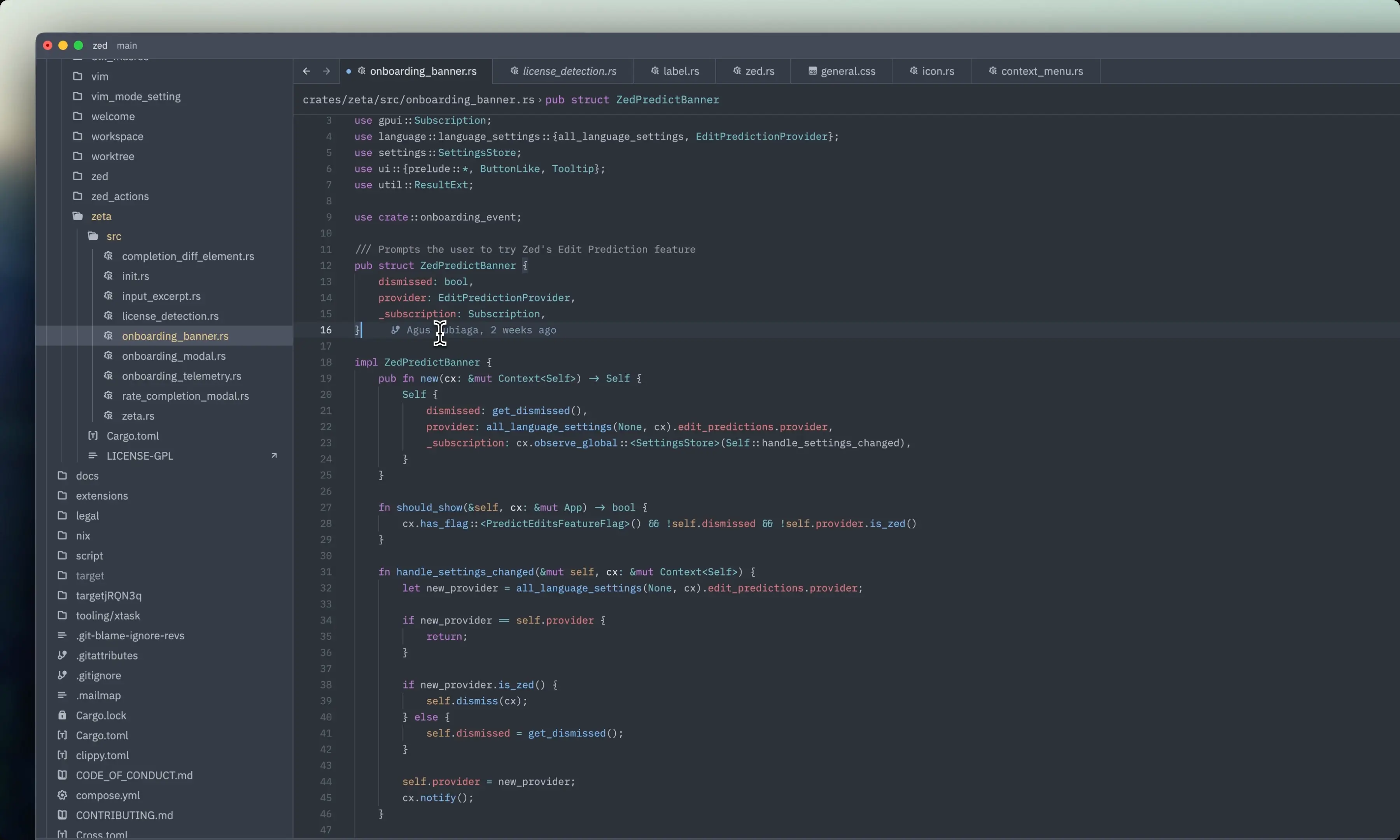
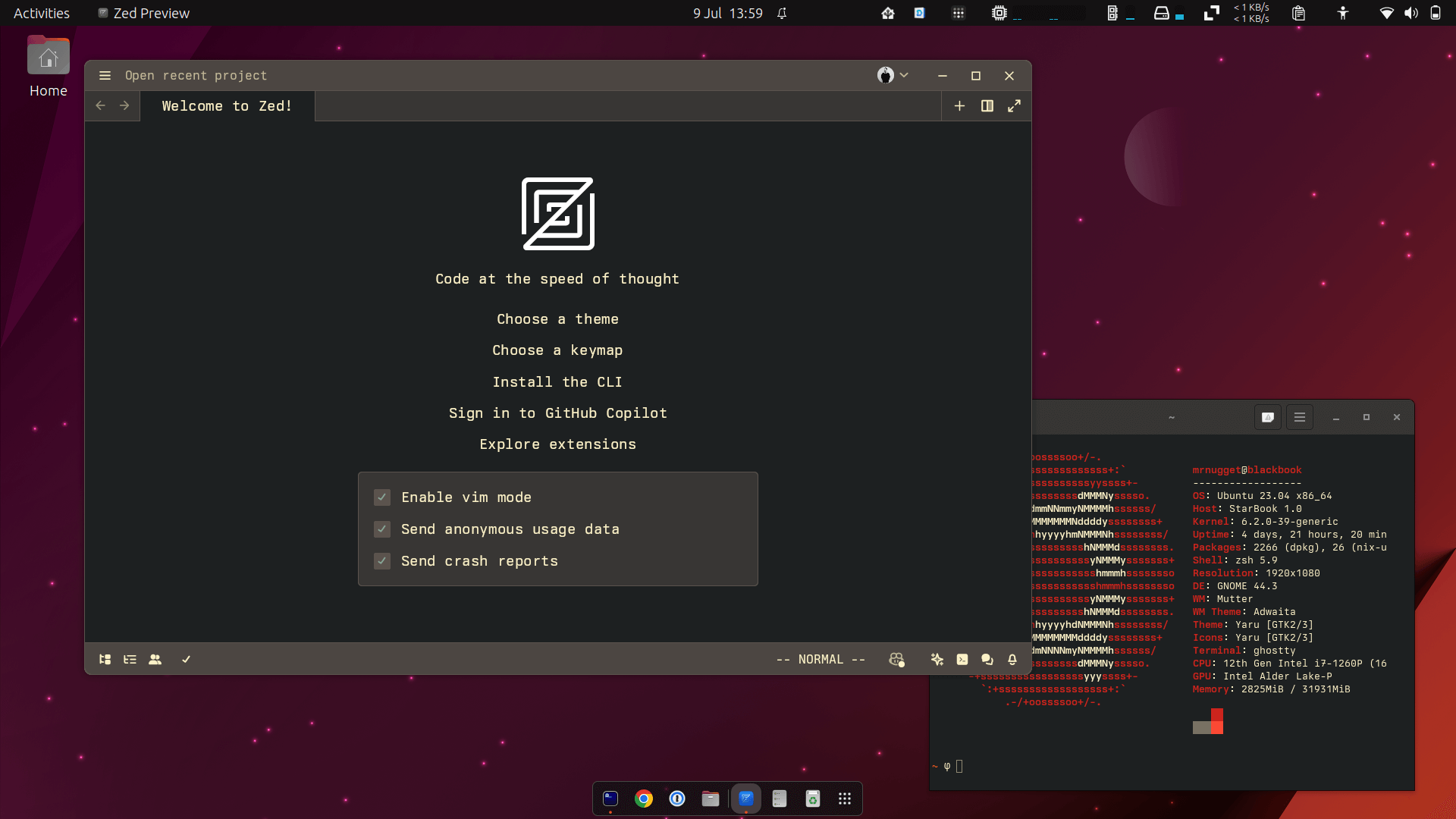
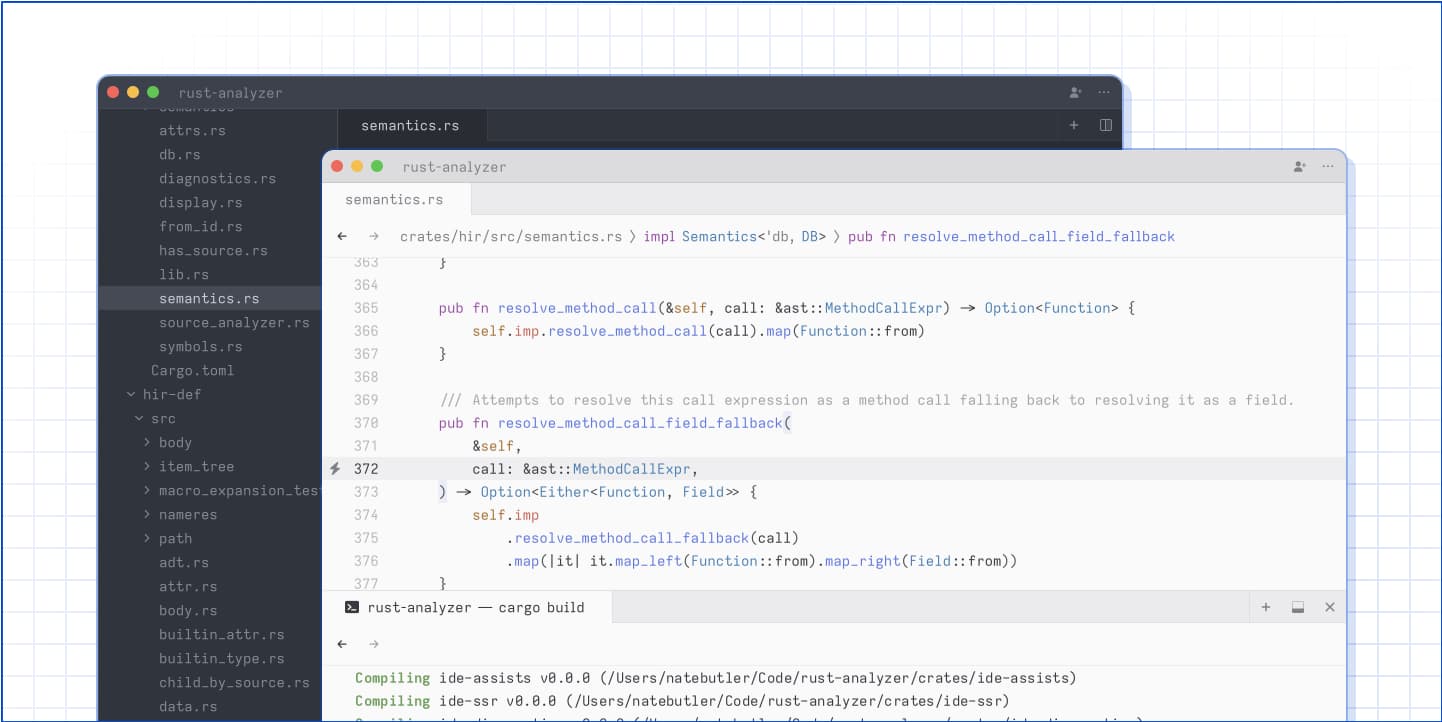
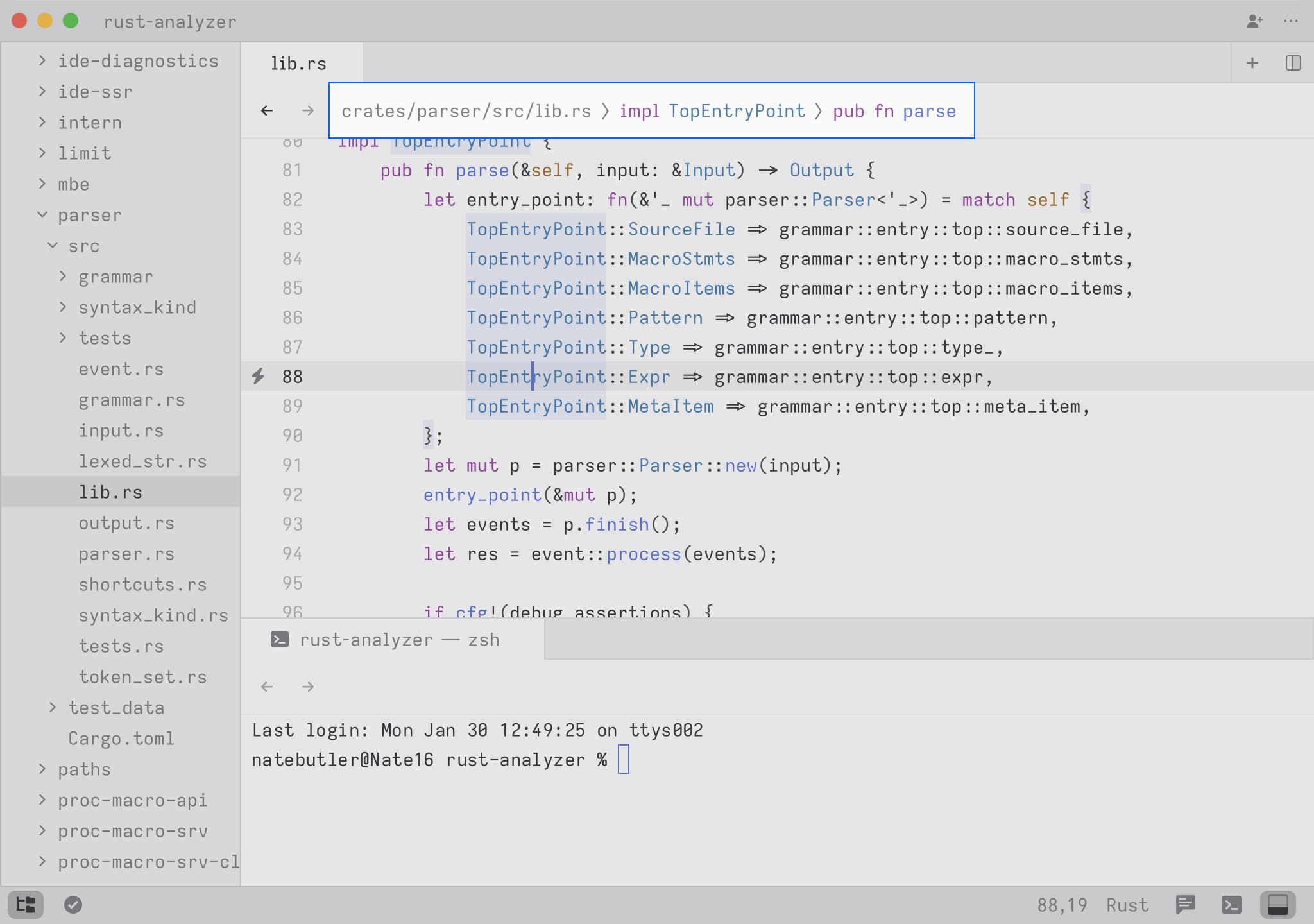
Zed is a code editor for macOS, Linux, and Windows, built from scratch in Rust and designed to use multiple CPU cores and the GPU. It supports AI agents that can edit files, navigate code, and run tools, alongside multiplayer coding, chat, and screen sharing.
›What are the pros and cons of Zed?
Strengths
Very fast startup, rendering, and input response compared with VS Code in published benchmarks
Uses relatively little idle memory compared with VS Code
AI agents can work across file editing, code navigation, and tool execution
Built-in collaboration includes chat, shared coding, and screen sharing
Available on macOS, Linux, and Windows
Trade-offs
Its extension ecosystem is much smaller than VS Code's, with roughly 800 extensions compared with about 50,000
It lacks some specialized tools, including a database explorer, API client, and some cloud-service sidebars
It does not provide codebase-wide AI indexing like Cursor
The Business plan does not currently include a free trial
SSO, SAML, and SCIM are planned but not currently available
›What are Zed’s key features?
GPU-accelerated rendering and Rust-based architecture for fast editing
Parallel AI agents that edit files, navigate code, and run tools
Multiplayer coding, teammate chat, and screen sharing
Support for external agents and API keys, including Claude Agent and Codex CLI
Edit Predictions for AI-assisted code completion
Native Git panel, debugger, SSH remoting, and first-class AI agent support
›What are the best use cases for Zed?
Editing TypeScript, Python, Rust, and Go projects
Using AI agents to inspect a repository, modify files, and run development tools
Pair programming and reviewing code with teammates through multiplayer sessions
Working on remote projects through SSH remoting
Using external AI providers or agents through personal API keys
›What is the pricing for Zed?
| Plan | Price | Details |
|---|---|---|
| Personal | $0 forever | Free code editor with 2,000 accepted edit predictions and unlimited use with personal API keys or external agents. |
| Pro | $10 per month | Adds Zed-hosted AI models, unlimited edit predictions, and $5 of included token usage. |
| Business | $30 per seat, per month | Adds organization-wide AI model policies, data governance controls, unified spend visibility, unlimited edit predictions, and role-based access controls. |
Pro usage beyond the included $5 is billed at API list price +10%. Business has no minimum seat count, and order form contracts are available at 25+ seats.
Checked 2026-08-24 · source
›Who is Zed best for?
developersA strong fit for developers who prioritize low-latency editing and AI-assisted work over the breadth of the VS Code extension ecosystem.
small teamBuilt-in multiplayer coding, chat, and screen sharing make it suitable for small teams that pair program or review code together.
enterpriseBusiness provides centralized AI policies, data controls, billing visibility, and role-based access, but lacks SSO, SAML, and SCIM.
Not for
- Developers who depend on specialized VS Code extensions that have not been ported to Zed
- Teams that require database explorers, API clients, or cloud-service sidebars inside the editor
- Organizations that require SSO, SAML, or SCIM today
- Developers who need codebase-wide AI indexing and multi-file AI editing