

Forward Future Tools Library

Adpex AI
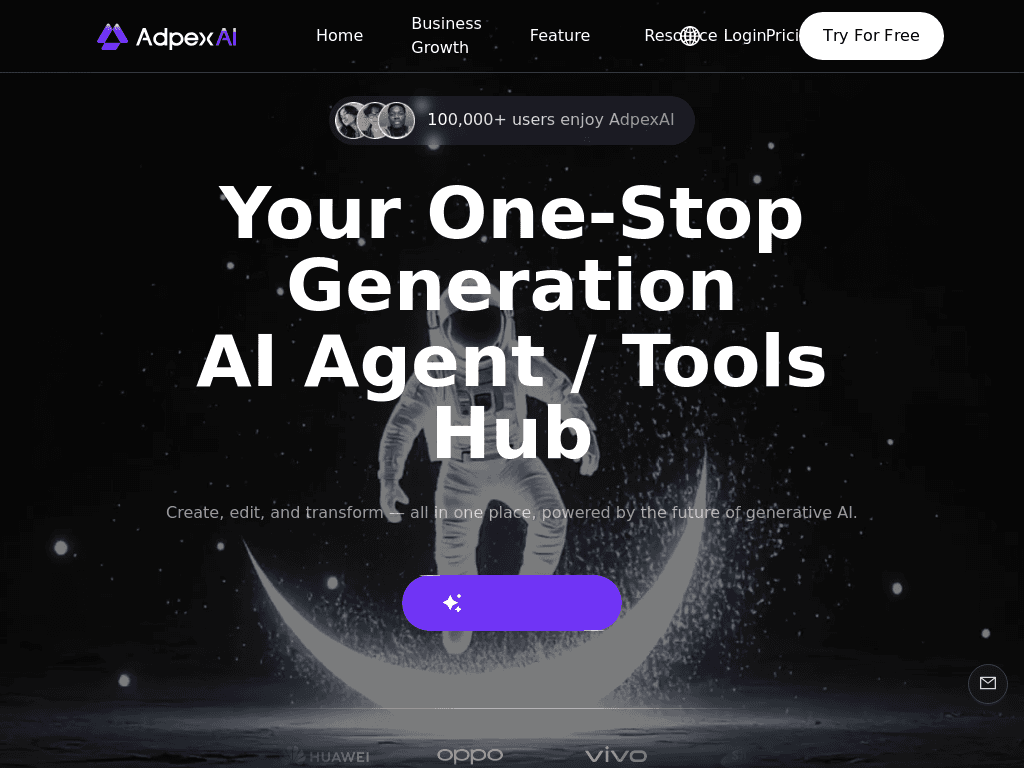
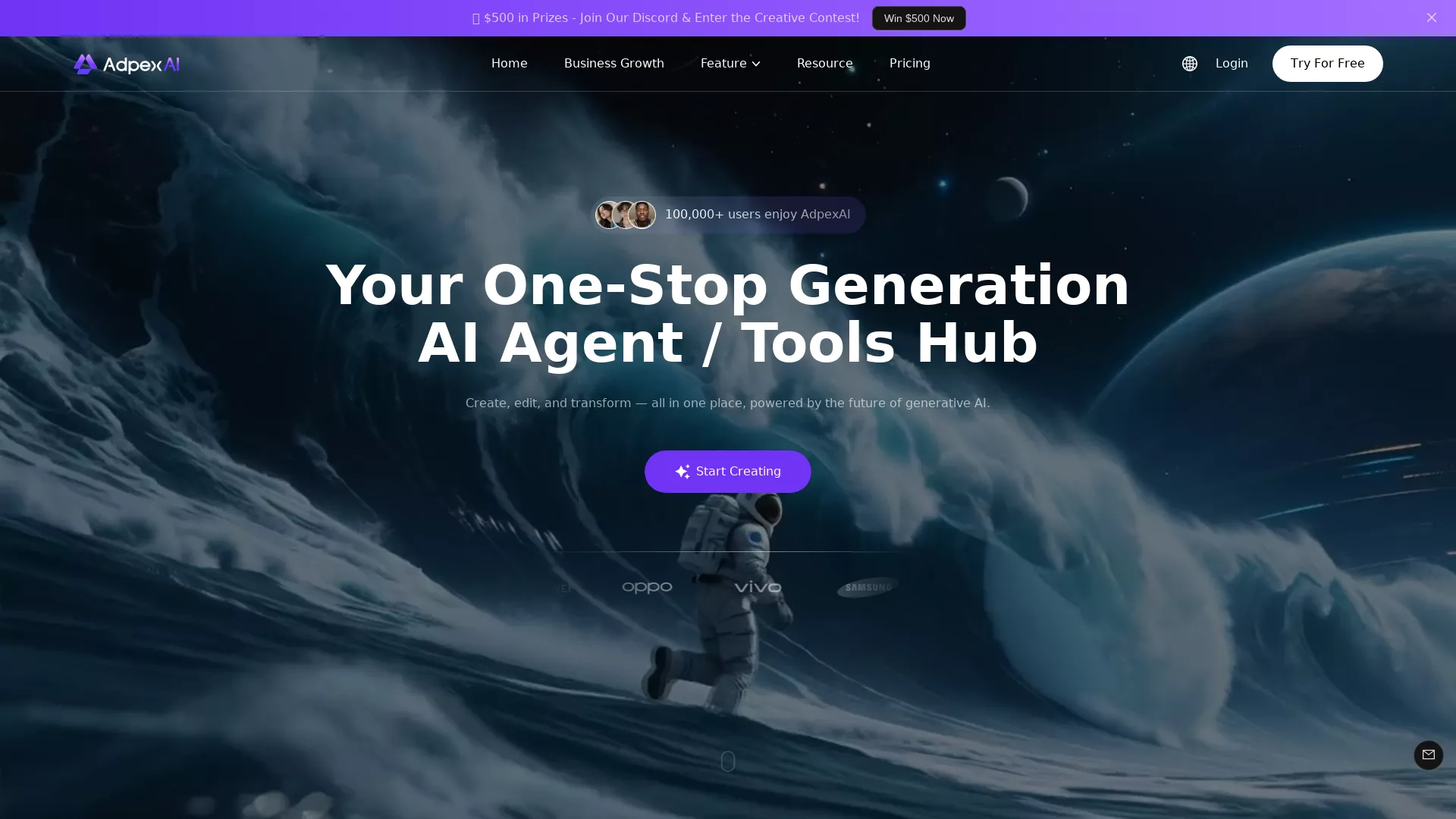
Adpex AI combines face swaps, image and video generation, editing, and multi-model chat for marketers, content creators, and small production teams making rapid visual variations.
Try Adpex AI →
adpexai.com·Contact Sales
›What is Adpex AI?
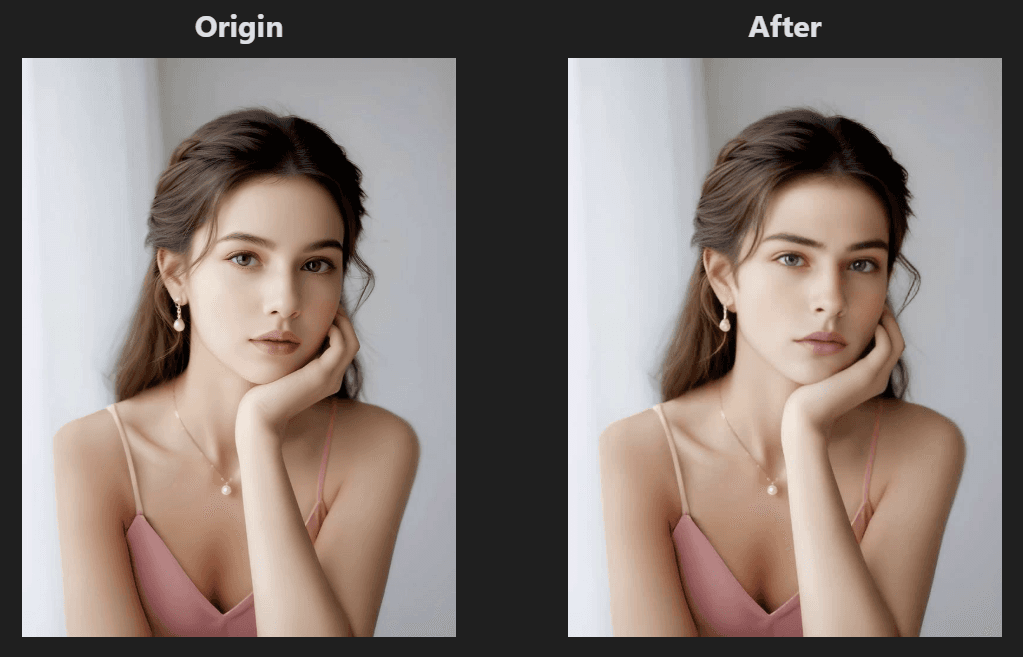
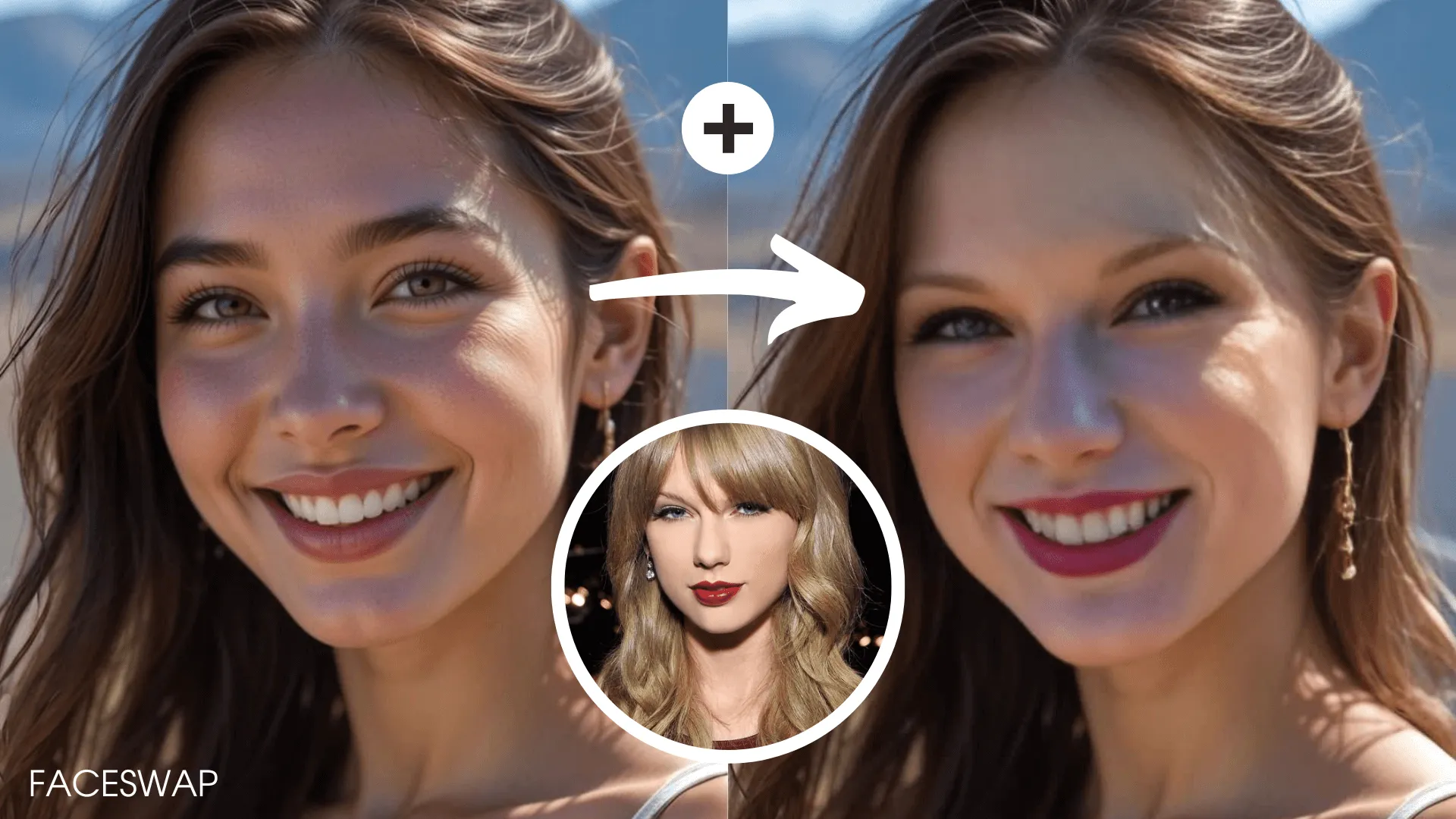
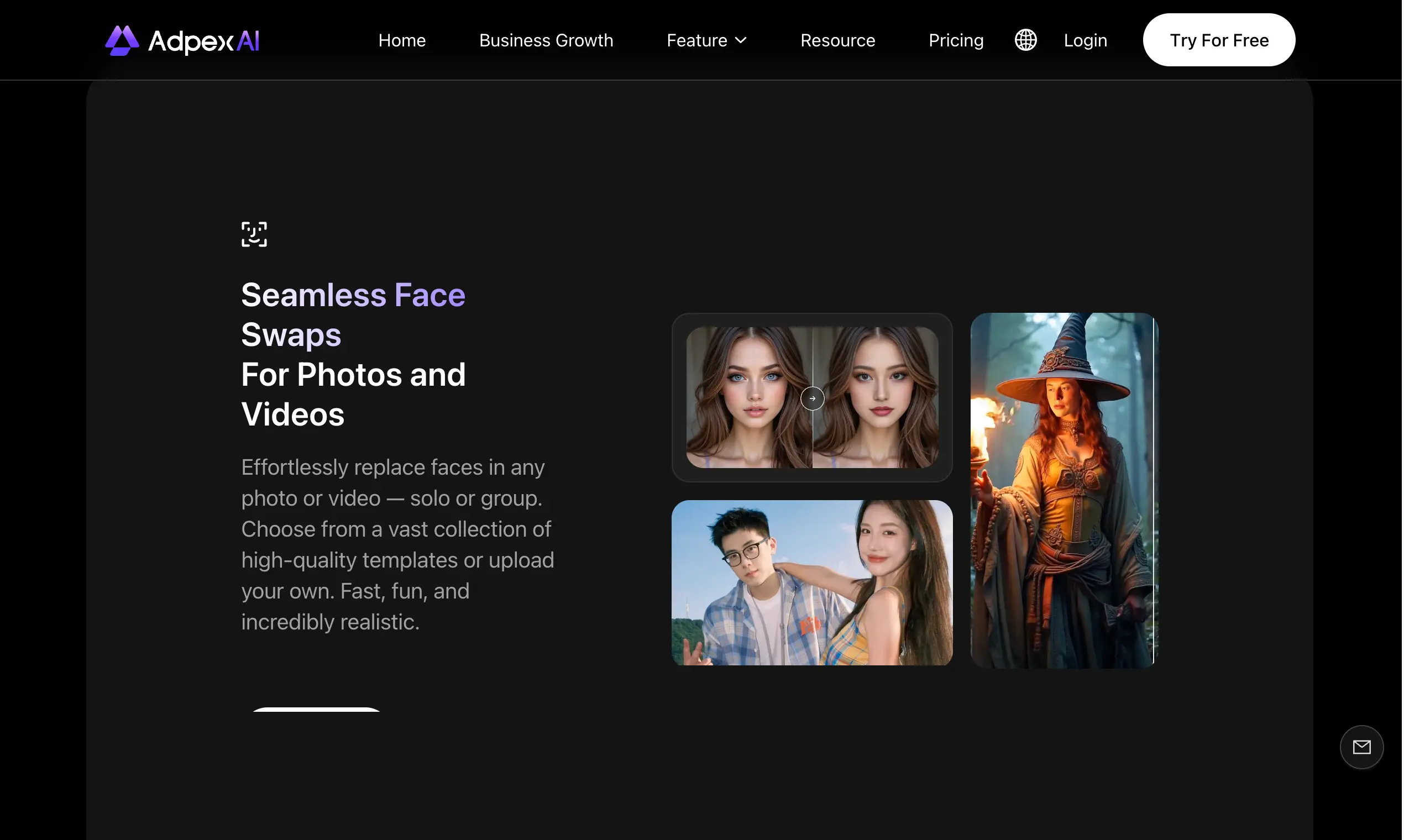
Adpex AI is a browser-based platform for creating, editing, and transforming images and videos. It includes photo and video face swaps, background removal, upscaling, style effects, scene redesign, and AI-generated code. Its chat tools provide access to models including ChatGPT-4o, Claude 3.5, Gemini 1.5, and Qwen Max.
›What are the pros and cons of Adpex AI?
Strengths
Combines image, video, editing, face-swap, and chat tools in one browser dashboard
Supports multiple faces within a single video sequence
Offers free access for trying core functionality
Cloud processing avoids the need for a local GPU
Provides several AI chat models in one interface
Trade-offs
Advanced paid features are needed to remove watermarks, export in 4K, and receive higher processing priority
Browser-based rendering can face upload and queue bottlenecks during peak periods
Editing controls are less suited to users who need granular, frame-by-frame video work
Image and video editing includes basic color correction rather than deep professional controls
›What are Adpex AI’s key features?
Photo, video, GIF, batch, and multi-face swapping
AI image and video generation with style effects and scene transformations
Image and video editing with background removal, upscaling, watermark removal, and cinematic effects
Chat agents using ChatGPT-4o, Claude 3.5, Gemini 1.5, Qwen Max, and other models
Text-based code generation for games, webpages, and other tools
Cloud-based processing through a browser, with no local GPU required
›What are the best use cases for Adpex AI?
Creating short-form social videos with face swaps and animated effects
Removing backgrounds and watermarks from product images or GIFs
Generating visual mockups and alternate creative concepts
Writing captions, scripts, and shot notes with integrated AI chat models
Producing quick image and video variations for marketing campaigns
›What is the pricing for Adpex AI?
Contact Sales
›Who is Adpex AI best for?
social media managersUseful for producing and testing short-form visual variations without switching between separate media tools.
advertisersA fit for advertisers who need quick image and video concepts, face swaps, and social-format assets.
small teamSmall production teams can use its shared browser-based toolset for rapid mockups and social clips.
developersDevelopers can describe a webpage, game, or tool and receive generated code through the AI coding feature.
Not for
- Professional video editors who require detailed frame-by-frame timelines and advanced color controls
- Teams that need predictable rendering performance during heavy peak-time usage
- Users who need watermark-free or 4K exports without paying for a higher tier
›What are the best Adpex AI alternatives?
 CapCutChoose this instead if conventional video editing is more important than face swapping and multi-model AI access.→
 AdCreative.aiChoose this instead if the main task is generating advertising creatives and social media posts rather than editing general-purpose images and videos.→
 Klap→
Klap→ Genny by Lovo.ai→