Forward Future Tools Library

AI Vocal Remover
AI Vocal Remover creates local vocal and instrumental stems for singers, creators, musicians, and editors who need a quick two-stem split without installing a DAW.
Try AI Vocal Remover →
ai-vocal-remover.com

›What is AI Vocal Remover?
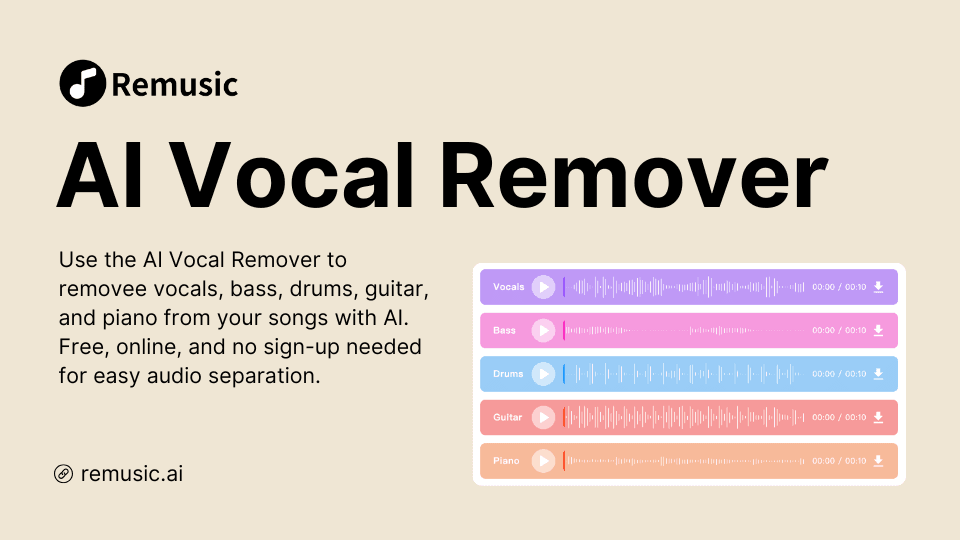
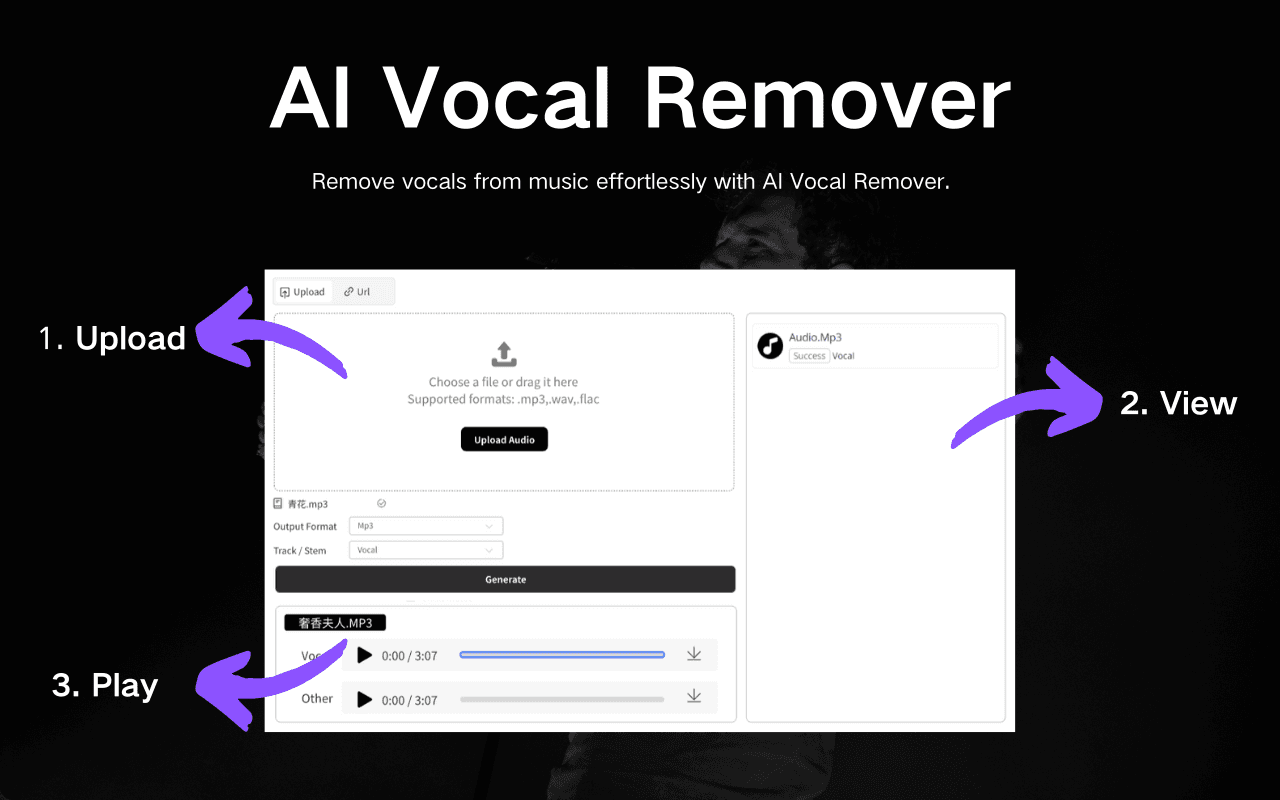
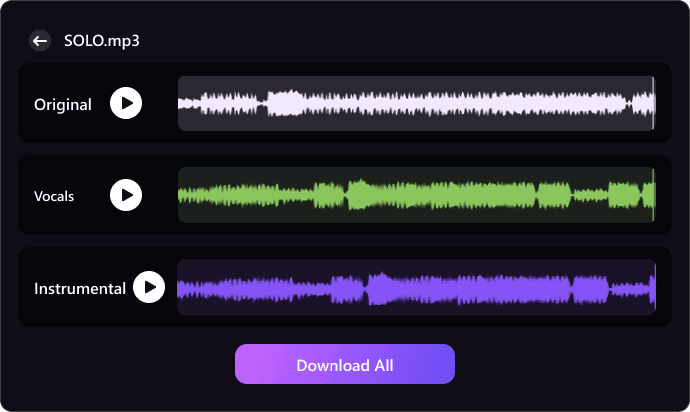
AI Vocal Remover is a browser-based tool that separates one local audio or video file into vocal and instrumental tracks. It processes files on the device, lets users preview both stems, and exports them as WAV or MP3. Supported inputs include MP3, WAV, FLAC, M4A, AAC, OGG, OPUS, MP4, and WebM up to 50MB.
›What are the pros and cons of AI Vocal Remover?
Strengths
Processes selected audio locally on the device
Accepts a broad range of audio and video container formats
Provides both vocal and instrumental previews before export
Exports practical WAV and MP3 files
Does not require an account or workspace
Trade-offs
Limits each job to one local file up to 50MB
Produces a two-stem vocal and instrumental split rather than a full multi-stem separation
Does not provide a full DAW or multi-stem editing suite
The available workflow is focused on quick separation, previewing, and export rather than extended audio production
›What are AI Vocal Remover’s key features?
Local vocal and instrumental separation
Support for MP3, WAV, FLAC, M4A, AAC, OGG, OPUS, MP4, and WebM files
Preview of vocal and instrumental stems before download
WAV and MP3 exports
Drag-and-drop processing for one file up to 50MB
No-account workflow
›What are the best use cases for AI Vocal Remover?
Create karaoke or instrumental tracks for singing practice and performances
Separate vocals and backing music for short-form videos, tutorials, and social edits
Preview draft stems before remixing, mashing up, or rearranging a track
Study melody, rhythm, and backing parts by listening to each stem separately
Check two-stem results before handing audio files to an editor or producer
›Who is AI Vocal Remover best for?
singersA fit for singers who need karaoke tracks, warmups, or performance practice files from local songs.
content creatorsContent creators can use the two-stem split to shape short videos, tutorials, and social edits before publishing.
audio editorsUseful for quick vocal and backing-track checks when a full editing suite is unnecessary.
producersProducers can generate draft stems for remix, mashup, and arrangement ideas before moving into heavier production work.
Not for
- Skip it if you need separate drums, bass, or other individual stems beyond vocals and instrumental music.
- Skip it if you need a full DAW or detailed spectral editing workflow.
- Skip it for files larger than 50MB or batch processing across multiple tracks.