Forward Future Tools Library

Music Remover
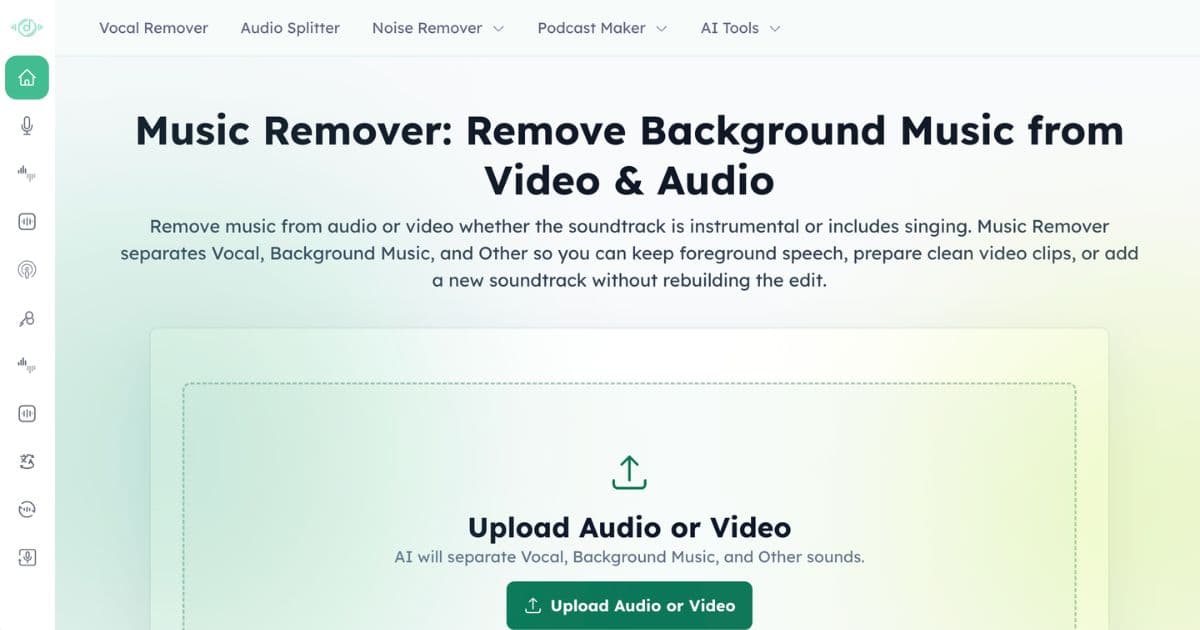
Music Remover separates audio and video into vocal, background music, and other tracks for creators, editors, podcasters, and educators who need clean dialogue or reusable stems.
Try Music Remover →
musicremover.ai·Free


›What is Music Remover?
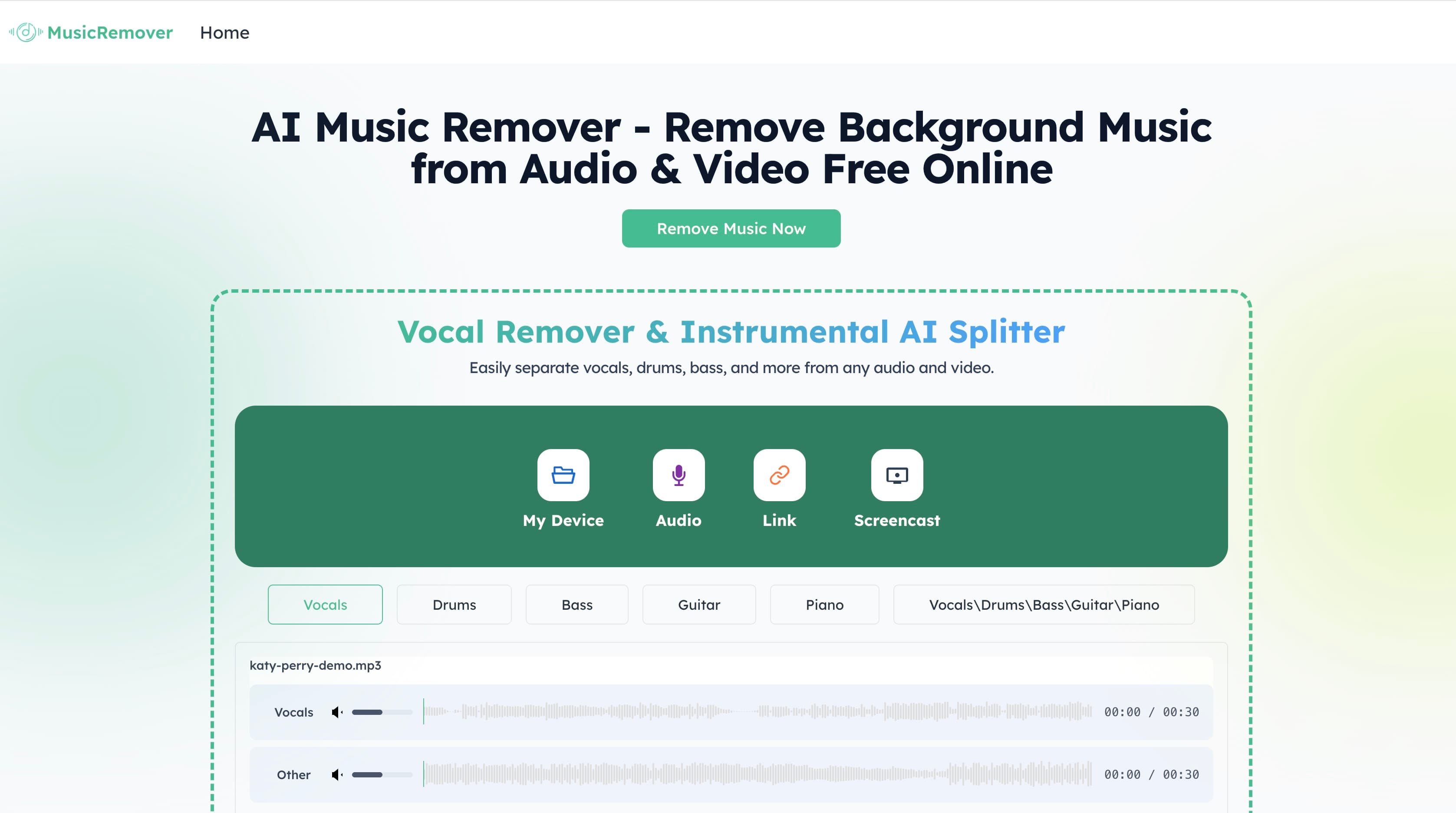
Music Remover is a browser-based audio separation tool for uploaded audio and video. It uses AI to split files into Vocal, Background Music, and Other tracks, including recordings with instrumental soundtracks or sung music. Users can preview, rebalance, and download individual tracks or a custom mix.
›What are the pros and cons of Music Remover?
Strengths
Works with both audio and video files
Supports files up to 3 hours
Offers upload, direct-link import, audio recording, and screen recording
Lets users compare and rebalance separated tracks before downloading
The browser-based free tool requires no installation, signup, watermark, or credit card according to an independent review
Trade-offs
The free model can leave audible artifacts or residual music in the output
It provides three broad stems, rather than a full multitrack editing or mastering environment
The Other stem combines effects and ambience, which can limit fine-grained control
›What are Music Remover’s key features?
Separates audio and video into Vocal, Background Music, and Other stems
Accepts uploads up to 3 hours and supports audio and video formats
Imports files by upload, direct media link, audio recording, or screen recording
Previews the original mix and separated tracks at the same timestamp
Rebalances stems with a Custom Mix option
Downloads individual tracks or all separated stems for further editing
›What are the best use cases for Music Remover?
Remove music from interviews, livestreams, webinars, podcasts, and other video clips
Prepare dialogue or narration for transcription, subtitles, translation, dubbing, or republishing
Replace a video's soundtrack without rebuilding the original visual edit
Create instrumental or vocal tracks for karaoke, remixing, or music previews
Extract clean voice tracks for clips and new edits
›What is the pricing for Music Remover?
Free
›Who is Music Remover best for?
content creatorsUseful for removing background music from interviews, livestreams, and other clips before publishing or editing.
podcastersA practical option for isolating speech from music in recordings before transcription, captions, or republishing.
video editorsFits editors who need separate dialogue and soundtrack tracks without rebuilding the picture edit.
educatorsHelpful for preparing clean spoken audio or clips from recordings that contain background music.
Not for
- Skip it if you need a full studio mastering suite or detailed multitrack production workflow.
- Skip it if residual music or audible separation artifacts are unacceptable without additional cleanup.