Forward Future Tools Library

Premiere Assistant
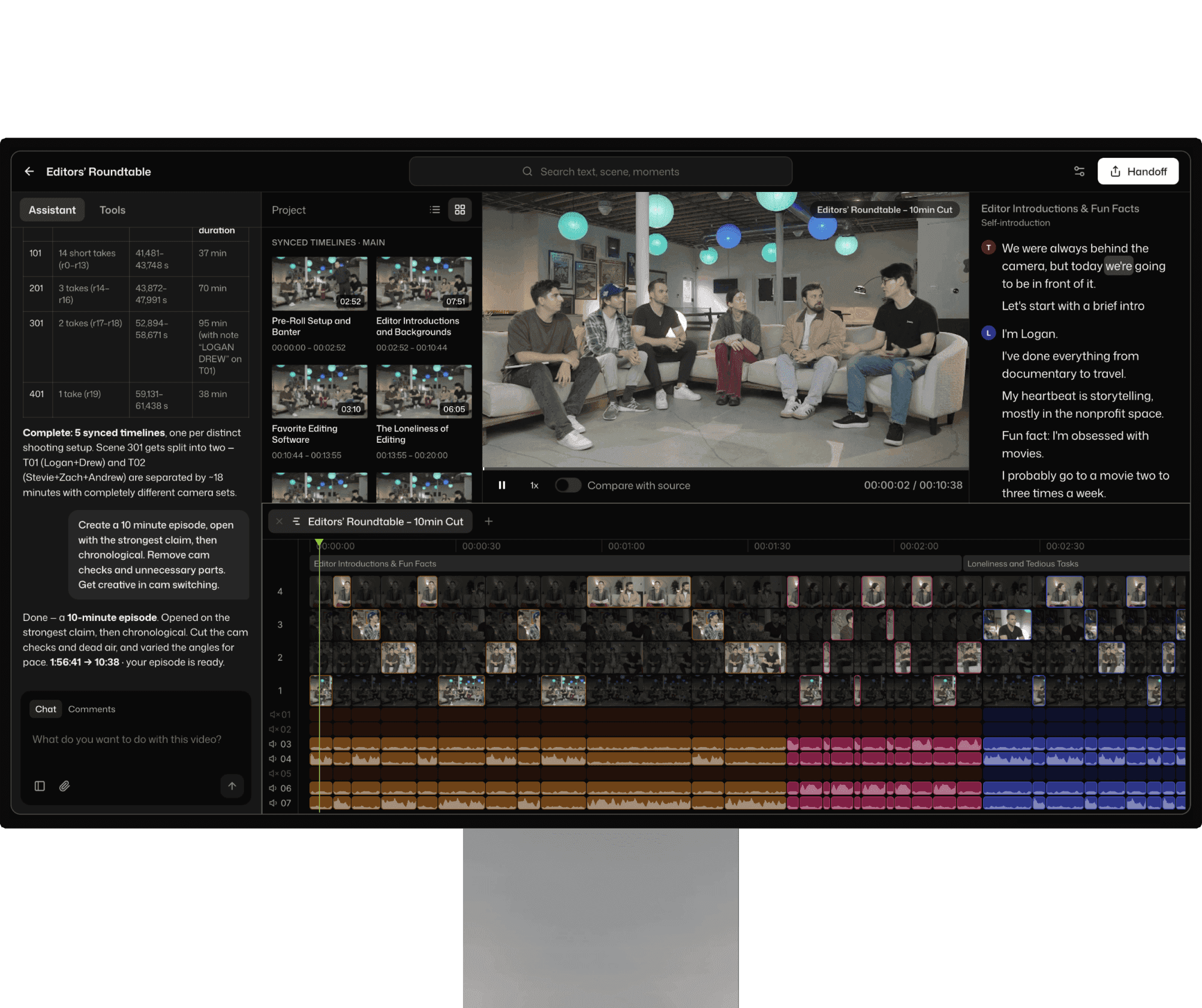
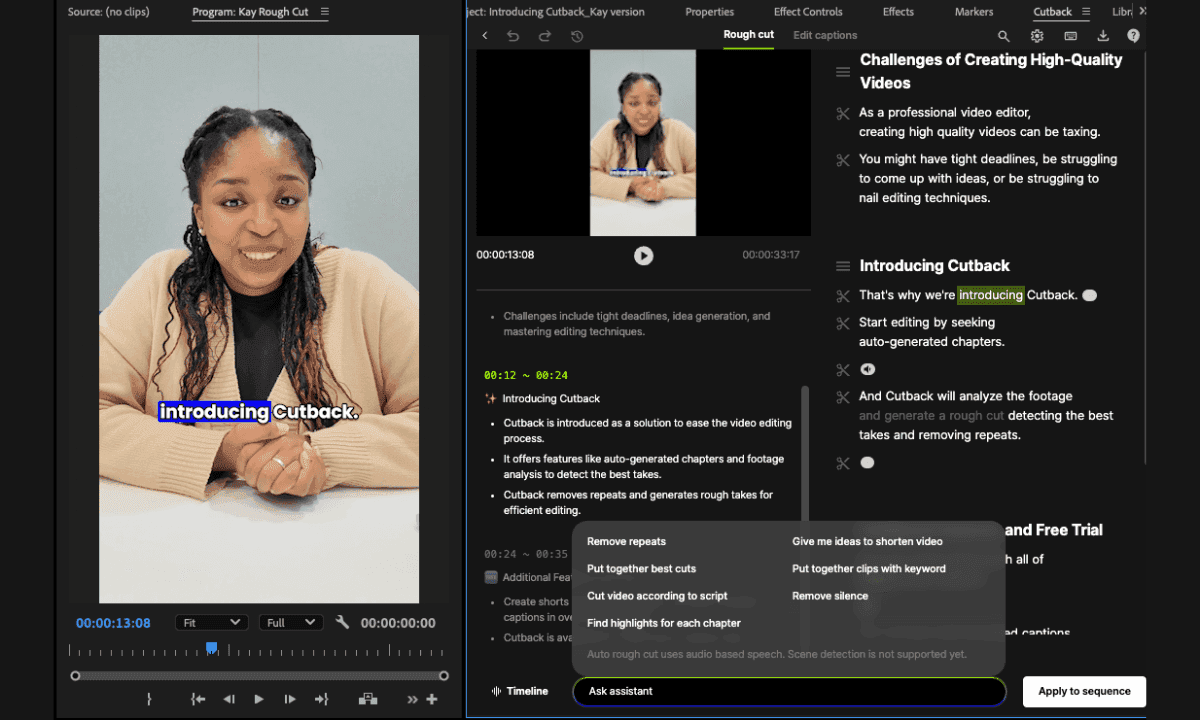
Premiere Assistant automates transcription, trimming, captions, translation, and multi-camera switching inside Adobe Premiere Pro for editors, creators, freelancers, and small teams.
cutback.video·Free + paid plans·Checked 2026-08-18

›What is Premiere Assistant?
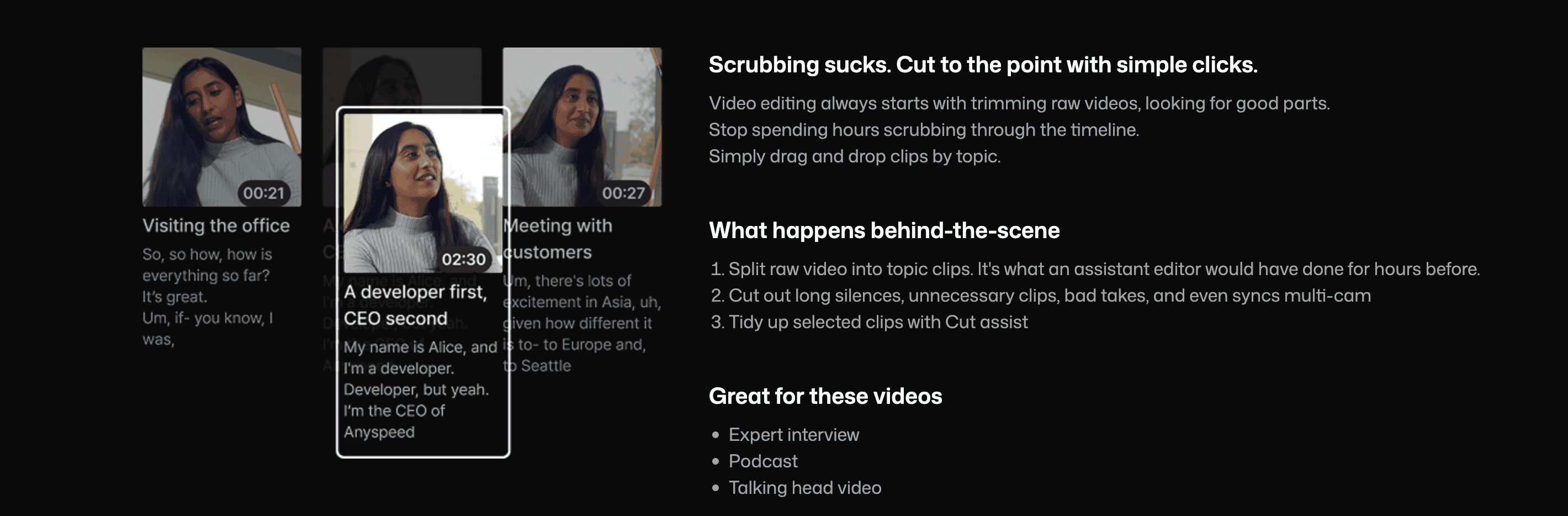
Premiere Assistant is an Adobe Premiere Pro tool for preparing and editing footage with automated workflows. It transcribes speech, removes silences and filler words, supports text-based editing, switches between camera tracks, and creates captions. It also includes translation, animated caption presets, background removal, and image editing tools.
›What are the pros and cons of Premiere Assistant?
Strengths
Trade-offs
›What are Premiere Assistant’s key features?
›What are the best use cases for Premiere Assistant?
›What is the pricing for Premiere Assistant?
| Plan | Price | Details |
|---|---|---|
| Starter | $0 | Transcribe video up to 3 per month, edit captions, remove silences up to 3 per month, and trim video with animated captions. |
| Lite | $8, $9, /mo, billed yearly | Includes 3 hours of transcription, caption editing, 10 silence-removal uses, video trimming, animated captions, AI image editing, and caption import/export. |
| Basic | $13, $15, /mo, billed yearly | Includes 20 hours of transcription, multi-camera editing for up to 3 cameras, 30 silence-removal uses, caption translation with 10 uses, trimming, animated captions, and caption import/export. |
| Pro | $30, /mo, $35, billed yearly | Includes 30 hours of transcription, multi-camera editing, unlimited silence removal and caption translation, multi-device access, and corporate card support. |
| Enterprise | Contact Sales | Includes Pro features plus admin billing, account management, and feature customization. |
Prices are before tax. The pricing page lists monthly and yearly pricing, with yearly plans advertised at up to 14% off. Usage limits may apply for misuse.
Checked 2026-08-18 · source
›Who is Premiere Assistant best for?
- Editors who do not use Adobe Premiere Pro should skip it because it requires Premiere Pro.
- Teams that need shared accounts should look elsewhere because accounts cannot be shared.
- Users seeking a fully standalone video editor may prefer a tool that does not depend on Premiere Pro.