Forward Future Tools Library

Video Object Remover
Video Object Remover removes people, logos, objects, and other distractions from short videos through natural-language instructions, without manual masking or desktop editing software.
Try Video Object Remover →
videoobjectremover.com·Free + paid plans·Checked 2026-11-02
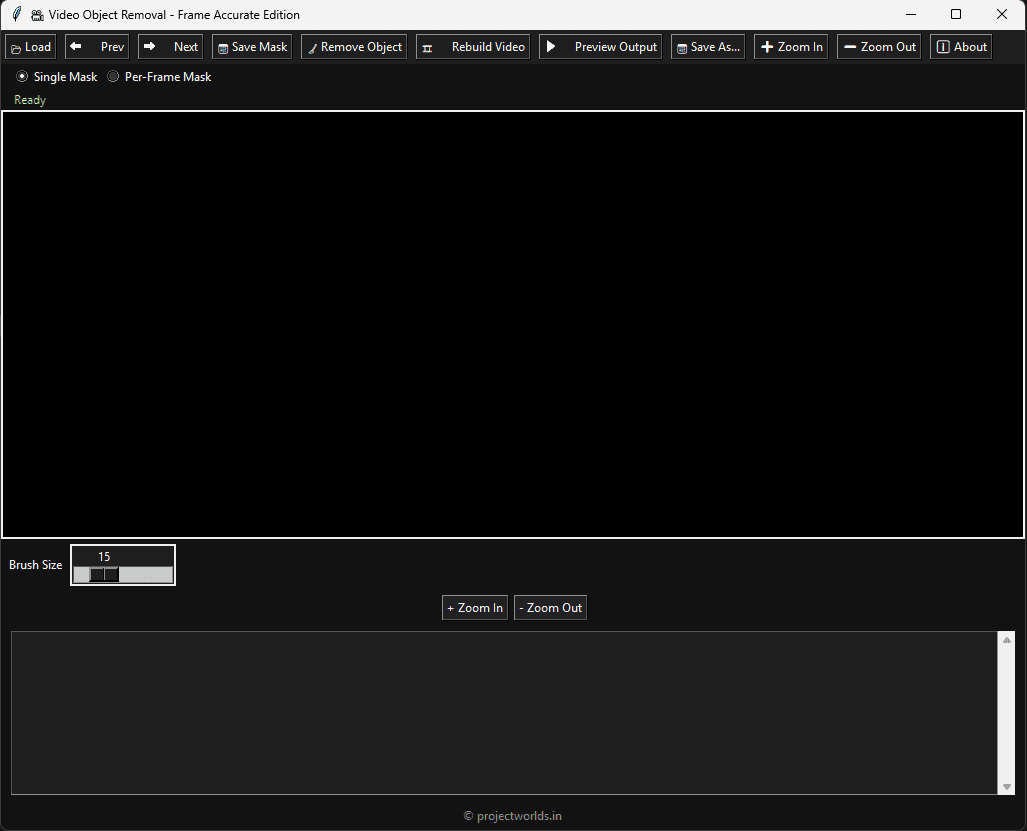
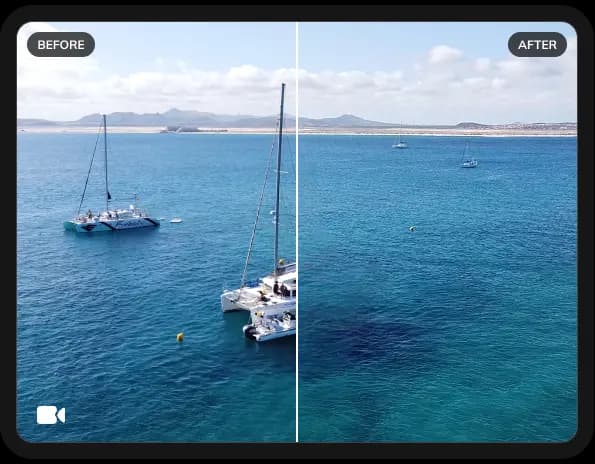
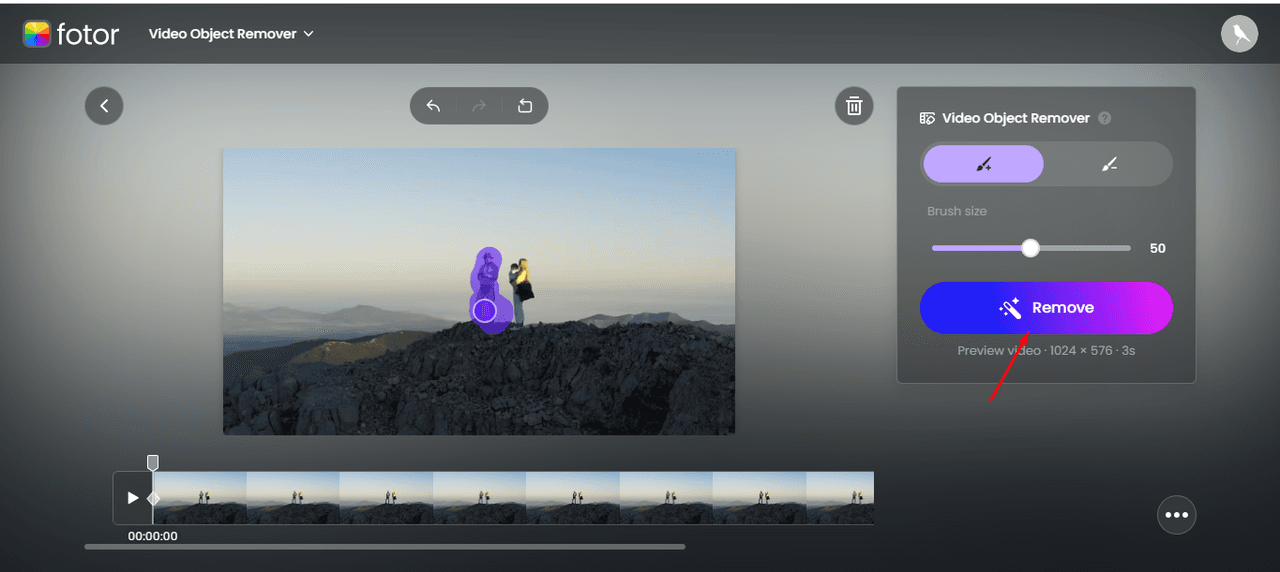
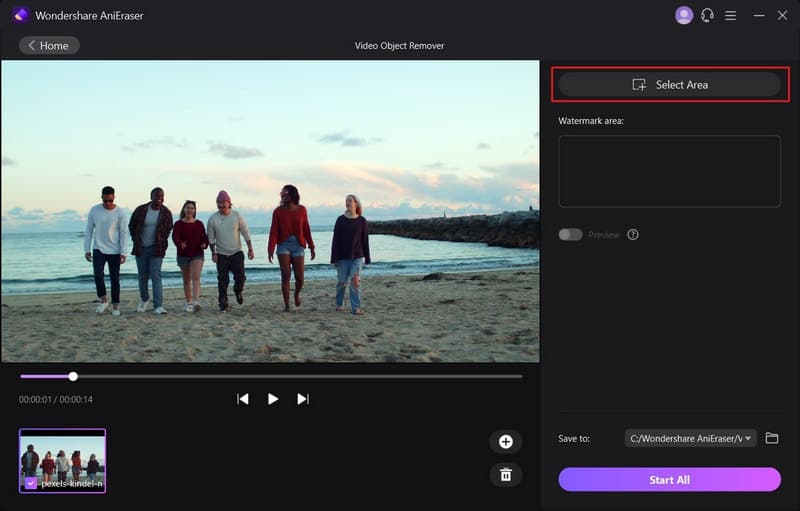
›What is Video Object Remover?
Video Object Remover is a browser-based AI tool for removing unwanted elements from video. Upload an MP4, MOV, or WebM file, describe what should disappear, preview the result, and download the processed clip. It supports full-video processing for clips up to 60 seconds and files up to 200 MB.
›What are the pros and cons of Video Object Remover?
Strengths
Uses plain-language descriptions instead of manual masks
Offers a free preview without requiring an account or credit card
Supports common MP4, MOV, and WebM video formats
Files are erased after 24 hours
Provides watermark-free downloads after purchasing credits
Trade-offs
The free preview is limited to 5 seconds and includes a watermark
Full-video processing is limited to clips up to 60 seconds
Paid processing uses credits rather than an unlimited plan
›What are Video Object Remover’s key features?
Natural-language instructions for removing people, logos, objects, and visual distractions
AI processing across the video without frame-by-frame masking
Free, watermarked 5-second preview before purchase
Support for MP4, MOV, and WebM uploads
Browser-based workflow with no desktop software installation
OpenClaw skill for submitting video-removal requests through an agent
›What are the best use cases for Video Object Remover?
Remove photobombers, passers-by, or background people from footage
Erase logos, timestamps, signs, and other on-screen distractions
Clean up product, marketing, and social media videos
Remove scene clutter from short clips without using a timeline editor
›What is the pricing for Video Object Remover?
| Plan | Price | Details |
|---|---|---|
| Free | $0 | One 5-second AI preview with a watermark, no credit card required |
| Starter | $9.90 | 100 credits, roughly 1 to 3 videos, with watermark-free downloads for videos up to 60 seconds |
| Creator | $29.90 | 400 credits, roughly 4 to 12 videos, with watermark-free downloads for videos up to 60 seconds |
| Pro | $49.90 | 800 credits, roughly 8 to 24 videos, with watermark-free downloads for videos up to 60 seconds |
Pay-as-you-go credits, with no subscription. Credit prices are $0.0990 for Starter, $0.0748 for Creator, and $0.0624 for Pro.
Checked 2026-11-02 · source
›Who is Video Object Remover best for?
soloA fit for solo creators who need to remove occasional people, logos, or distractions from short clips.
small teamSmall content teams can use the credit bundles for periodic cleanup of marketing and social videos.
content creatorsContent creators benefit from the browser workflow and natural-language removal process when they do not want to mask objects manually.
video editorsVideo editors may find it useful for quick object-removal tasks, but the 60-second limit makes it less suitable for longer footage.
Not for
- Buyers who need unlimited subscription-based processing, because the tool sells credits for individual jobs.
- Editors working with videos longer than 60 seconds, because full-video processing supports clips only up to one minute.
- Users who need a general-purpose timeline editor, because the product focuses on object removal rather than broader editing.