

Forward Future Tools Library

PixVerse C1
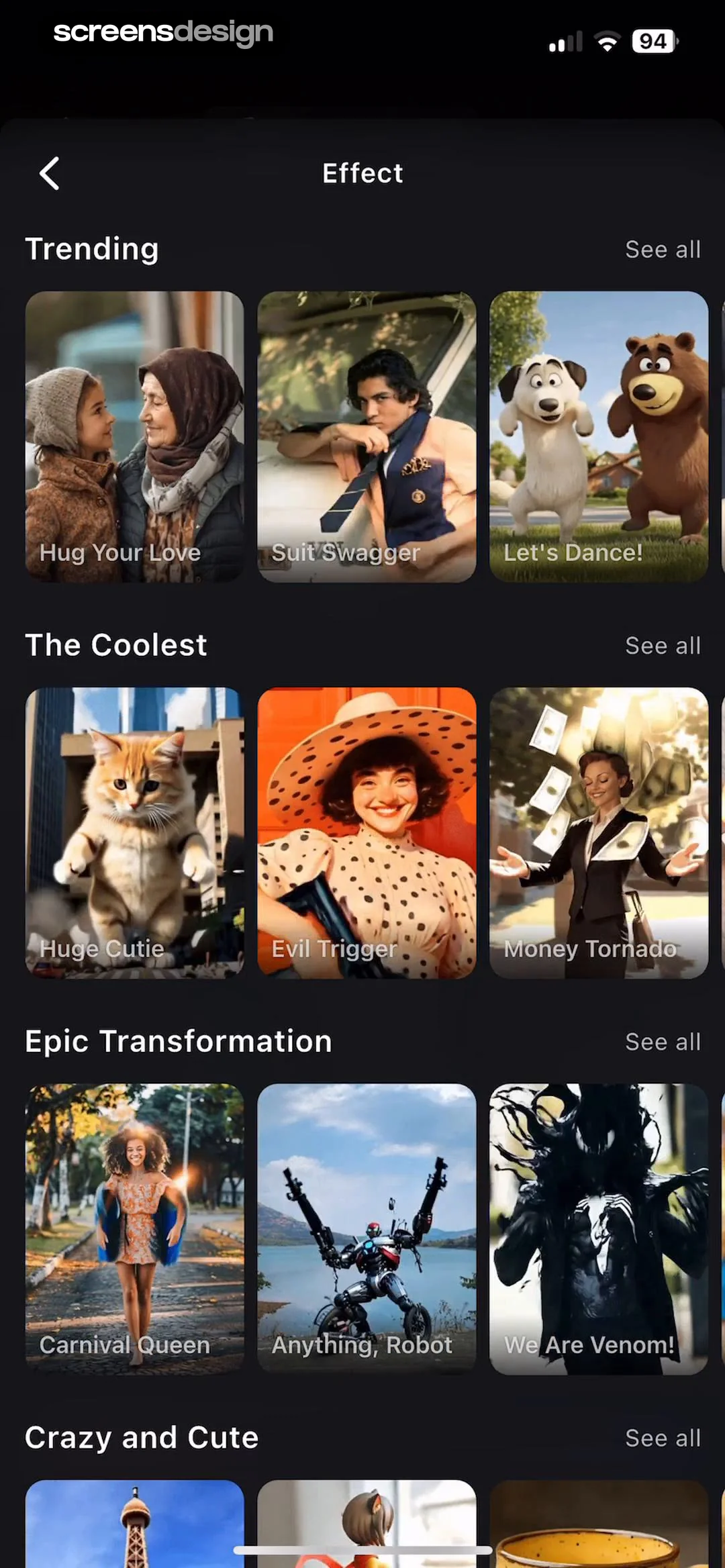
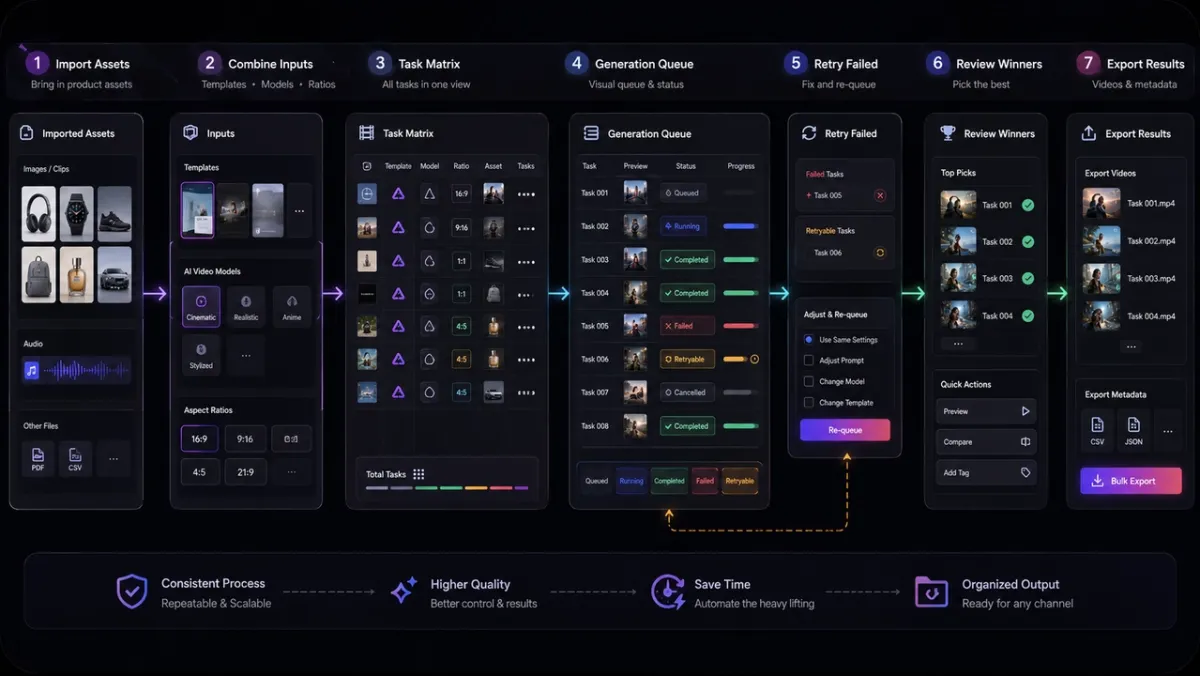
PixVerse C1 generates short cinematic videos from text, images, or storyboards, with multi-shot continuity and native audio for filmmakers, anime teams, and content creators.
Try PixVerse C1 →
pixversec1.app·From $9.94·Checked 2026-09-15



›What is PixVerse C1?
PixVerse C1 is an AI video model for film-oriented production. It generates action scenes, visual effects, and multi-shot sequences from text prompts, reference images, or 3 to 9 storyboard frames. Outputs can reach 1080p and 15 seconds, with synchronized audio.
›What are the pros and cons of PixVerse C1?
Strengths
Supports text, image, and storyboard generation modes
Maintains character and scene continuity across short multi-shot sequences
Handles action choreography and fantasy visual effects
Generates native audio with video output
Offers up to 1080p output
Trade-offs
Clips are limited to 15 seconds
Fast footwork can produce occasional sliding in action scenes
Similar storyboard panels can confuse shot boundaries
The model does not offer video extension support
Generation credits are consumed based on mode, duration, and resolution
›What are PixVerse C1’s key features?
Text-to-video generation from scene, motion, and style prompts
Image-to-video generation from photos, illustrations, and concept art
Storyboard-to-video generation from 3 to 9 panels with automatic shot segmentation
Reference-based character identity and scene continuity across shots
Multi-shot scene orchestration with controlled transitions
Visual effects generation for particles, lighting, fluids, and atmospheric scenes
Up to 1080p video with native synchronized audio
›What are the best use cases for PixVerse C1?
Turn storyboard panels into connected fight sequences for anime or short-drama production
Generate action scenes with physics-based motion, including punches and weapon movement
Create fantasy scenes with fire, lightning, ice, wind, and other visual effects
Produce cinematic social clips from text prompts or reference images
›What is the pricing for PixVerse C1?
| Plan | Price | Details |
|---|---|---|
| Starter | $9.94 | 430 credits for testing Fast and Pro generation, with standard resolution and duration options. |
| Plus | $29.91 | 1,424 credits with a lower cost per credit and higher priority in generation queues. |
| Creator | $49.92 | 2,626 credits for creators and small teams, with higher priority in generation queues. |
| Studio | $99.9 | 5,876 credits for high-frequency batch generation, including native 1080p and 15-second clips at scale. |
These are one-time credit packs, not monthly subscriptions. Credits never expire. A 7-day refund policy is available subject to eligibility.
Checked 2026-09-15 · source
›Who is PixVerse C1 best for?
filmmakersA strong fit for short cinematic sequences that need action choreography, visual effects, and continuity between shots.
anime studiosStoryboard panels can become connected fight sequences without rendering and stitching every shot separately.
small teamUseful for teams producing regular video batches through one-time credit packs and reference-based workflows.
content creatorsWorks well for cinematic social clips when 15-second output is sufficient.
Not for
- Teams producing simple product clips, talking-head videos, or general social posts may find PixVerse V6 faster to brief and easier to iterate.
- Projects that require extending existing video should use a tool with video extension support.
›What are the best PixVerse C1 alternatives?
 Veo 3Choose this instead if your workflow centers on creating cinematic clips directly from text instructions.→
 ImageToVideoAIChoose this instead if you want to compare outputs from multiple image-to-video models.→
 Pollo AIChoose this instead if you need a broader platform for generating both videos and images from prompts or static images.→
 CreateNew AI→