Forward Future Tools Library

Audeo Text-to-Speech Chrome Extension
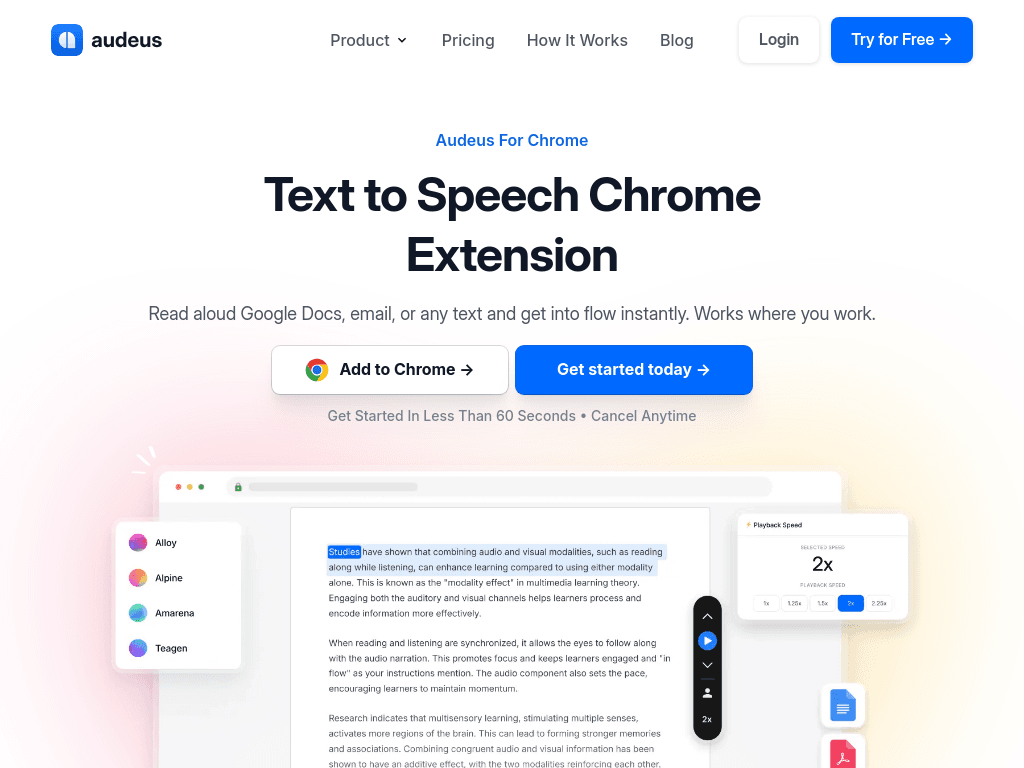
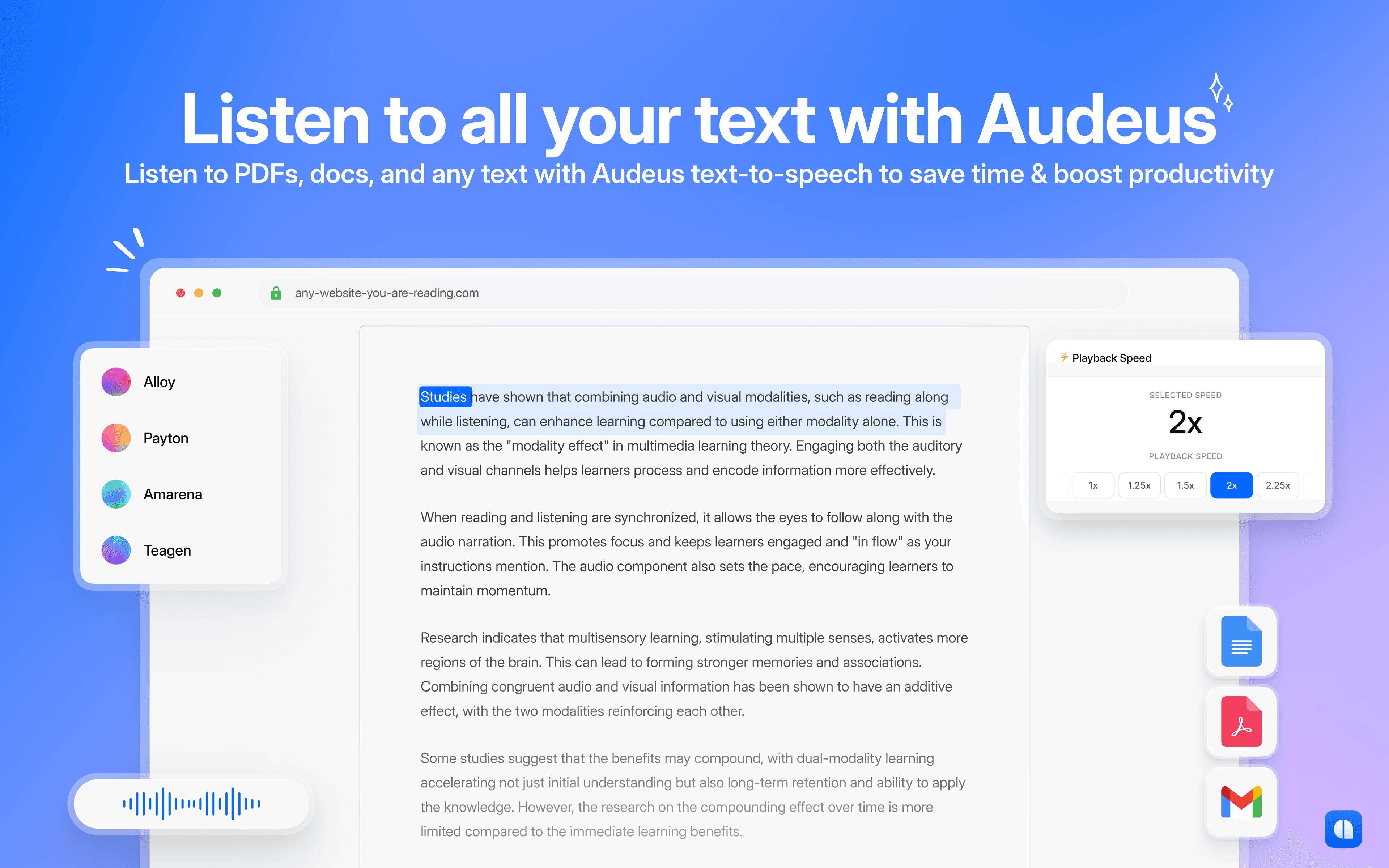
Audeus reads webpages, documents, emails, and Google Docs aloud with selectable voices and synchronized highlighting, serving students, professionals, and people who prefer audio for reading.
Try Audeo Text-to-Speech Chrome Extension →
audeus.com·Free + paid plans·Checked 2026-08-12
›What is Audeo Text-to-Speech Chrome Extension?
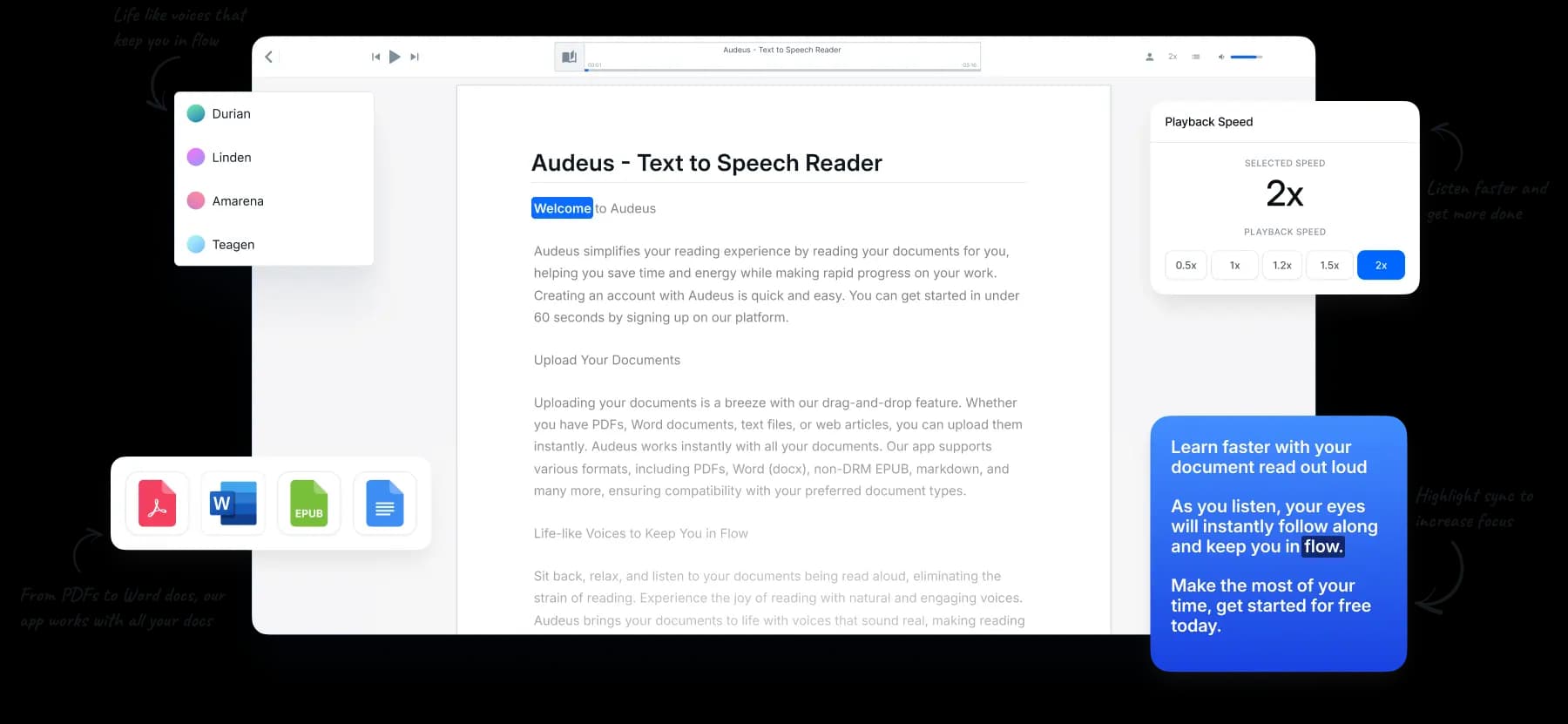
Audeus is a text-to-speech Chrome extension and document reader. It converts Google Docs, Gmail, webpages, PDFs, Word files, and pasted text into spoken audio. Users can choose voices, adjust playback speed, and follow along with highlighted text across Chrome, iOS, Android, and the web.
›What are the pros and cons of Audeo Text-to-Speech Chrome Extension?
Strengths
Works directly with webpages, Google Docs, Gmail, PDFs, and Word files
Synchronized highlighting helps users keep their place while listening
Offers adjustable playback speeds for faster review or slower comprehension
Supports listening across Chrome, iOS, Android, and the web
Includes a free tier and a free Chrome extension
Trade-offs
The free tier has limited document uploads
Free users have limited access to Pro voices
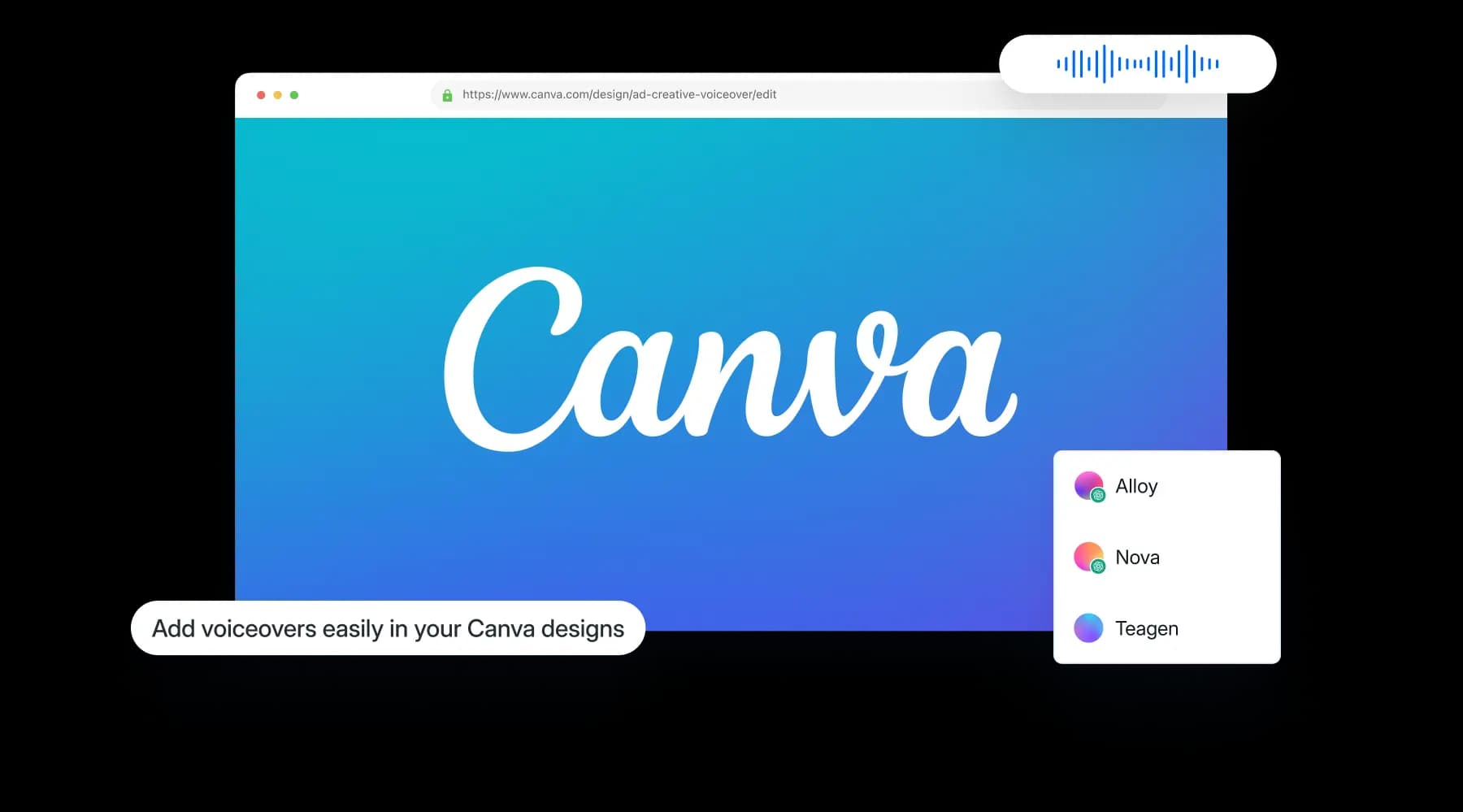
Features such as captions view, immersive view, library management, and Canva integration require Pro
The Pro price shown is billed annually, which may not suit users seeking a monthly commitment
›What are Audeo Text-to-Speech Chrome Extension’s key features?
Reads Google Docs, Gmail, webpages, PDFs, Word documents, and pasted text aloud
Offers multiple voices, including American, British, and multilingual options
Highlights spoken text in sync with the audio
Adjusts playback speed, including speeds up to 3.5x on Pro
Supports document uploads, including PDFs, Word files, scans, and screenshots
Lets users continue listening across iOS, Android, and the web
›What are the best use cases for Audeo Text-to-Speech Chrome Extension?
Listen to long web articles, research materials, and email instead of reading on screen
Review and proofread pasted writing by hearing sentences read aloud
Follow along with Google Docs or PDFs using synchronized text highlighting
Study course materials or technical documents while reducing eye strain
Listen to scanned or printed material after uploading an image or document
›What is the pricing for Audeo Text-to-Speech Chrome Extension?
| Plan | Price | Details |
|---|---|---|
| Free | $0/mo | Includes standard free voices, limited access to Pro voices, listening on all devices, limited document uploads, and the free text-to-speech extension |
| Pro | $9.92/mo, billed annually | Adds natural, high quality voices, PDF and Word support, iOS, Android, and web access, speeds up to 3.5x, scan-to-listen, captions view, immersive view, library management, and Canva integration |
| Enterprise | Contact Us | Offers volume-based pricing, a dedicated support channel, tailored onboarding and training, and advanced user management |
Checked 2026-08-12 · source
›Who is Audeo Text-to-Speech Chrome Extension best for?
studentsUseful for listening to course readings, PDFs, Google Docs, and technical material while following along with highlighted text.
professionalsA fit for professionals who review documents, emails, and web research through audio.
content creatorsHelpful for hearing drafts aloud to catch run-on sentences and awkward phrasing during proofreading.
people with dyslexia or ADHDAudio playback and synchronized highlighting can make digital reading easier to follow and less tiring.
Not for
- People who need a fully free service with unrestricted document uploads and premium voices
- Buyers seeking a tool primarily for generating voiceovers or editing audio rather than reading text aloud
- Users who do not use Chrome or want a platform without a browser-extension workflow