

Forward Future Tools Library

Audioshake
AudioShake separates music, dialogue, and effects into usable stems for producers, rights holders, film and TV teams, and developers building audio workflows.
audioshake.ai·From $20 / month·Checked 2026-09-01
›What is Audioshake?
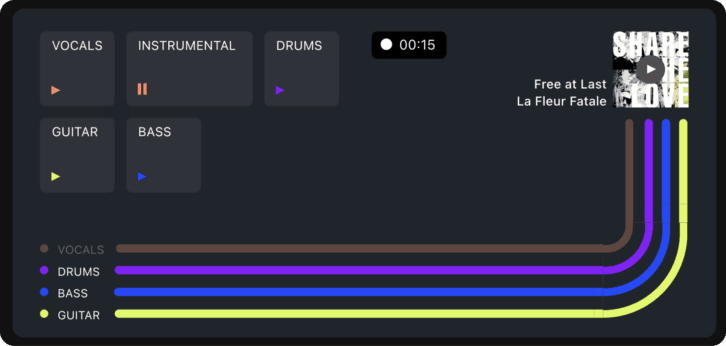
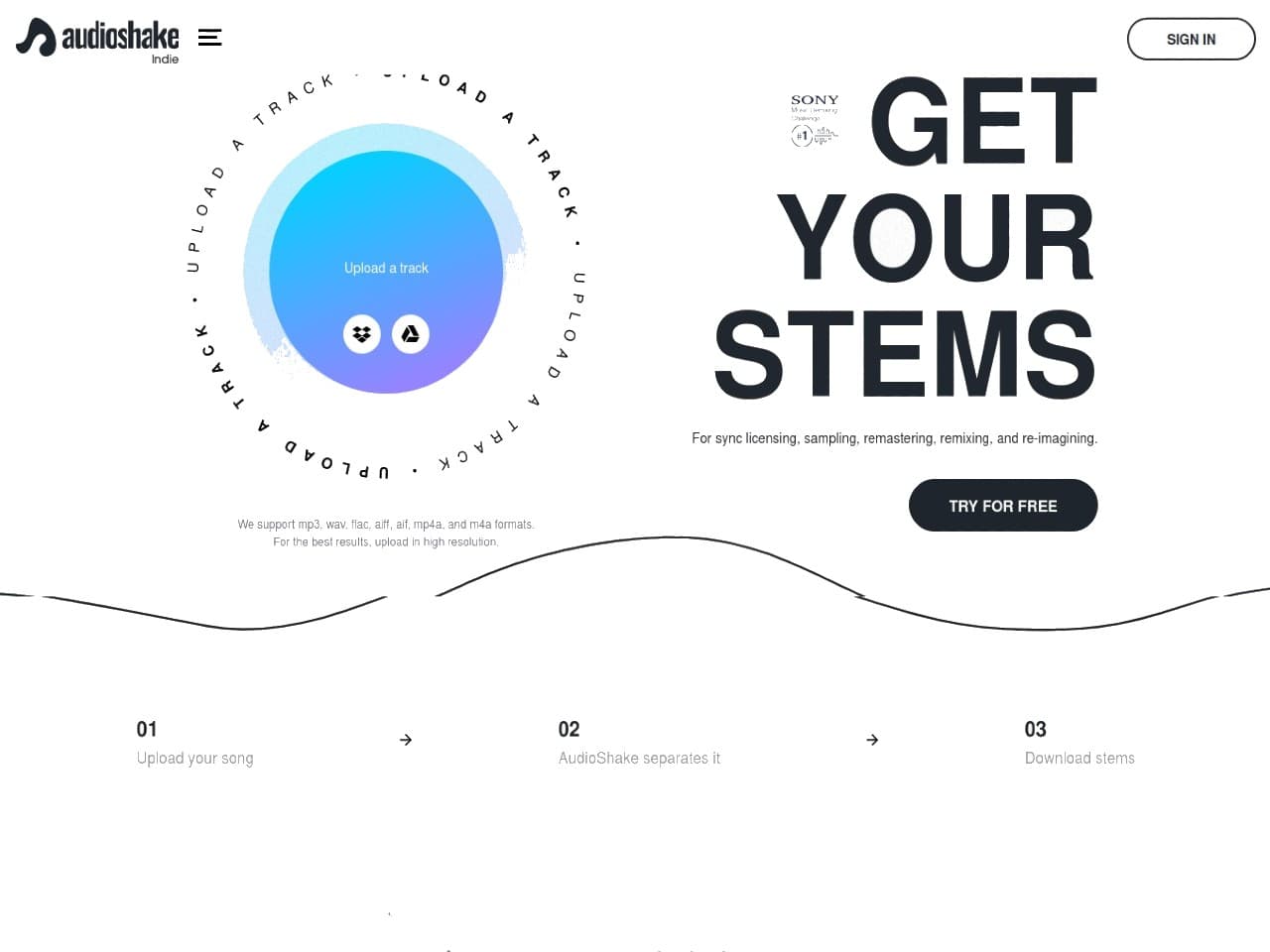
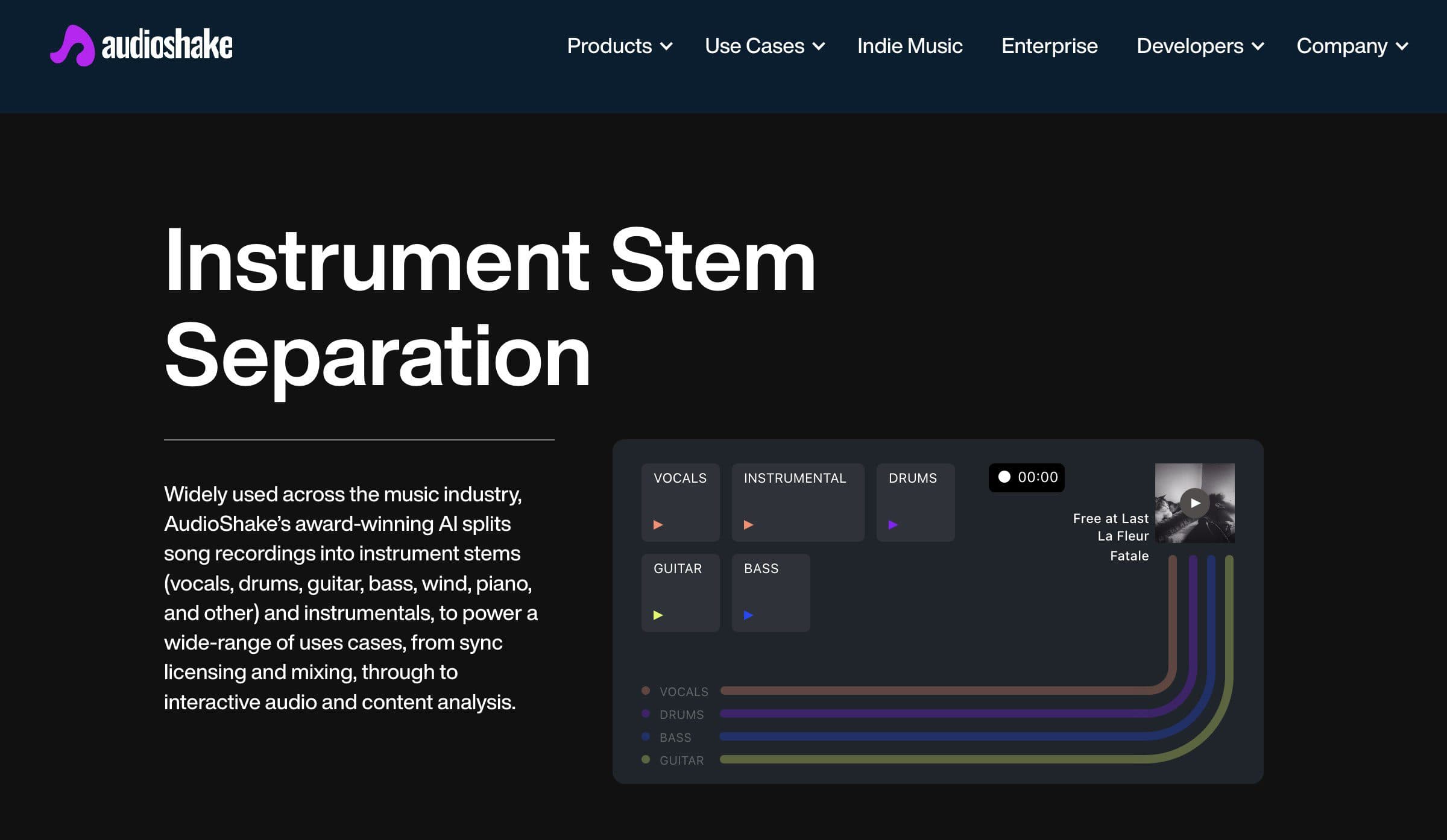
AudioShake is an AI audio-separation platform with tools for music, speech, and film and TV workflows. It can create instrument and vocal stems, isolate dialogue, remove background music, transcribe and align lyrics, and process audio through a web app, REST API, SDK, or data services.
›What are the pros and cons of Audioshake?
Strengths
Trade-offs
›What are Audioshake’s key features?
›What are the best use cases for Audioshake?
›What is the pricing for Audioshake?
| Plan | Price | Details |
|---|---|---|
| Starter | $20 / month | 4 stems per month, 44.1 kHz sample rate, input bit depth support including 24-bit and 32-bit, and 128kbps bit rate |
| Standard | $39 / month | 10 stems per month, 44.1 kHz sample rate, input bit depth support including 24-bit and 32-bit, and 128kbps bit rate |
| Label / Pro | $60 / month | 20 stems per month, 44.1 kHz sample rate, input bit depth support including 24-bit and 32-bit, and 128kbps bit rate |
The pricing page offers monthly and yearly options. API usage uses credits charged per minute of source audio and per target model. Volume discounts, custom SLAs, priority queues, and dedicated support are available for large workloads.
Checked 2026-09-01 · source
›Who is Audioshake best for?
- Casual users who only need an occasional stem split may find the professional orientation and paid monthly packages unnecessary.
- Teams seeking large-volume processing without custom commercial terms should expect to contact AudioShake for enterprise pricing.
›What are the best Audioshake alternatives?
 WavToolChoose this instead if you want a browser-based environment for creating, editing, and collaborating on music projects rather than separating finished recordings.→
 AudioCleaner AIChoose this instead if your main task is cleaning spoken recordings by removing background noise, mouth sounds, filler words, pauses, or breaths.→
 MixBoard→
 MusicFX→