

Forward Future Tools Library

Beam
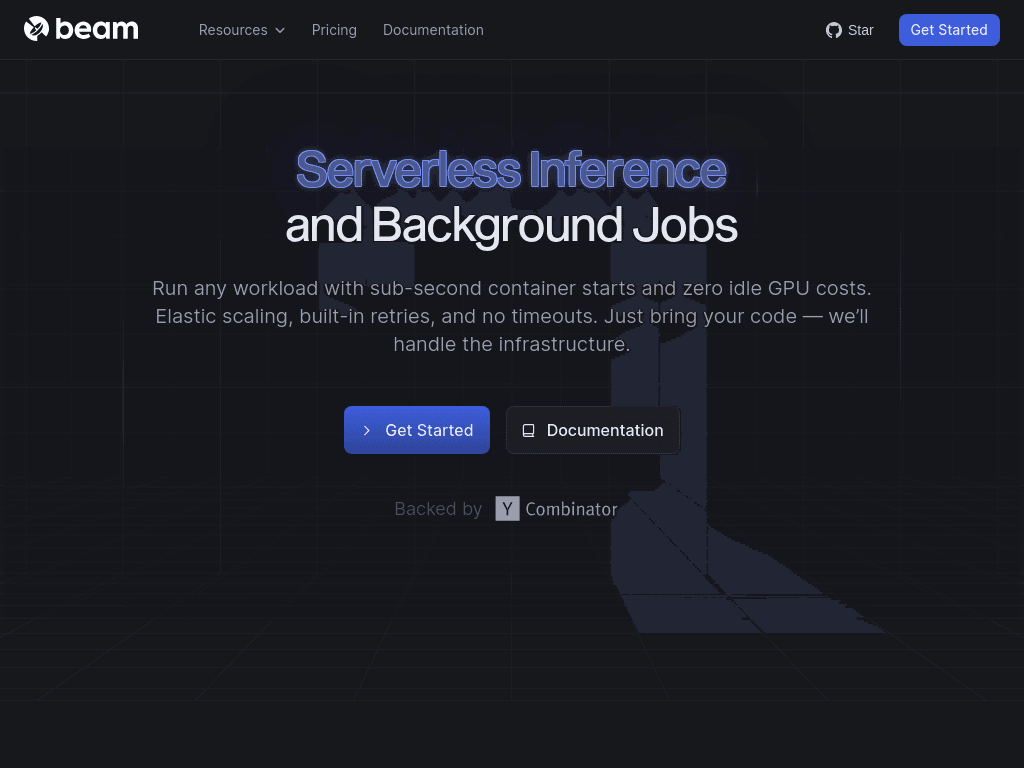
Beam runs AI inference, task queues, GPU training, batch jobs, and secure code execution with autoscaling infrastructure for developers and teams building AI workloads.
beam.cloud·From $0.0000375/sec · per core·Checked 2026-09-01

›What is Beam?
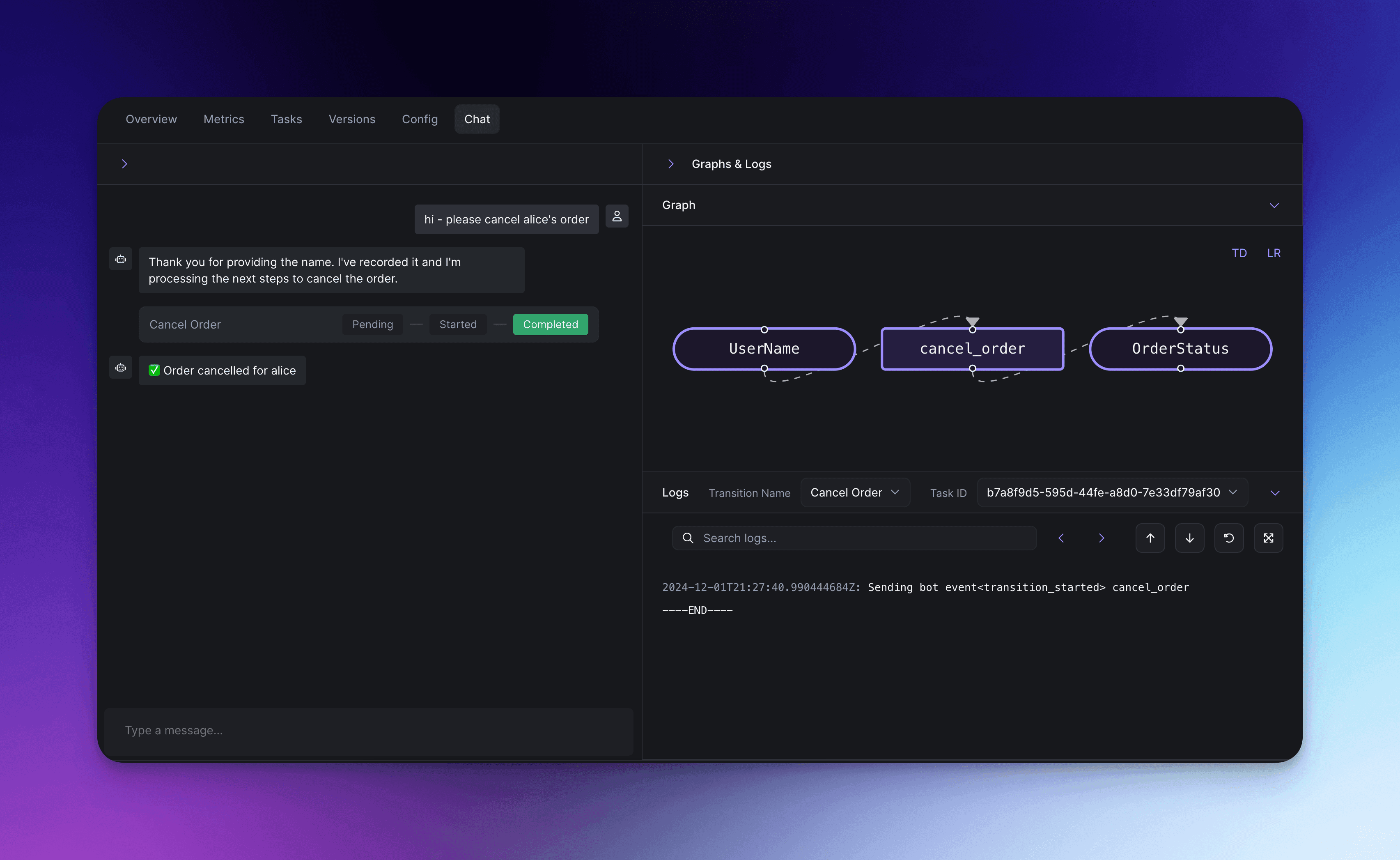
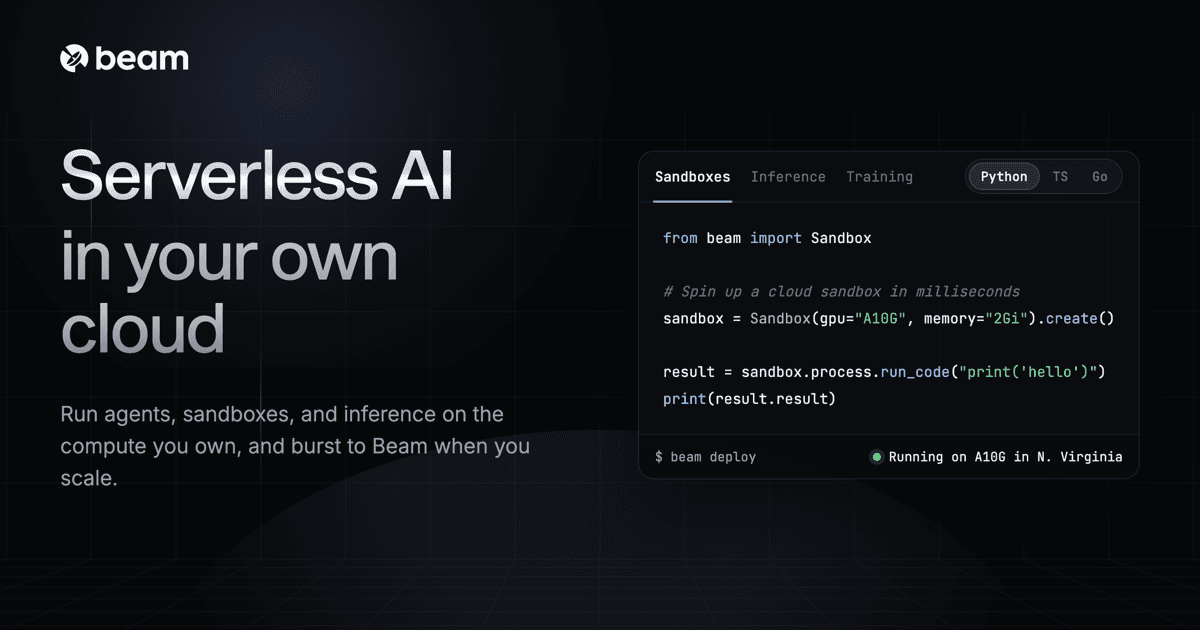
Beam is a cloud platform for running AI workloads on serverless GPUs, on-demand machines, clusters, or connected cloud accounts. Its Python, TypeScript, and Go SDK supports inference endpoints, durable task queues, isolated sandboxes, GPU training, and batch processing. Workloads can scale down to zero or expand across thousands of containers.
›What are the pros and cons of Beam?
Strengths
Trade-offs
›What are Beam’s key features?
›What are the best use cases for Beam?
›What is the pricing for Beam?
| Plan | Price | Details |
|---|---|---|
| Serverless RTX 4090 GPU | $0.000191667/sec | GPU tasks are billed by the millisecond only while code is running. |
| Serverless sandboxes CPU | $0.0000375/sec · per core | Isolated sandboxes are billed by CPU core usage, with RAM charged separately. |
| On-demand RTX 4090 | from $0.42/hr | A flat machine price includes vCPU, RAM, and NVMe storage. |
$30 Free Credit, Every Month. Serverless RAM costs $0.0000021/sec per GiB, sandbox RAM costs $0.0000064/sec per GiB, and persistent storage over 1 TB costs $0.021 per GB / month. H100, H200, B200, and other GPU rates vary by hardware and billing model.
Checked 2026-09-01 · source
›Who is Beam best for?
- Buyers who require a fixed subscription price instead of usage-based GPU, CPU, memory, and storage billing.
- Teams that need publicly listed pricing for reserved multi-node GPU clusters, since Beam directs cluster buyers to contact sales.
›What are the best Beam alternatives?
 DatabricksChoose this instead if your main requirement is data engineering, data science, and analytics rather than AI inference and serverless GPU execution.→
 Amazon Web Services (AWS)Choose this instead if you want a broad general-purpose cloud platform with on-demand infrastructure and APIs.→
 Sudo→
Sudo→ NotDiamond AI→