

Forward Future Tools Library

BGChanger.video
bgchanger.video removes video backgrounds, exports transparent or solid-color clips, and supports background replacement for creators, marketers, editors, and ecommerce teams.
bgchanger.video·From $8.33/ month·Checked 2026-11-02


›What is BGChanger.video?
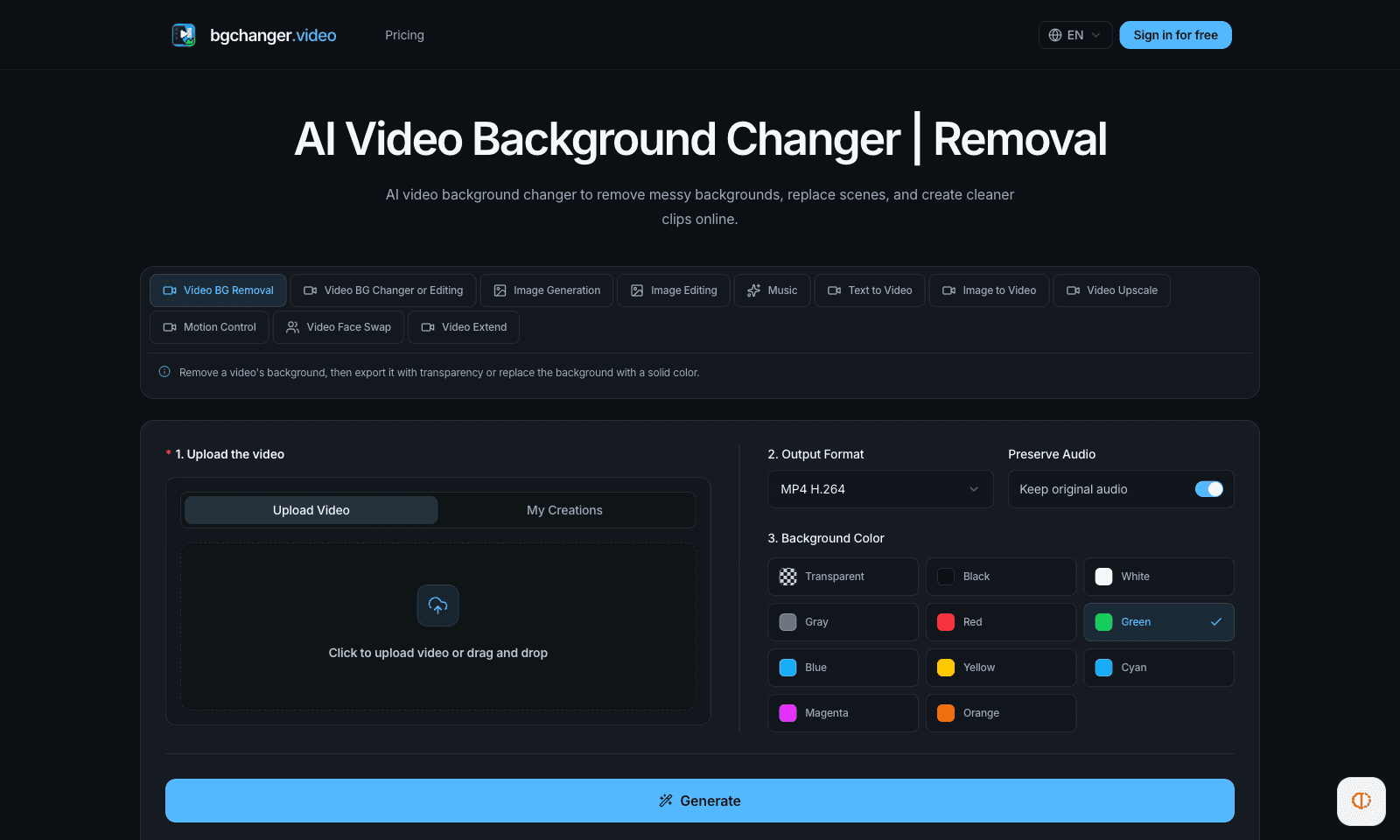
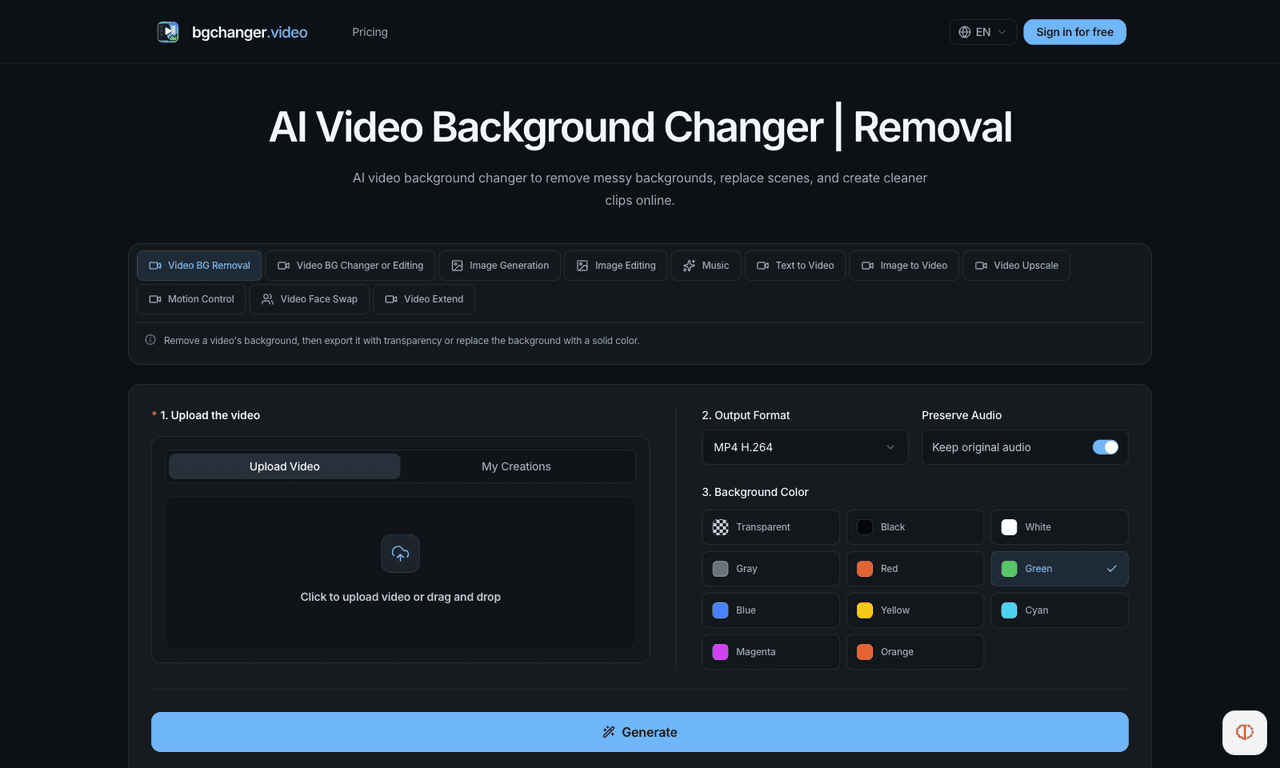
bgchanger.video is a browser-based AI video editing tool for removing or changing backgrounds. Users upload a clip, preserve its original audio, and export a transparent WebM or a version with a selected solid-color background. It also supports character and environment replacement using reference assets and prompts.
›What are the pros and cons of BGChanger.video?
Strengths
Trade-offs
›What are BGChanger.video’s key features?
›What are the best use cases for BGChanger.video?
›What is the pricing for BGChanger.video?
| Plan | Price | Details |
|---|---|---|
| Lite | $8.33/ month | 1,700 credits, including 1,440 base credits and 260 bonus credits, with private generations, commercial usage, and email support. |
| Basic | $16.66/ month | 3,600 credits, including 3,000 base credits and 600 bonus credits, with private generations, commercial usage, and email support. |
| Plus | $24.99/ month | 7,000 credits, including 5,400 base credits and 1,600 bonus credits, with private generations, commercial usage, and team-ready usage. |
| One-Time Credits | $199.00 | 3,000 video-to-video AI credits that never expire. |
| One-Time Credits | $499.00 | 8,000 video-to-video AI credits that never expire. |
| One-Time Credits | $999.00 | 16,000 video-to-video AI credits that never expire. |
| One-Time Credits | $1,999.00 | 40,000 video-to-video AI credits that never expire. |
| One-Time Credits | $2,999.00 | 80,000 video-to-video AI credits that never expire. |
The listed plan prices are for annual billing. The pricing page also shows higher yearly amounts of $9.99, $19.99, and $29.99 for Lite, Basic, and Plus respectively, and states that annual billing offers 50% savings.
Checked 2026-11-02 · source
›Who is BGChanger.video best for?
- Teams that need clearly documented credits-per-action or upload limits before committing to a plan
- Editors seeking a full timeline-based video editor rather than focused background and scene transformations
›What are the best BGChanger.video alternatives?
 Video Object RemoverChoose this instead if the main task is removing unwanted people, objects, logos, or other distractions rather than changing the entire background.→
 Premiere AssistantChoose this instead if the workflow centers on rough cuts, transcription, silence removal, or filler-word editing in Adobe Premiere Pro.→
 Recapo.aiChoose this instead if you need to turn recordings and long-form footage into edited clips rather than isolate subjects from backgrounds.→
 Free AI Background Remover→