

Forward Future Tools Library

Bind
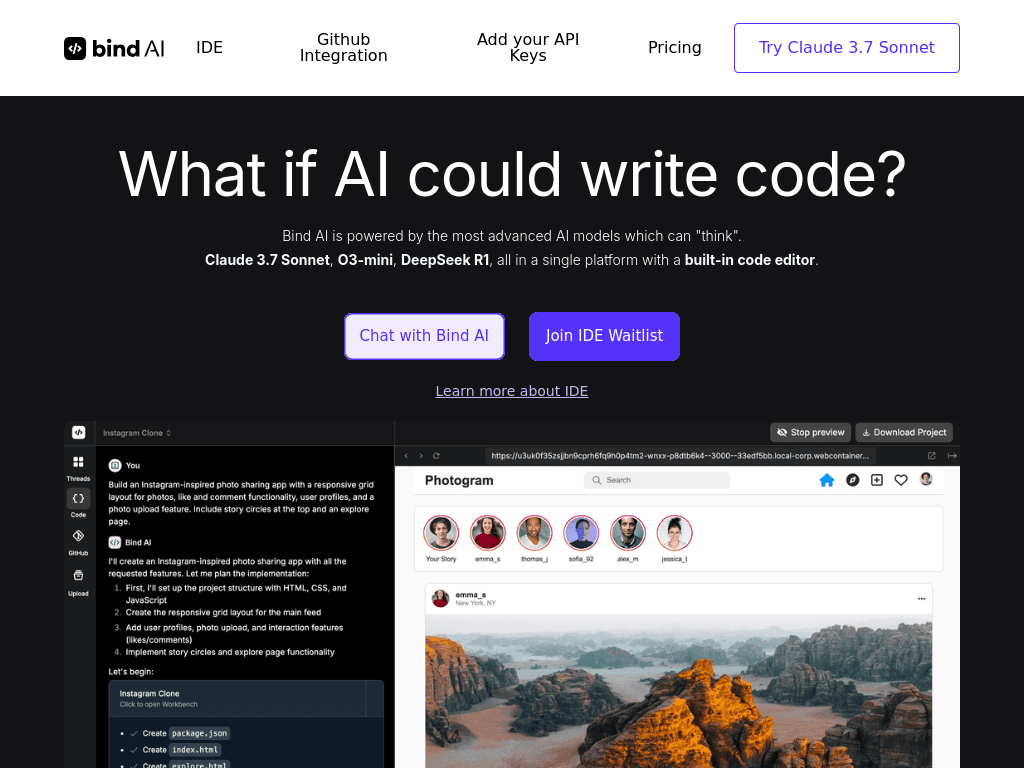
Bind is an AI coding IDE for developers, founders, and non-coders who want to generate, edit, run, and deploy web applications from natural-language prompts.
getbind.co·Free + paid plans·Checked 2026-09-05
![The 7 Best Claude Code Alternatives for Designers [2026]](/_next/image?url=https%3A%2F%2Fmch9boduqwxvwzvs.public.blob.vercel-storage.com%2Ftools%2Fenrichment-images%2Fbind-8c8c8936e1bf.png&w=3840&q=75)
›What is Bind?
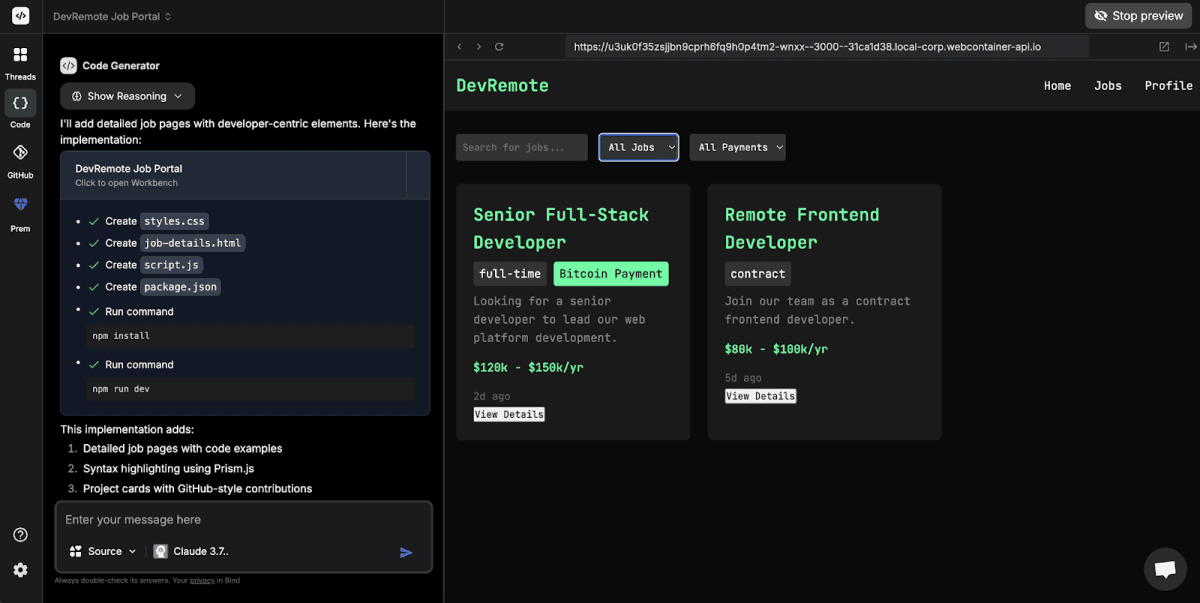
Bind combines an AI chat interface with a built-in code editor and access to more than 15 AI models. It can generate and edit code, execute Python, React, Next.js, and Node.js applications, sync GitHub repositories, and deploy projects to Vercel. The platform also supports building websites, plugins, and full-stack applications from prompts.
›What are the pros and cons of Bind?
Strengths
Trade-offs
›What are Bind’s key features?
›What are the best use cases for Bind?
›What is the pricing for Bind?
| Plan | Price | Details |
|---|---|---|
| Free | $0/mo | Includes Bind AI Copilot with GPT-4o mini, Claude 3.5 Haiku, and Llama 3 70B, a free IDE tier, limited file uploads, and up to two projects. |
| Premium | $18/mo | Adds multi-model chat, advanced and ultra reasoning models, one GitHub repository, three custom GPT agents, 100 agent-mode queries, up to 10 projects, and one Vercel publication. |
| Scale Plan | Starting $39/mo | Adds higher model limits, unlimited usage with user-provided Claude and OpenAI keys, multiple GitHub repositories, 15 custom GPT agents, 250 agent-mode queries, unlimited projects, and up to three Vercel publications. |
The Free plan limits file uploads to 1 MB and Premium limits them to 2 MB. Scale allows files up to 5 MB. GitHub, file upload, and image attachment limits are shared with Copilot.
Checked 2026-09-05 · source
›Who is Bind best for?
›What are the best Bind alternatives?
 AiderChoose this instead if your priority is AI-assisted collaboration around an existing codebase rather than a hosted IDE with website building and deployment.→
 AnimaChoose this instead if you are moving from design files to responsive, developer-friendly code.→
 App AlchemyChoose this instead if you want to build AI-powered workflows, agents, and applications without coding.→
 Fireflies.ai→