Forward Future Tools Library

Bolt logo

Bolt

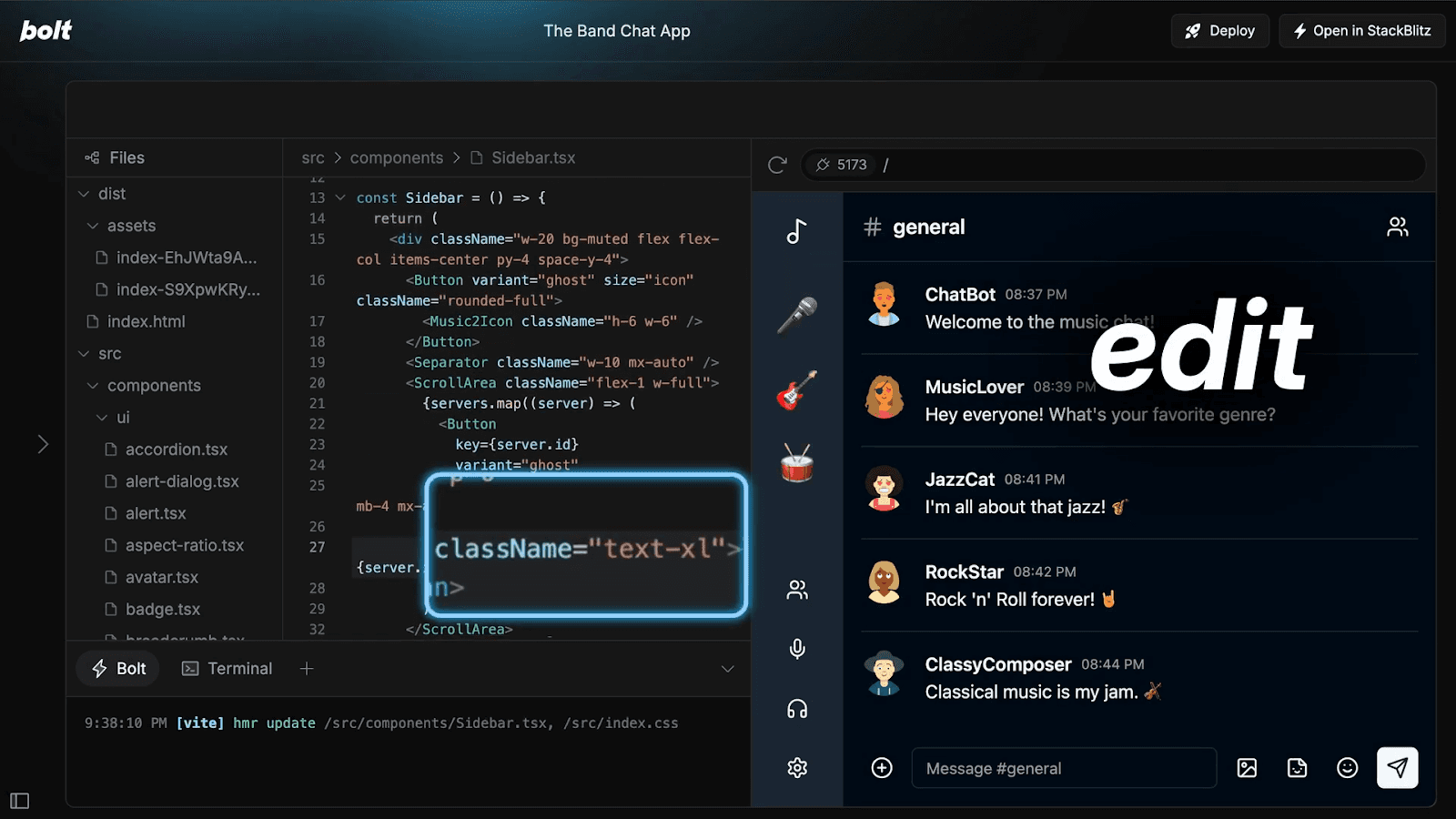
Bolt builds and runs full-stack web apps, prototypes, and mobile apps from chat prompts, making it useful for product builders, designers, marketers, and developers who want browser-based development.

Try Bolt

bolt.new·Free + paid plans·Checked 2026-08-12
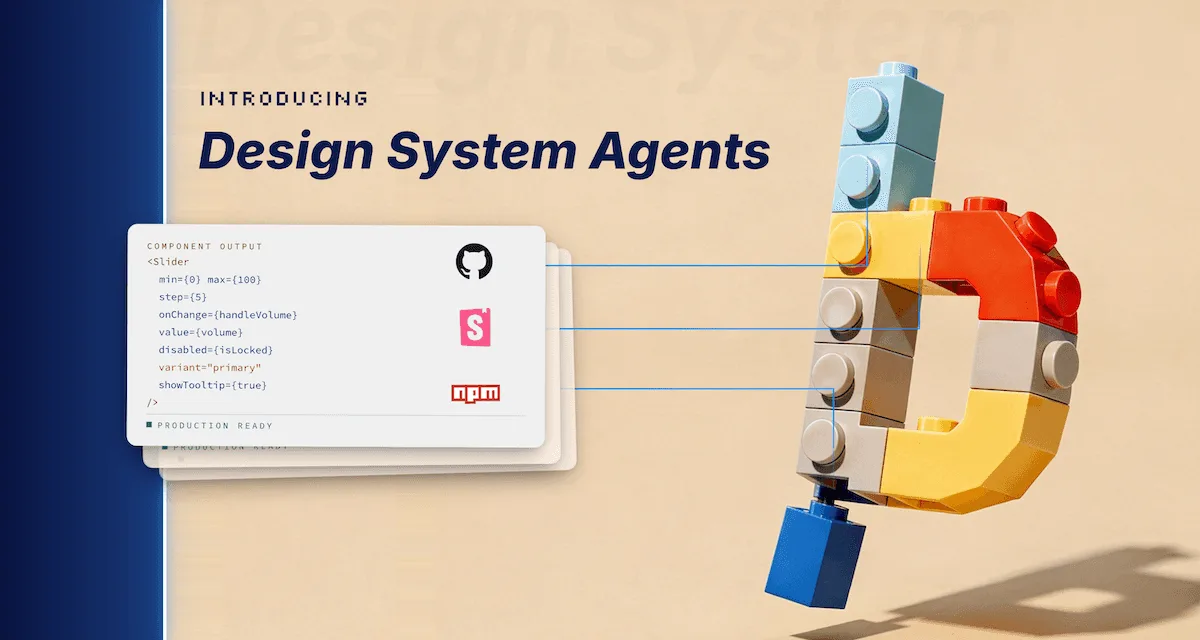
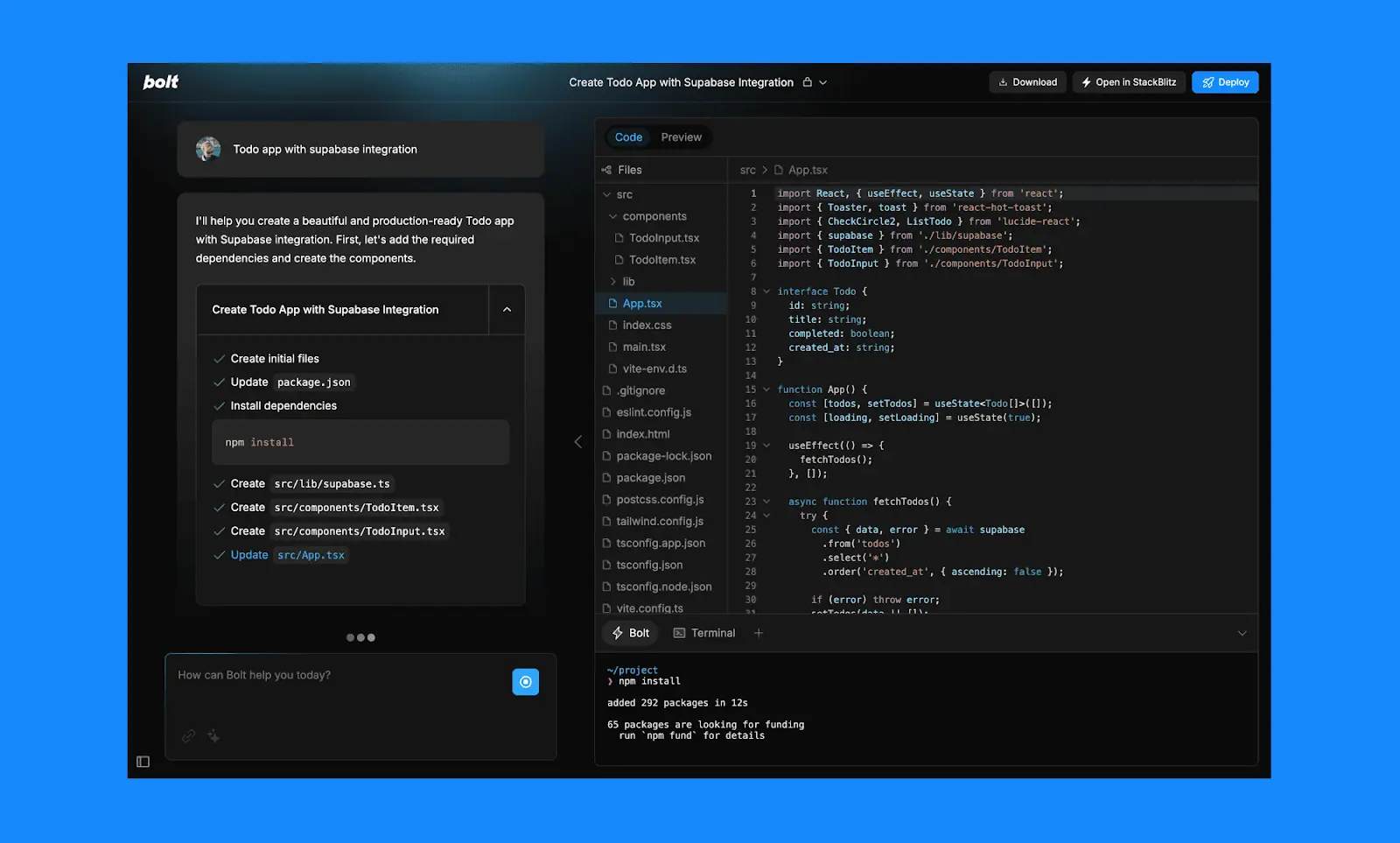
Bolt screenshotIntroducing Bolt.new Design System AgentsWhat is Bolt.new AI Tool? App Builder Everyone's Talking About (2026)Prompt AI for Pro UI Design: bolt.new App Building GuideTop Benefits of Bolt.new
Boltbolt.new
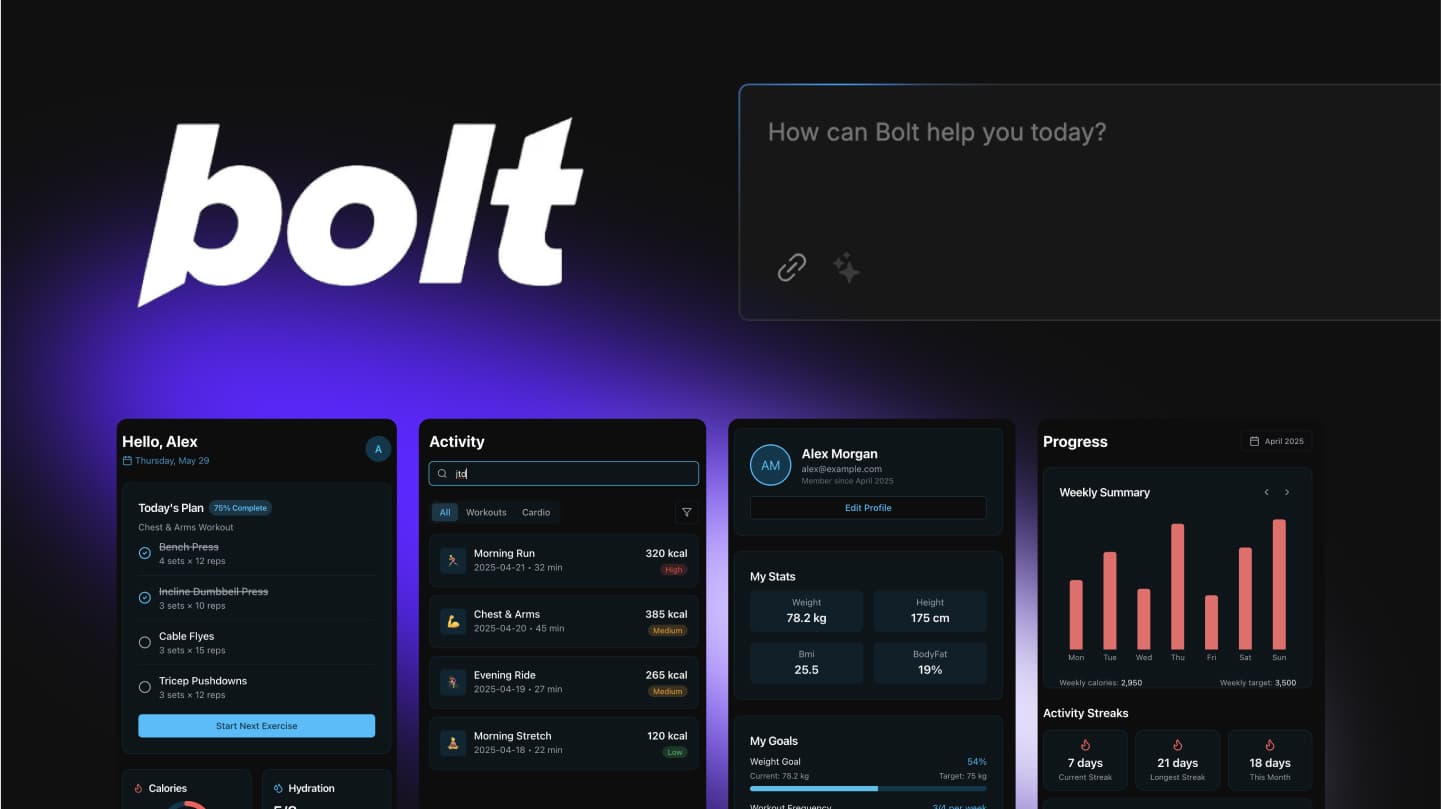
Bolt screenshot
Boltbolt.new

What is Bolt?

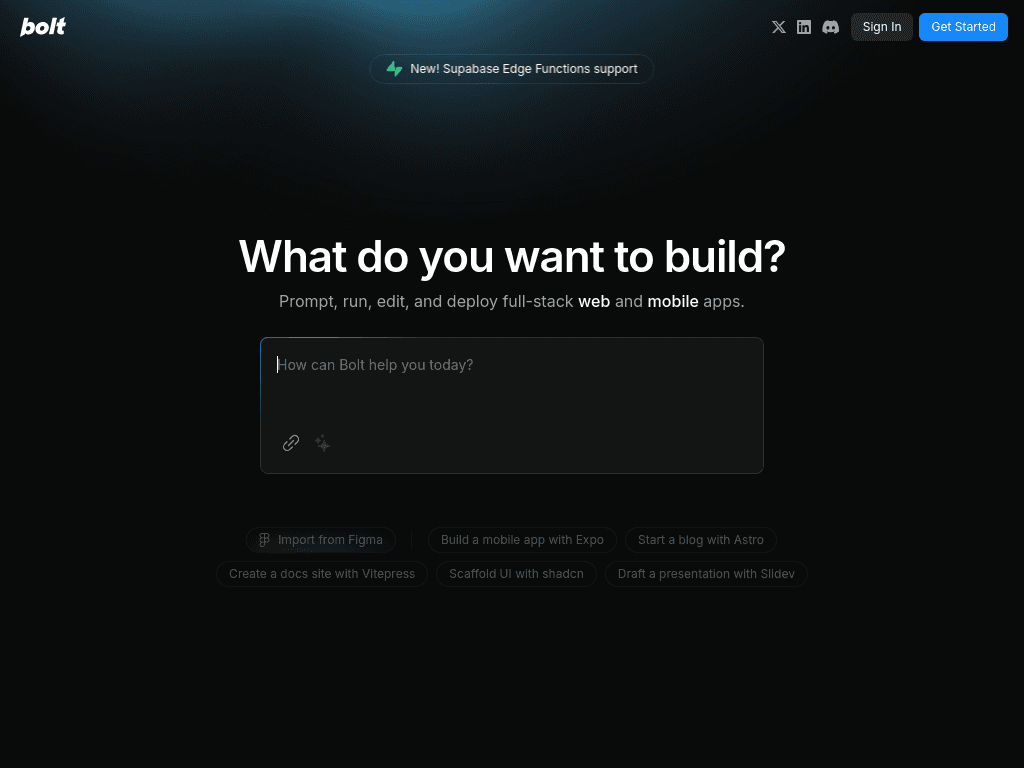
Bolt is a browser-based AI builder for creating websites, prototypes, full-stack web apps, and mobile apps by chatting with AI. It can generate and run projects, import designs from Figma, and provide hosting, databases, authentication, analytics, and custom domains. Projects run in the browser without requiring a local development setup.

What are the pros and cons of Bolt?

Strengths

Runs entirely in the browser, so users do not need to install or configure a local development environment
Combines app generation with hosting, databases, authentication, analytics, and custom domains
Supports web, prototype, and mobile app projects
Pro and higher plans have no daily token limit
Can import designs from Figma and supports GitHub-based workflows

Trade-offs

The free plan has a 300,000-token daily limit and a 1 million-token monthly limit
Token usage can rise quickly as projects grow because larger file systems use more tokens per message
Testing found Bolt slower than competing no-code platforms
Testing found that Bolt sometimes added features that were not specified in the prompt
Private sharing, custom domains, and higher usage limits require a paid plan

What are Bolt’s key features?

Generate and run full-stack web applications from natural-language prompts
Create mobile applications, including projects built with Expo
Import designs from Figma and code from GitHub
Automatically route tasks to different AI models
Test, refactor, and iterate on generated projects
Provide hosting, databases, authentication, analytics, and custom domains
Support SEO optimization and design-system prompts

What are the best use cases for Bolt?

Build and validate an application prototype from a product idea
Create landing pages and campaign websites with hosting and SEO features
Develop full-stack web applications with a frontend, backend, and database
Turn Figma designs into working web or mobile app prototypes
Create internal tools or side projects without installing local development tools
Build and review projects with a team in a shared workspace

What is the pricing for Bolt?

Free$0

Public and private projects, 300K tokens daily, 1M tokens monthly, website hosting, and up to 333k web requests.

Pro$25 per month

No daily token limit, 10M tokens per month, private site sharing, custom domains, SEO boosting, expanded database capacity, and up to 1M web requests.

Teams$30 per month and member

Includes Pro features plus centralized billing, team access controls, user provisioning, organization sharing, private NPM registries, and design-system prompts.

EnterpriseCustom

Adds advanced security, compliance support, dedicated account management, 24/7 priority support, custom workflows, SLAs, and flexible procurement.

Yearly billing saves up to 28%. Paid tokens roll over for one additional month, and an active paid subscription is required to use rolled-over tokens.

Checked 2026-08-12 · source

Who is Bolt best for?

soloUseful for solo builders who want to create and run prototypes or web apps without setting up local development tools.
small teamShared workspaces, organization sharing, and team access controls support small product and development teams.
designersDesigners can import Figma work and turn mockups into working web or mobile prototypes.
developersDevelopers get browser-based project execution, model routing, testing, refactoring, hosting, and database options.
marketersMarketing teams can create campaign pages with built-in hosting, analytics, custom domains, and SEO features.
Not for
  • Teams that need consistently fast generation may prefer another platform because testing found Bolt slower than competing no-code tools.
  • Experienced developers who need fine-grained control may find prompt-driven generation less suitable.
  • Users building large projects on a tight budget should account for token consumption and the free plan's limits.

What are the best Bolt alternatives?

Where can I try Bolt?

Open bolt.new