Forward Future Tools Library

BrickCenter
BrickCenter turns text descriptions and uploaded images into custom brick sets, minifigures, and short animations for hobbyists, designers, educators, and content creators.
Try BrickCenter →
brickcenter.net·Free + paid plans·Checked 2026-09-01
›What is BrickCenter?
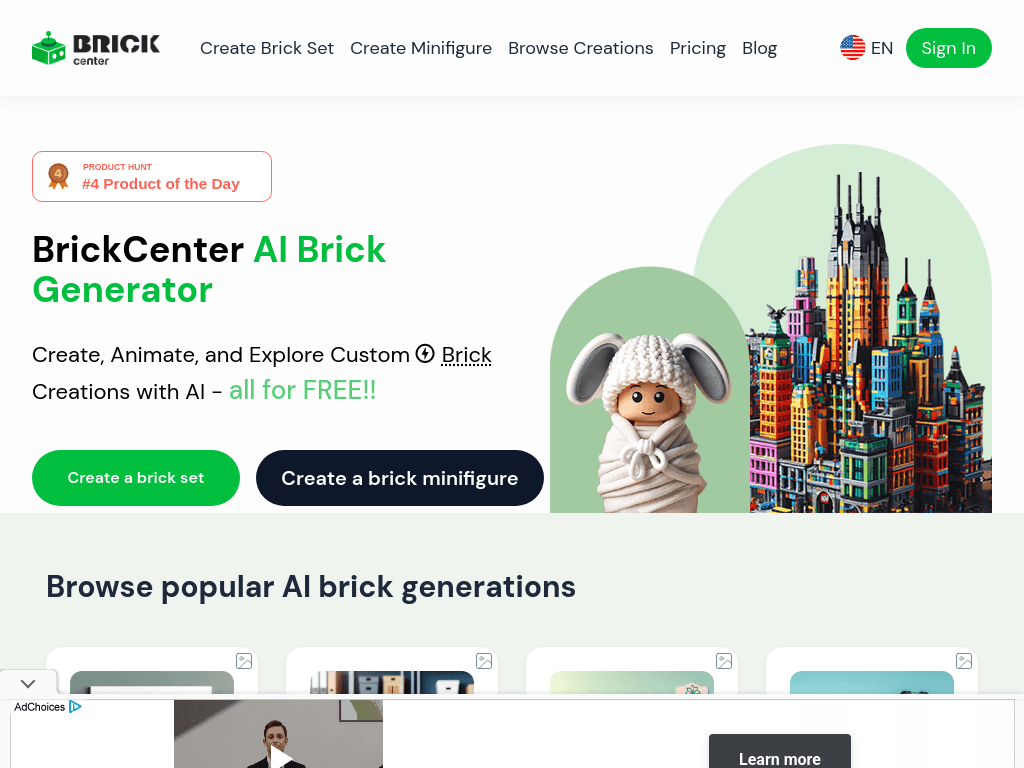
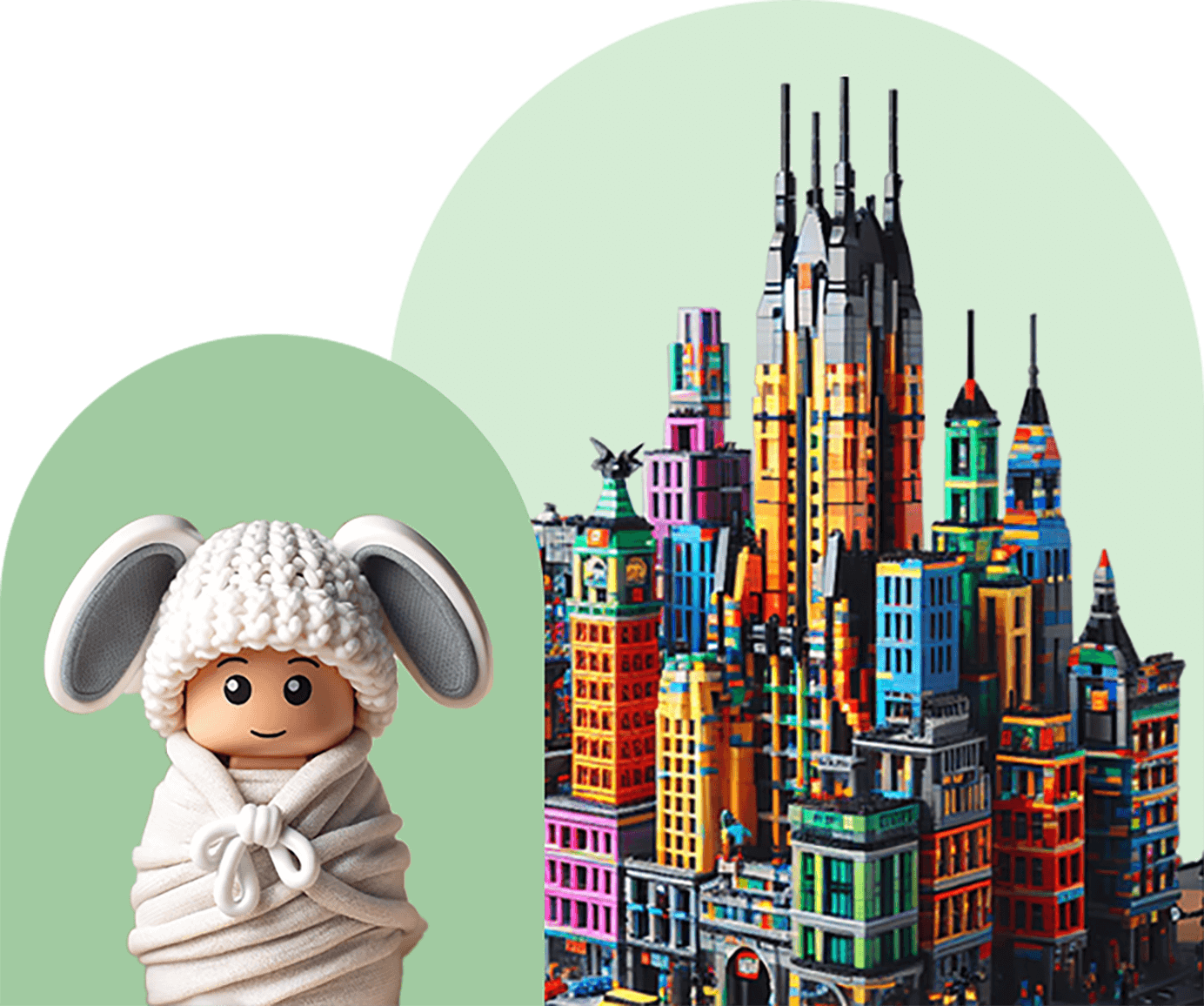
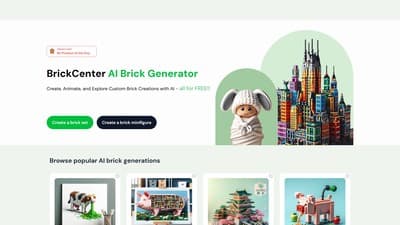
BrickCenter is a web-based AI generator for custom brick creations. Users describe a brick set with text or upload an image to create a minifigure. Generated sets can be reviewed, downloaded, shared, and animated into five-second videos.
›What are the pros and cons of BrickCenter?
Strengths
Supports both text-to-brick-set and image-to-minifigure generation
Includes animation for generated brick sets
Offers a free plan for trying the generator
Paid plans include high-resolution downloads and commercial usage rights
Users can download or share finished animations
Trade-offs
The free plan has a limited image-generation quota
Animations consume the equivalent of three image generations
The platform does not directly print designs, so physical models require external 3D-printing technology
Membership purchases are not refundable once activated
›What are BrickCenter’s key features?
Generate custom brick sets from text descriptions
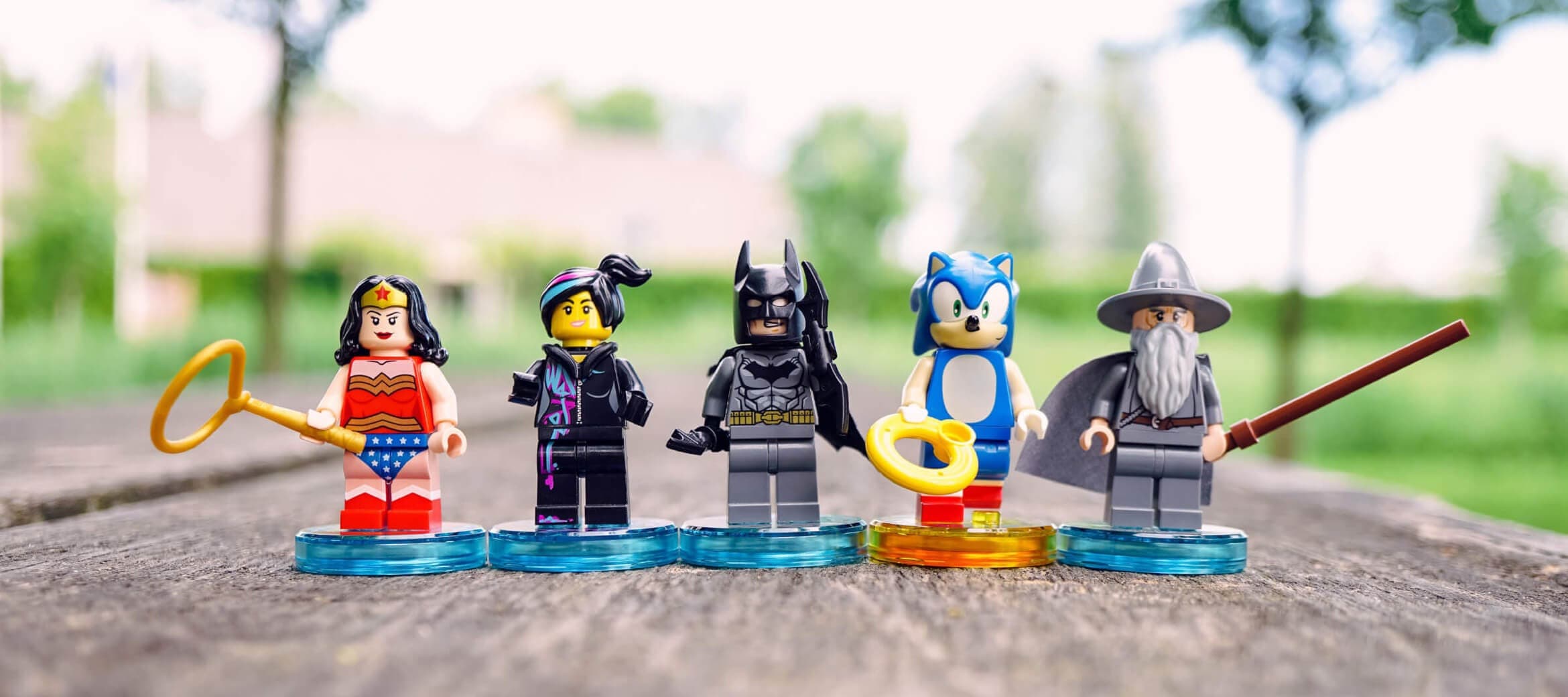
Create brick minifigures from uploaded images
Generate five-second animations from brick set images
Browse popular user-created brick designs
Download high-resolution creations on paid plans
Use generated designs commercially on the Premium and Pro plans
›What are the best use cases for BrickCenter?
Create concept images for cars, art pieces, vehicles, animals, or science-fiction designs
Develop personalized brick minifigures from reference photos
Make short animated brick videos for social media
Explore visual ideas before building a physical model
Create classroom or hobby projects around custom brick designs
›What is the pricing for BrickCenter?
| Plan | Price | Details |
|---|---|---|
| FREE PLAN | $0/mo | Generate a total of 4 images with access to basic brick set designs. |
| PREMIUM PLAN | $2.45 1st month, $4.9 per month after the first month | Generate 30 images per month, with high-resolution downloads, commercial usage rights, and five-second brick-set animations. |
| PRO PLAN | $9.9/mo | Includes Premium features, 150 images per month, and early access to new features. |
Animations deduct three images from the monthly quota. The pricing page also mentions priority generation queues and says memberships are non-refundable after activation.
Checked 2026-09-01 · source
›Who is BrickCenter best for?
soloHobbyists and individual creators can use the free plan to explore custom brick concepts.
creative designersDesigners can turn written concepts or reference images into visual brick prototypes and animations.
educatorsEducators can use generated brick designs for building activities and visual classroom projects.
content creatorsShort downloadable animations make the tool useful for creating brick-themed social content.
Not for
- Buyers who need BrickCenter to print or manufacture physical models directly
- Users who need unrestricted generations without monthly quotas
- Teams seeking construction-material procurement or supply-chain software