

Forward Future Tools Library

ChatGPT
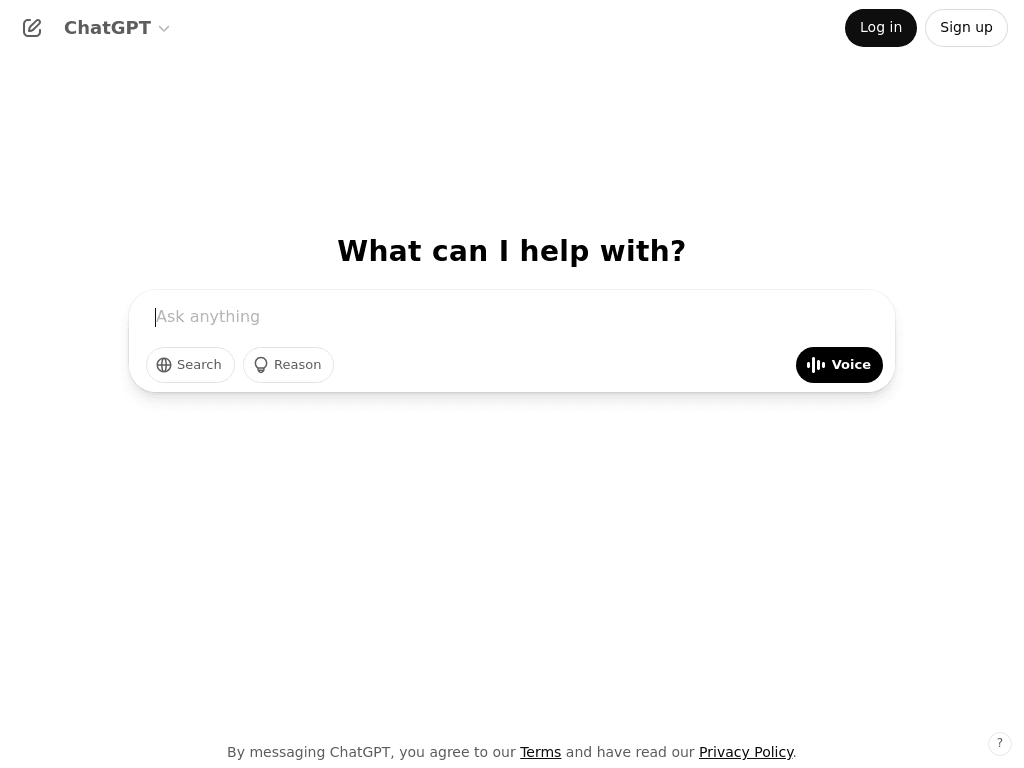
ChatGPT combines conversational AI, file analysis, coding, research, image generation, and voice tools for individuals, teams, and professionals handling varied knowledge work.
Try ChatGPT →
chatgpt.com·Free Trial
›What is ChatGPT?
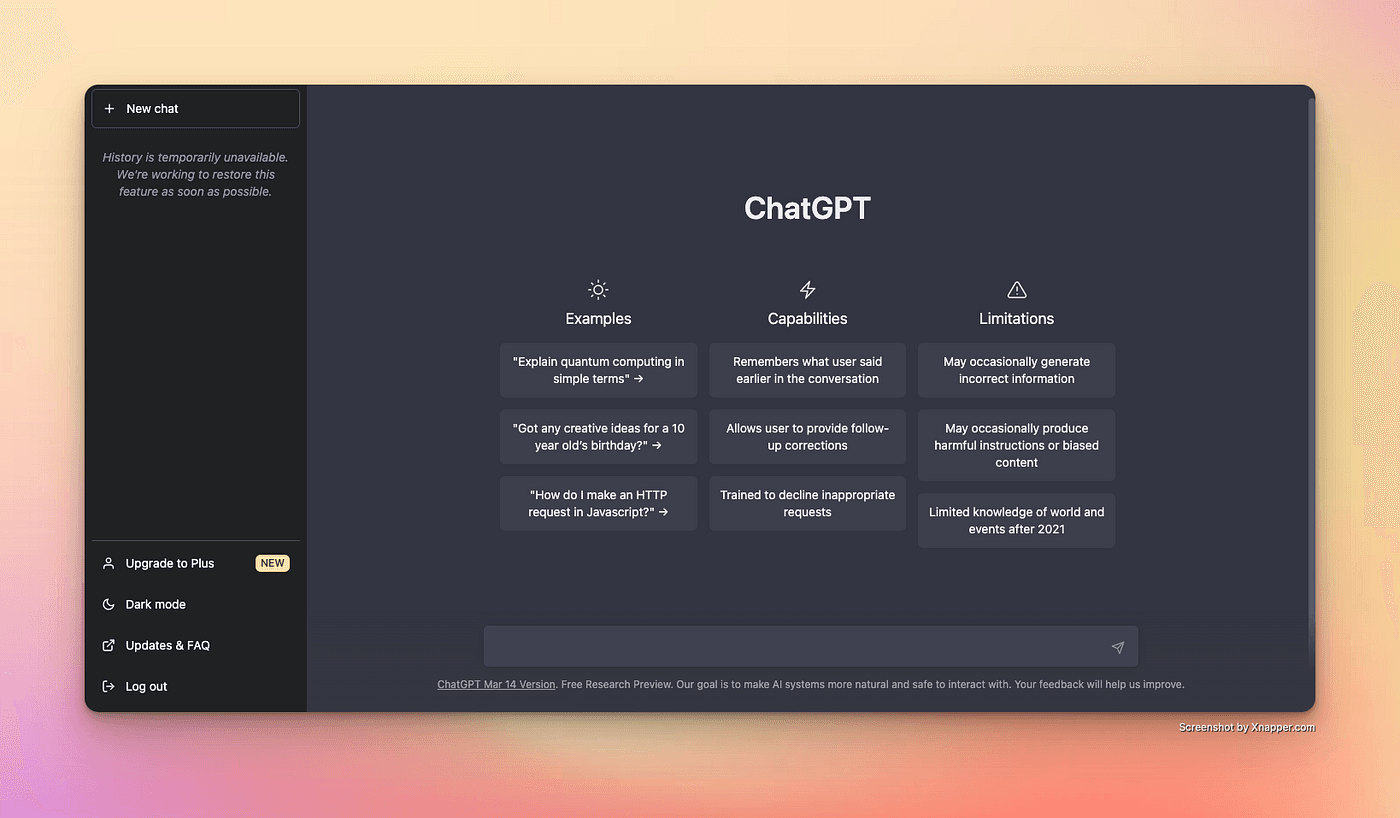
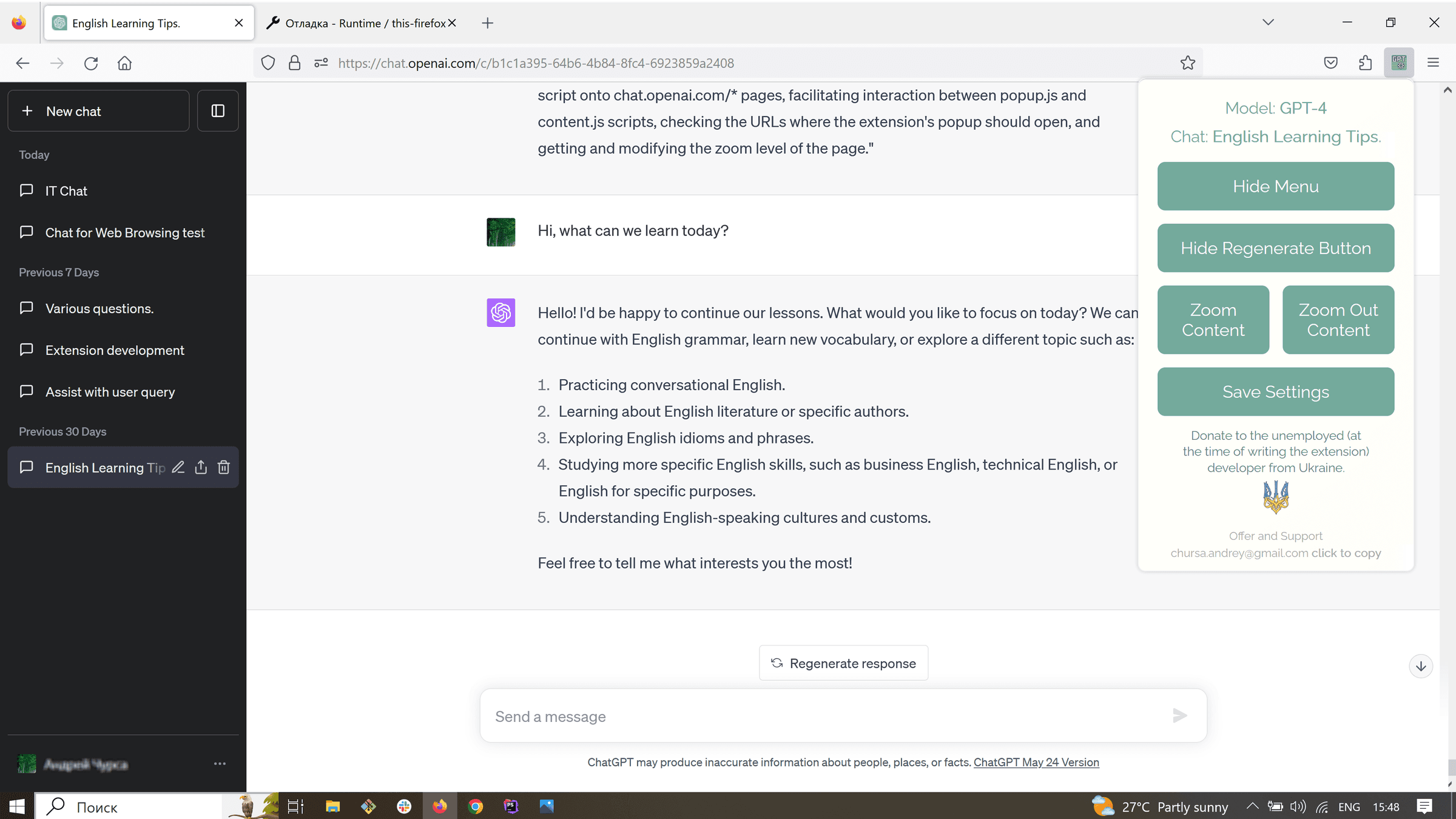
ChatGPT is a general-purpose AI workspace for conversation, writing, coding, research, data analysis, image generation, and voice interactions. Users can upload files, work in projects, create custom GPTs, use memory, and access tools such as deep research, built-in browsing, and data analysis. Business plans add shared workspaces, administration, and connections to services such as Google Workspace, Slack, GitHub, and Microsoft 365.
›What are the pros and cons of ChatGPT?
Strengths
Combines writing, coding, research, file handling, voice, image, and automation features in one workspace
Supports multimodal inputs including spreadsheets, whiteboard photos, PDFs, and voice memos
Offers projects, memory, custom GPTs, and deep research for repeatable or longer-running work
Business plans provide shared workspaces, administration, usage analytics, and integrations with common business tools
A free plan provides access to everyday text chats across web and mobile
Trade-offs
Usage limits can move between plans and features
Can produce confident errors, especially when answers are not checked
Consumer accounts have privacy trade-offs, including content use for model training
Heavy users face a steep price ladder as they need more usage
Model and feature availability can vary by plan
›What are ChatGPT’s key features?
Conversational assistance for writing, questions, editing, and everyday tasks
File uploads, vision, spreadsheet analysis, and interactive tables and charts
Code generation and editing through Codex and data analysis tools
Image generation, voice chats, and voice with video
Deep research, built-in browsing, and connected apps
Projects, scheduled tasks, memory, and custom GPT creation
Business workspace controls including SAML SSO, centralized billing, and usage analytics
›What are the best use cases for ChatGPT?
Drafting, editing, and transforming written content
Analyzing spreadsheets, PDFs, screenshots, and other uploaded files
Generating and reviewing code
Conducting research with web browsing and deep research
Creating images and interacting through voice
Building repeatable workflows with projects, scheduled tasks, or custom GPTs
›What is the pricing for ChatGPT?
Free Trial
›Who is ChatGPT best for?
soloThe free plan suits people exploring AI for everyday questions, writing, file work, and limited research.
small teamBusiness provides a shared workspace with centralized billing, integrations, administration, and usage controls.
enterpriseEnterprise is intended for organizations needing expanded context, advanced security controls, support, and custom data retention.
developersCoding assistance, Codex, file analysis, custom GPTs, and developer tools support software development and technical workflows.
content creatorsWriting, image generation, voice, file handling, and custom GPTs cover a broad range of content tasks.
Not for
- Teams that need fully predictable usage limits should look elsewhere because limits can vary by plan and feature.
- Organizations that cannot accept consumer-account training or privacy trade-offs should use a business or enterprise workspace, or choose another tool.
- Buyers seeking a narrowly specialized voice-agent, customer-service, or coding platform may find a dedicated alternative more suitable.
›What are the best ChatGPT alternatives?
 PerplexityChoose this instead if research and agentic search are the primary requirement.→
 GitHub CopilotChoose this instead if the main need is contextual assistance throughout software development.→
 DeepgramChoose this instead if the product requirement centers on building speech-to-text, text-to-speech, or speech-to-speech voice agents through APIs.→
 Simple AI→