Forward Future Tools Library

Dreamega logo

Dreamega

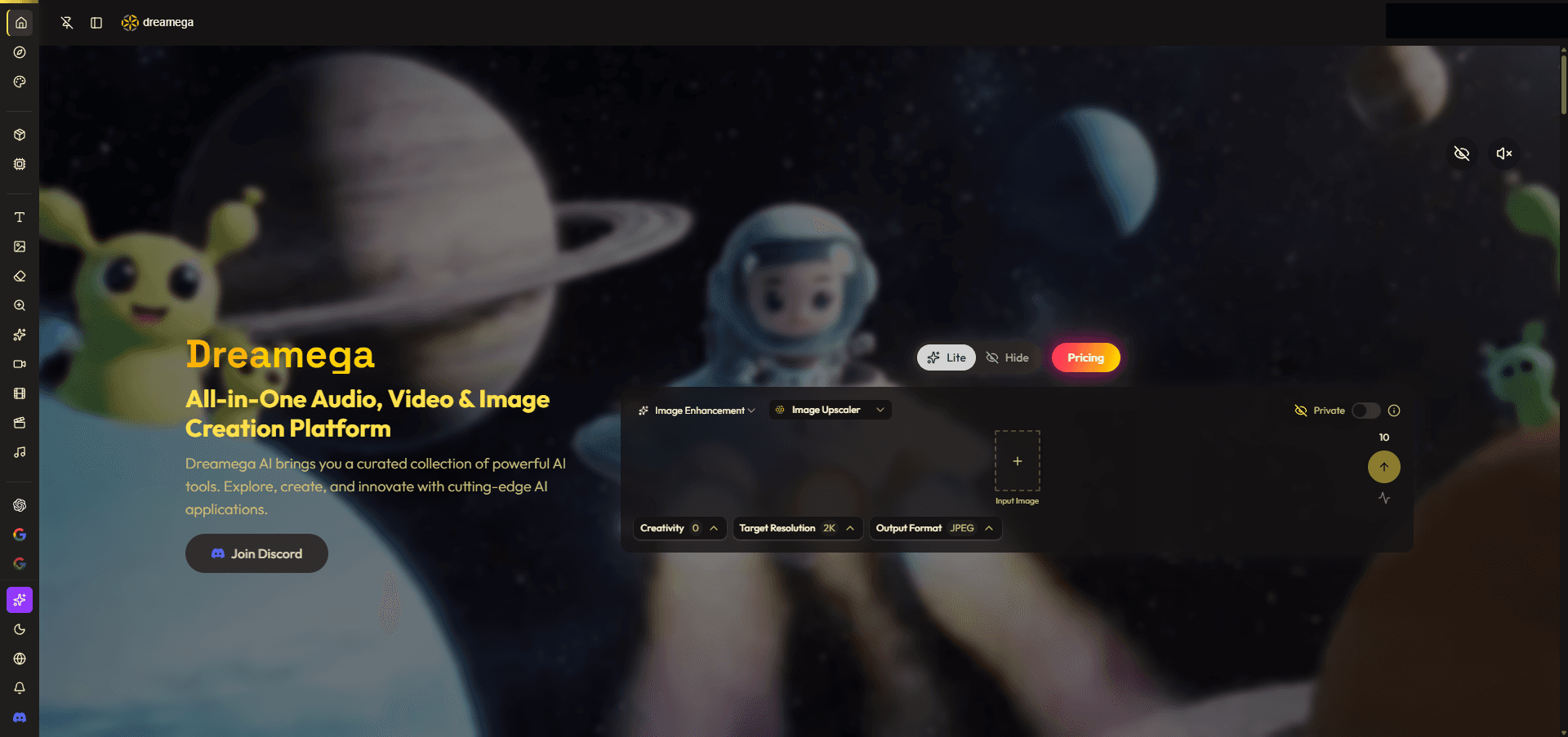
Dreamega gives creators browser-based access to 50+ models for generating and editing images, videos, and music, with free access and paid credit plans for higher-volume work.

Try Dreamega →

dreamega.ai·Free + paid plans·Checked 2026-11-24
dreamegaDreamega AIDreamega AI Review: A New AI Image, Video, and Music GeneratorDreamega.ai - új Aggregátor Platform
dreamegatheresanaiforthat.com
dreamega
dreamegatheresanaiforthat.com

›What is Dreamega?

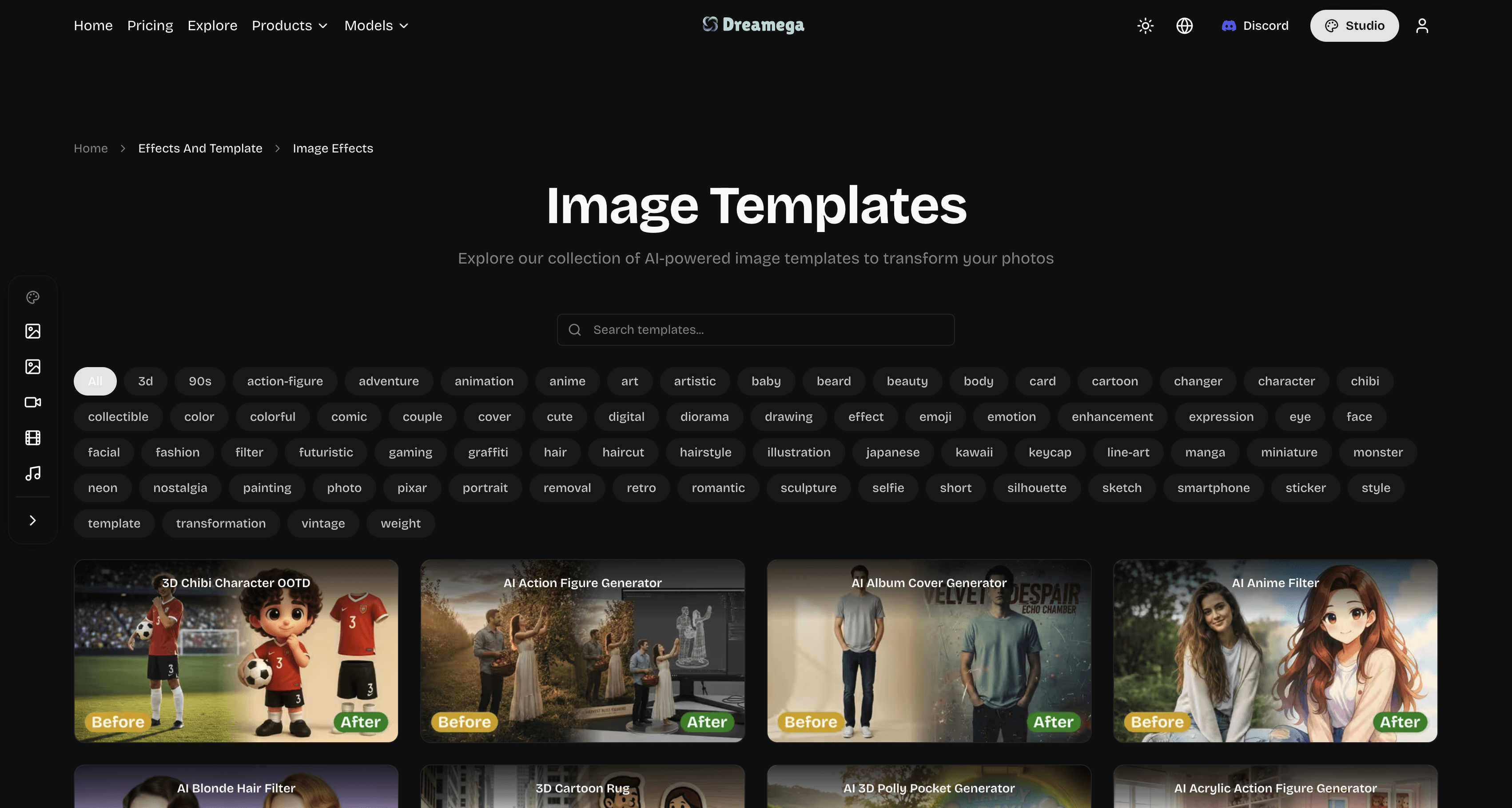
Dreamega is a browser-based creative platform that brings together more than 50 models for image, video, and music generation. It supports text-to-image, image-to-image, text-to-video, image-to-video, video-to-video, and text-to-music workflows. It also includes tools for image enhancement, video editing, motion control, and managing creations in a library.

›What are the pros and cons of Dreamega?

Strengths

Provides access to more than 50 image, video, and audio models in one platform.
Supports image, video, and music creation directly in the browser.
Offers a broad set of specialized editing tools, including background removal, upscaling, object removal, and video editing.
Includes a free plan with access to multiple media-generation workflows.
Includes motion control for transferring movement from reference video to still images.

Trade-offs

Free trial generations include watermarks.
Monthly credits reset without rolling over unused points.
The platform does not provide the same precise timeline-based editing control as a dedicated video editor.
Paid plans limit usage through monthly credits and caps on videos, images, and parallel tasks.
Free access includes frequent check-in reminders according to an independent review.

›What are Dreamega’s key features?

Generate images with models including FLUX.2 Pro, GPT Image, Qwen Image, Seedream, and Ideogram.
Create videos from text, images, or existing video with models such as Veo, Sora, Kling, PixVerse, and Wan.
Transfer motion from reference videos to still images with motion control tools.
Generate music, lyrics, rap, and instrumental tracks with models including Suno and MiniMax Music.
Edit and enhance images with background removal, object removal, upscaling, restoration, retouching, and relighting tools.
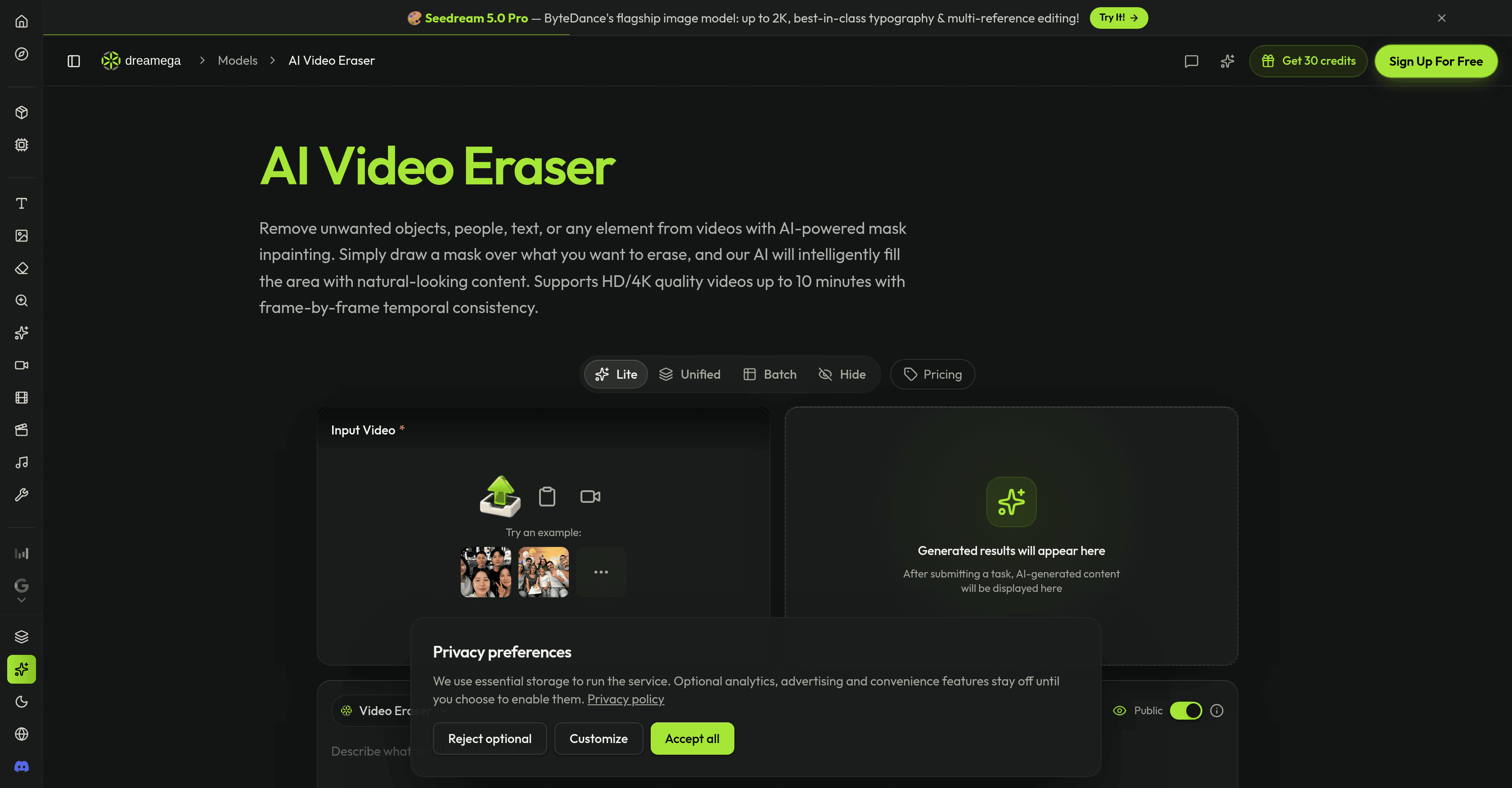
Edit videos with tools for watermark removal, erasing, upscaling, object editing, product swaps, and music-video lip sync.
Save generated assets in the My Creations Library.

›What are the best use cases for Dreamega?

Create social media clips, product ads, and other short marketing videos from prompts or reference images.
Generate product photos, backgrounds, mockups, and edited campaign visuals.
Produce music, lyrics, and supporting audio for videos or creative campaigns.
Test multiple image and video models in one browser workspace before choosing an output.
Apply motion control, enhancement, or object-editing effects to existing visual assets.

›What is the pricing for Dreamega?

PlanPriceDetails
FreeFree32 points, up to 3 videos, up to 32 images, and access to multiple model types.
Lite$19.99/mo Monthly billing300 credits per month, up to 30 videos, 300 images, and 3 parallel tasks.
Pro$29.99/mo Monthly billing800 credits per month, up to 80 videos, 800 images, and 3 parallel tasks.

Quarterly billing is listed as 25% off and yearly billing as 50% off. Unused monthly points do not roll over. Taxes and regional pricing may differ.

Checked 2026-11-24 · source

›Who is Dreamega best for?

soloA fit for solo creators who want to test several image, video, and music models without managing separate services.
small teamSmall creative teams can use the shared browser platform for producing campaign visuals, short videos, and audio assets.
designersDesigners will find useful tools for product visuals, image enhancement, background changes, mockups, and motion experiments.
video creatorsVideo creators can generate clips from text or images and apply effects, upscaling, object edits, and motion control.
Not for
  • Teams that need detailed, timeline-based video editing should use a dedicated editor instead.
  • High-volume users who need unused monthly credits to carry forward should look elsewhere.
  • Users who require watermark-free trial exports should not rely on the free plan.

›What are the best Dreamega alternatives?
›Where can I try Dreamega?

Open dreamega.ai →