Forward Future Tools Library

VideoBGRemover
VideoBGRemover removes backgrounds from video while preserving motion and audio, then exports transparent or composited clips for creators, marketers, educators, and small production teams.
videobgremover.net·From $9 one-time·Checked 2026-11-23

›What is VideoBGRemover?
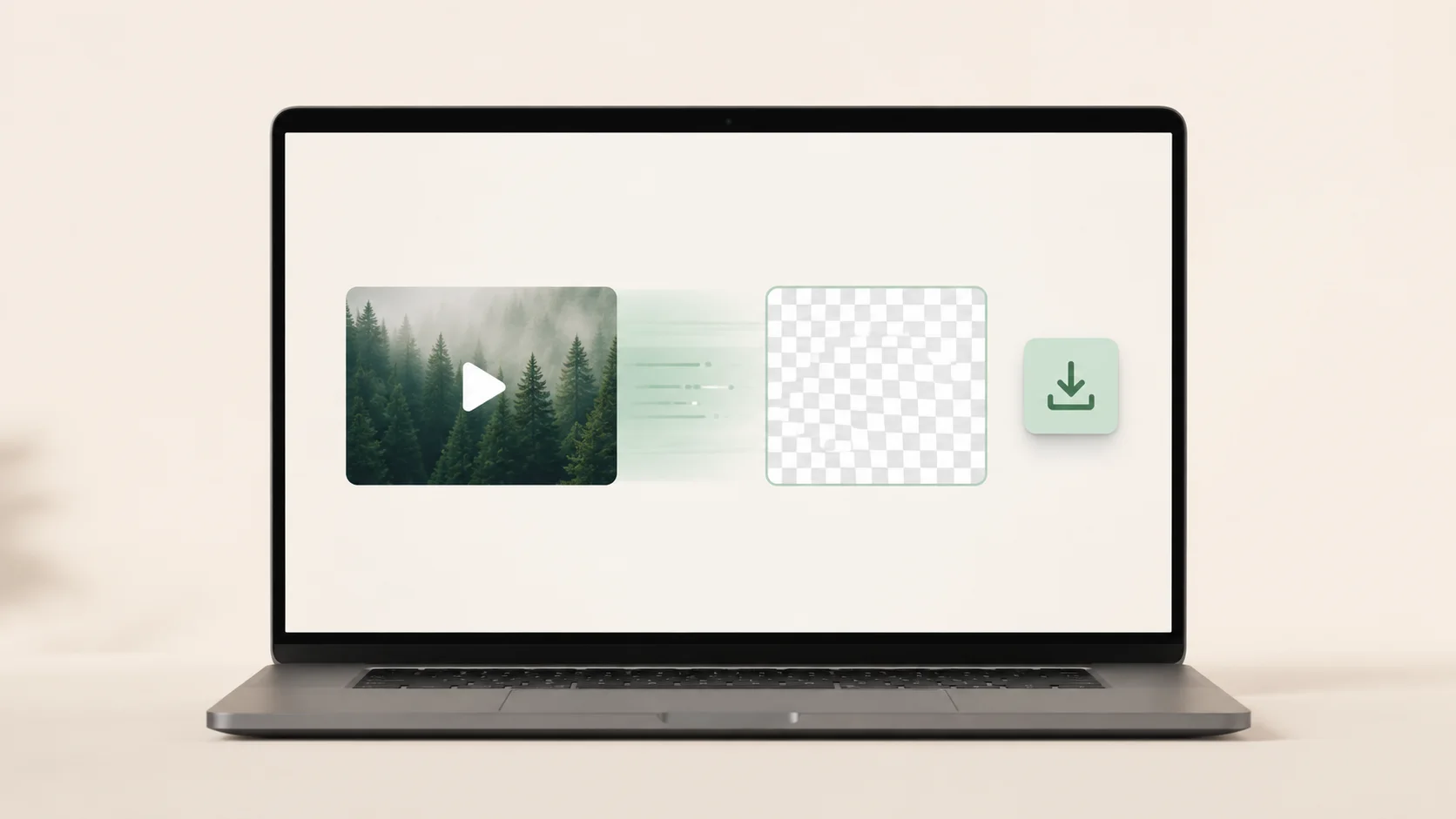
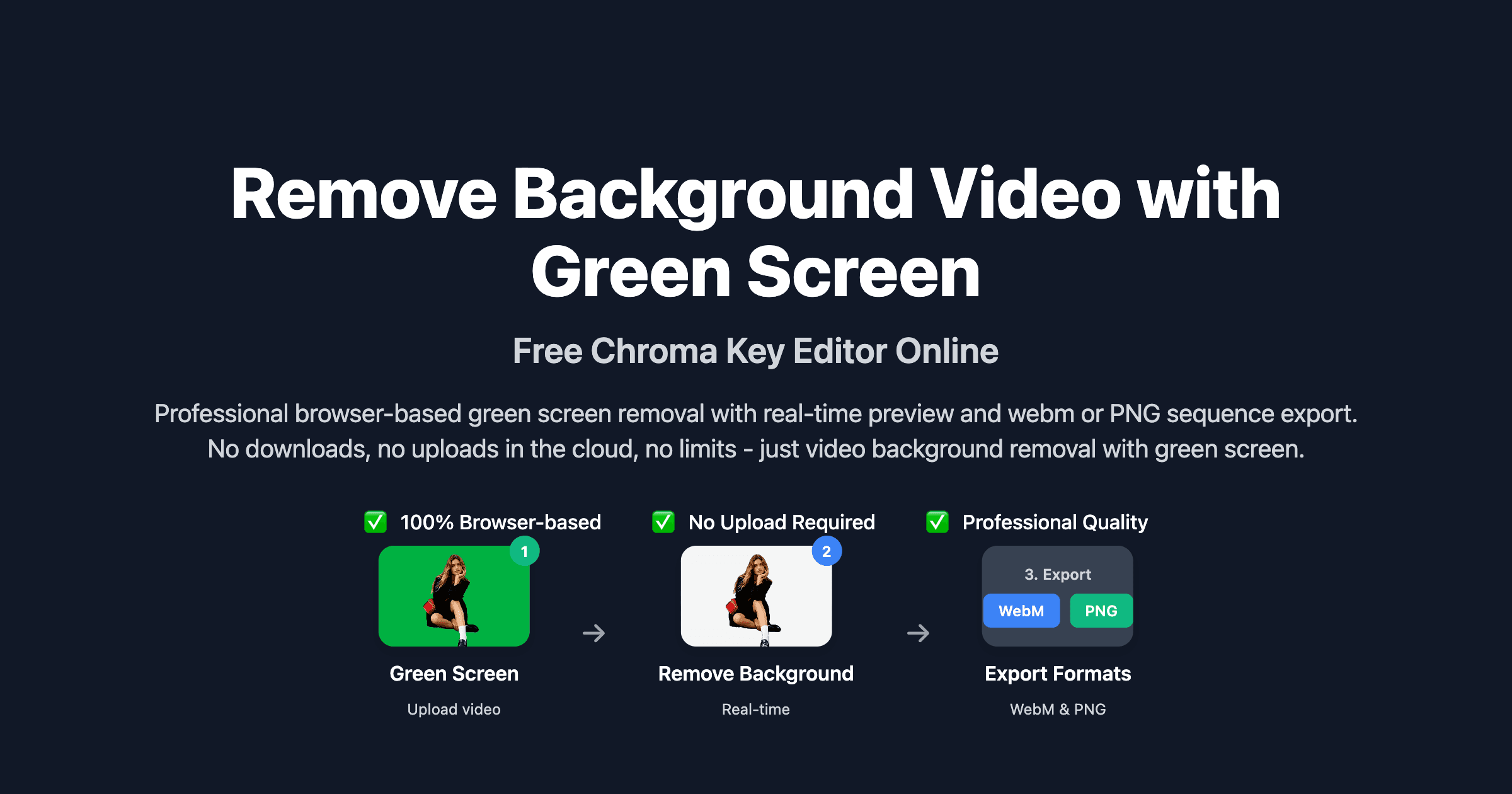
VideoBGRemover is an online tool for isolating a subject from a recorded video without requiring a green screen or frame-by-frame masking. Users select a clip, review the result over transparency or a replacement background, and export transparent WebM, eligible ProRes 4444 MOV, or background MP4 files.
›What are the pros and cons of VideoBGRemover?
Strengths
Trade-offs
›What are VideoBGRemover’s key features?
›What are the best use cases for VideoBGRemover?
›What is the pricing for VideoBGRemover?
| Plan | Price | Details |
|---|---|---|
| Creator Credit Pack | $9 one-time | 120 credits, 2 minutes of processing, and up to 5 minutes per video. |
| Pro Credit Pack | $29 one-time | 420 credits, 7 minutes of processing, and up to 15 minutes per video. |
| Studio Credit Pack | $69 one-time | 1,080 credits, 18 minutes of processing, and up to 30 minutes per video. |
| Creator | $12/month | 180 monthly credits, up to 5 minutes per video, and WebM, background MP4, and eligible ProRes MOV exports. |
| Pro | $29/month | 480 monthly credits, up to 15 minutes per video, and WebM, background MP4, and eligible ProRes MOV exports. |
| Studio | $69/month | 1,320 monthly credits, up to 30 minutes per video, and WebM, background MP4, and eligible ProRes MOV exports. |
One credit equals one second of successful processing. Purchased credits do not expire, while subscription credits expire after 30 days. Annual plans are billed once for 12 monthly allocations and are listed as including two months free. A selected clip must fit within the plan's per-video limit and the available credit balance.
Checked 2026-11-23 · source
›Who is VideoBGRemover best for?
- Teams that need unlimited processing or very long individual videos should look for plans without per-video and credit limits.
- Editors who require consistently precise edges on fine detail and fast motion should test representative footage first.
- Buyers seeking a fully featured video editor should choose a broader editing platform rather than a background-removal workflow.