Forward Future Tools Library

Enhance Speech v2
Adobe Enhance Speech cleans spoken audio in a browser, with bulk processing, video support, and sound controls for podcasters, video producers, and other voice-focused creators.
Try Enhance Speech v2 →
podcast.adobe.com·Free Trial
›What is Enhance Speech v2?
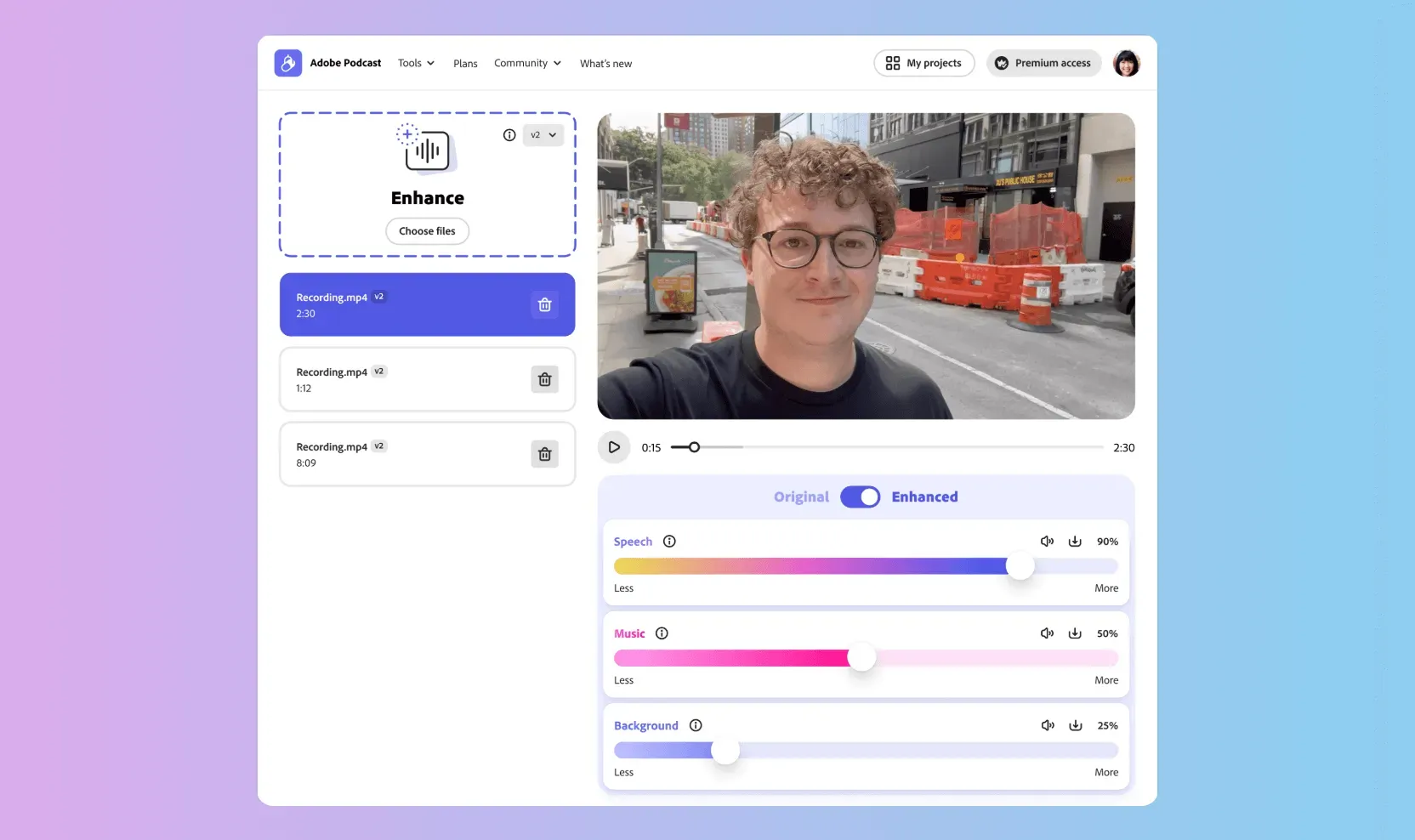
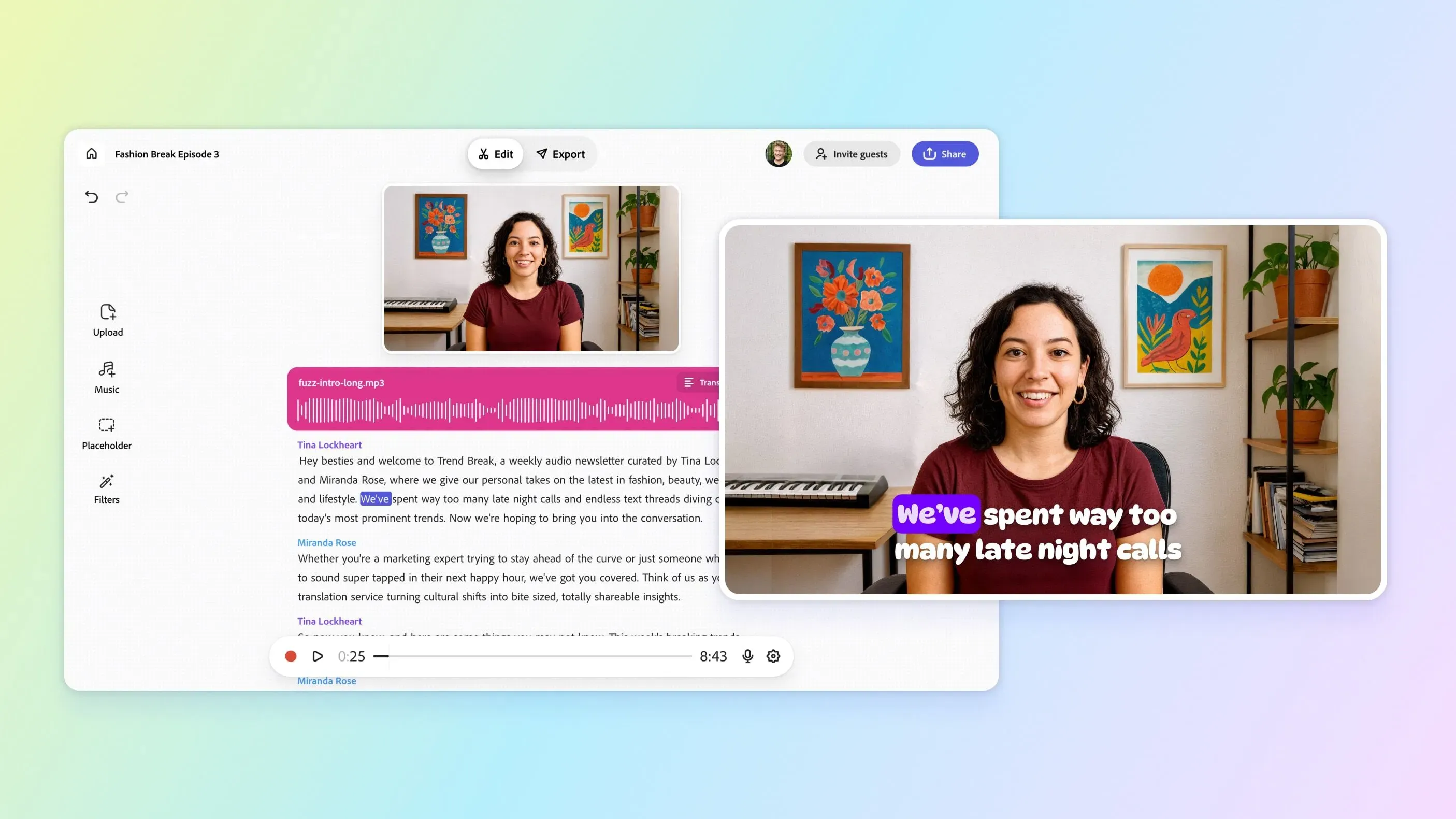
Enhance Speech is Adobe's browser-based AI filter for cleaning up spoken audio after recording. It can process audio and video files, improve recordings made without an ideal microphone, and adjust the balance of speech, music, and ambience. Premium features add bulk uploads and higher daily limits.
›What are the pros and cons of Enhance Speech v2?
Strengths
A free plan lets users enhance audio in the browser
Premium supports MP4, MOV, and other video files
Bulk uploads can queue multiple files for processing
Premium includes controls for balancing speech, music, and ambience
Version 2 was reported to sound more natural than the previous version
Trade-offs
The free plan accepts one audio file at a time and does not include video support or strength adjustment
The free plan limits files to 30 minutes and 500 MB, with 1 hour of enhancement per day
The reviewed V2 experience is web only
Reviews report that the processing can sometimes add too much bass or produce robotic-sounding results
Performance is reported to be strongest for English speech
›What are Enhance Speech v2’s key features?
Cleans up spoken audio after recording
Supports video uploads such as MP4 and MOV
Processes multiple files in an automatic bulk-upload queue on Premium
Adjusts speech, music, and ambience for a more natural balance on Premium
Handles files up to 1 GB and up to 4 hours of enhancement per day on Premium
›What are the best use cases for Enhance Speech v2?
Cleaning up podcast recordings made in untreated rooms
Improving dialogue in video projects
Reducing background noise in interviews and vlogs
Preparing voiceover recordings for publication
›What is the pricing for Enhance Speech v2?
Free Trial
›Who is Enhance Speech v2 best for?
soloUseful for solo creators who need browser-based cleanup without investing in recording equipment.
podcastersA fit for podcasters handling spoken recordings, especially when Premium bulk processing and adjustment controls save time.
video producersVideo producers can use Premium to enhance dialogue in MP4, MOV, and other supported video files.
small teamSmall production teams may benefit from queued bulk uploads, but the service remains a web-based processing tool.
Not for
- Skip it if you need a desktop or embedded editing workflow, since the reviewed V2 experience is web only.
- Skip it if you need robust isolation of a main voice from crowded background speech, where a review found Audo Studio had a slight edge.
- Skip it if your primary recordings are not in English, since reviews found the tools performed best with English speech.